To optimize attendee engagement and streamline communication, the HOST Admin platform provides a robust feature for scheduling notifications, ensuring your audience stays informed throughout the event.
1: Access the HOST Admin Panel and navigate to Outreach > Push Notifications
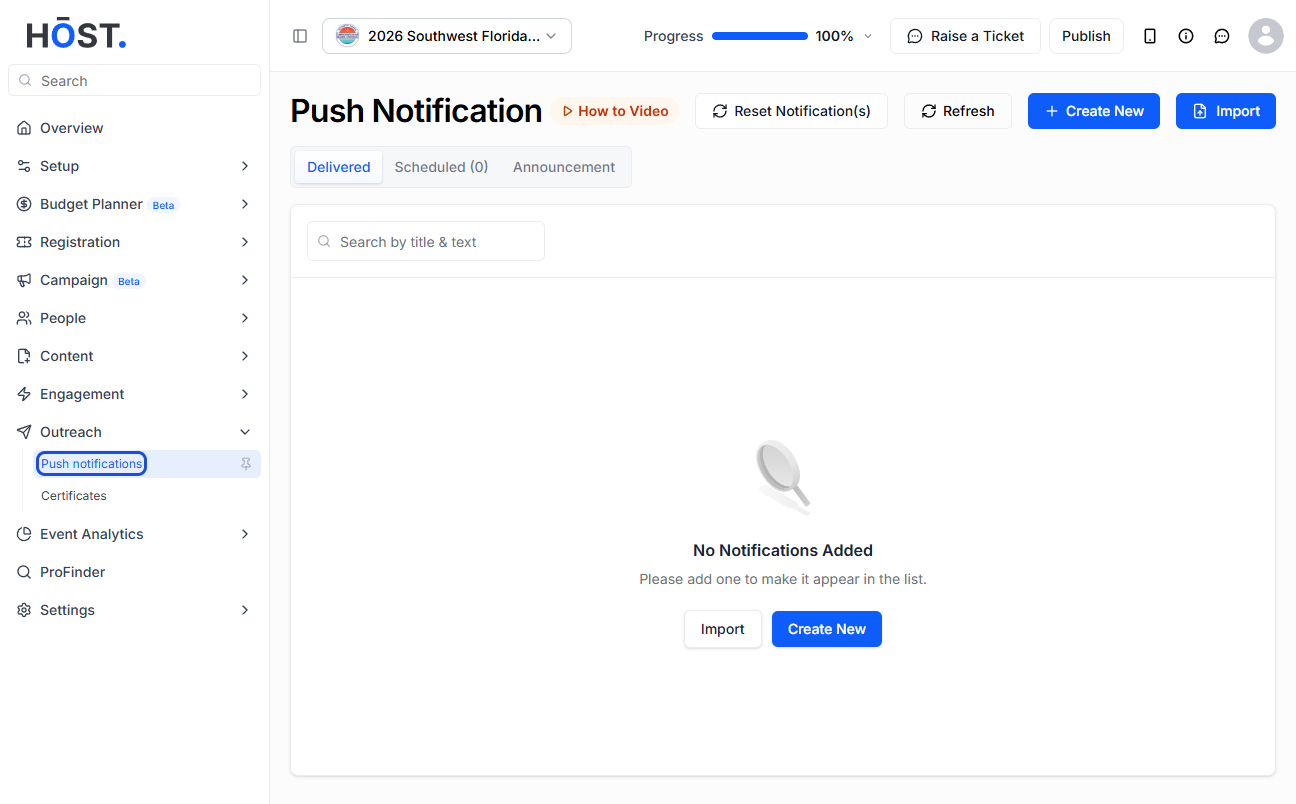
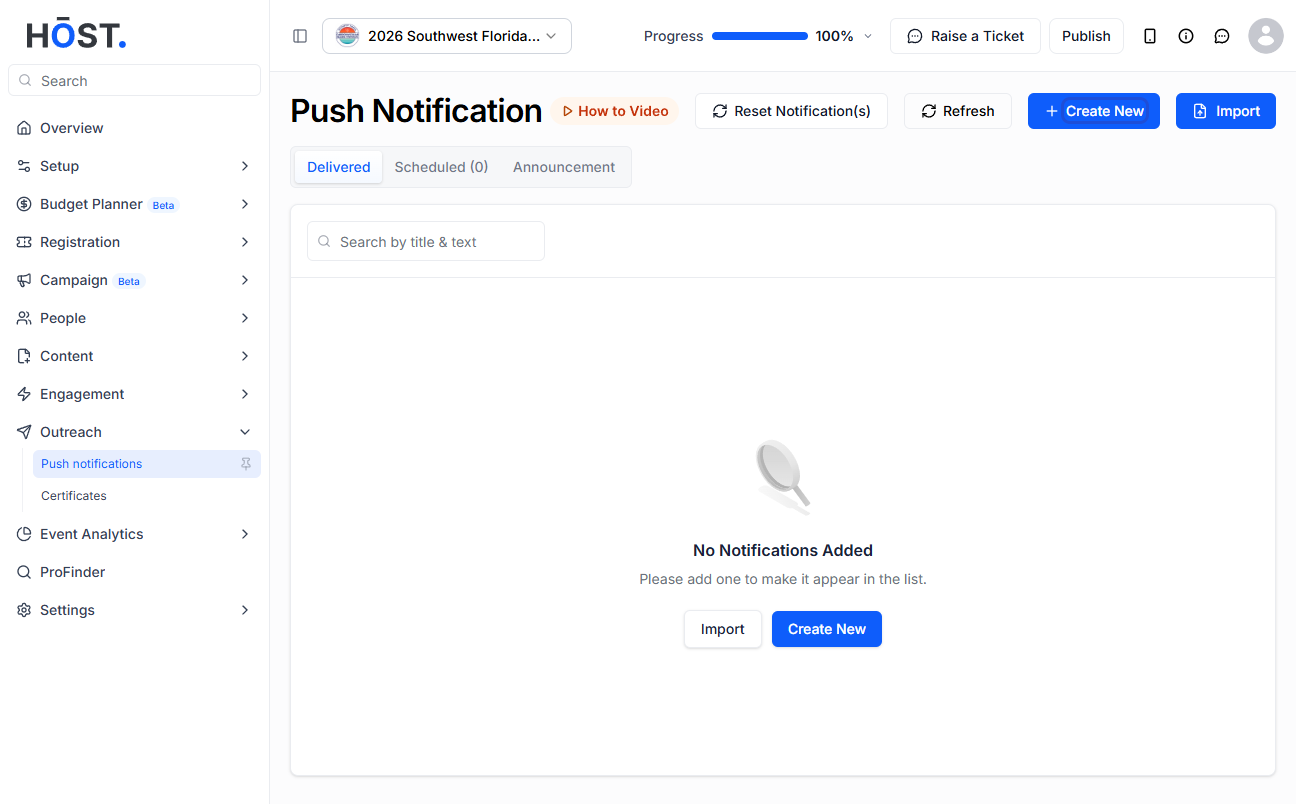
2: Click on Create New to create a new notification
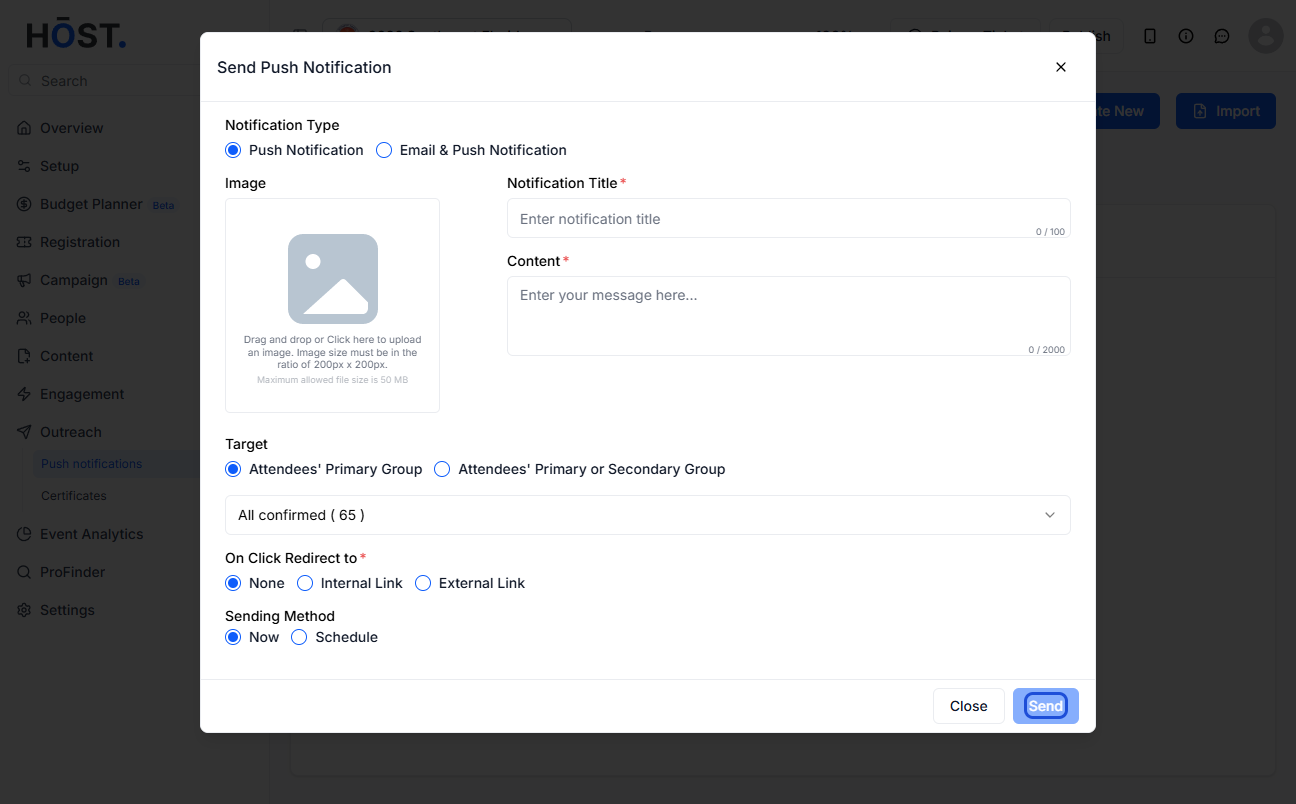
3: Select “Email & Push Notification” if you want to notify users in email too
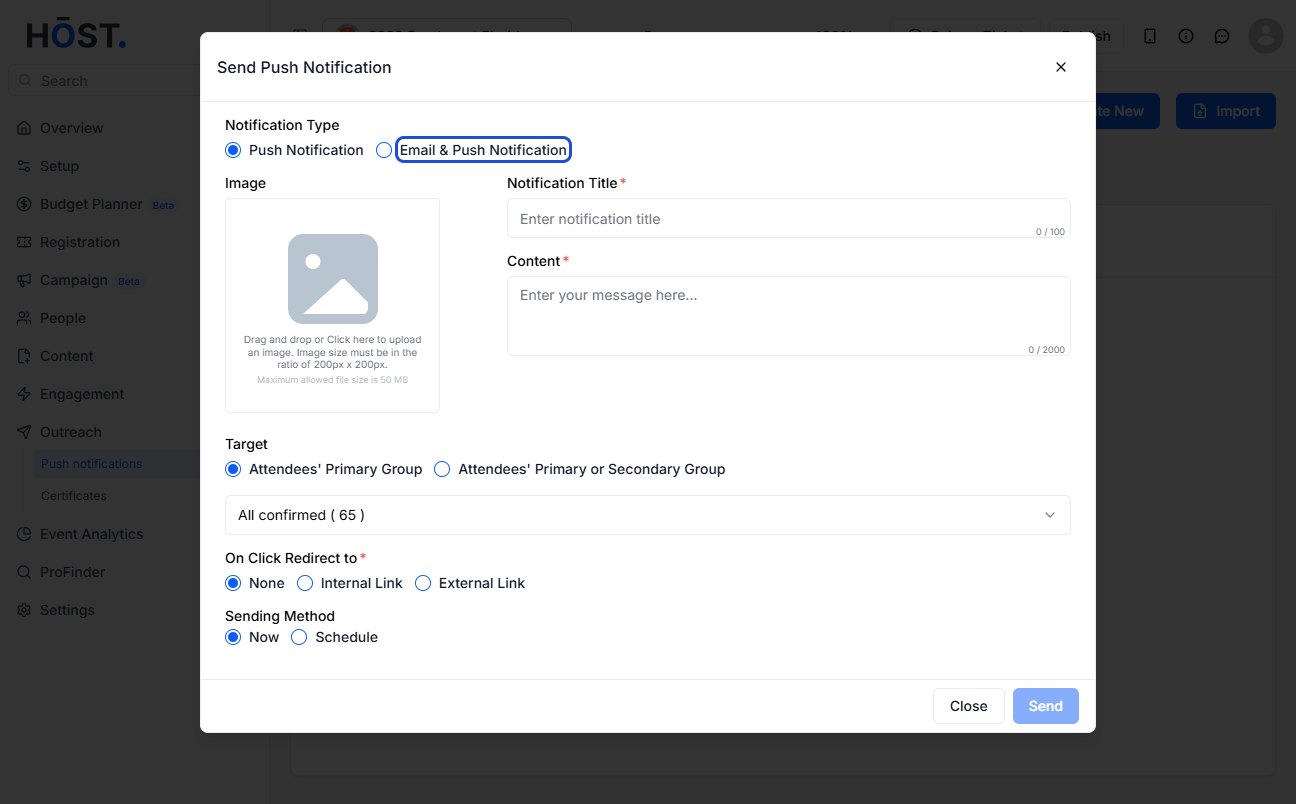
4: Select "Push Notification" if you want to send just a push notification without email
5: Enter the Notification Title
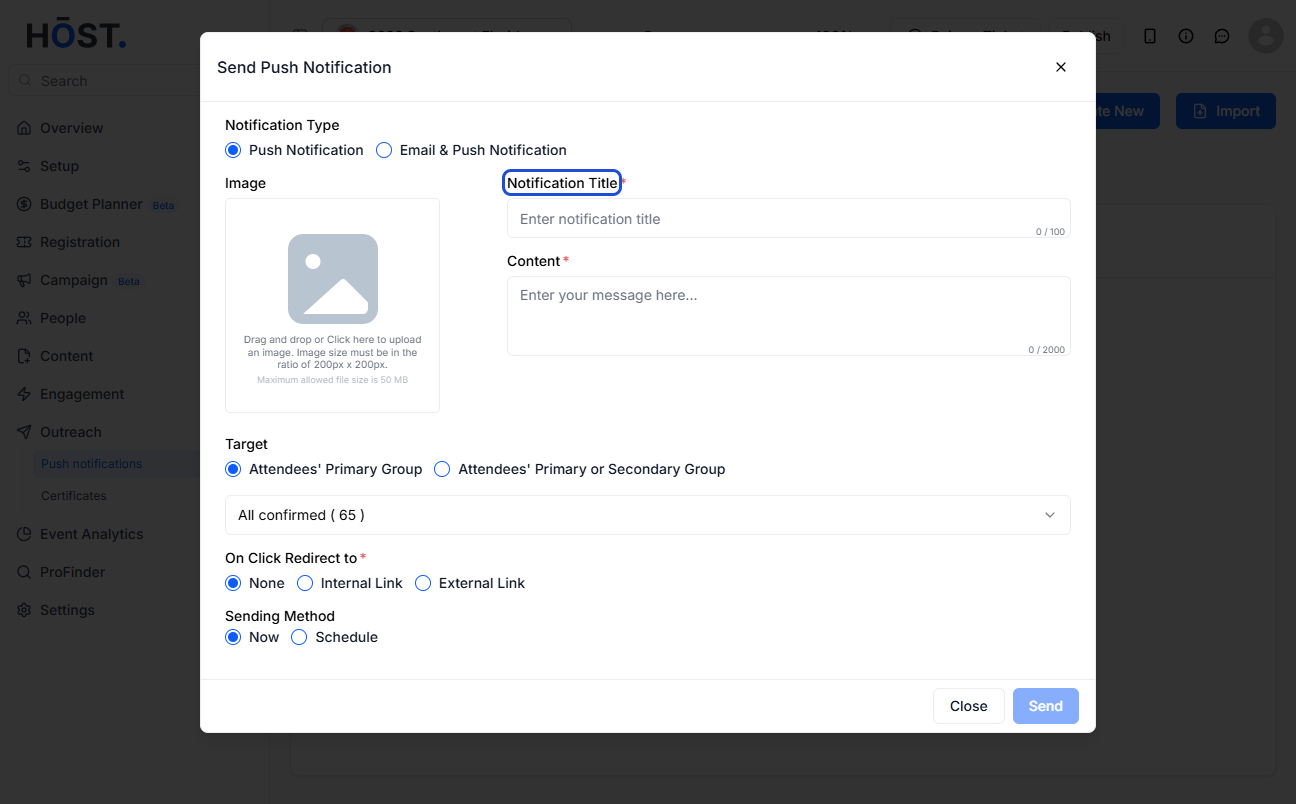
6: Enter the notification message
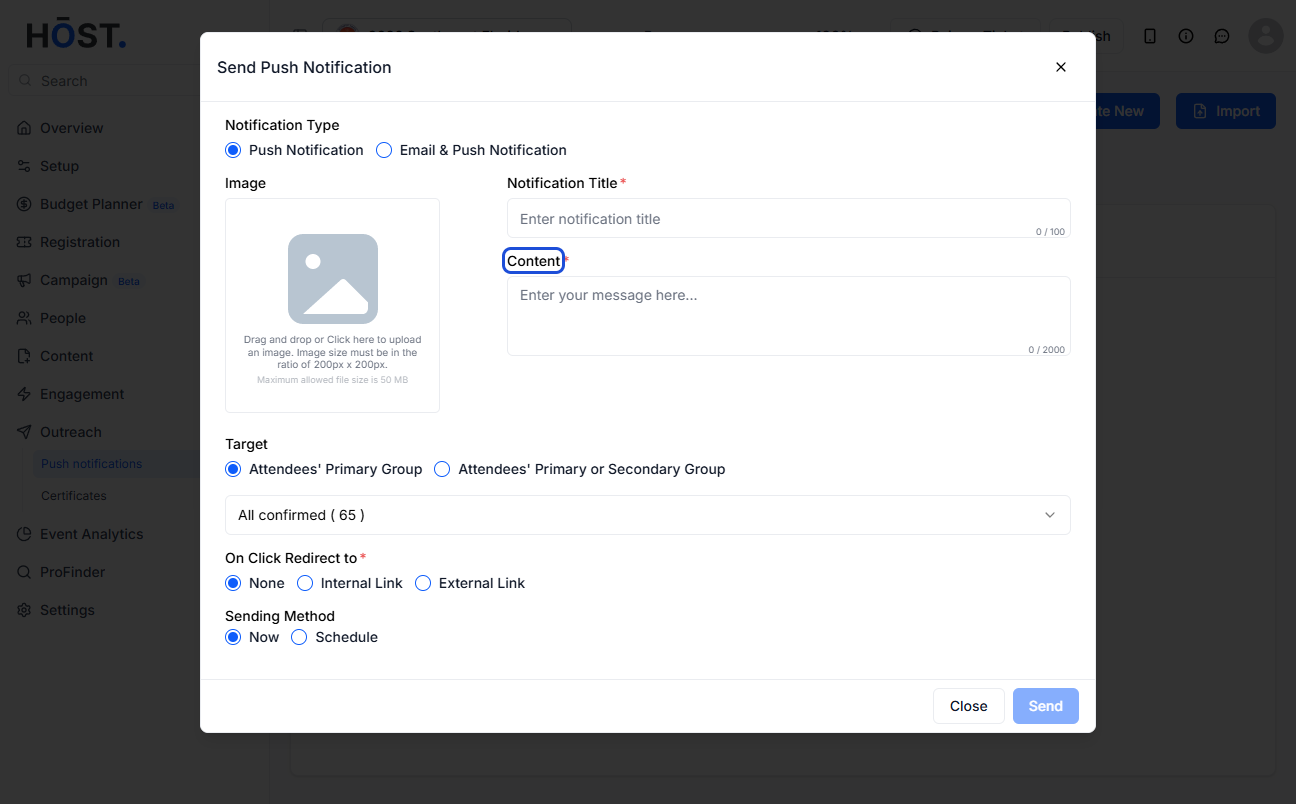
7: Select the target group you want to send
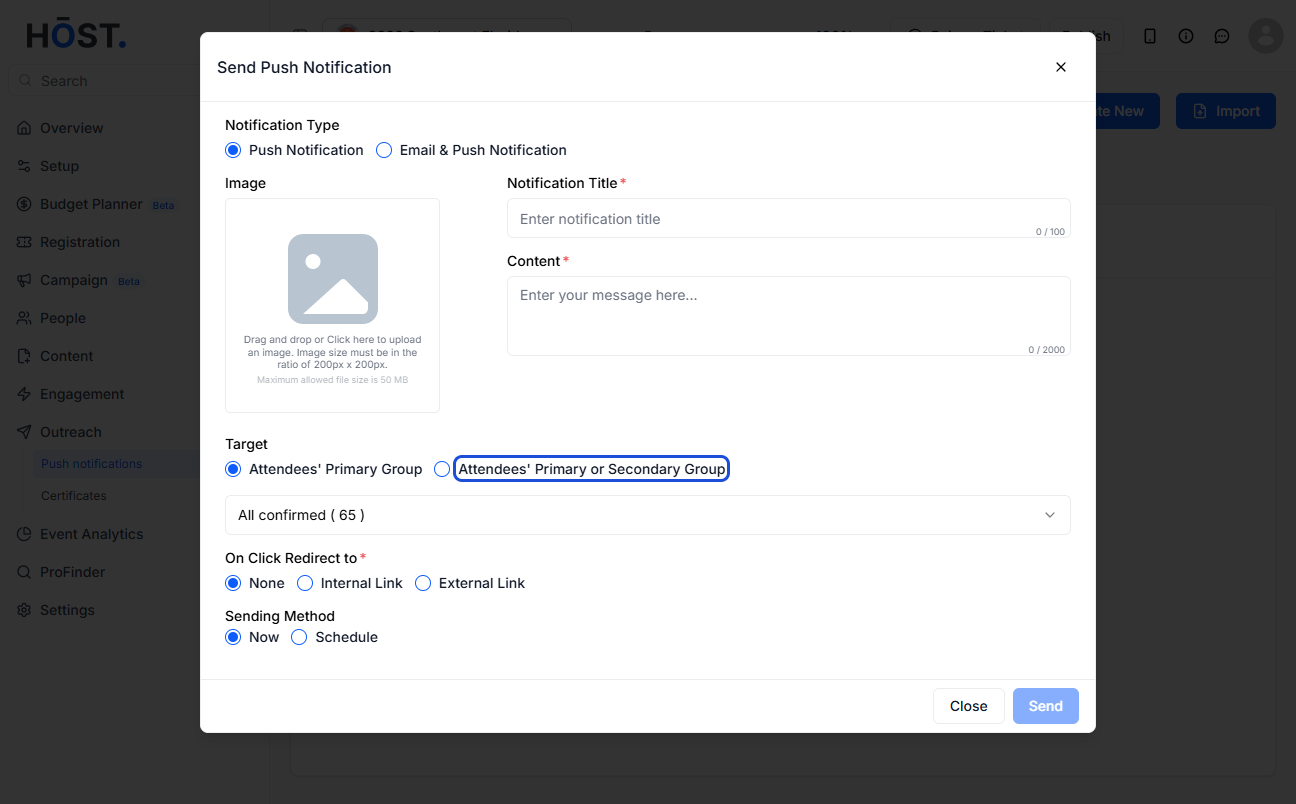
8: Associate the feature with which you want to associate this push. Tapping on the notification on the app will take the users to the associated section
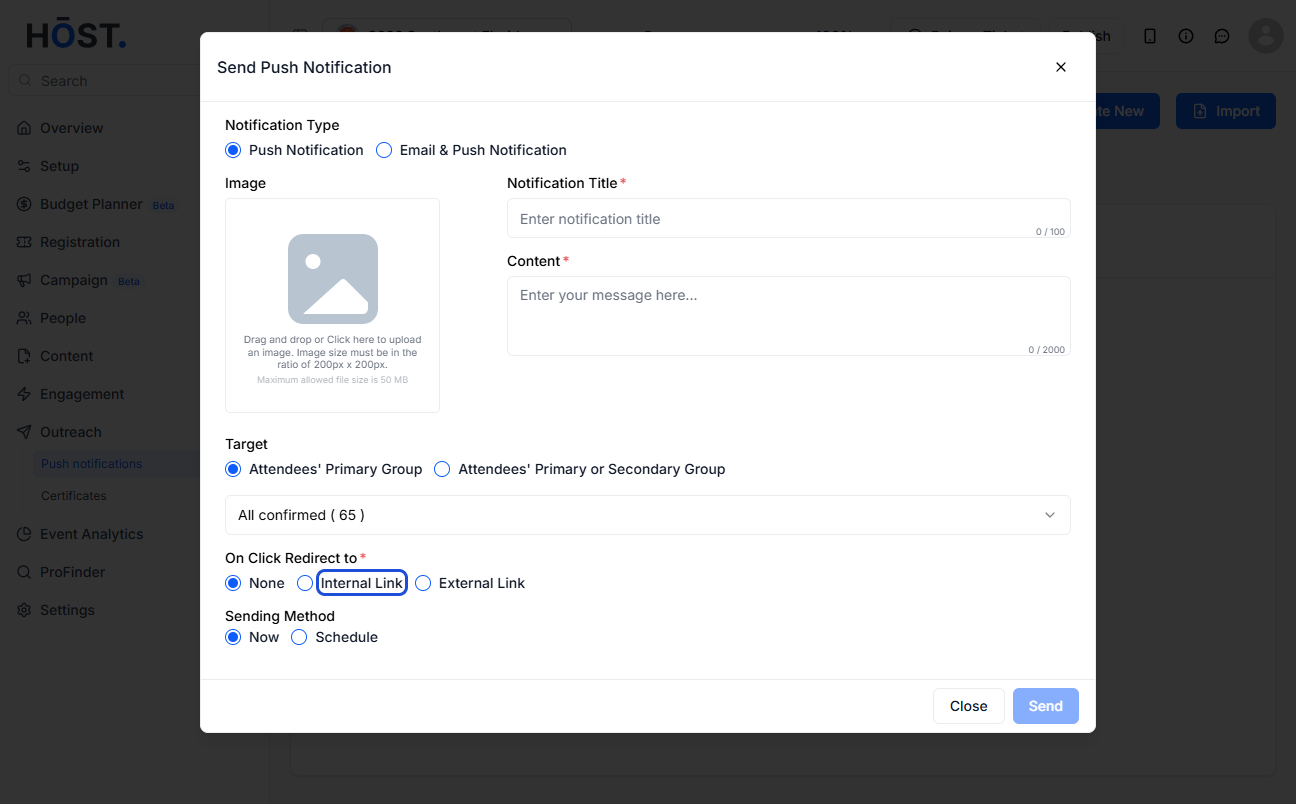
9: Select "Now" if you want to send immediately
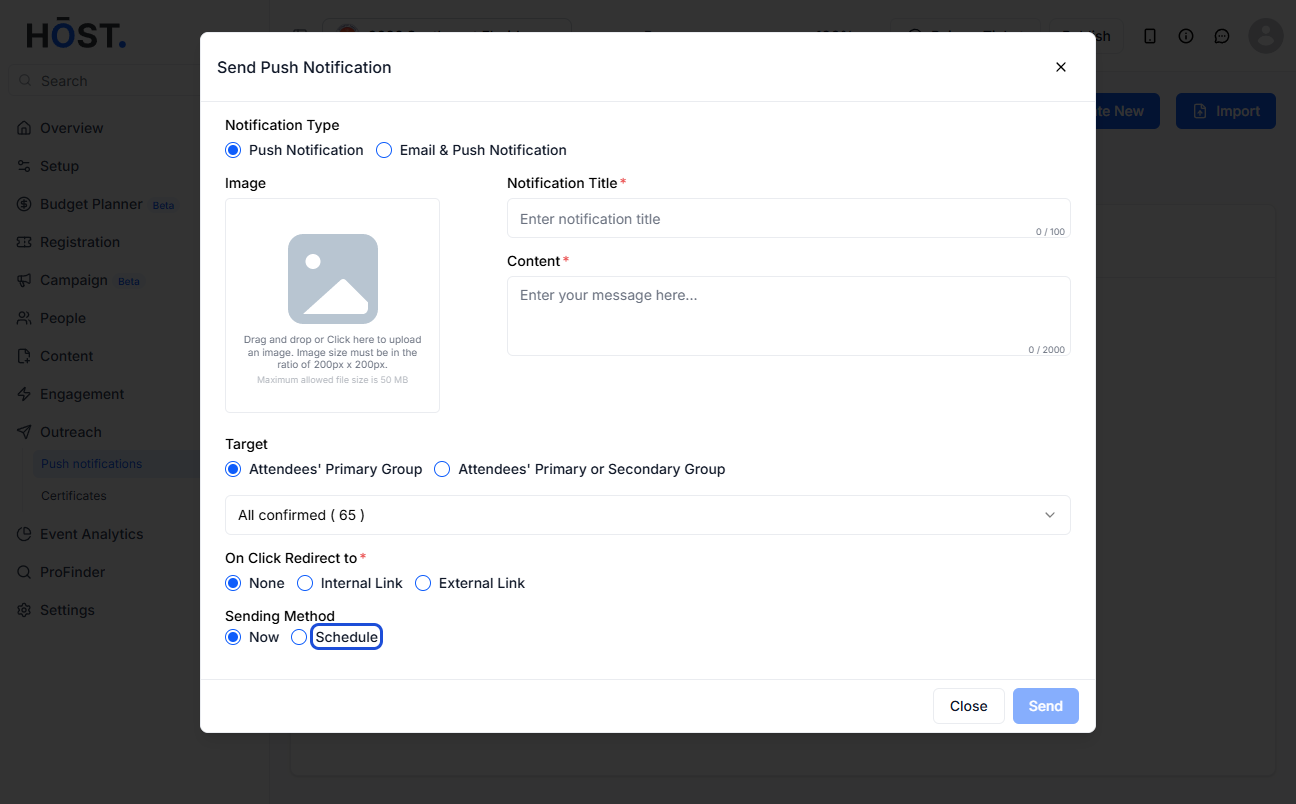
10: Select "Schedule" if you want to send it on a specific date and time
11: Set the date and time
12: Click on "Send" to Schedule the notification
13: Confirm the notification
14: You will find the scheduled notification listed here
15: You can view the notification stats (once it's triggered) or cancel it
🔔Scheduled notifications will be delivered based on the event time zone.

