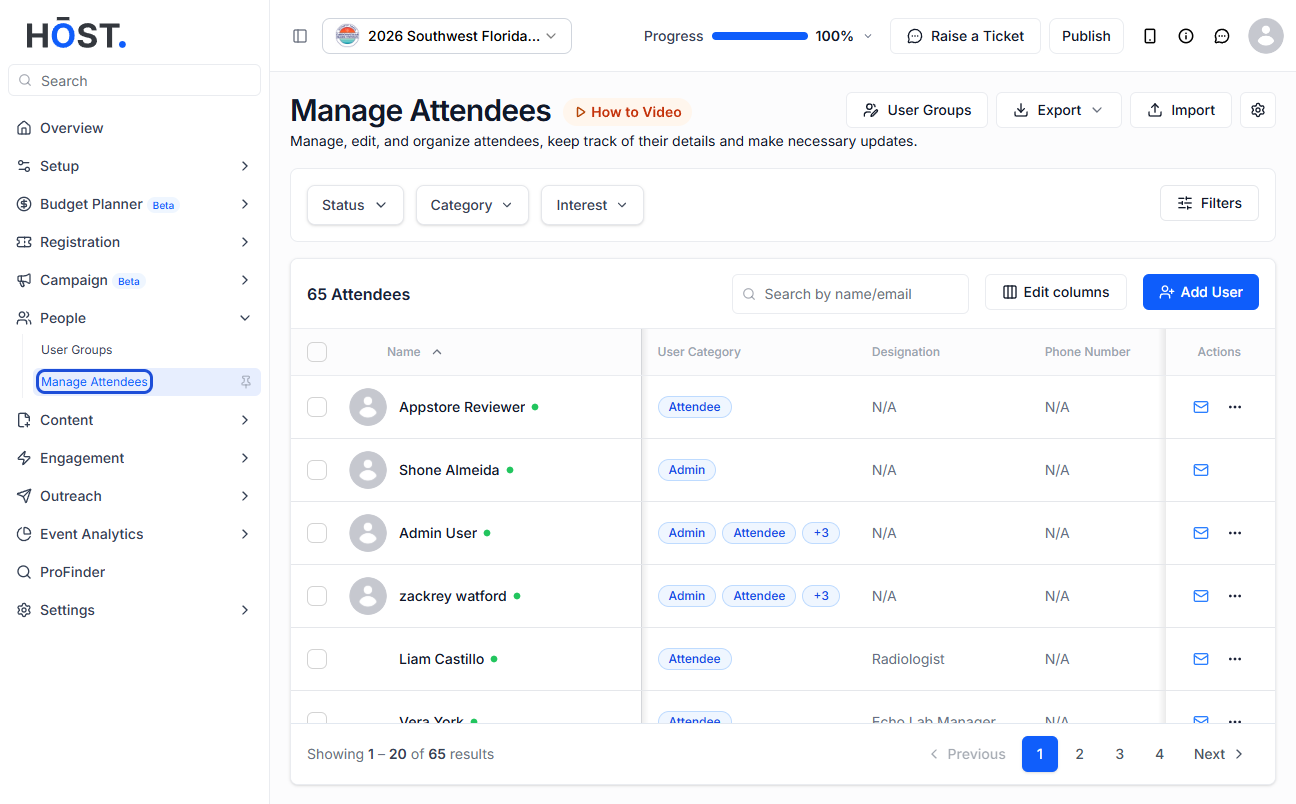
A welcome email helps greet attendees and share essential event details once they register. Follow the steps below to send a welcome email
1: Access the HOST Admin Panel and go to People> Manage Attendees
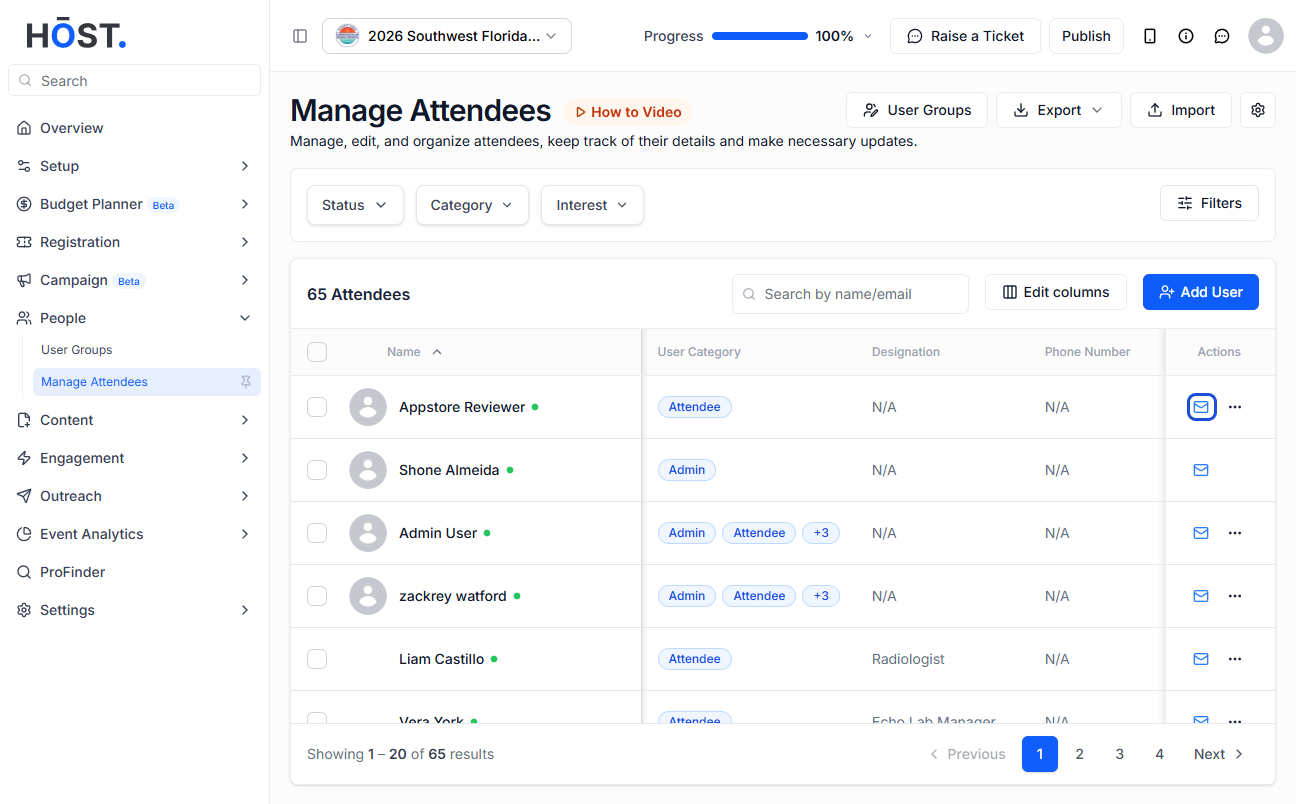
2: You can either click the "Send Welcome Mail" button corresponding to each user to send welcome mail to that particular user
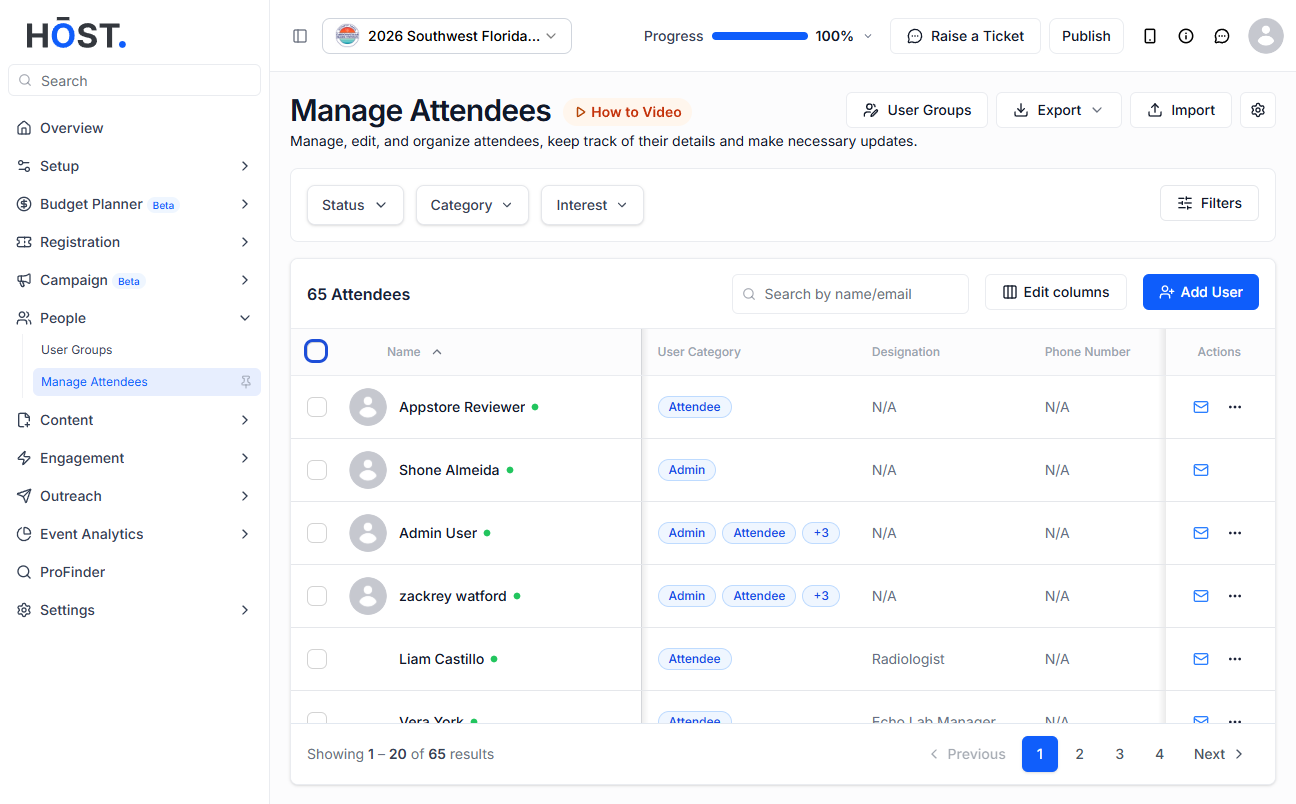
3: Or check the "Select All" checkbox to select all the attendees in one go
Note: When you check the “Select All” button, it will select all the users visible on the current page only
4: If you want to select users across all pages in one go, first check the “Select All” checkbox, then click this button to apply the selection to every user listed
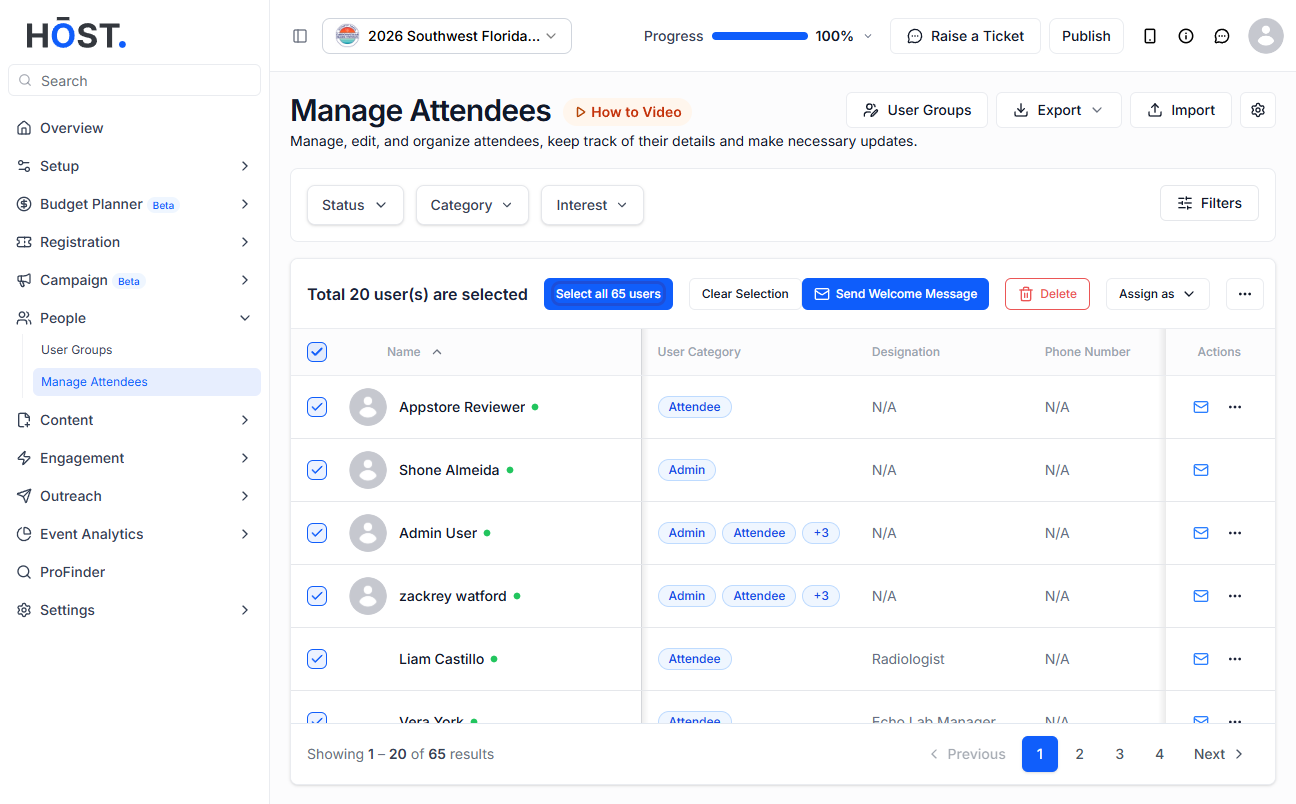
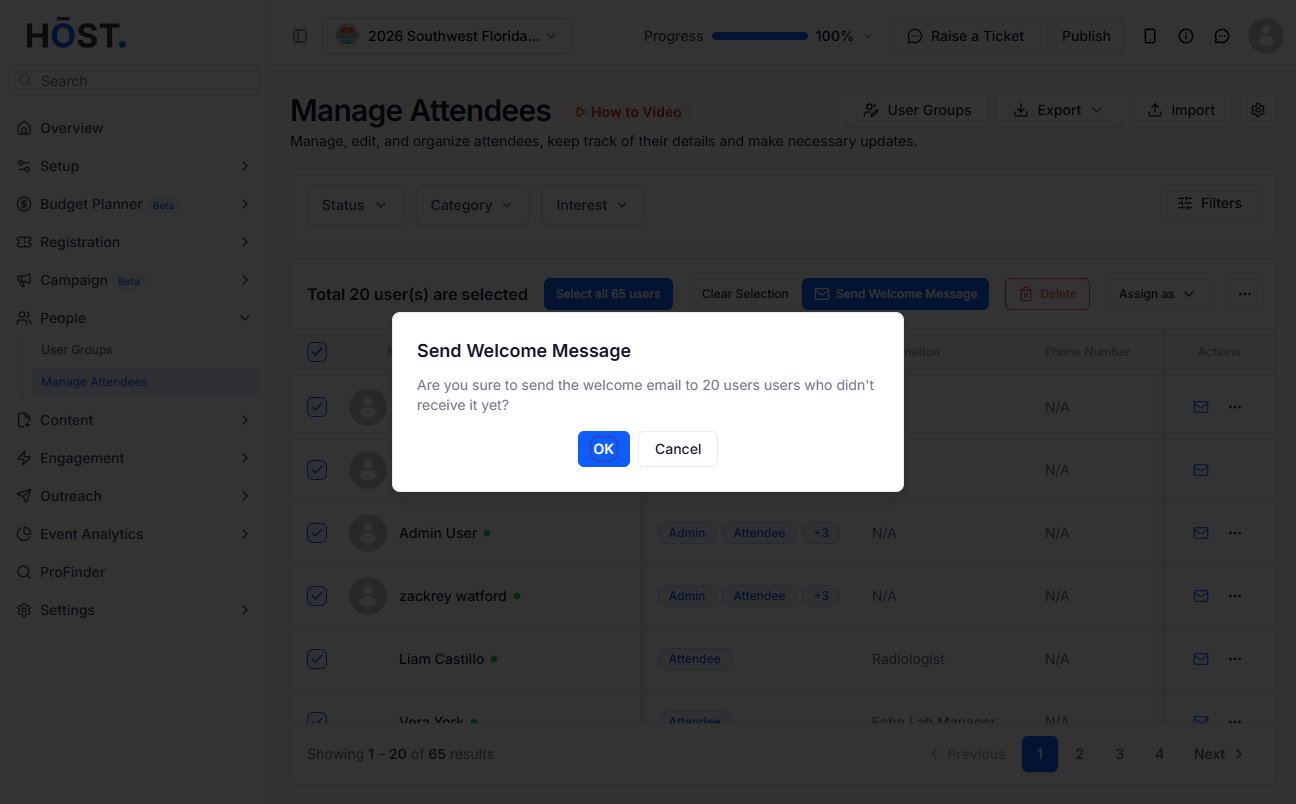
5: Once all the users are selected, click the "Send Welcome Email" button to send welcome mail to all the users in one go
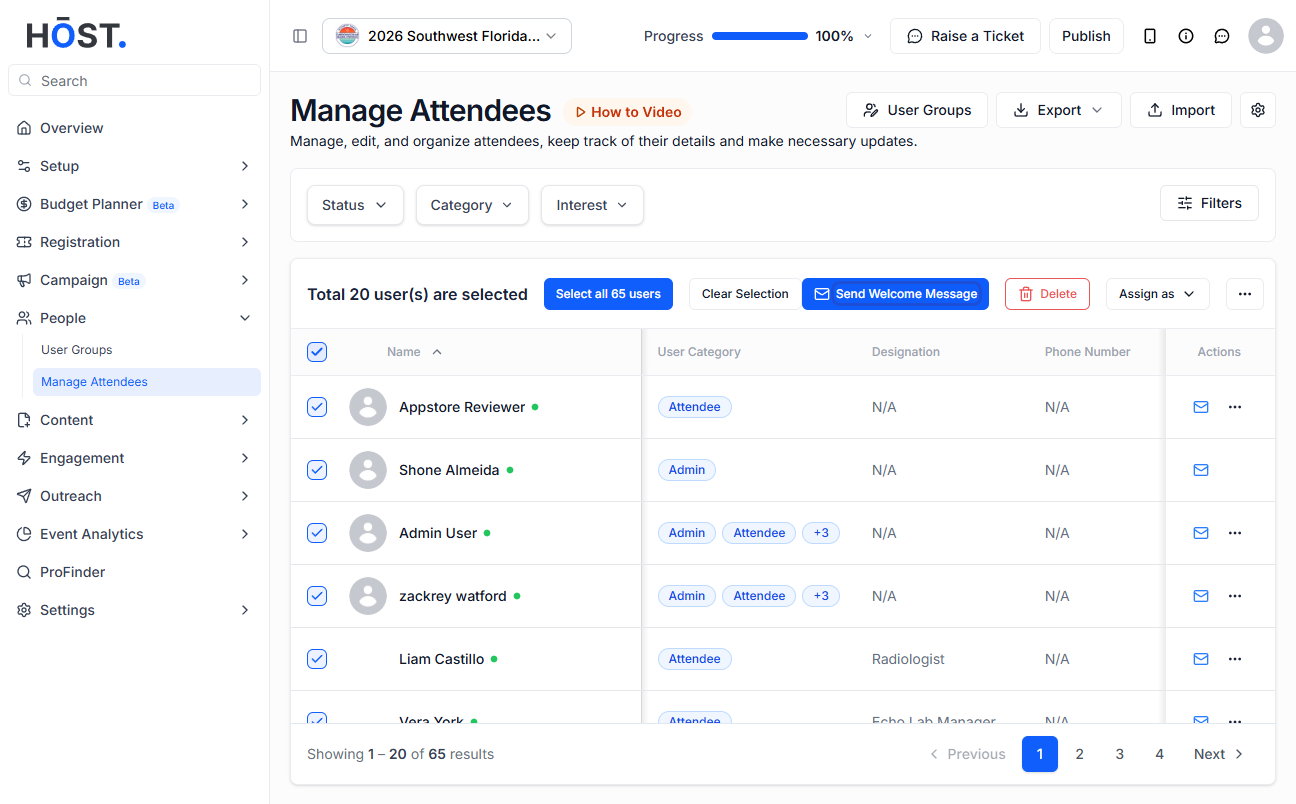
6: Click the “OK” button to confirm