HOST's badge design feature allows event organizers to create personalized badges for attendees, enhancing event engagement and professionalism.
Here's a step-by-step guide to designing accurate badges:
1: Visit the HOST Admin Panel
Once logged in, go to the Registration section in the left-hand menu.
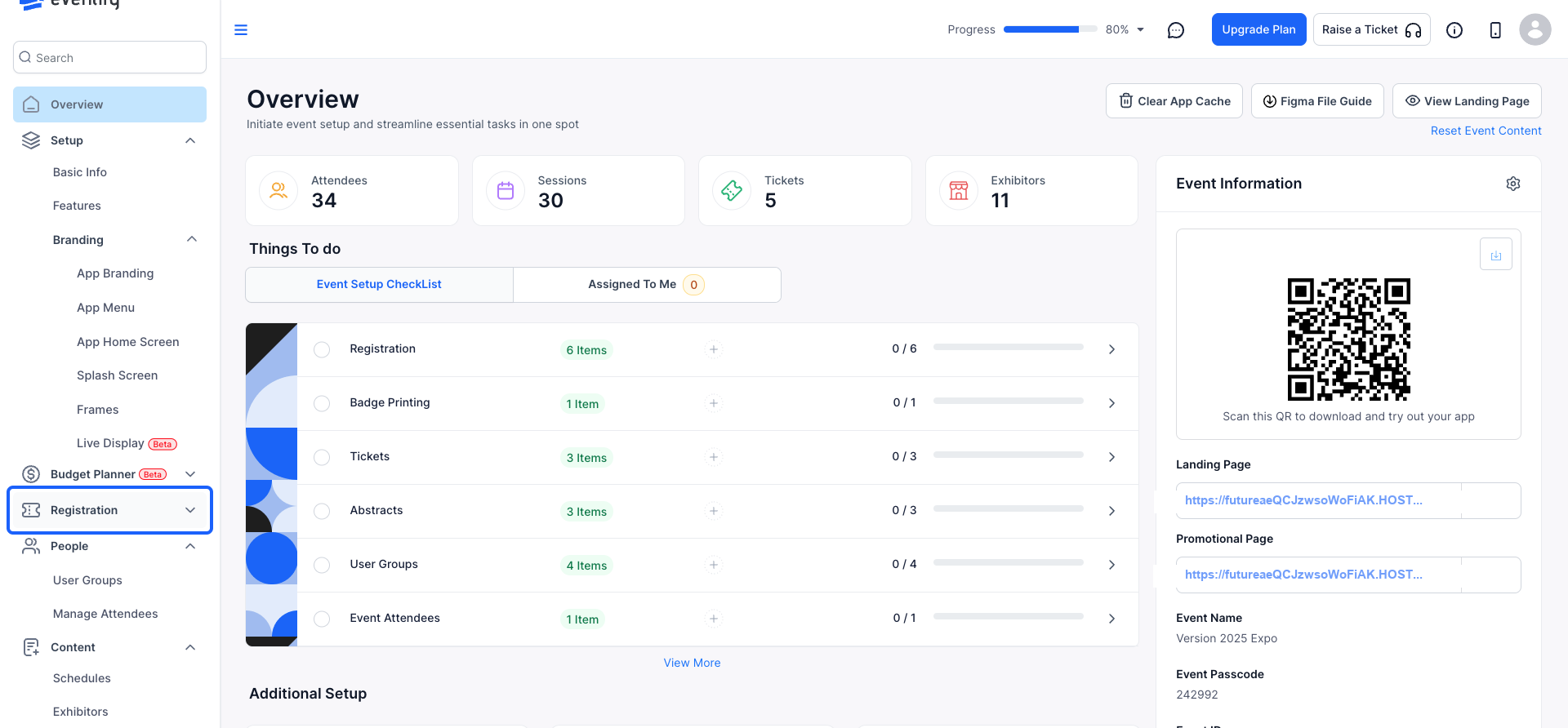
2: Select "Badge Printing" to access the badge management interface.
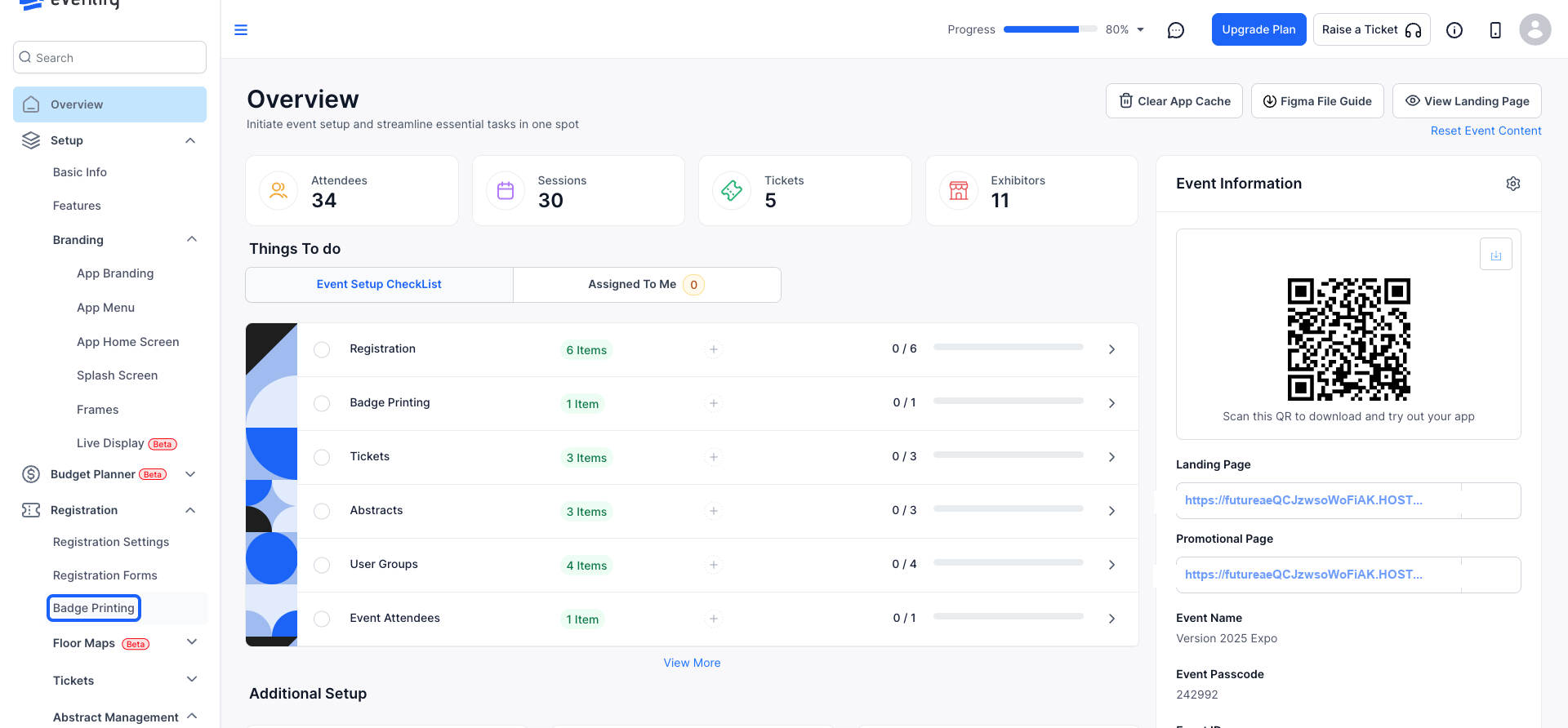
3: A default badge template will be available for you to modify.
you can edit this pre-designed template to suit your event’s needs
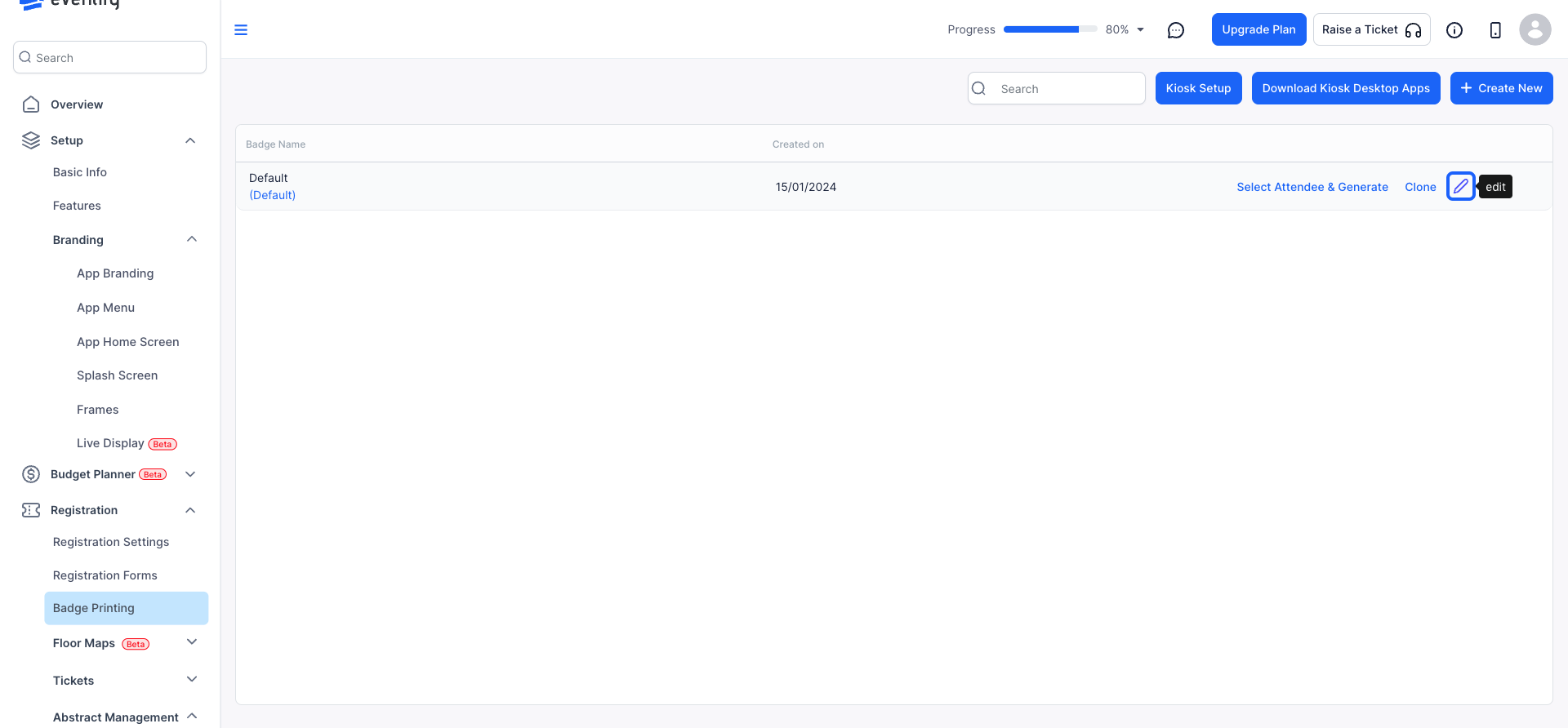
4: Assign a distinctive name to each badge design.
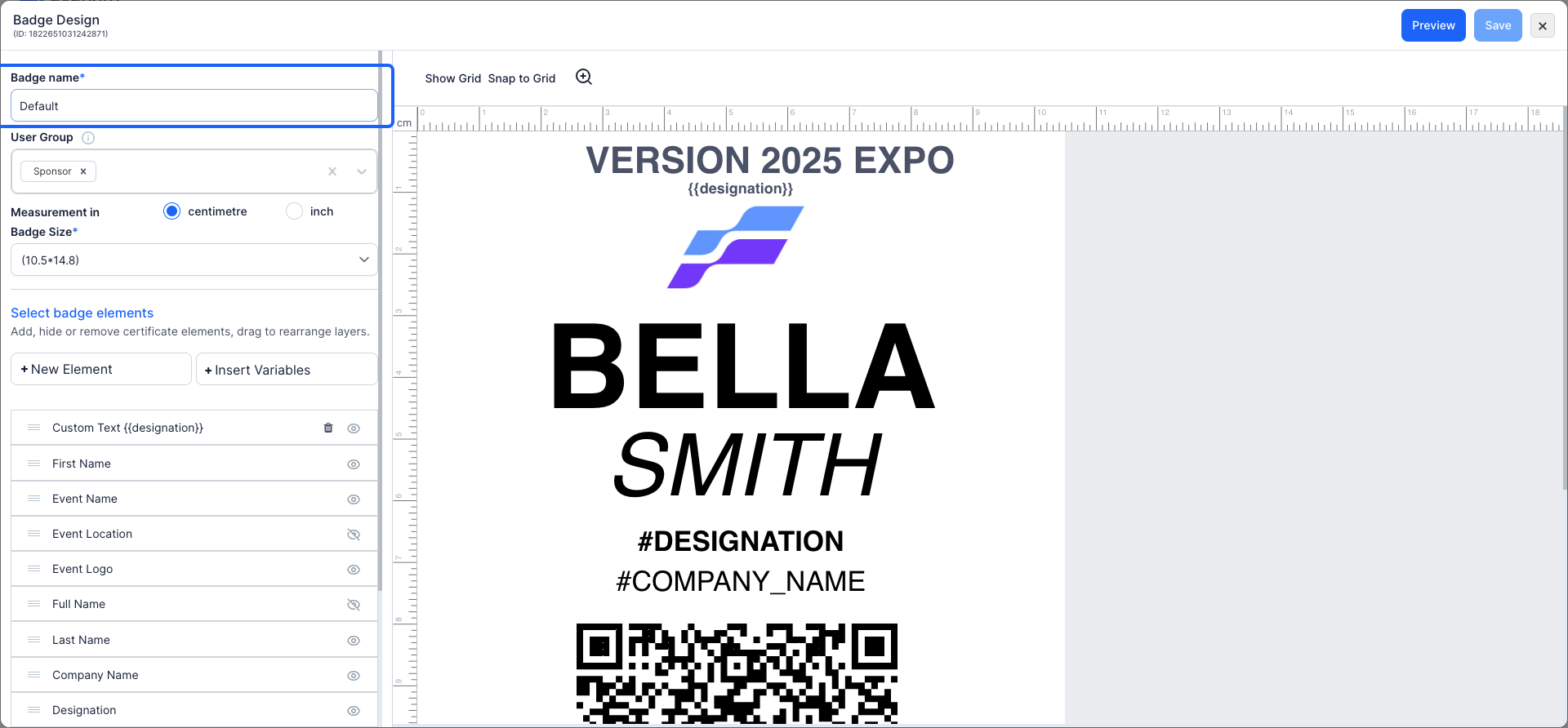
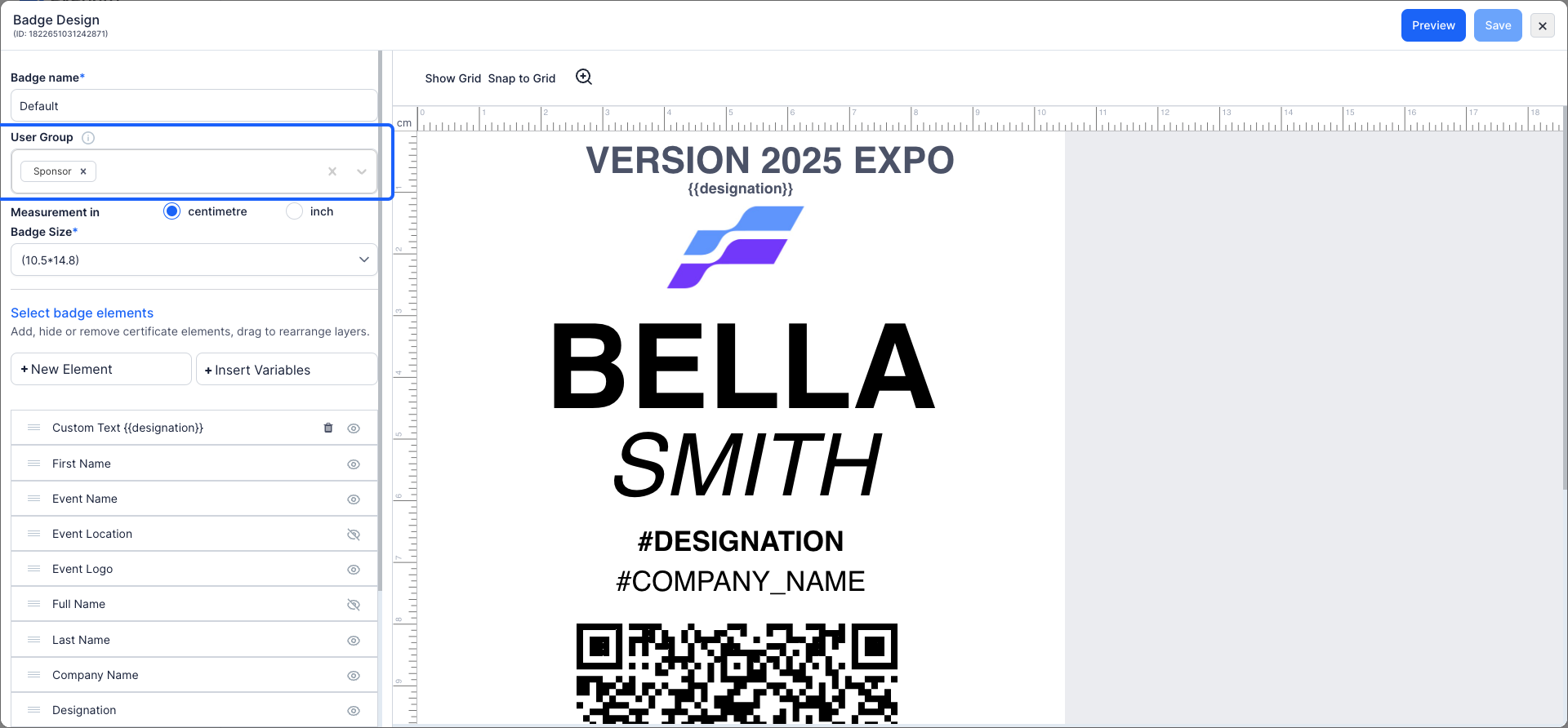
5: Select the relevant user group category, such as "Attendee, Speaker, Exhibitor, Sponsor, or Admin", to associate the badge with the right group.
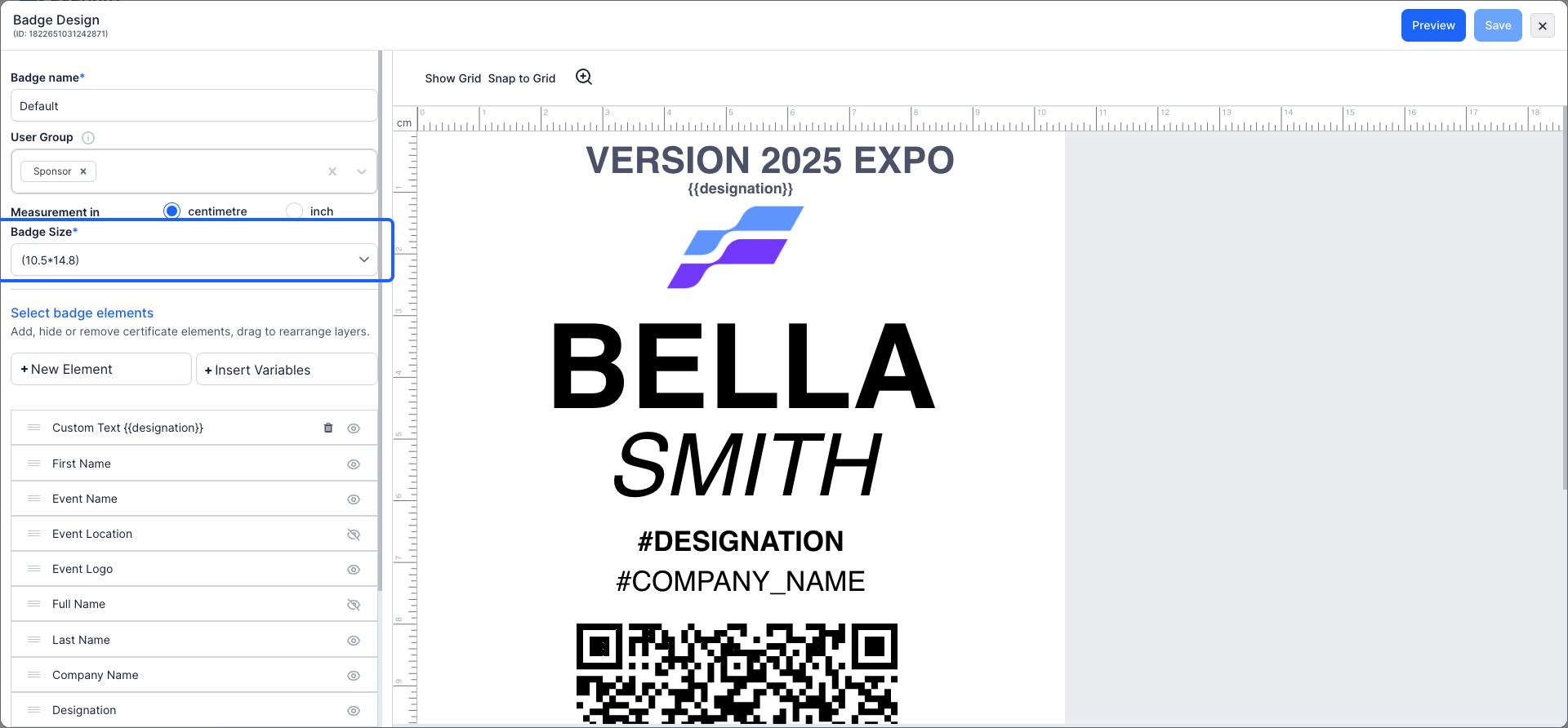
6: Adjust the badge size to meet your specific requirements
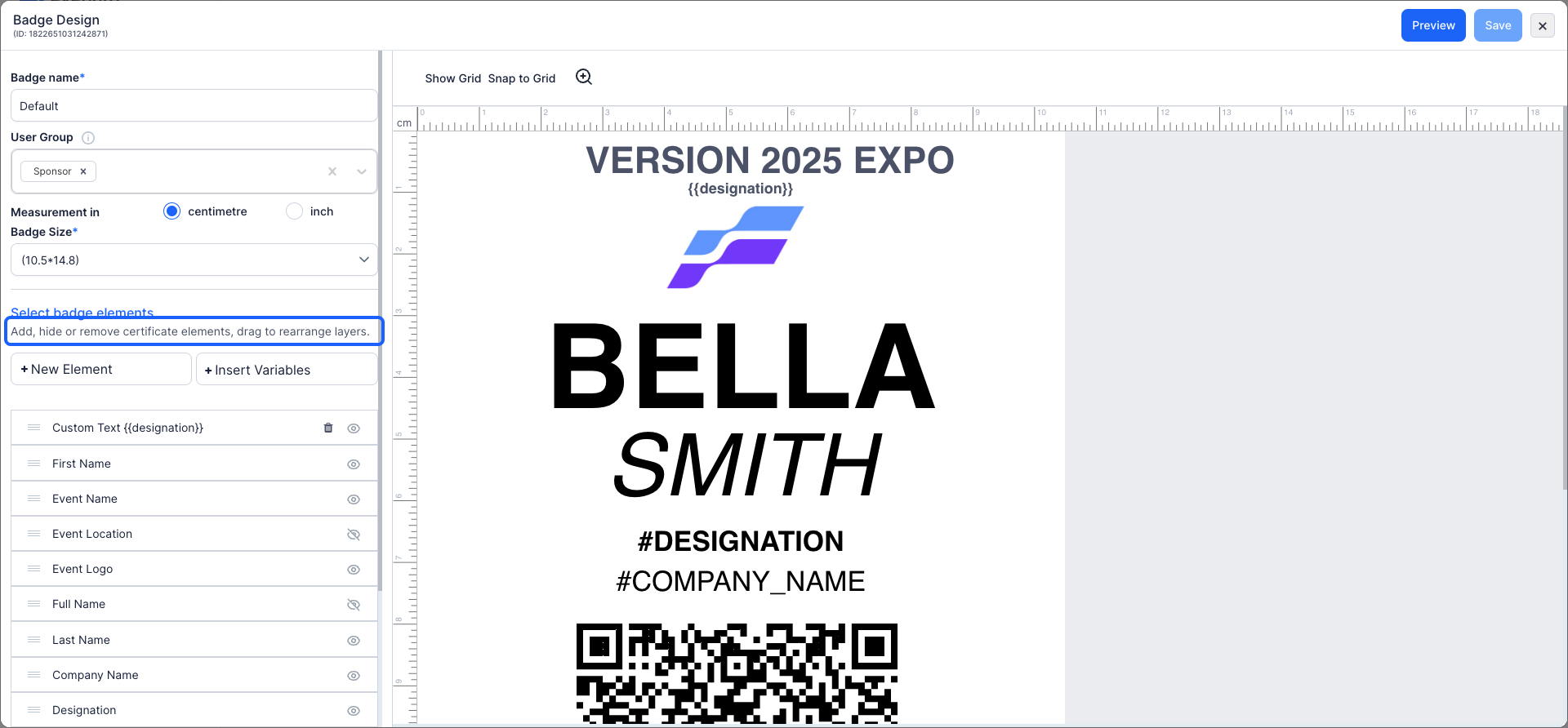
7: You can add, edit, hide, or remove badge elements
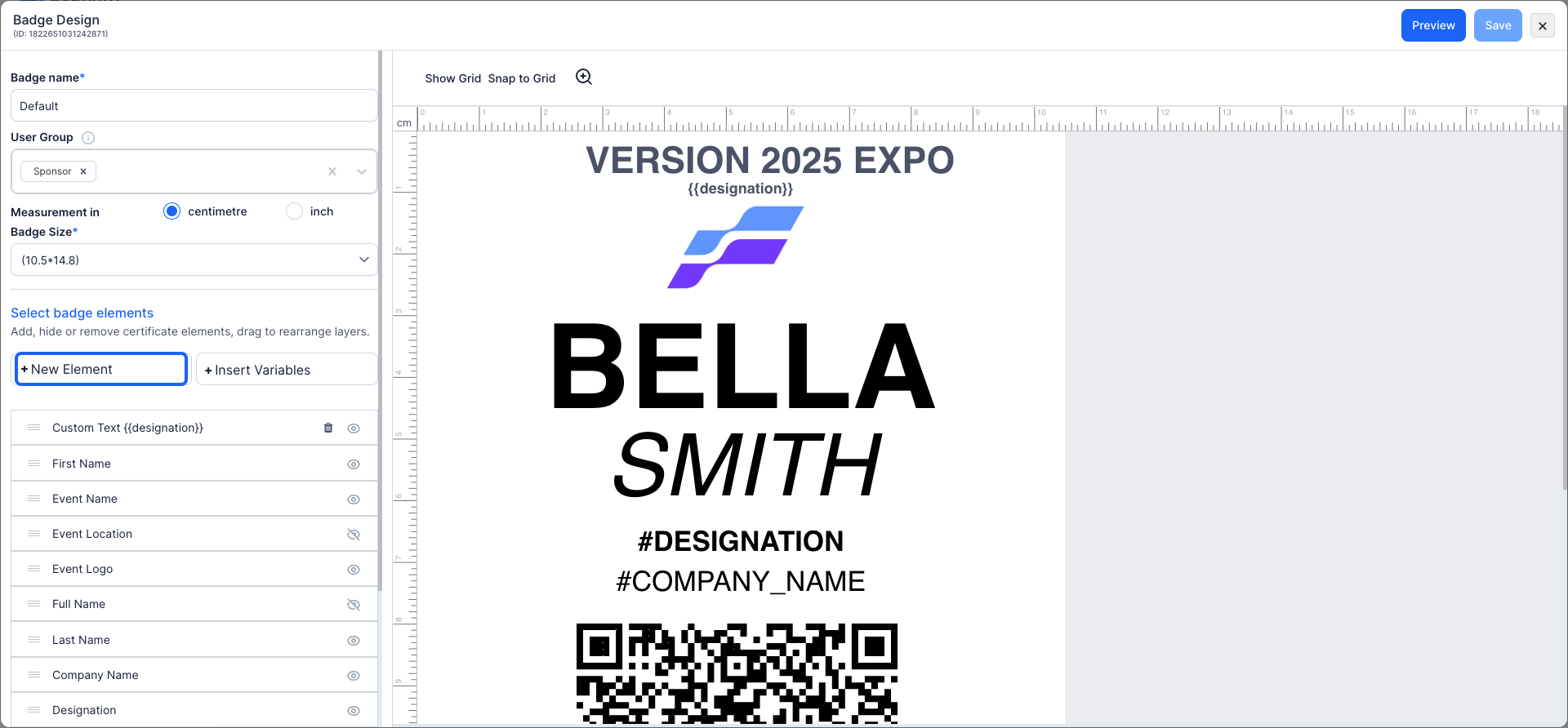
8: You can add elements into your badge design by clicking the "New Element" button.
9: You can add, drag and rearrange layers to ensure a personalized and visually balanced design.
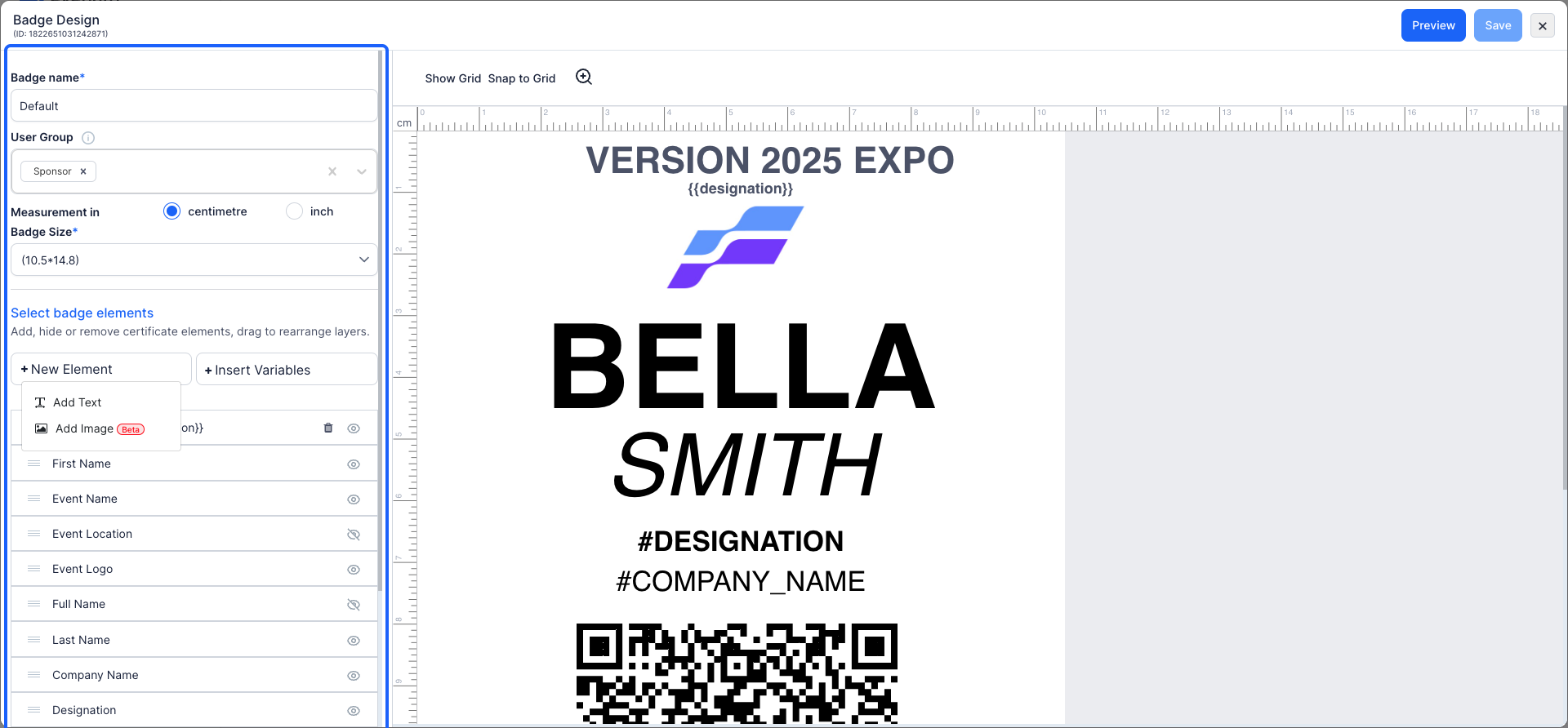
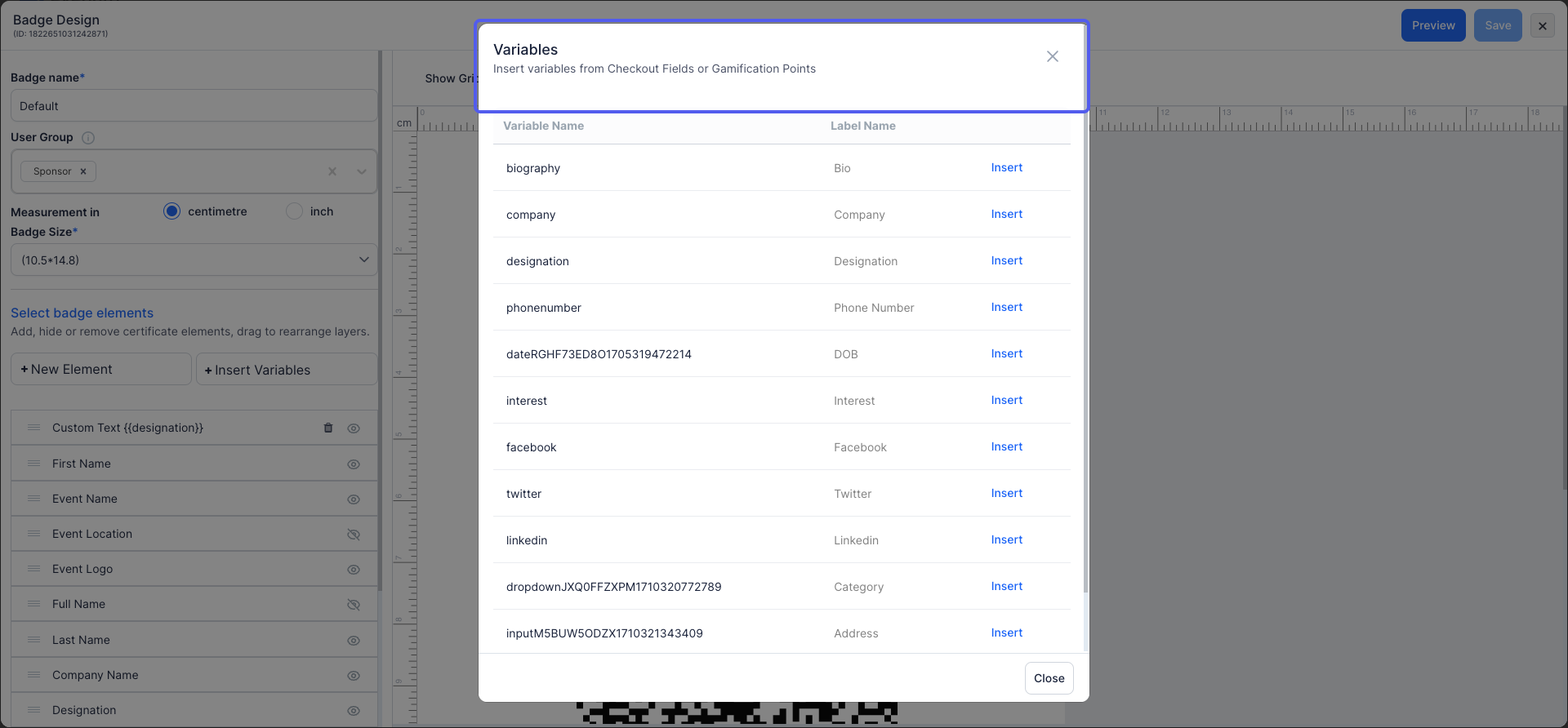
10: You can modifying the text style, font size, text color, and other formatting options.
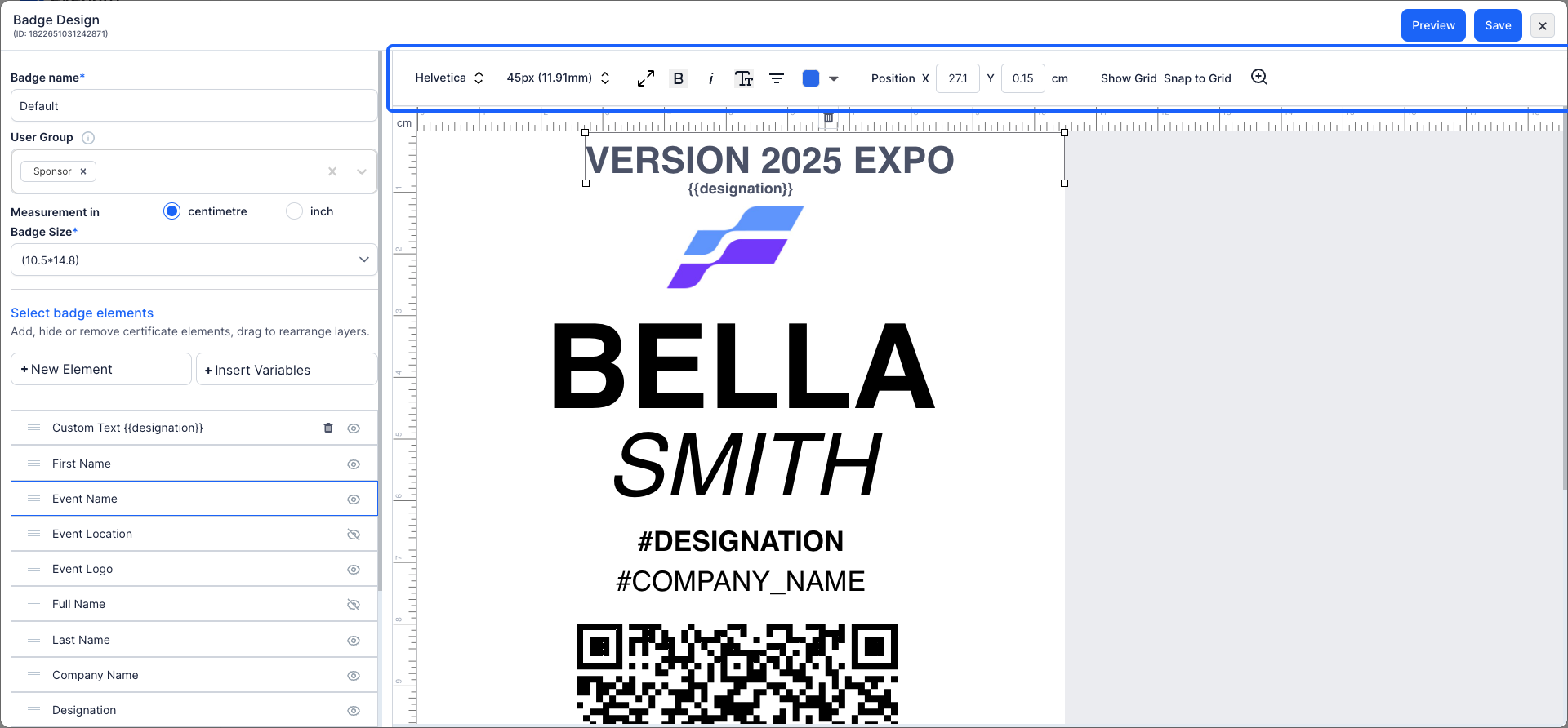
11: Here you can find all the User's registration form variables from the checkout forms and by clicking on the "Insert", the filed will be included in your badge design.
Also you can insert gamification points to personalize each badge.
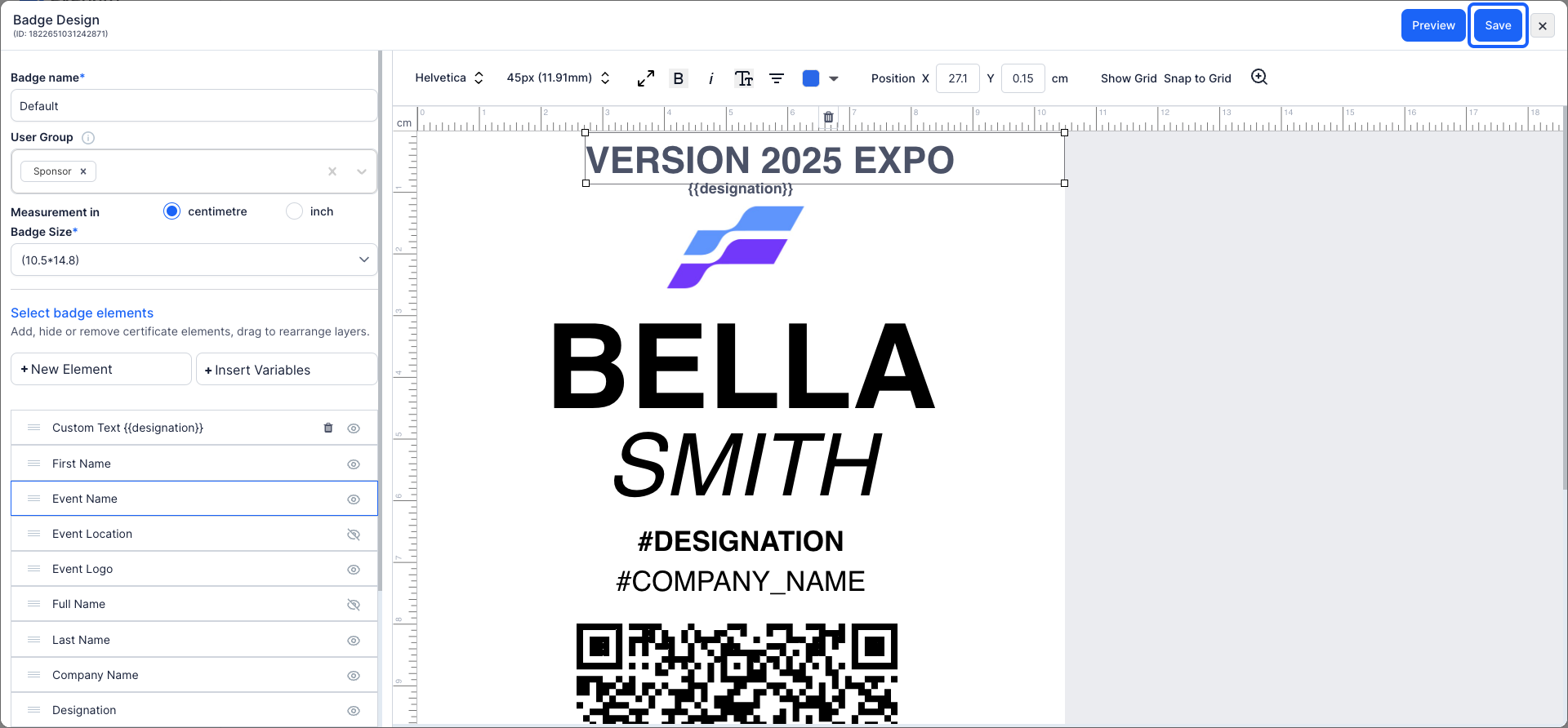
12: Once you are satisfied with your badge design, proceed to "save" your changes.
13: Within the badge section, you can generate a badge for attendees
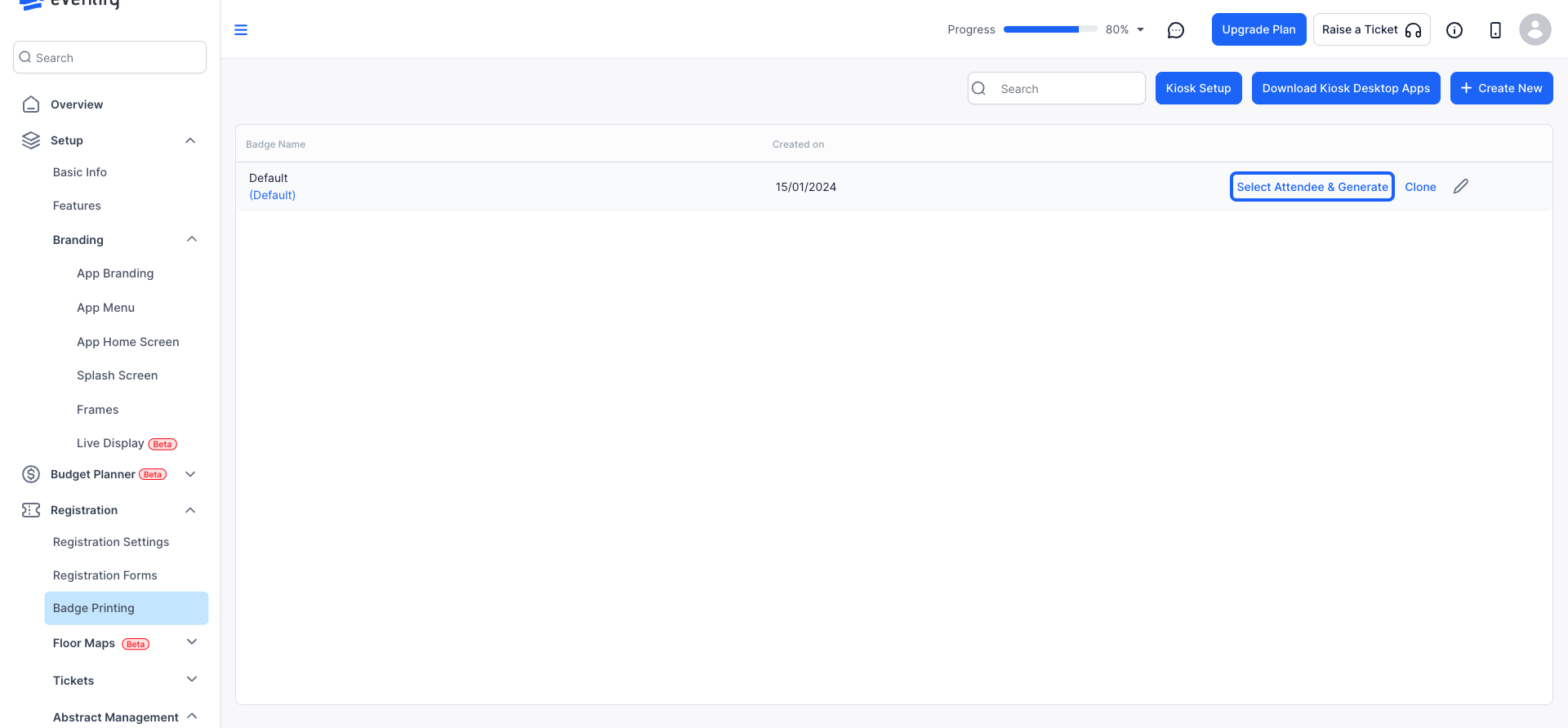
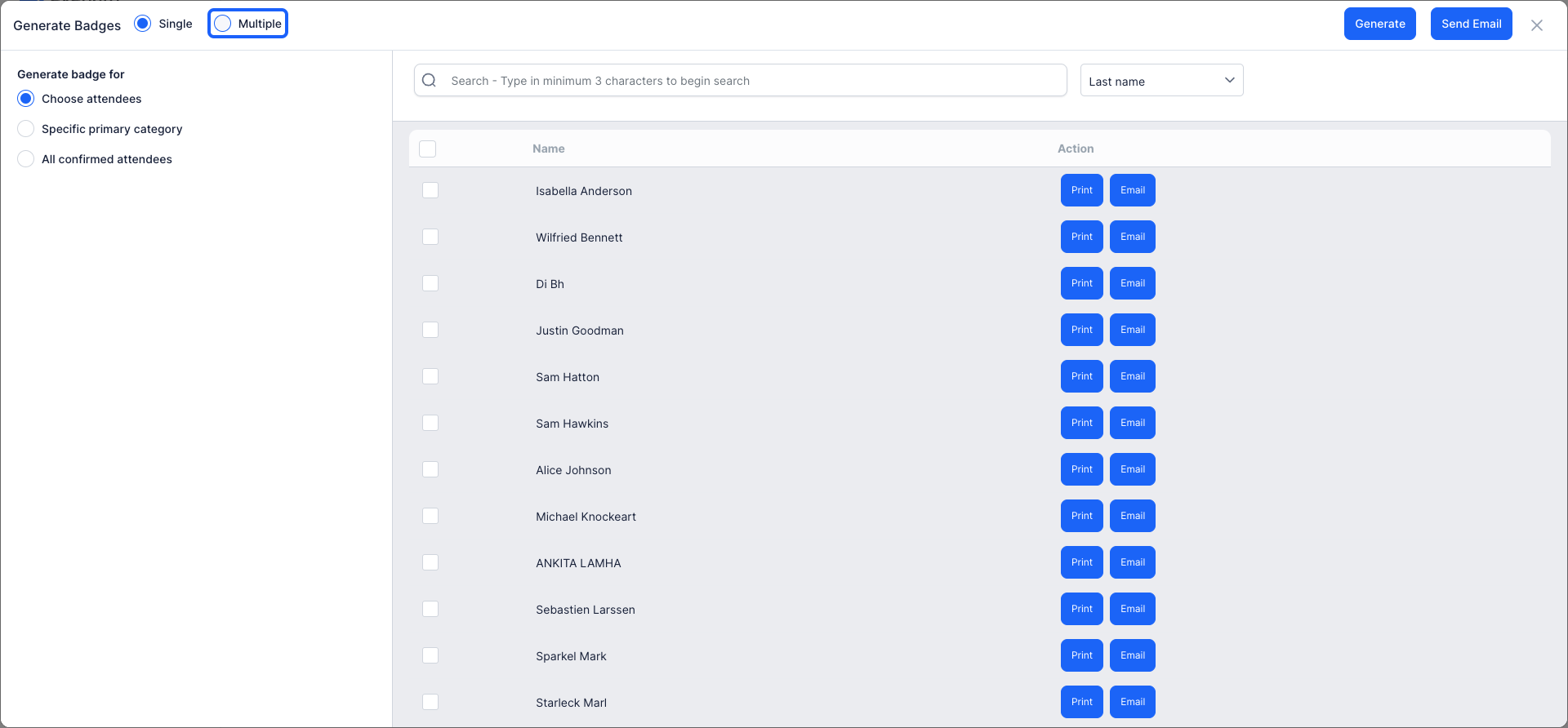
14: You have the option to create badges for individual attendees or multiple attendees simultaneously.
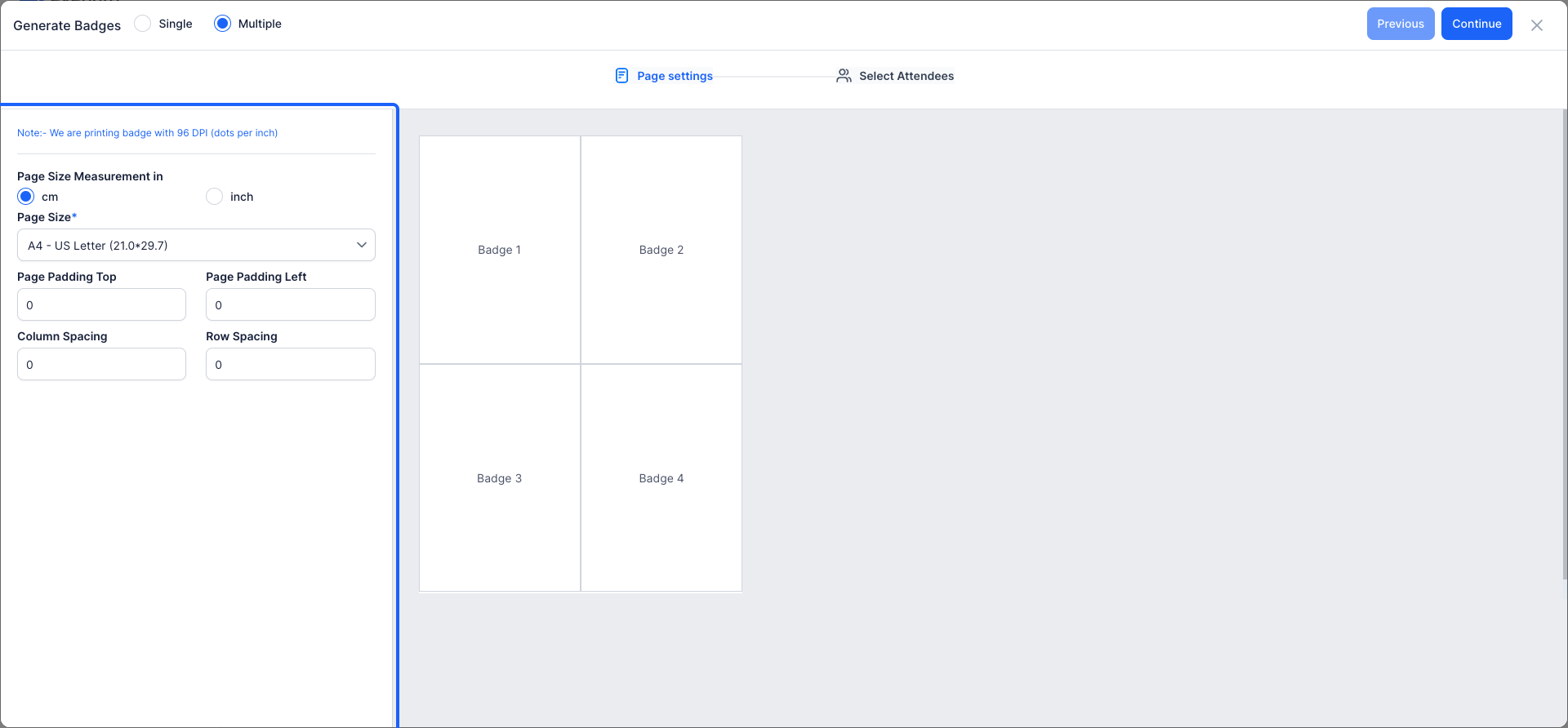
15: Choose the appropriate paper size for printing. You can select from the provided list or define a custom size to fit your needs.
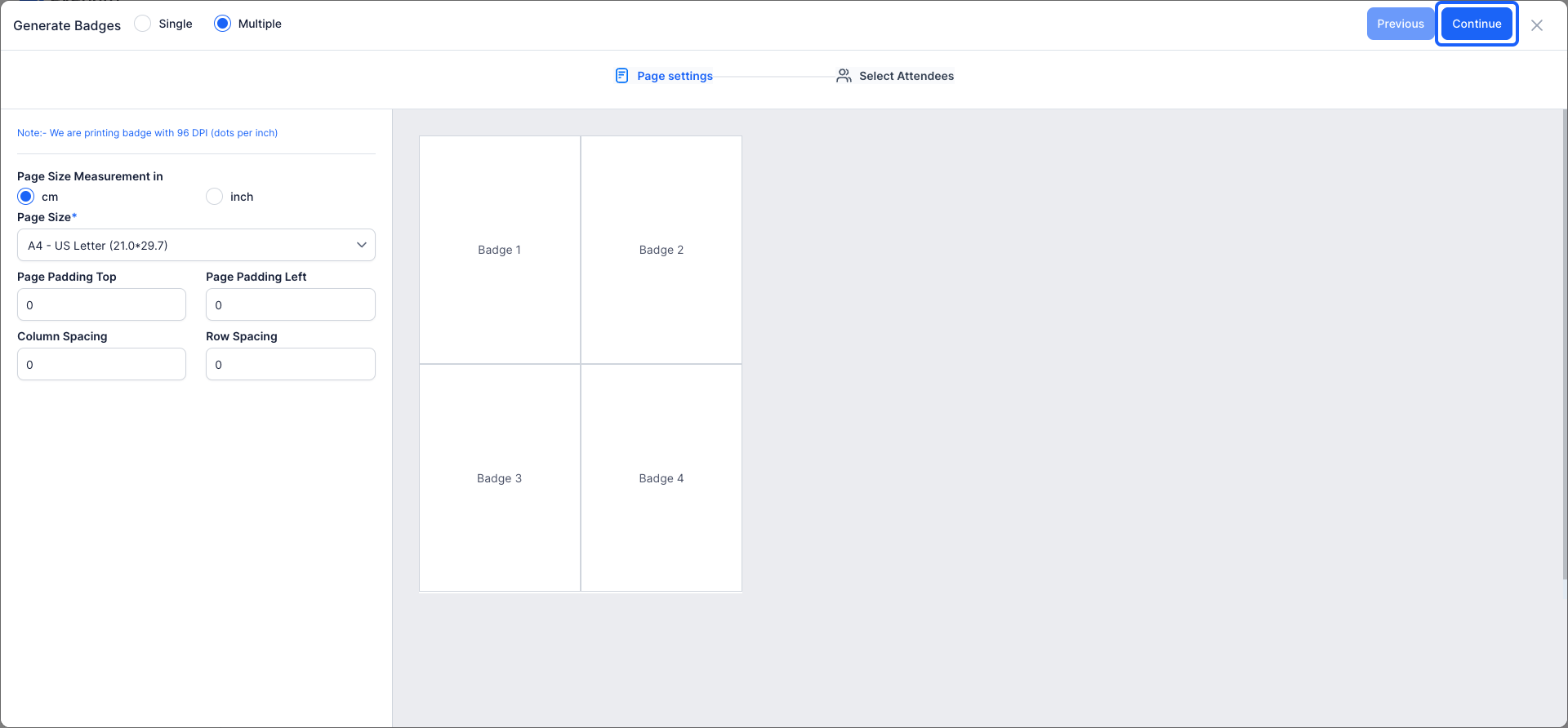
16: After finalizing your badge design, proceed to the next step.
17: Choose to generate badges collectively or by name, or assign a primary category to group attendees properly.
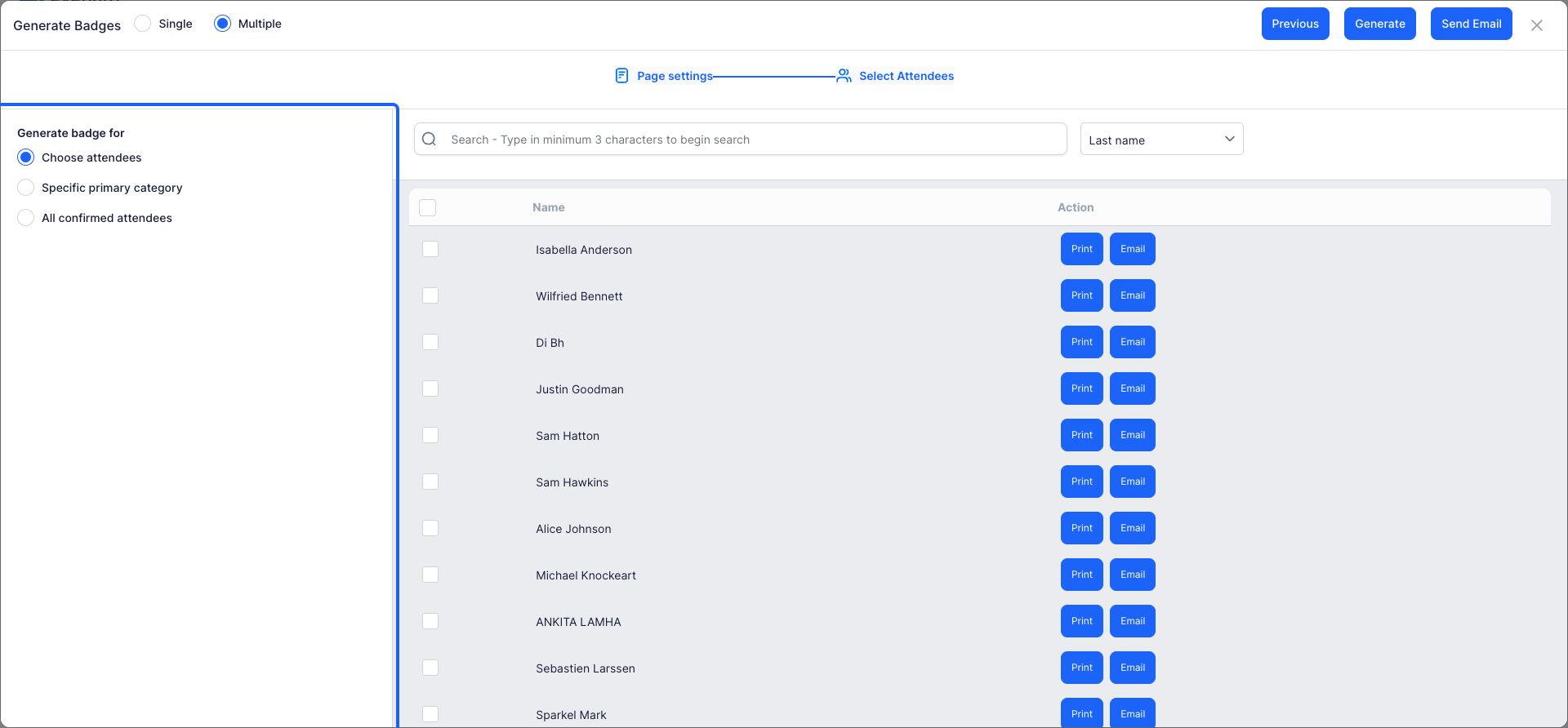
18: Once your design is complete,
Click the “Generate” button to generate the badges.
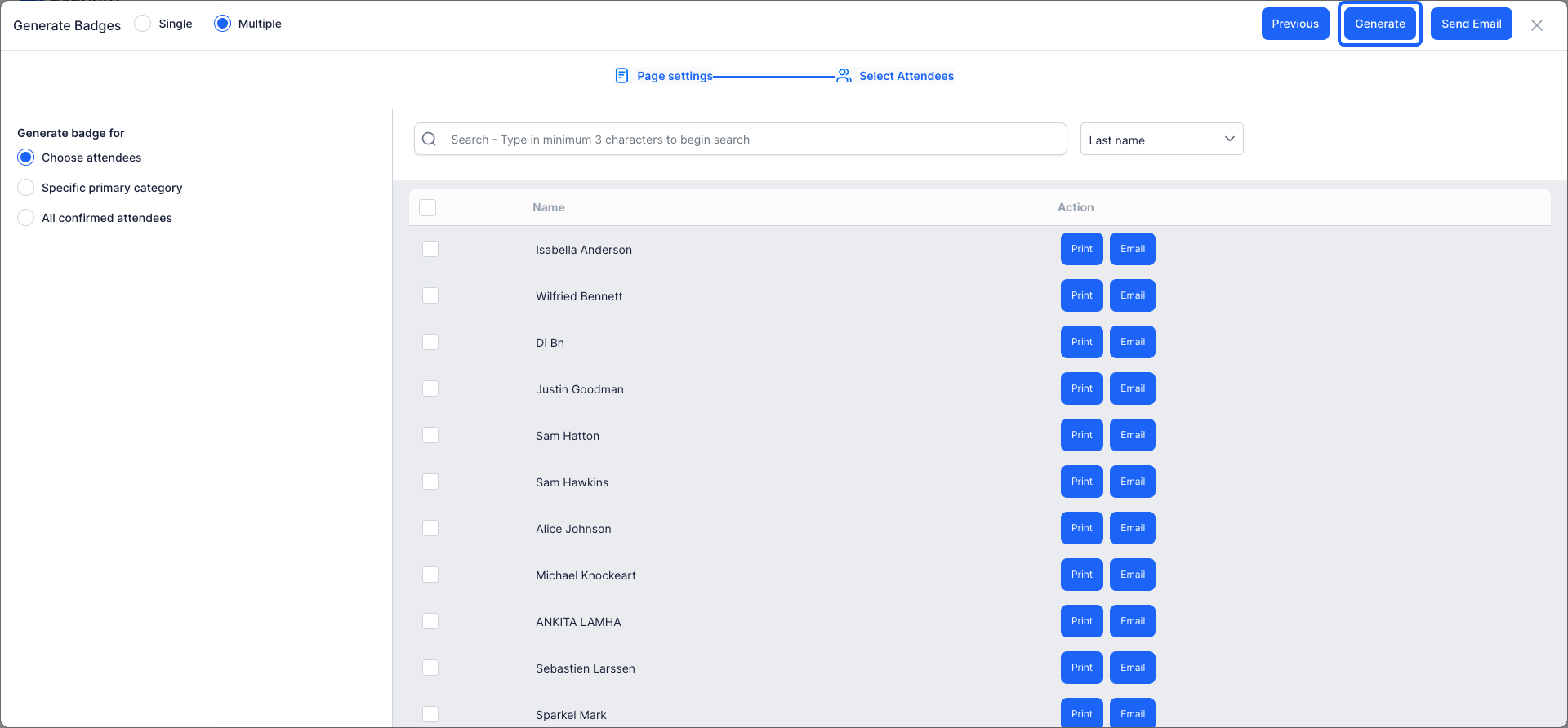
🔔The default badge gives a common design for all user groups. You can design a single style for all or have specific layouts for individual groups.

