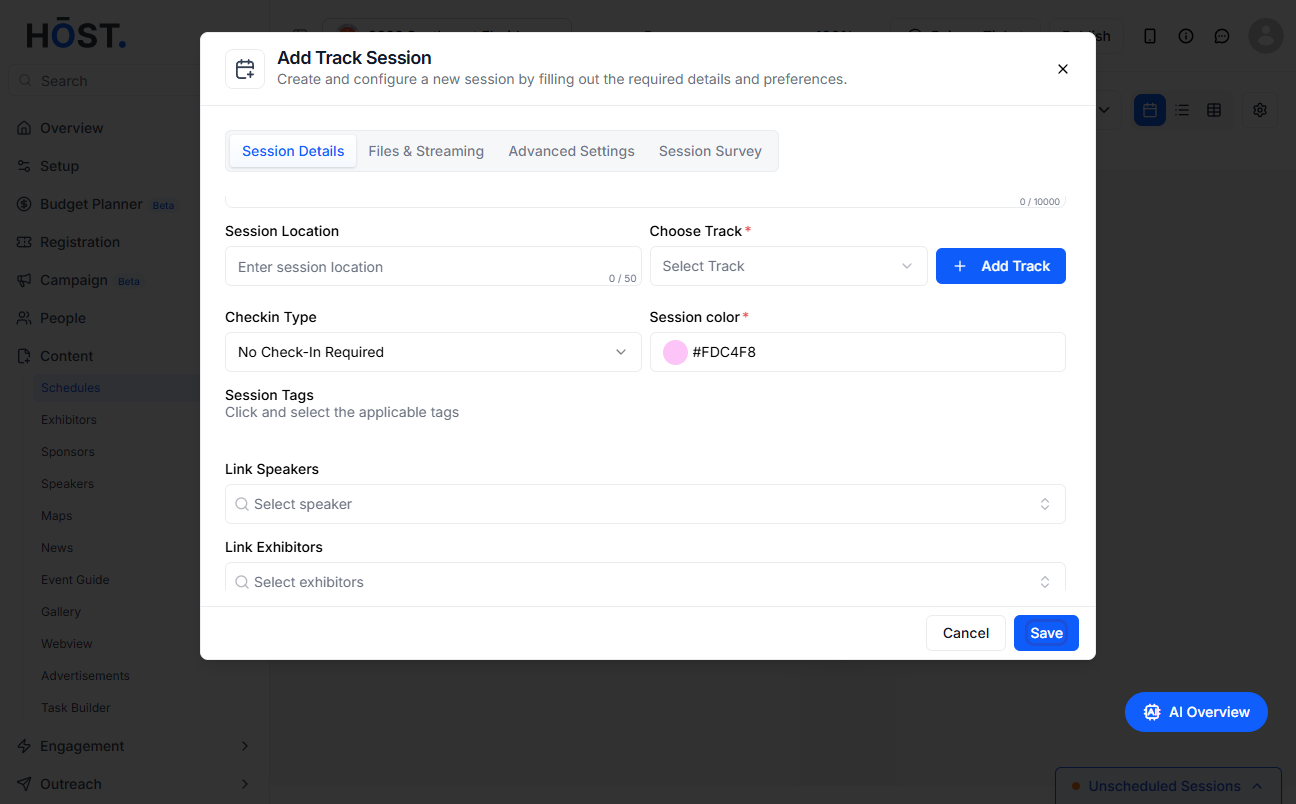
Linking speakers to a session helps showcase who will be presenting or participating in that specific session. Follow the steps below to link speakers to a session
1: Access the HOST Admin Panel and go to Content> Schedules
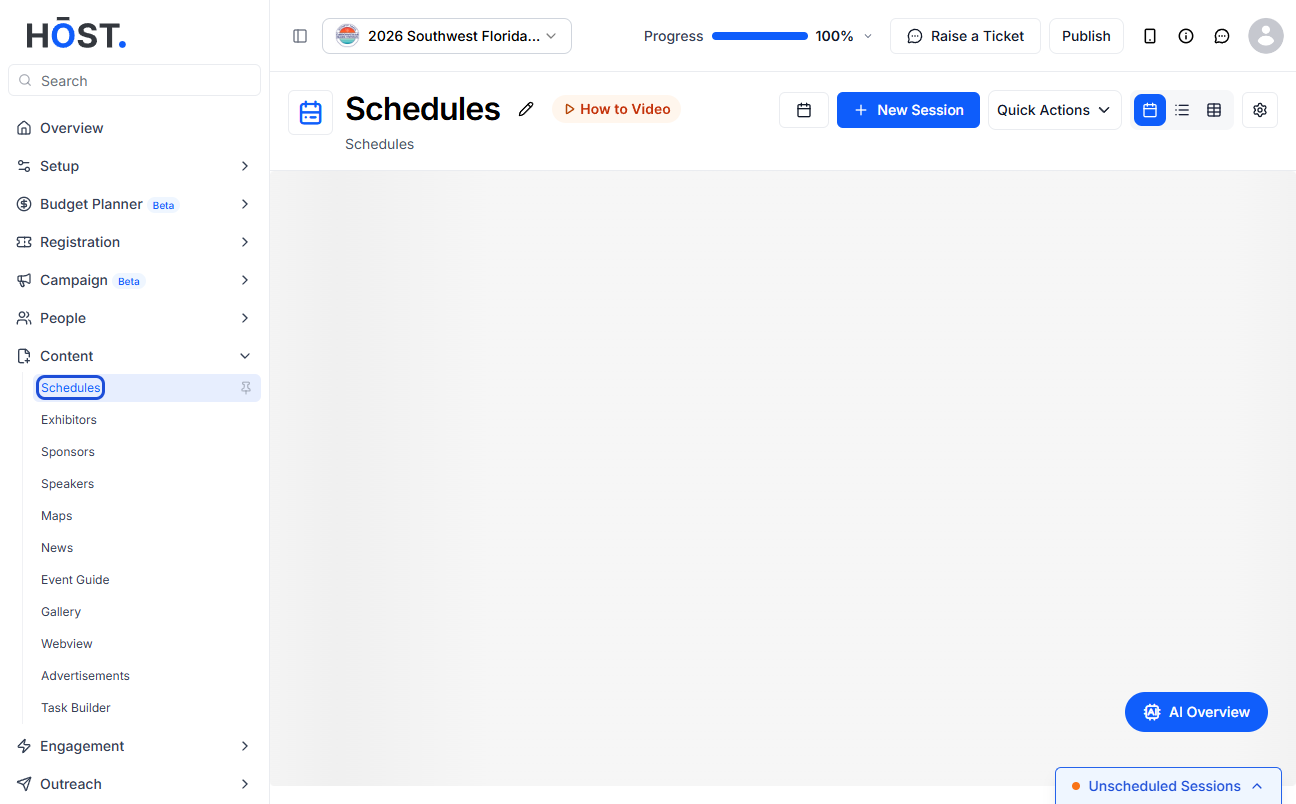
2: To link Speakers to a new session, click "New Session" button
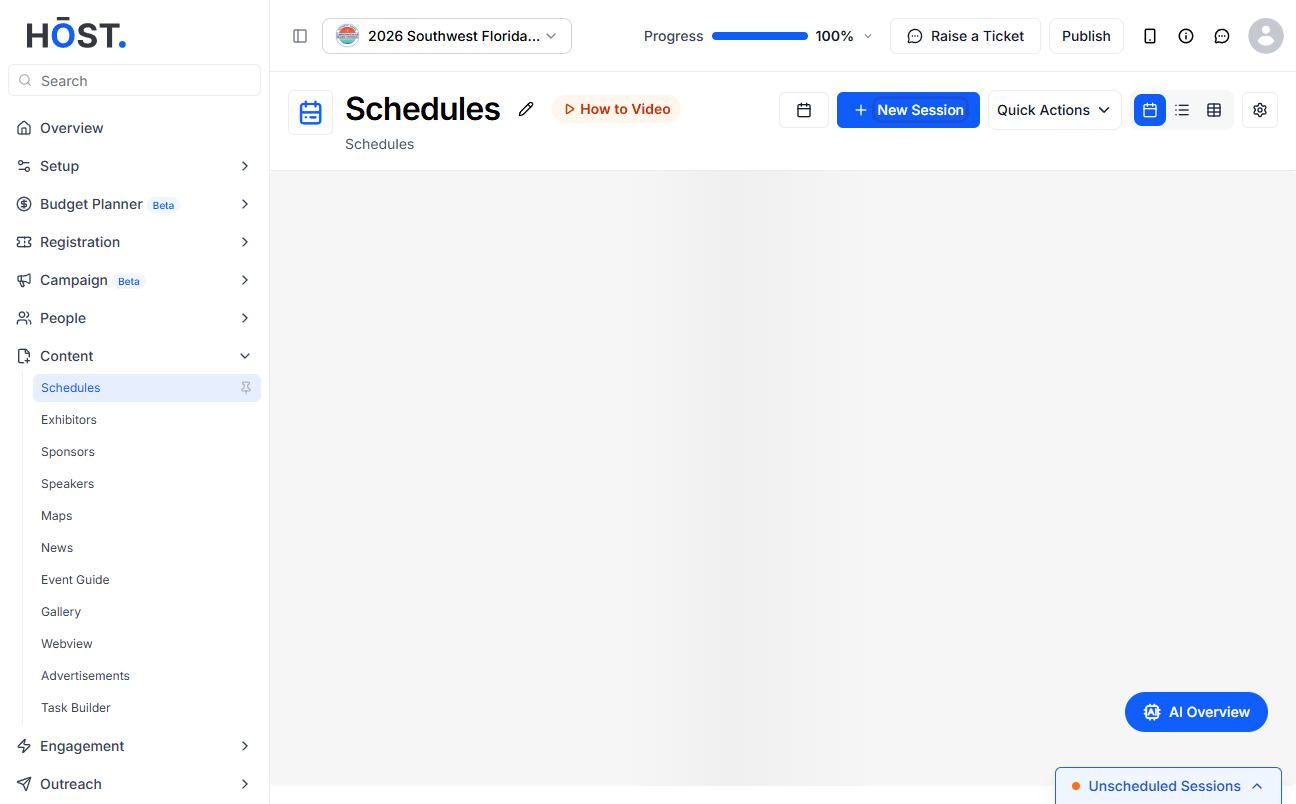
3: To link speaker to an existing session, click the "pencil" icon
4: Go to Session Details section
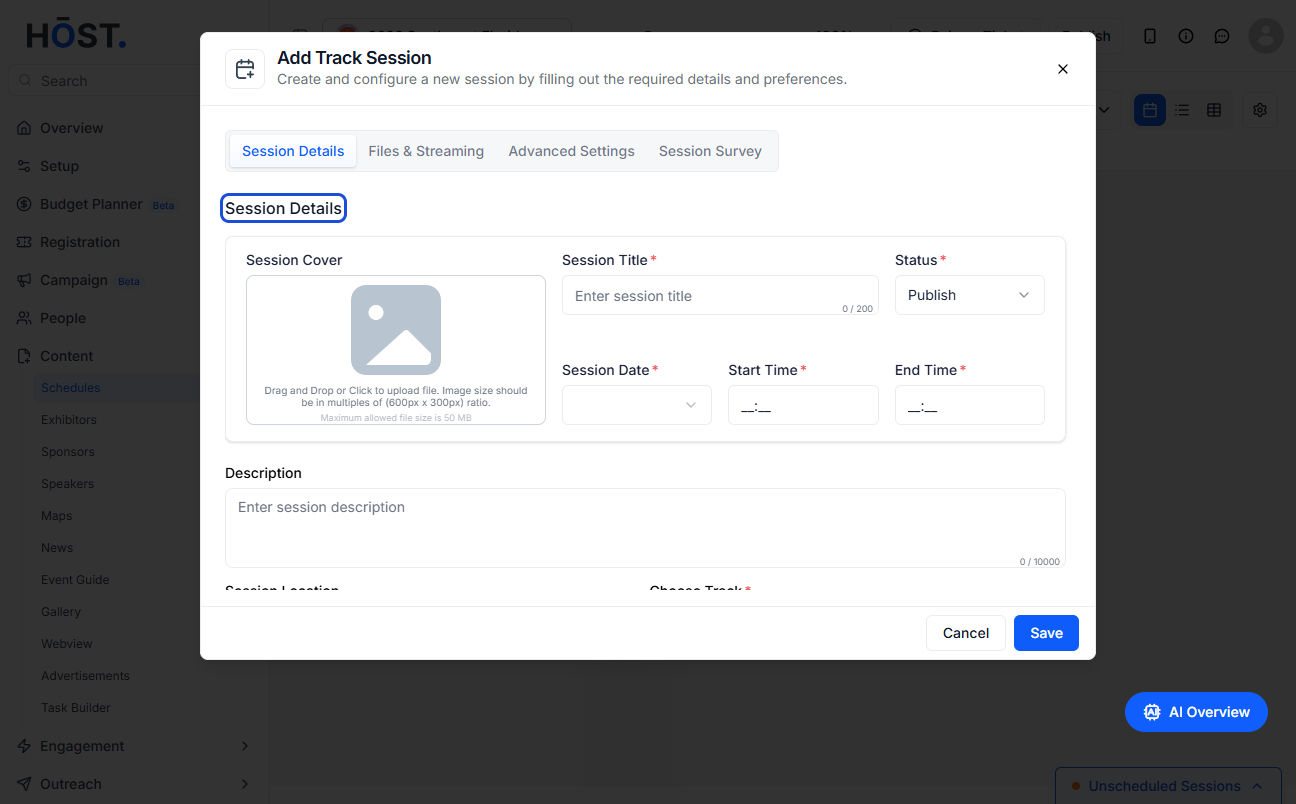
5: Enter all the required details
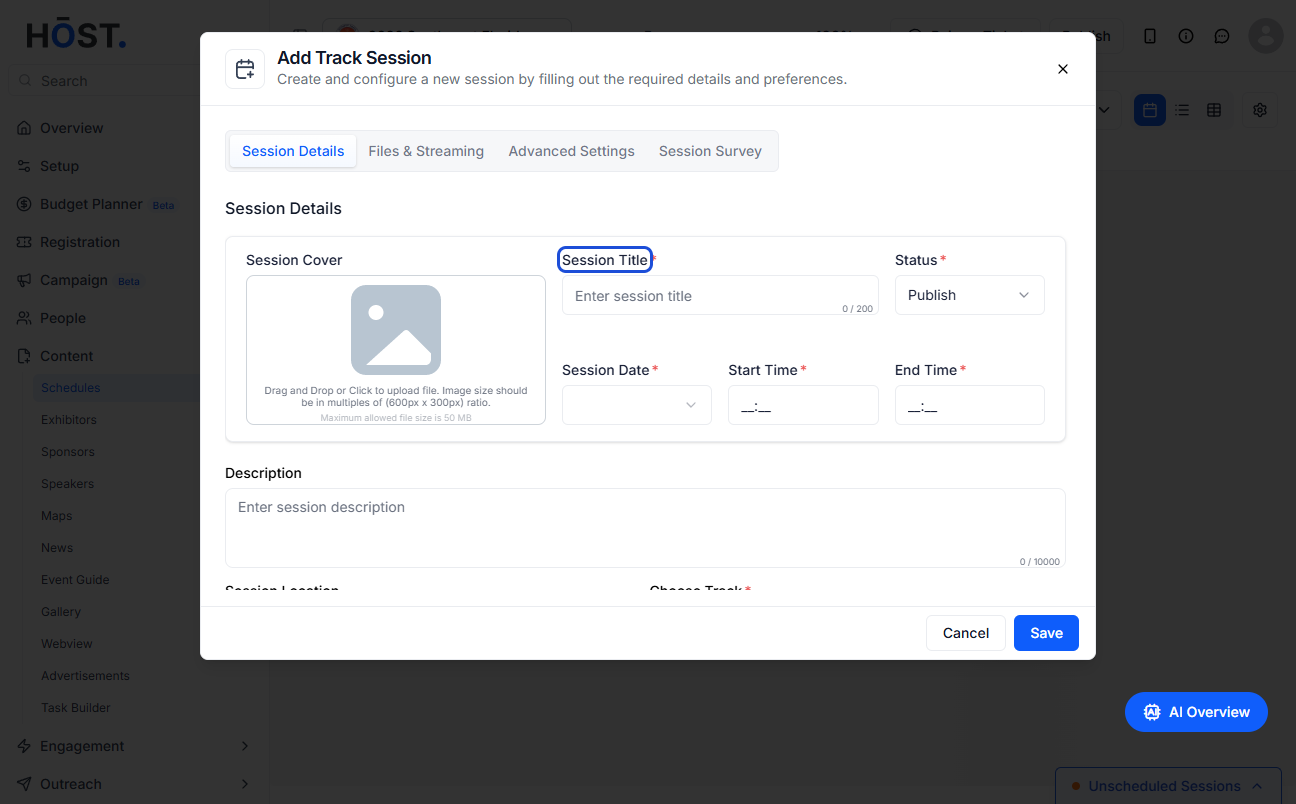
6: Scroll down to Link Speakers
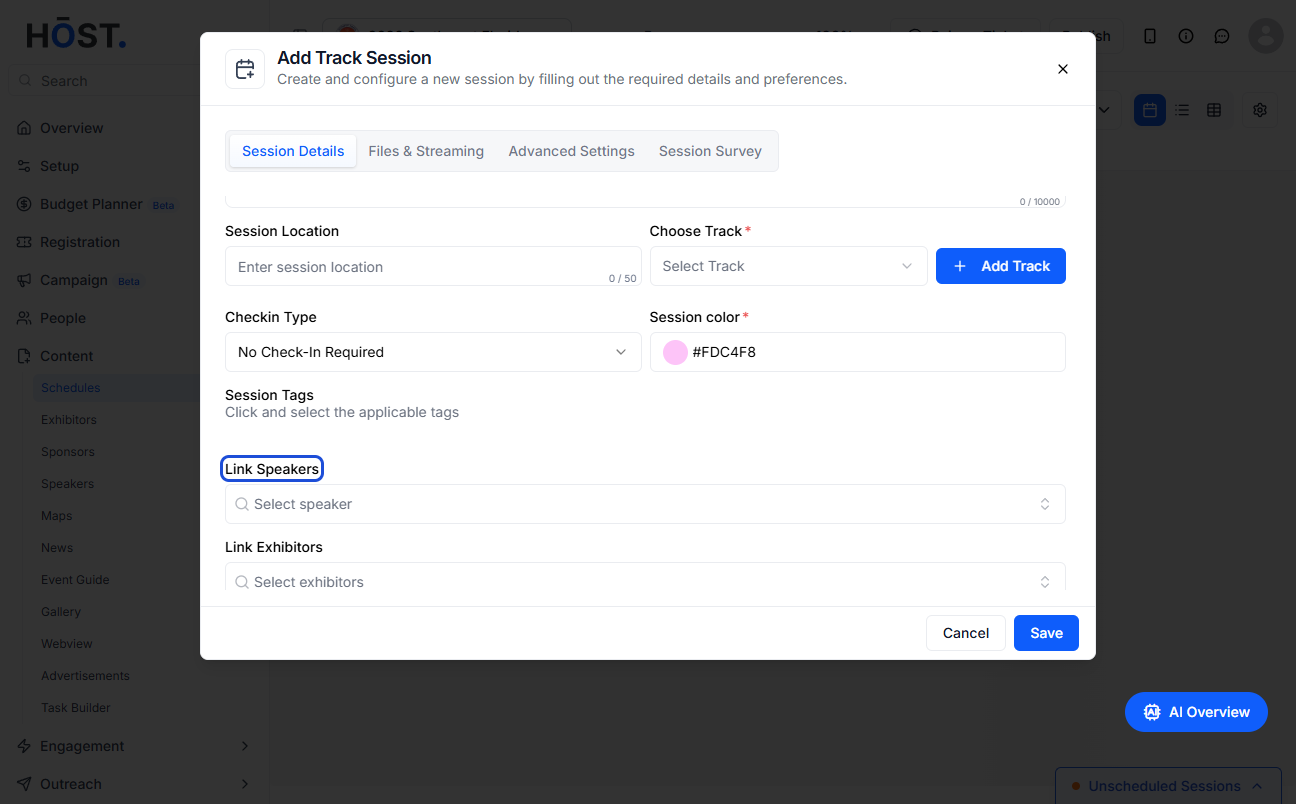
7: You can add one or more speakers
Select speakers from the dropdown or type and select from the dropdown
8: Click the “Save” button