Deleting all sessions at once helps you quickly remove multiple or outdated sessions from your event without having to delete them individually. Follow the steps below to delete all sessions at once
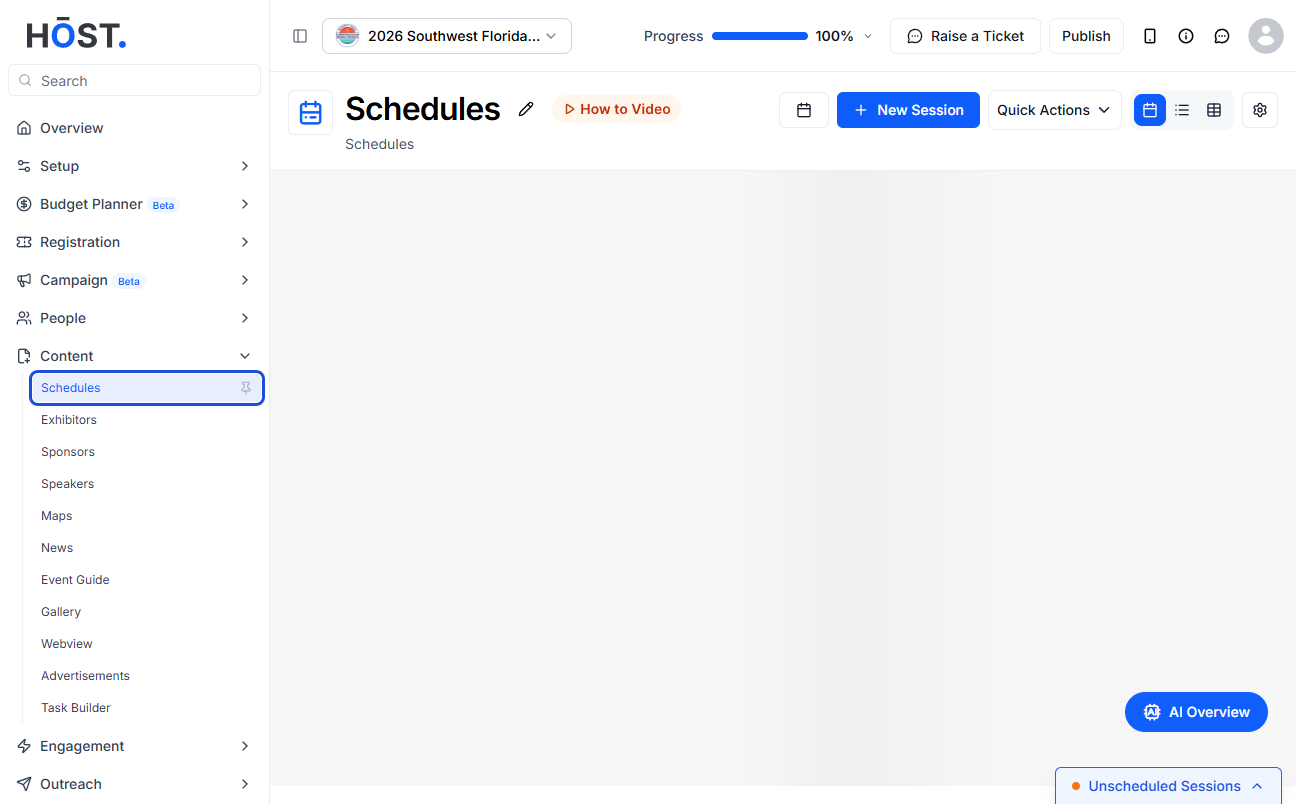
1: Access the HOST Admin Panel and navigate to Content > Schedules
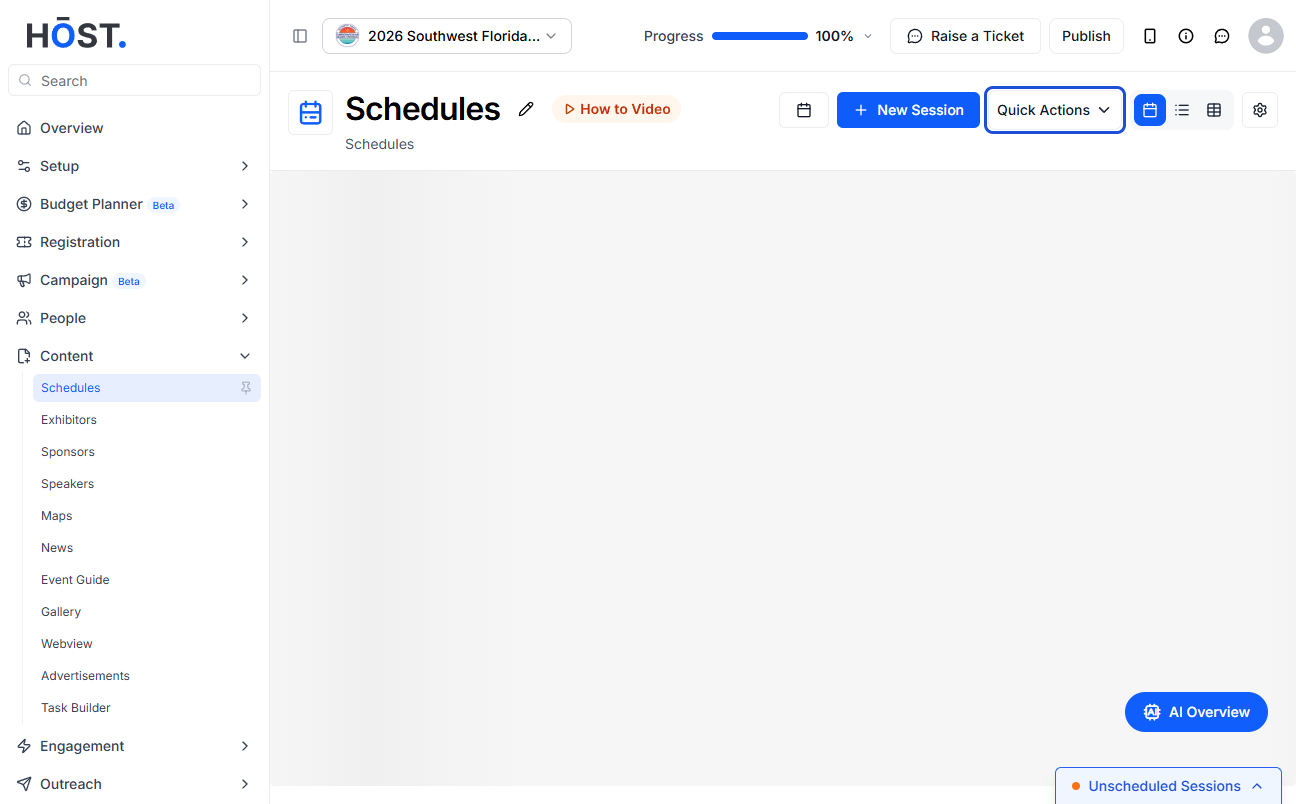
2: To delete all sessions, click on Quick Actions
3: Then click on “Delete Sessions only”
4: You will be asked to confirm the delete request. Click on "Ok" to delete all sessions or "Cancel" to stop the request

