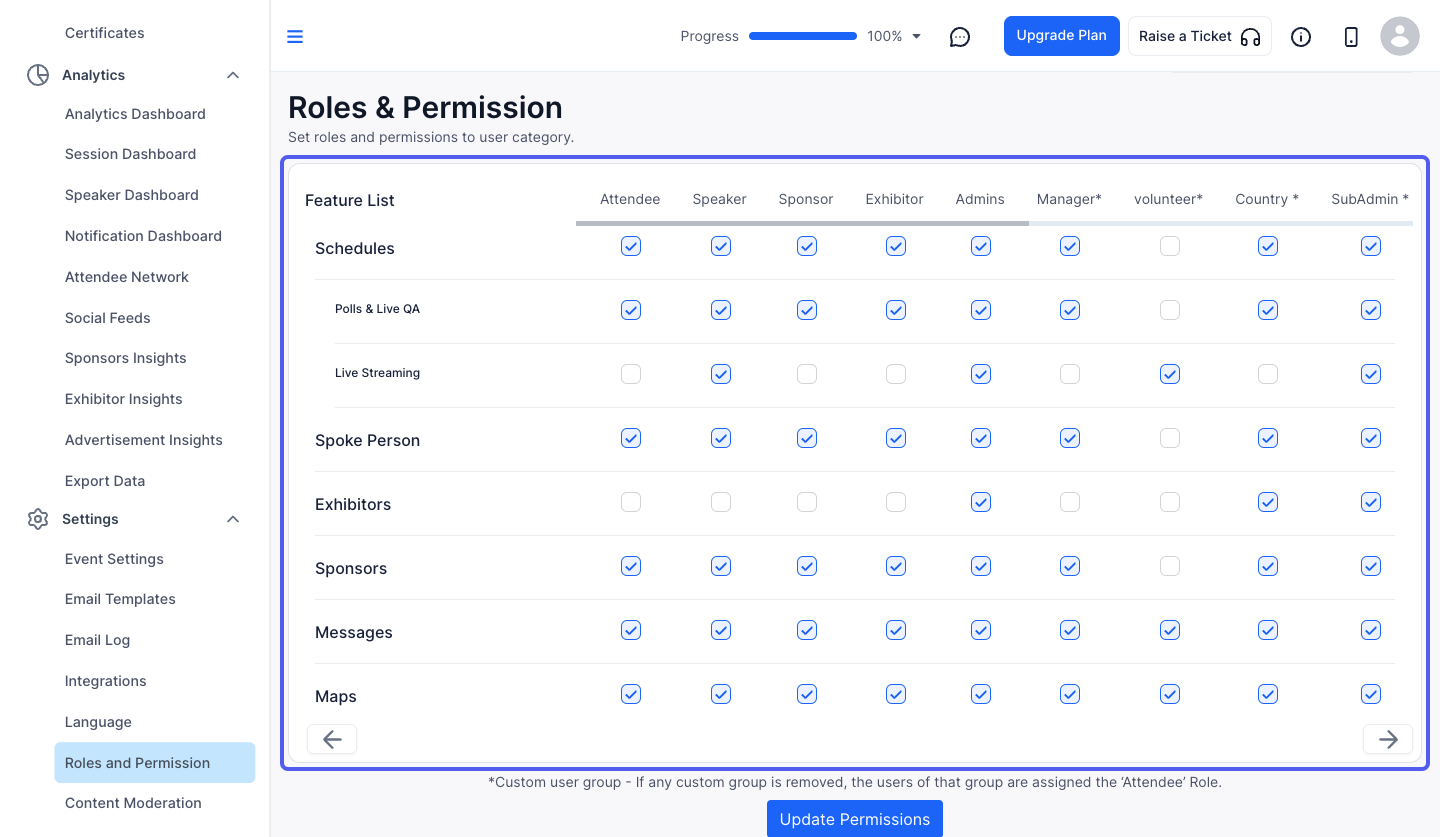
Restricting features based on user groups allows you to control which users can access specific sections or functionalities within your event. Follow the steps below to set up feature restrictions for different user groups.
1: Access the HOST Admin Panel and navigate to People> User Groups
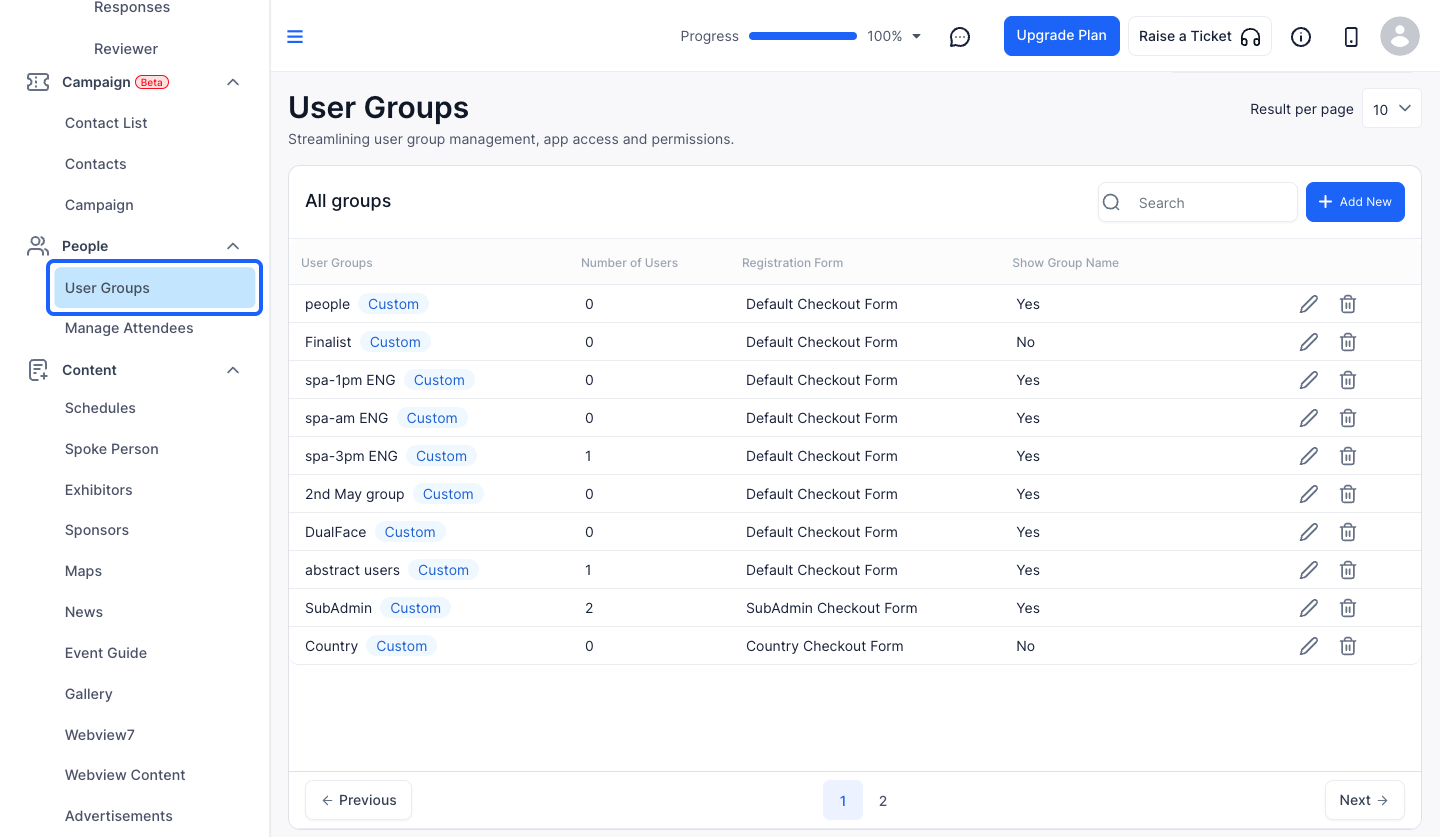
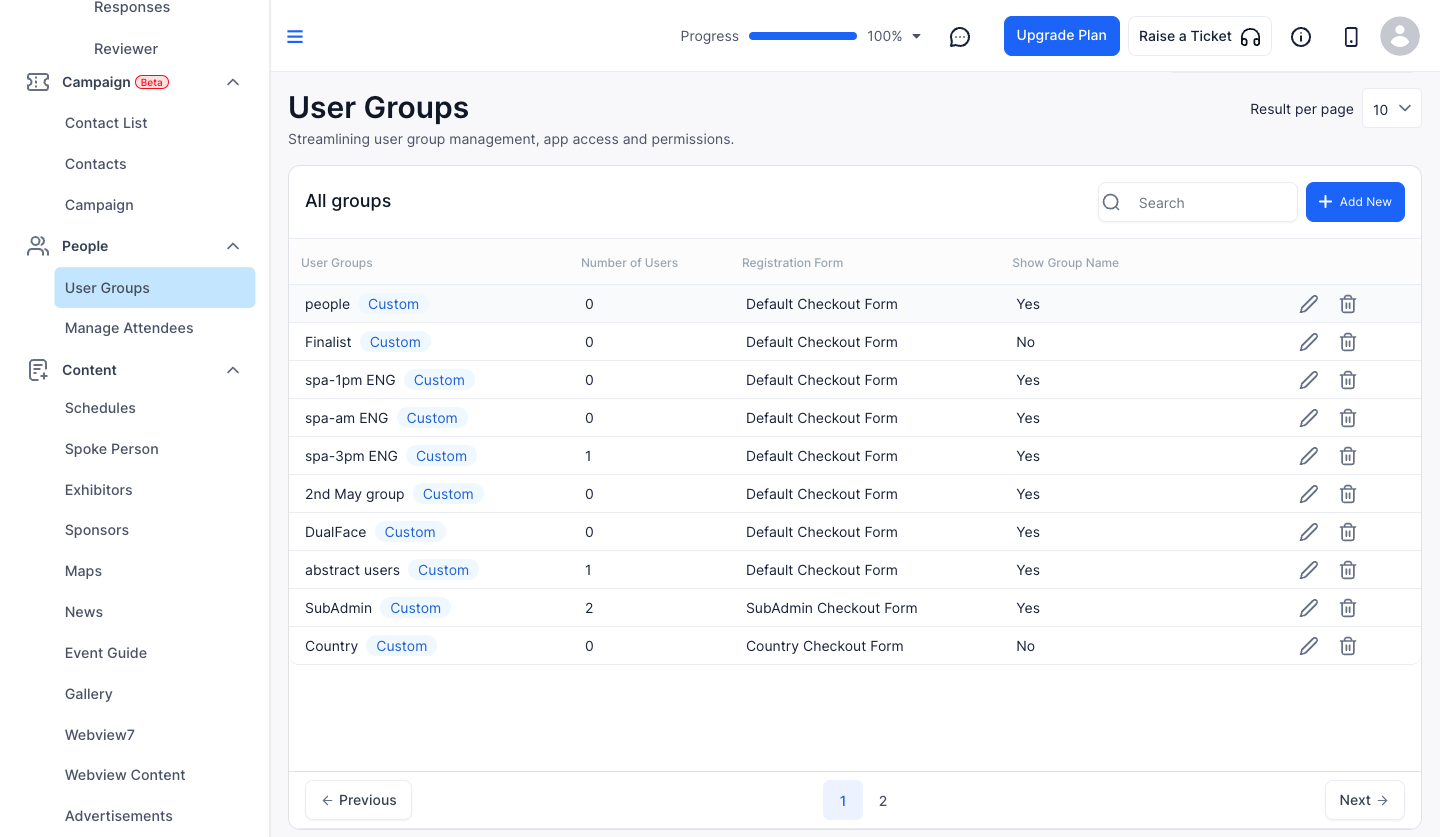
2: Click the pencil icon corresponding to each user group to edit that group
3: Go to Roles & Permission section
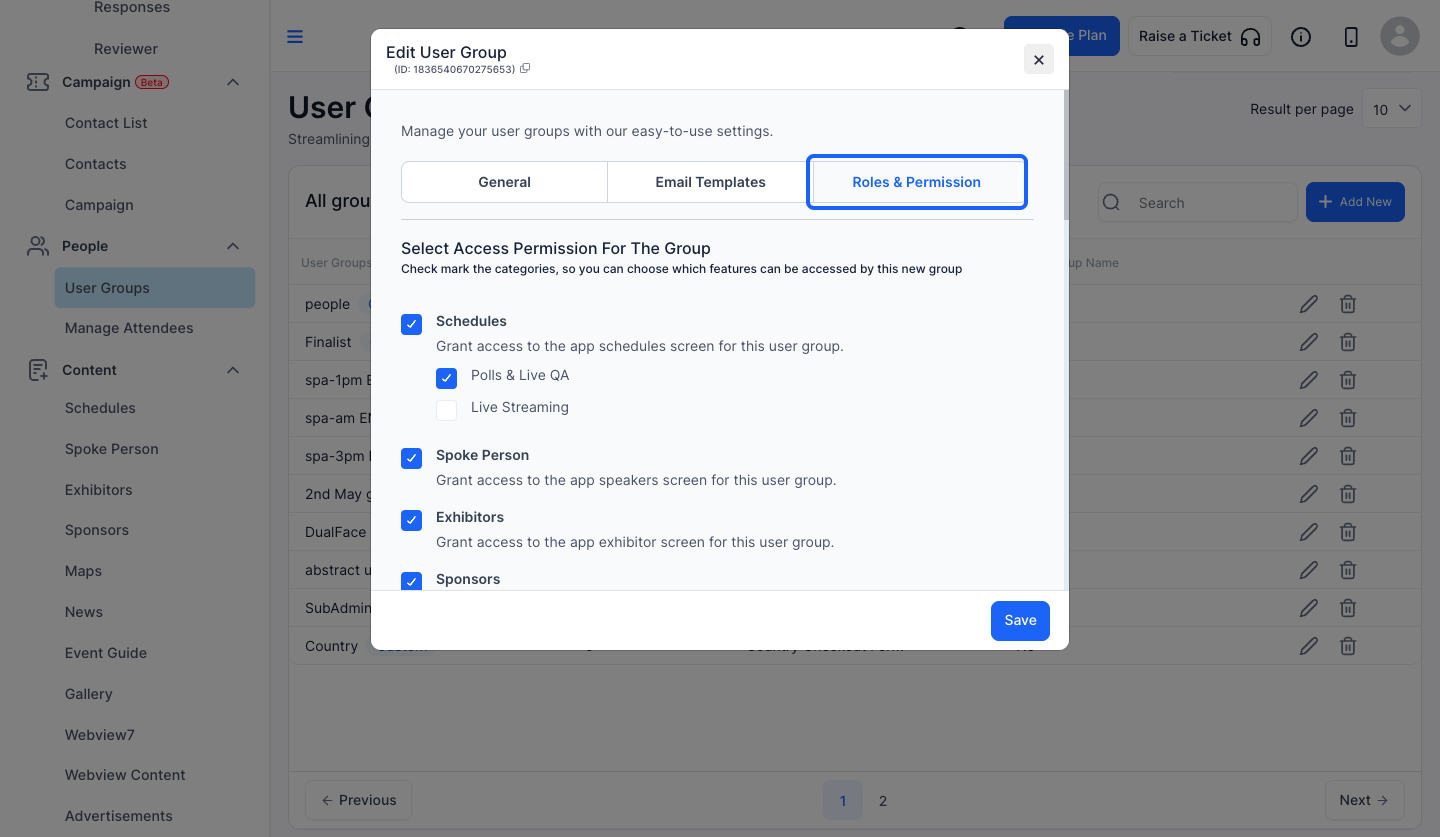
4: You can select access permission for the group
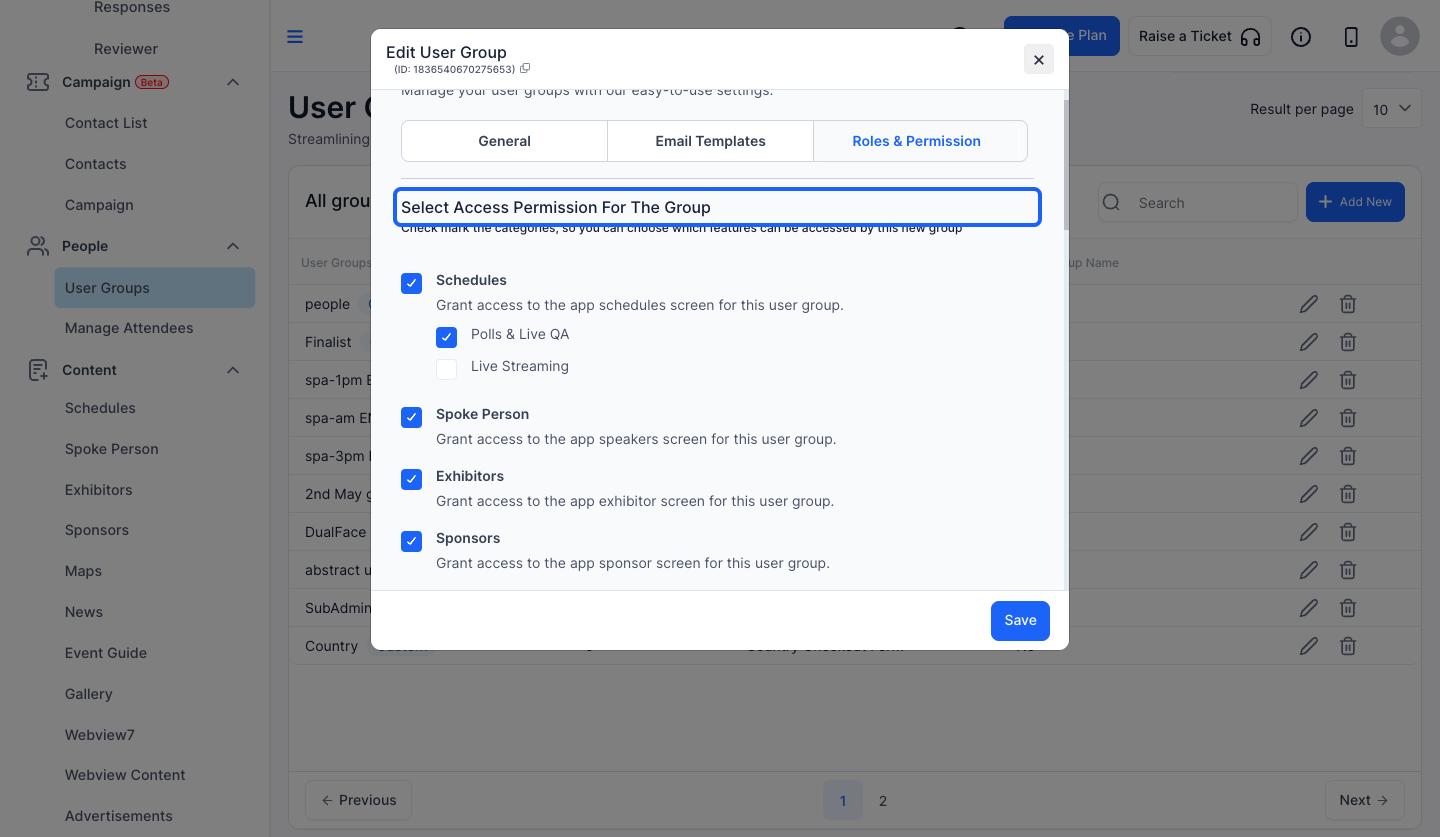
5: Keep this checked if you want to grant access to the app schedules screen for this user group, else keep this unchecked
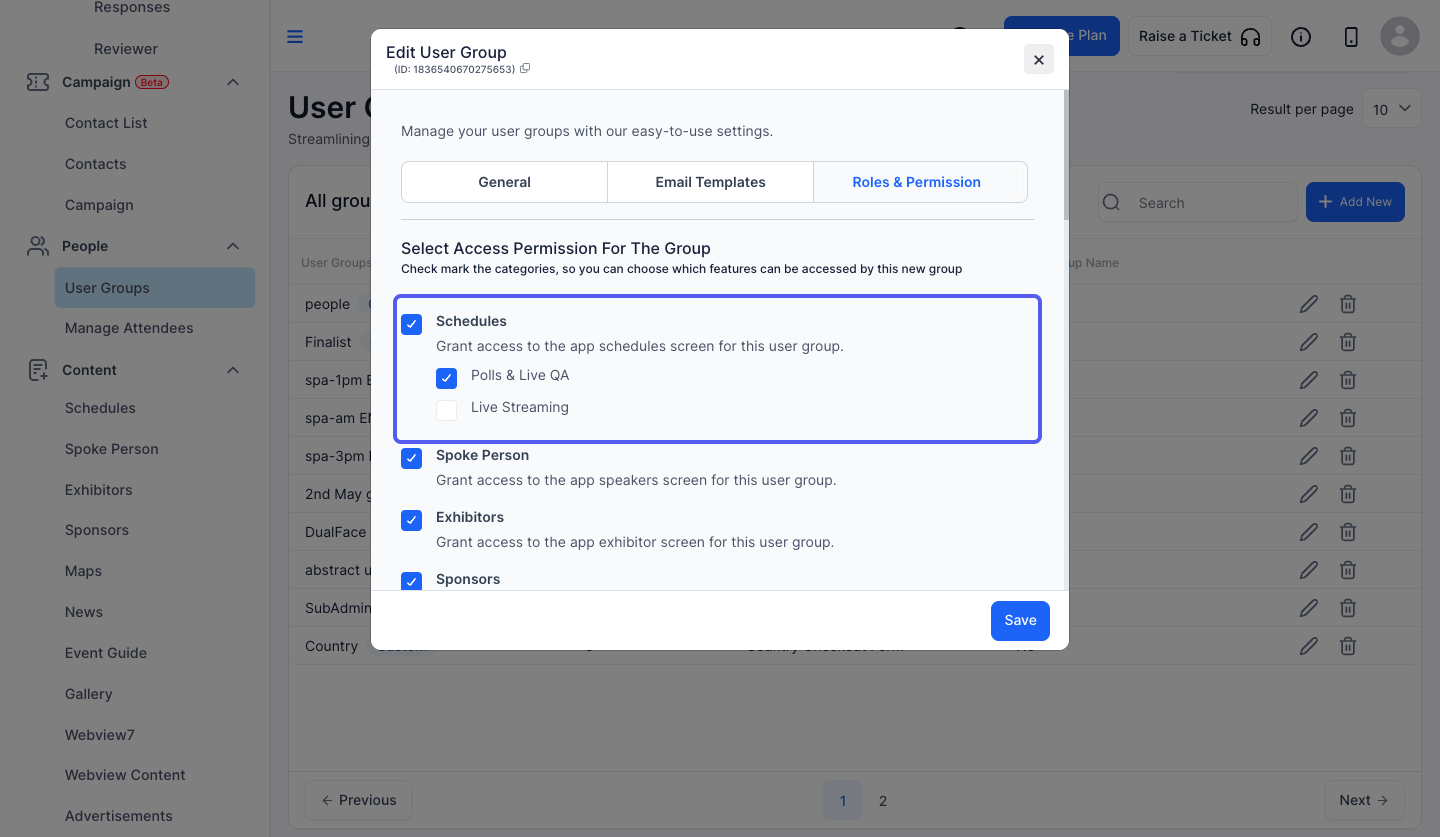
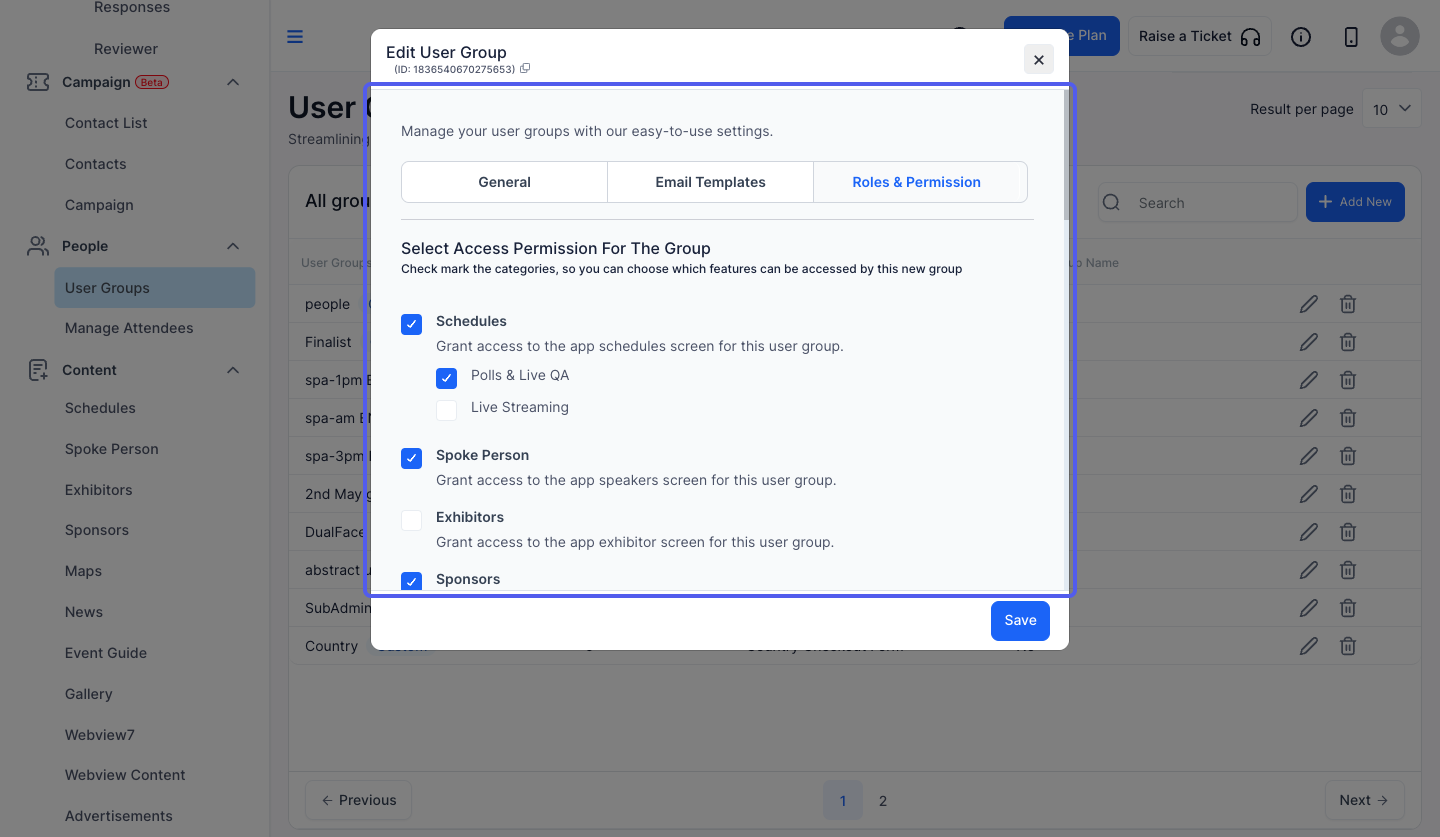
6: If you want to grant access to a particular app screen for this user group, then keep that checked, else keep it unchecked
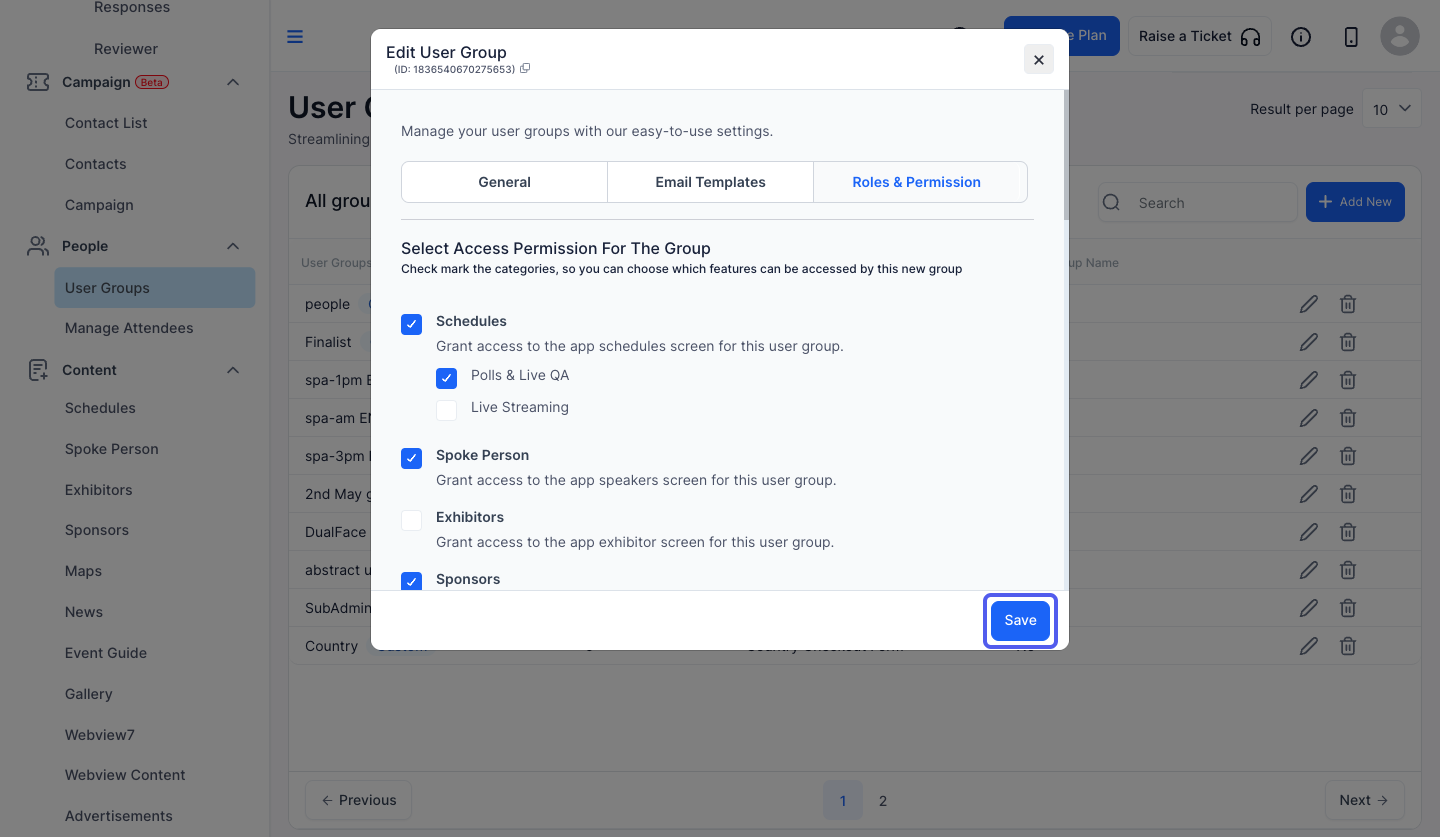
7: Click the “Save” button
8: Now navigate to Settings> Roles & Permission
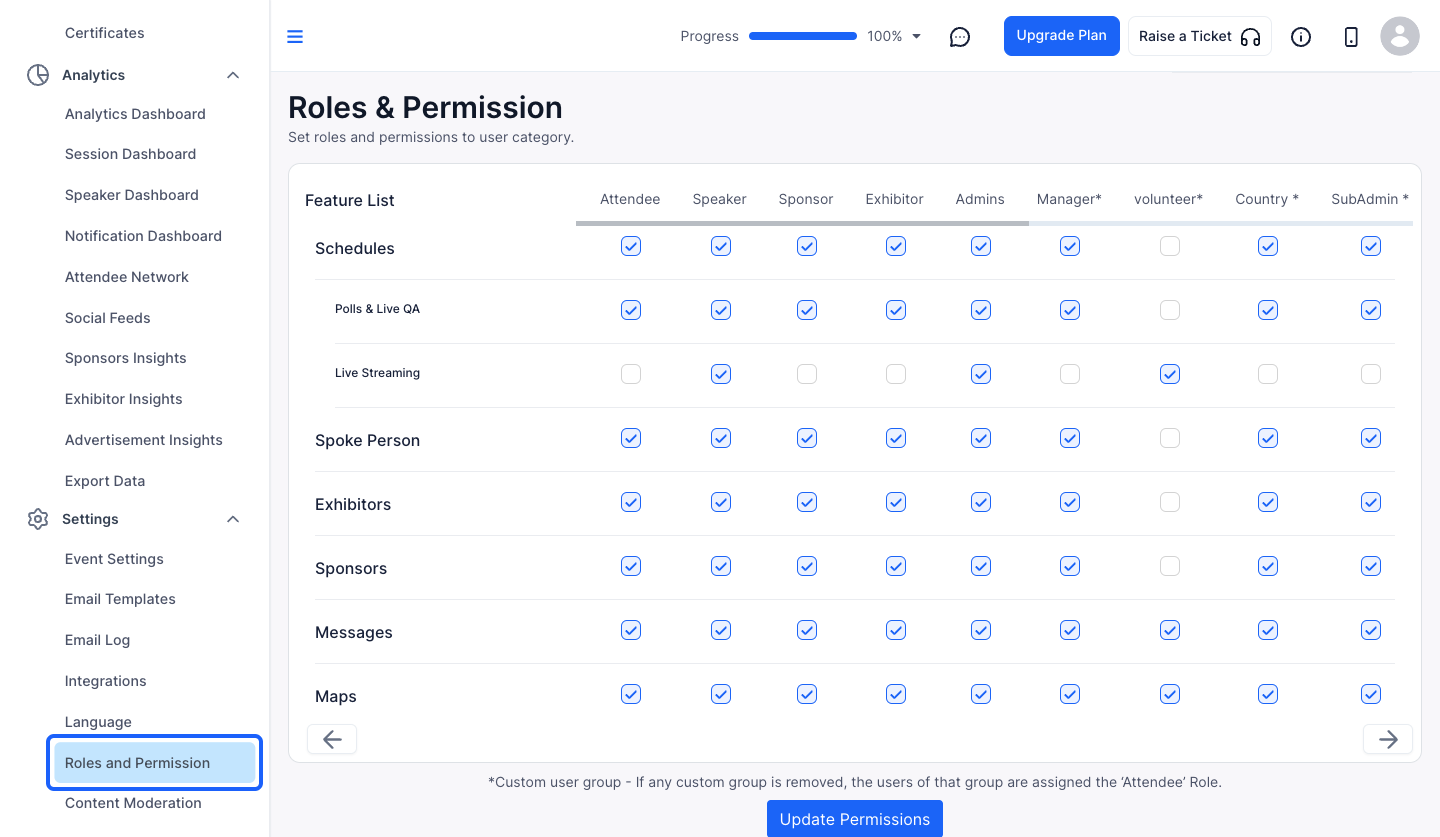
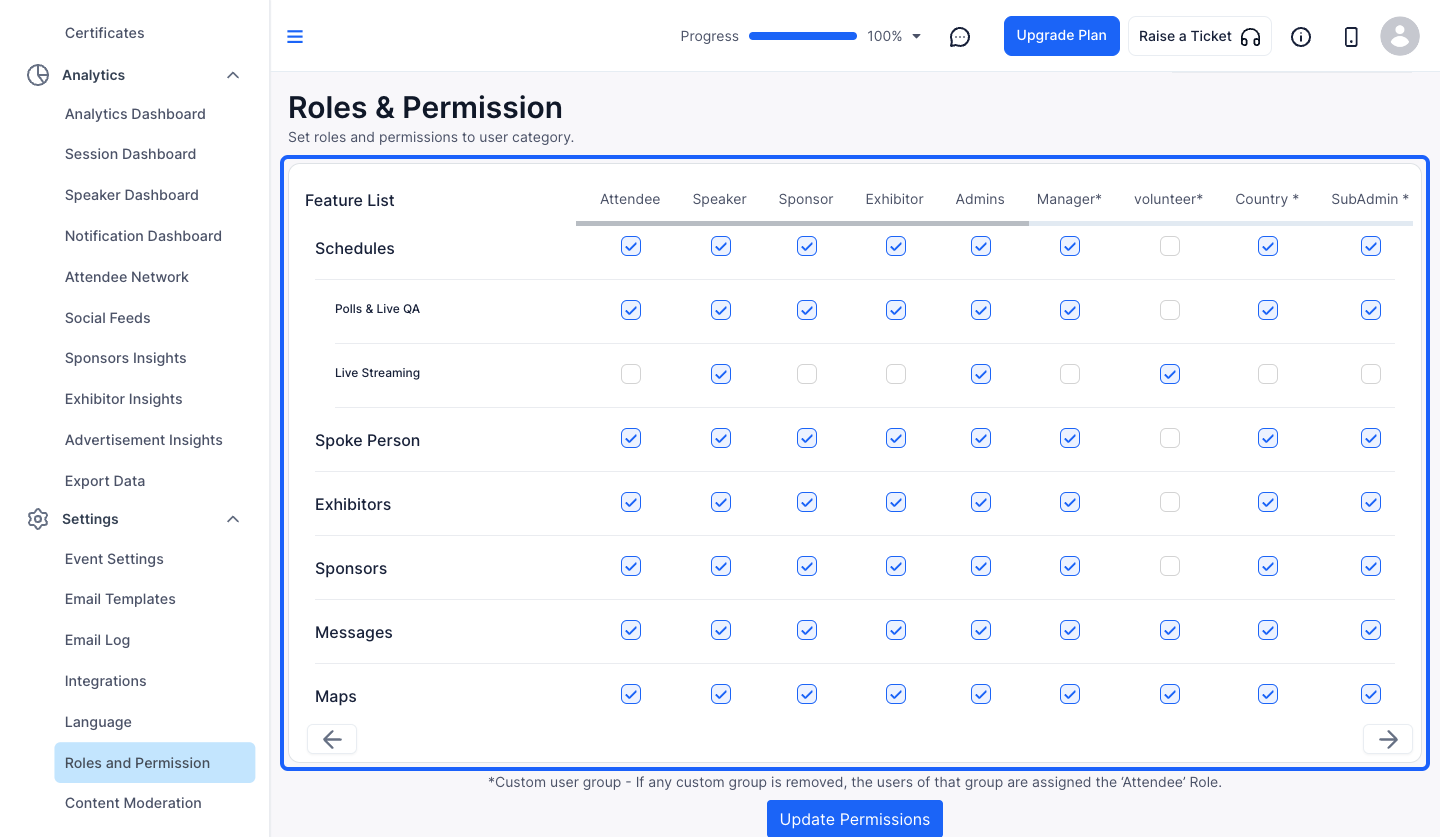
9: Check those user groups corresponding to each feature whom you want to grant access for that feature
10: Click the “Update Permissions” button to save the changes
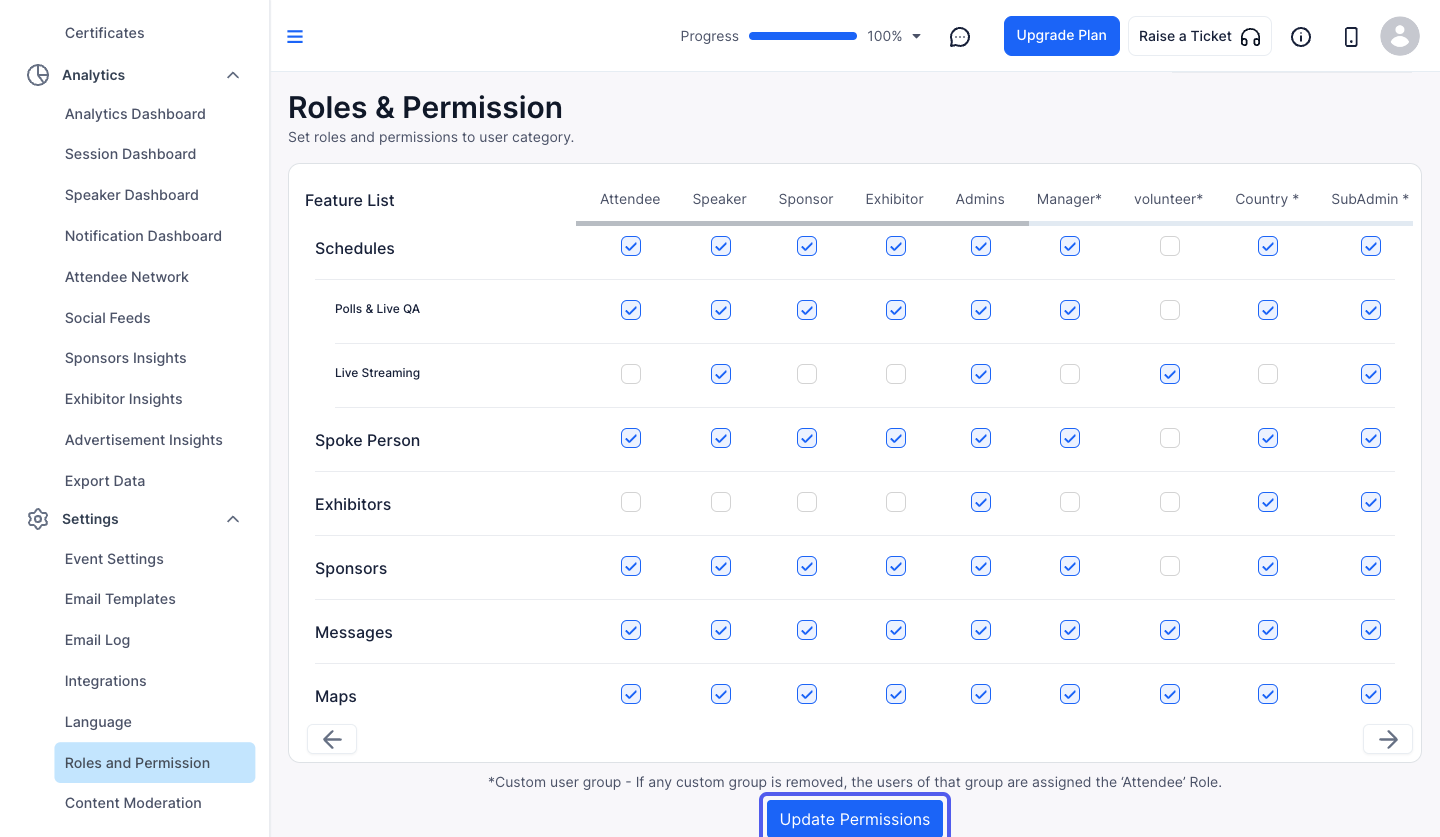
11: The unchecked user groups corresponding to each feature will not have the permission for that feature