
A Bulk Tiered Discount lets you offer increasing discounts based on the quantity of tickets purchased. For example: buy 1–5 tickets and get $10 off each; buy 6 or more and get $20 off each.
Go to Registration → Tickets → Promo-Discounts and click Create Discount.
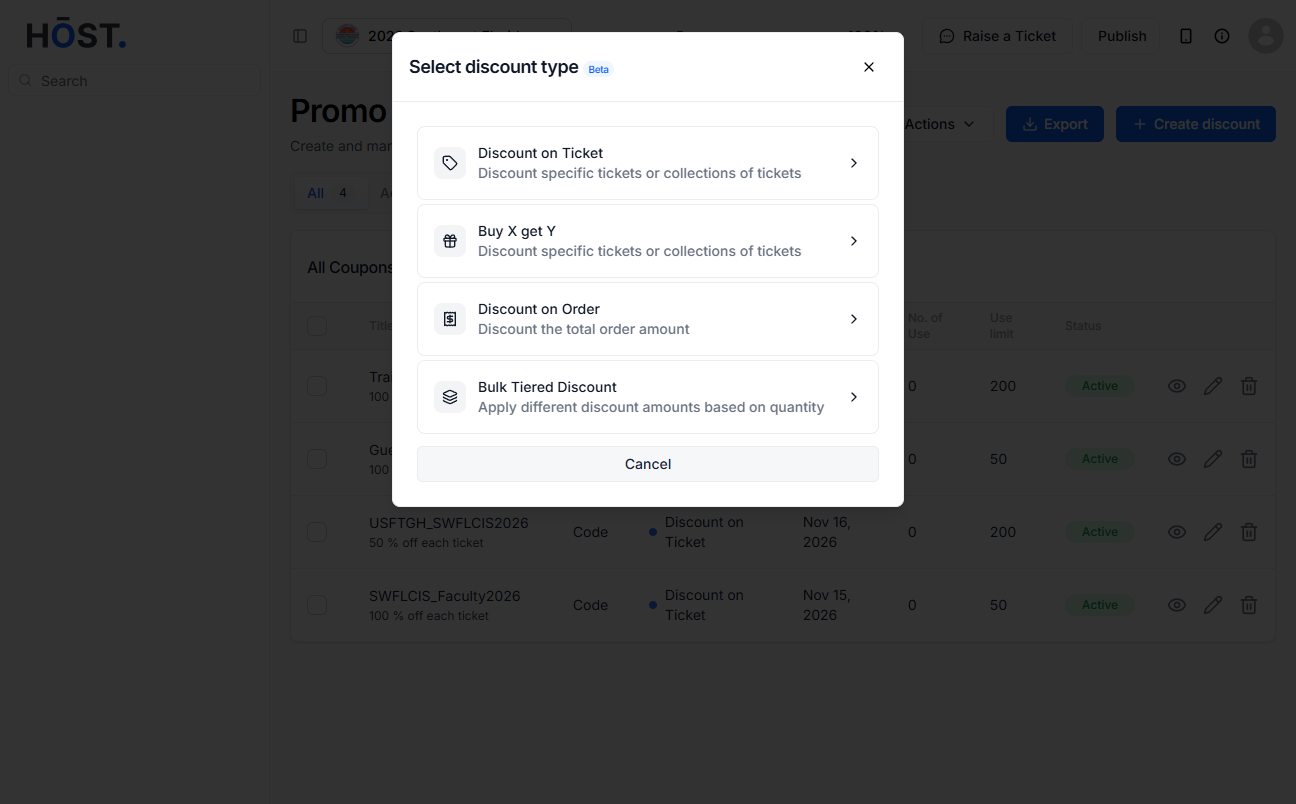
Click the Bulk Tiered Discount card from the four discount type options.
Choose Discount Code or Automatic. For discount codes, Customers must enter the code at checkout to apply this discount. For automatic, discount will be automatically applied at checkout when conditions are met.
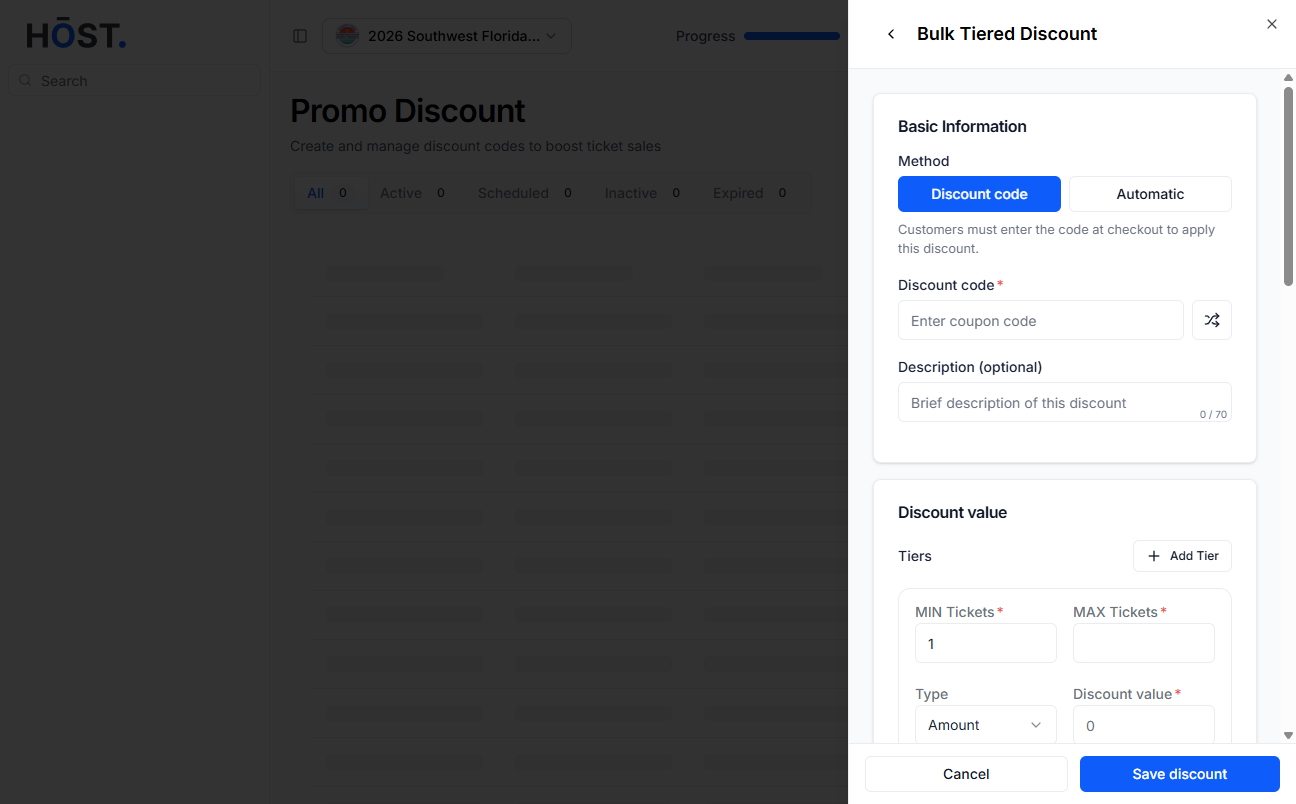
One tier row is shown by default. Fill in the fields for each tier: minimum and maximum number of tickets, the discount type (percentage or fixed amount), and the discount value.
Click Add Tier to add more tiers. Click the X button on a row to remove a tier (the first tier cannot be removed if only one remains).
Select eligibility options (such as everyone, specific groups, or specific users).
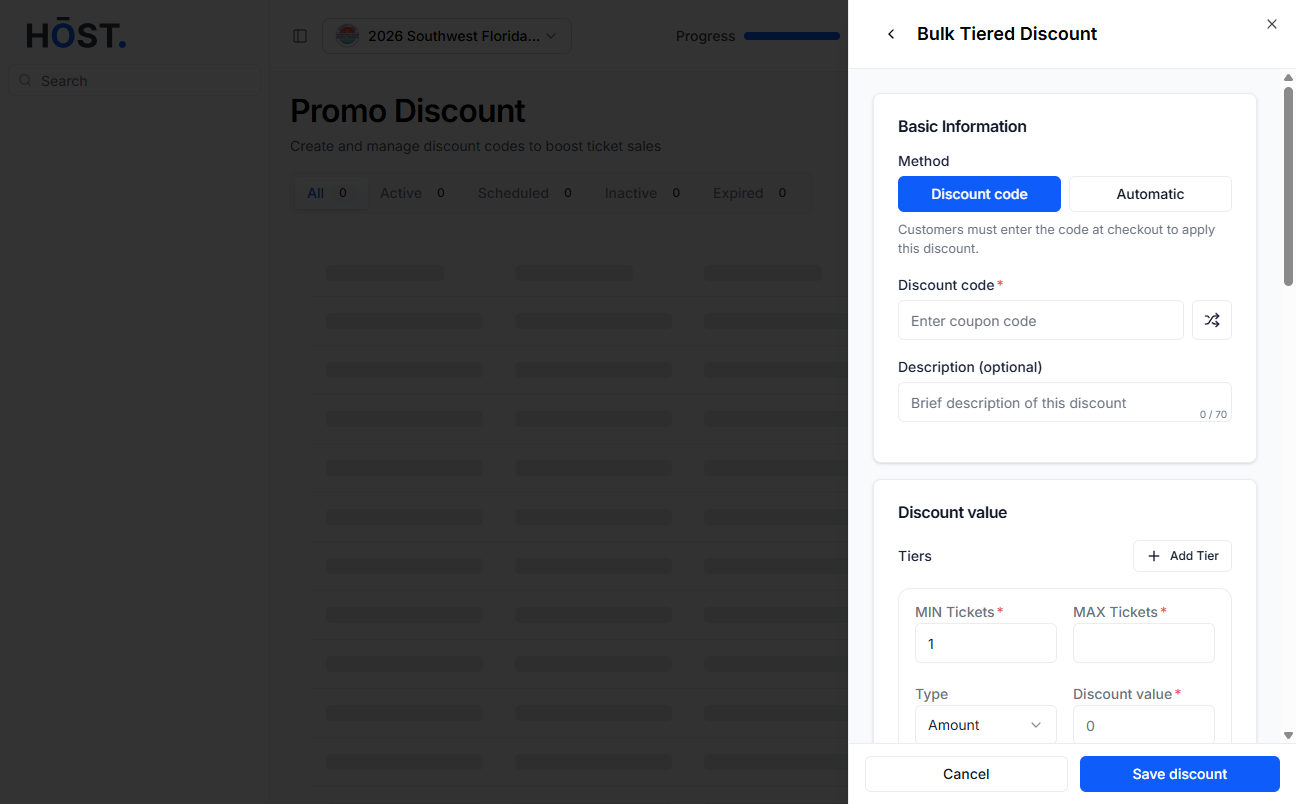
Define usage limit (total usage, redemption limits, and per-buyer limits).
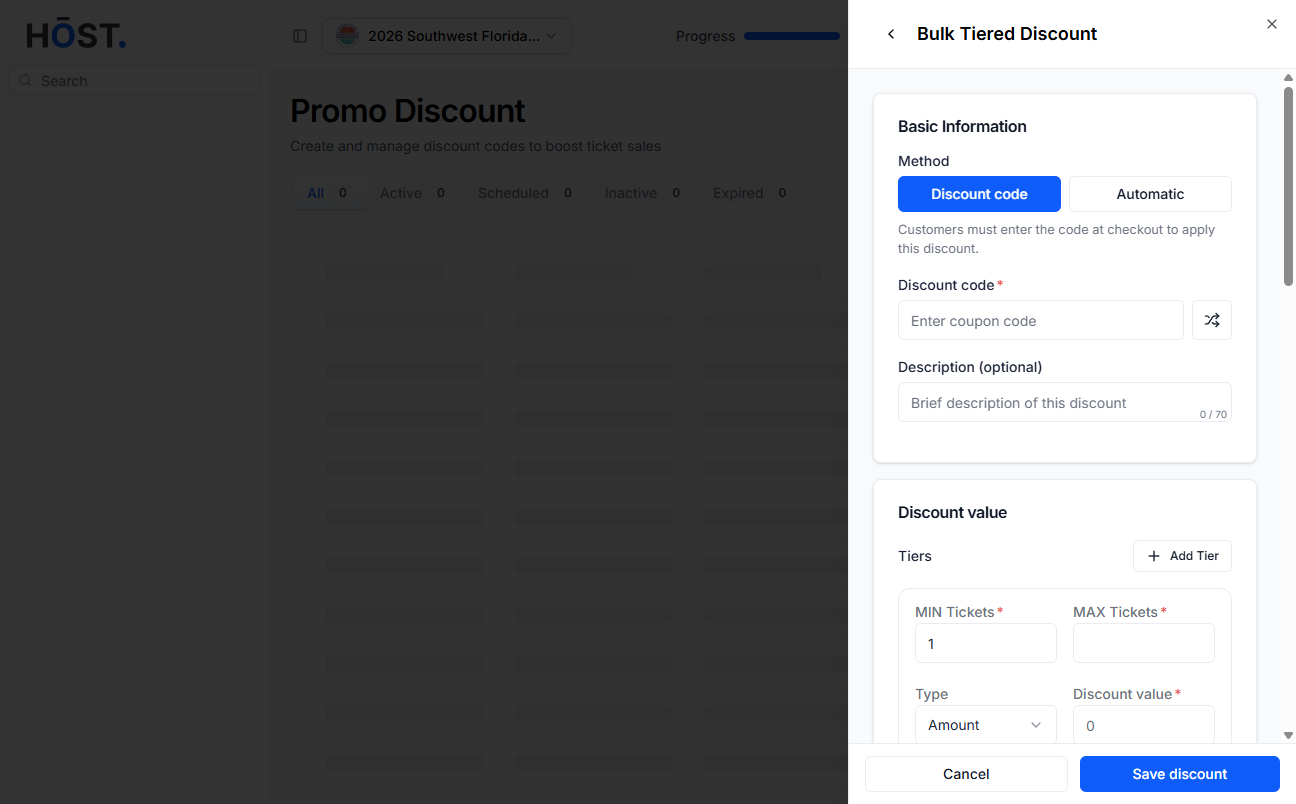
Set the start and end dates for when the discount will be active.
Set status to Enabled or Disabled, then click Save discount.
A setup where 1–5 tickets receive $10 off per ticket, 6–10 tickets receive $15 off per ticket, and 11 or more tickets receive 20% off per ticket means that a user purchasing 8 tickets will automatically receive the Tier 2 discount($15 off each).
