
HOST allows you to export your attendee list as an Excel file for external use. This is useful for reporting, printing, offline records, or sharing attendee information with your internal team.
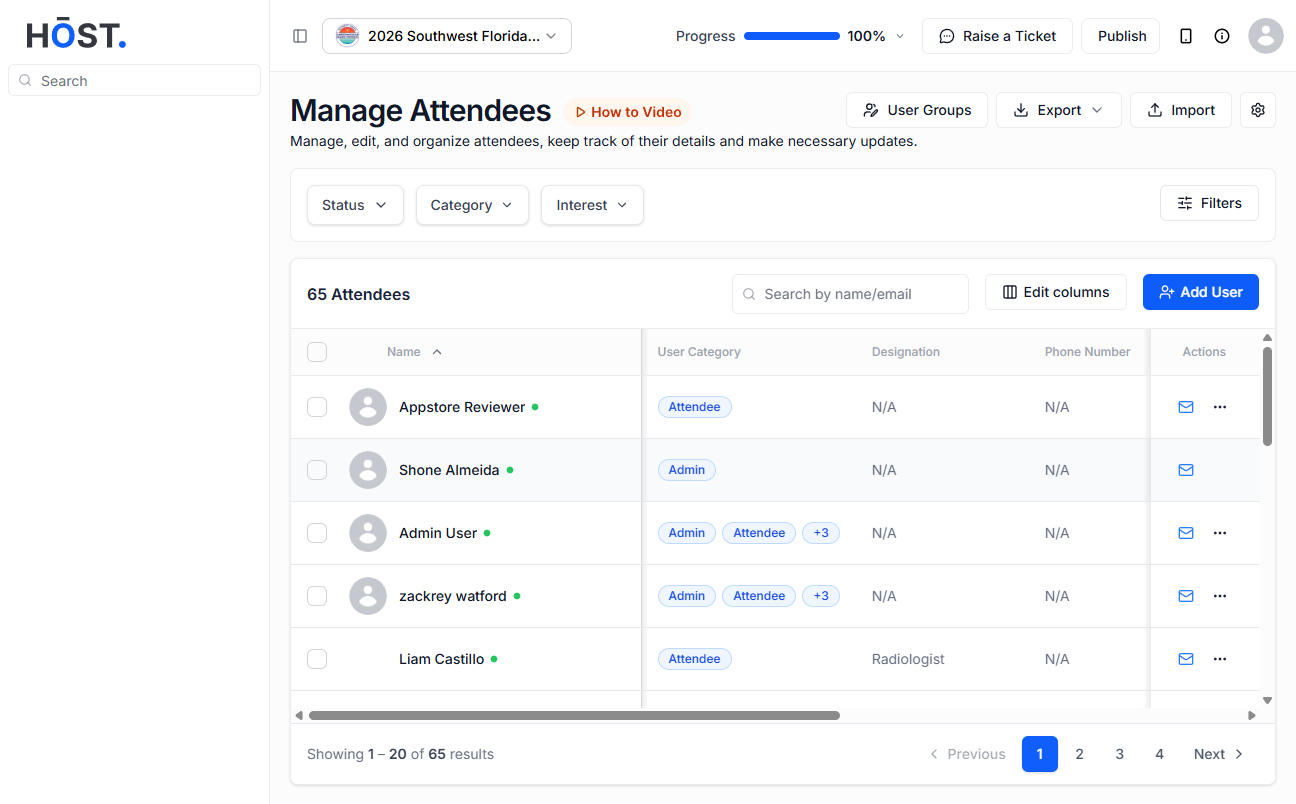
Log in to your HOST Admin Panel and go to People >> Manage Attendees. Click on the Export button at the top-right corner of the page. From the dropdown menu, select Export All Users.
A confirmation popup will appear showing the total number of users available for export. You can choose either:
After selecting your preferred option, click Download. The attendee list will be downloaded as an Excel file to your device. You can then share the file externally or print it if needed.
