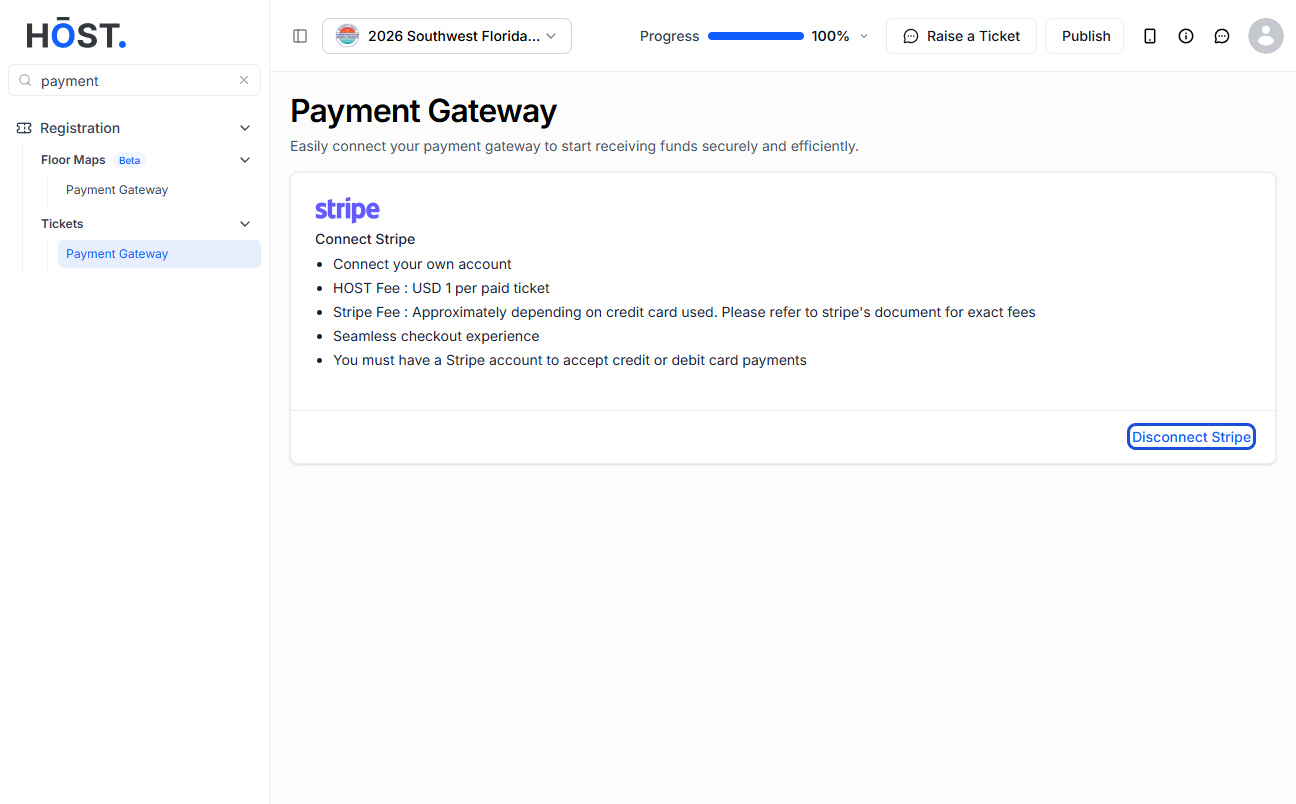
To collect payments for paid tickets, you must connect a payment gateway to your event. HOST supports four options: HOST Payment Gateway, Stripe Connect, PayPal, and Razorpay. Only one gateway can be active per event.
Go to Registration → Tickets → Payment Gateway in the sidebar.
Each supported gateway is shown as a card with its fee structure and a connect button.
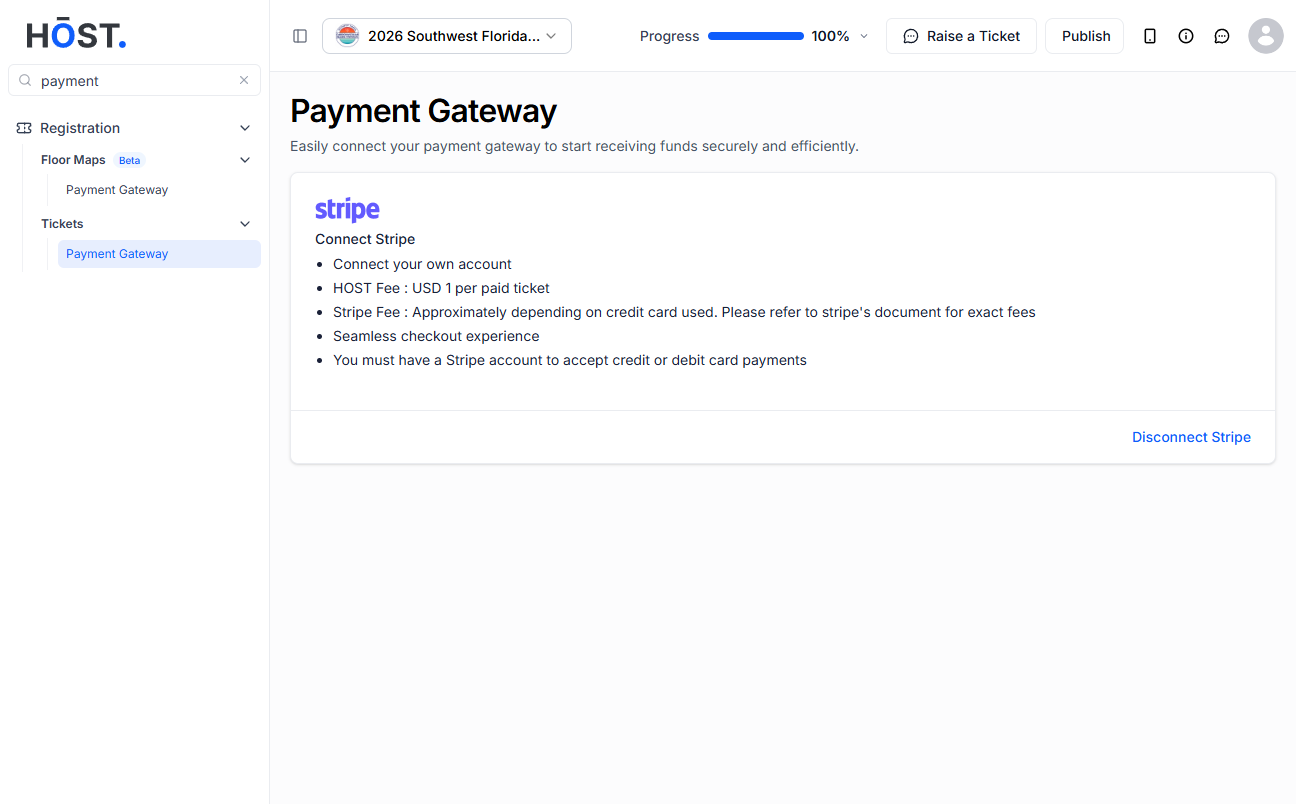
Each gateway has specific requirements and setup considerations:
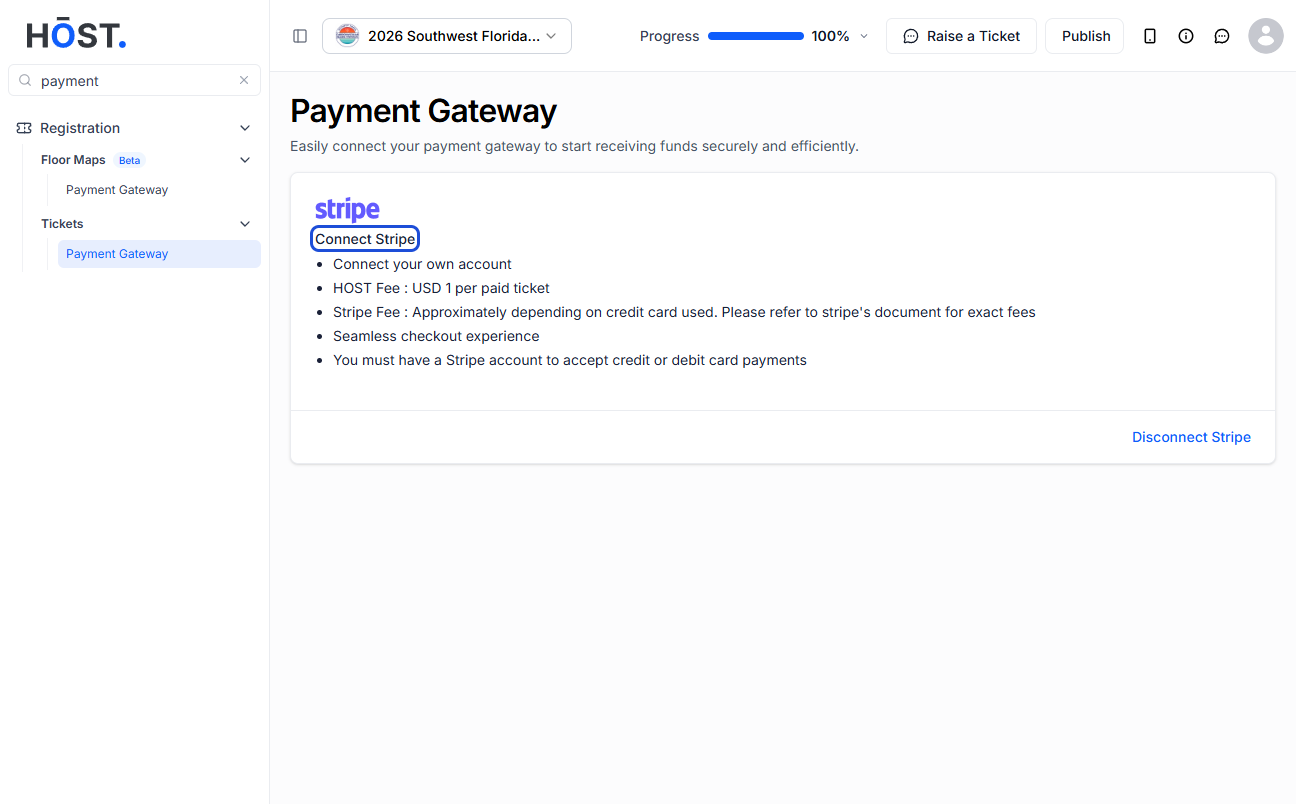
Click the Connect button on your preferred gateway card and complete the required onboarding steps, which may include authentication or business verification depending on the provider. Once connected, the gateway card updates to reflect the connected account and displays the applicable fee breakdown for your selected currency.
Each gateway card lists the applicable fees, which include HOST fee and payment gateway fee.
You choose whether to absorb these fees (deducted from your revenue) or pass them through to the buyer (added on top of the ticket price) when configuring each ticket type.
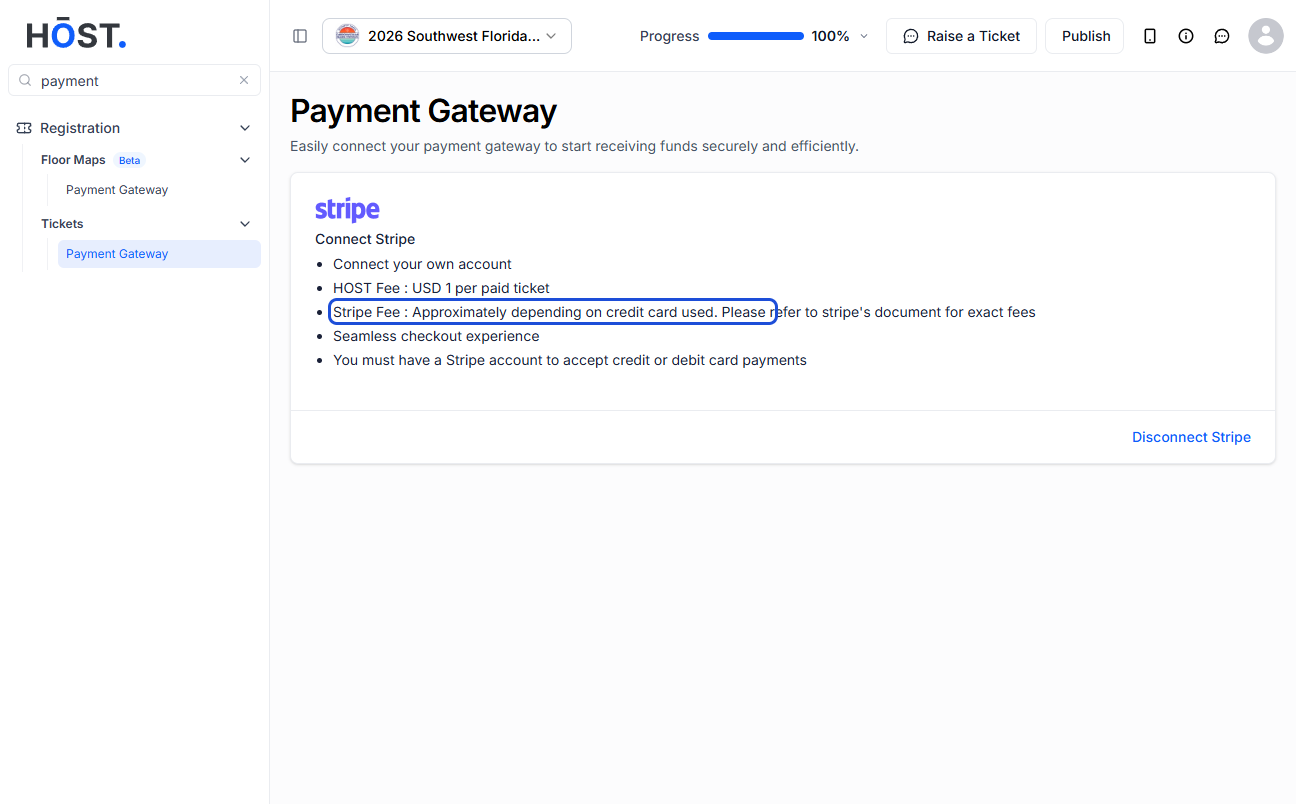
Click the Disconnect button on the connected gateway card. A confirmation dialog appears — click OK to deauthorise. After disconnecting, paid ticket sales will be paused until a new gateway is connected.