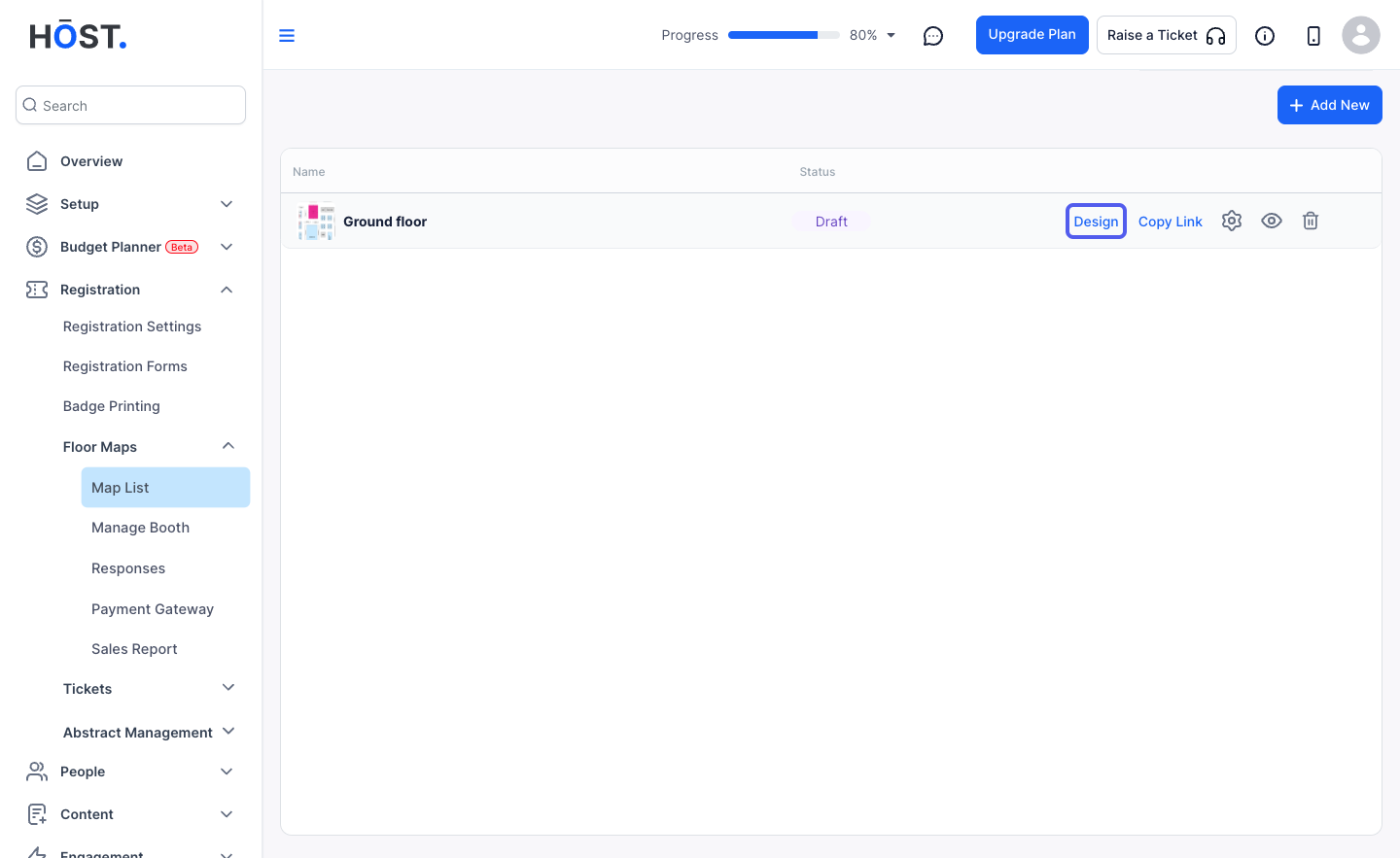
Learn how to upload and configure a new floor map to showcase exhibitor booths and enhance event navigation.
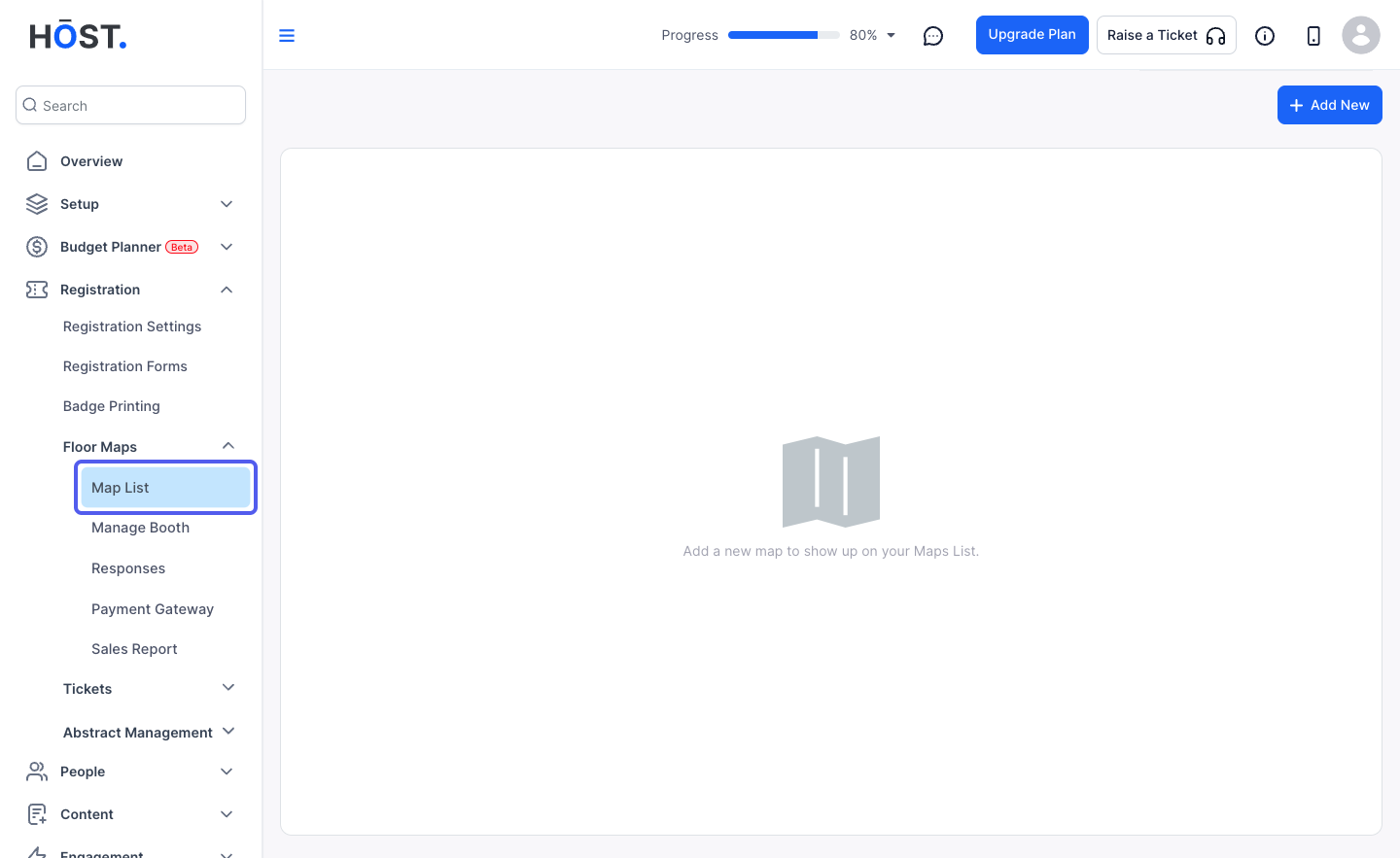
1: Login to the Admin panel and Go to Registration > Floor Maps > Map List
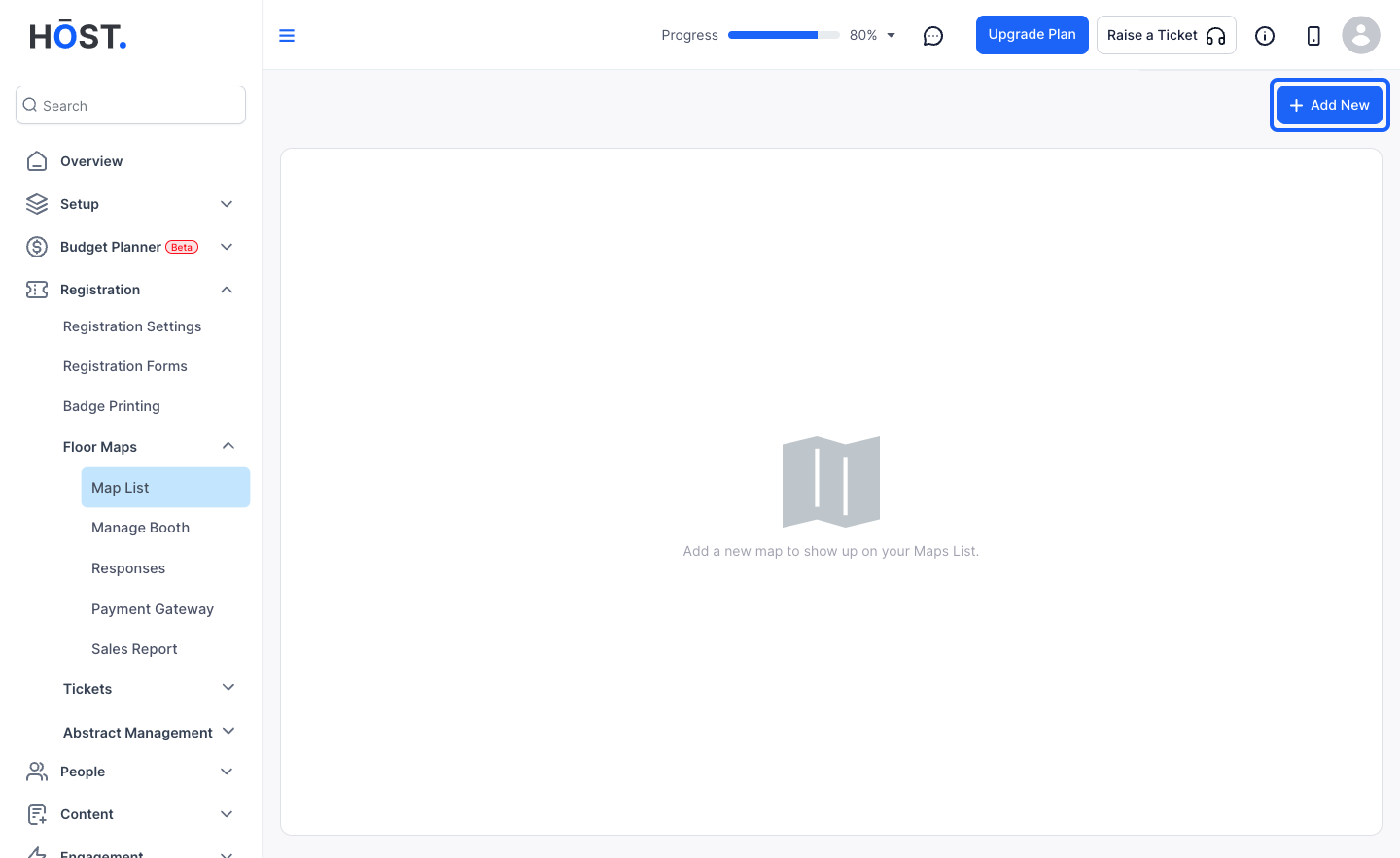
2: Click the “Add New” button to add a new map
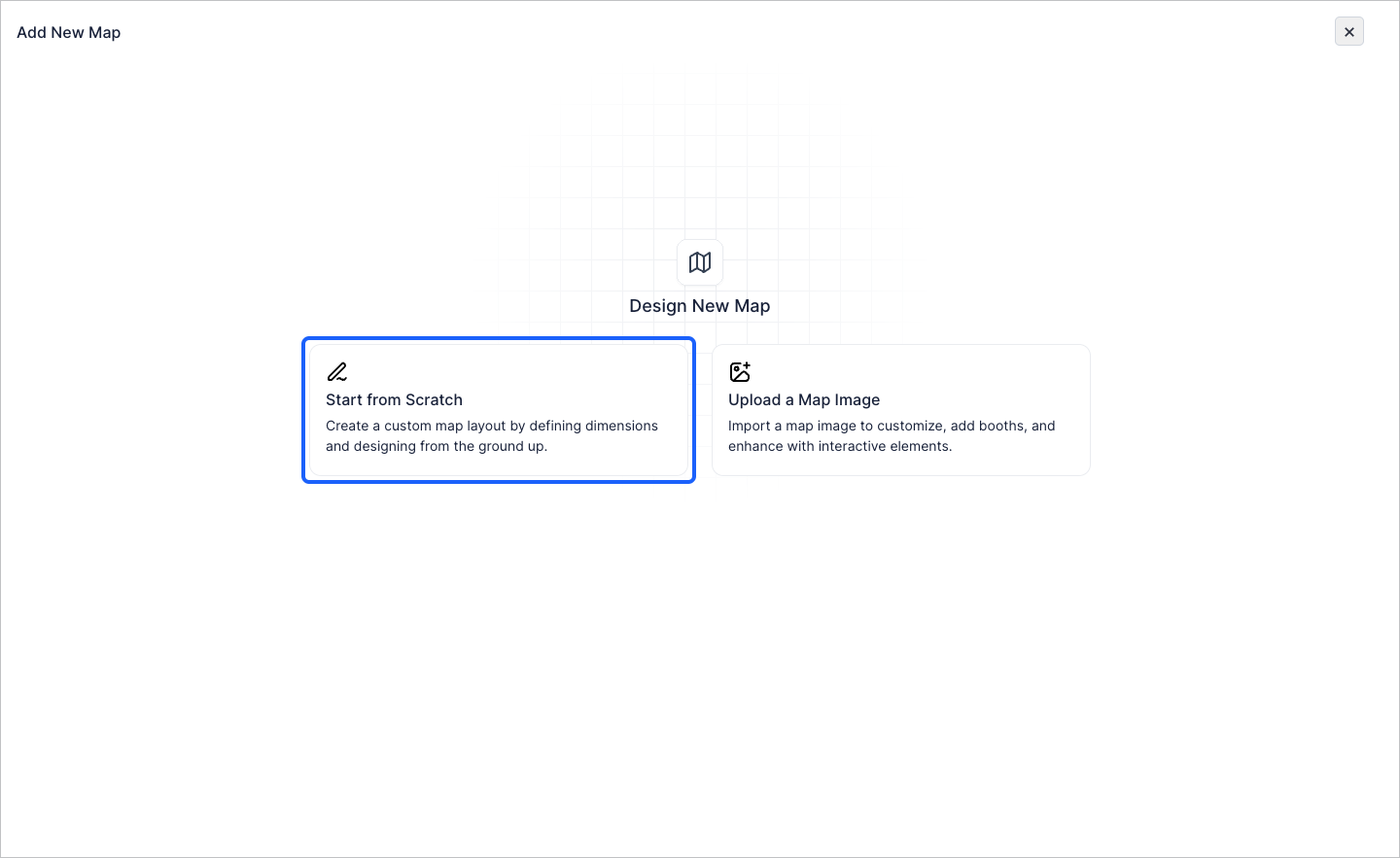
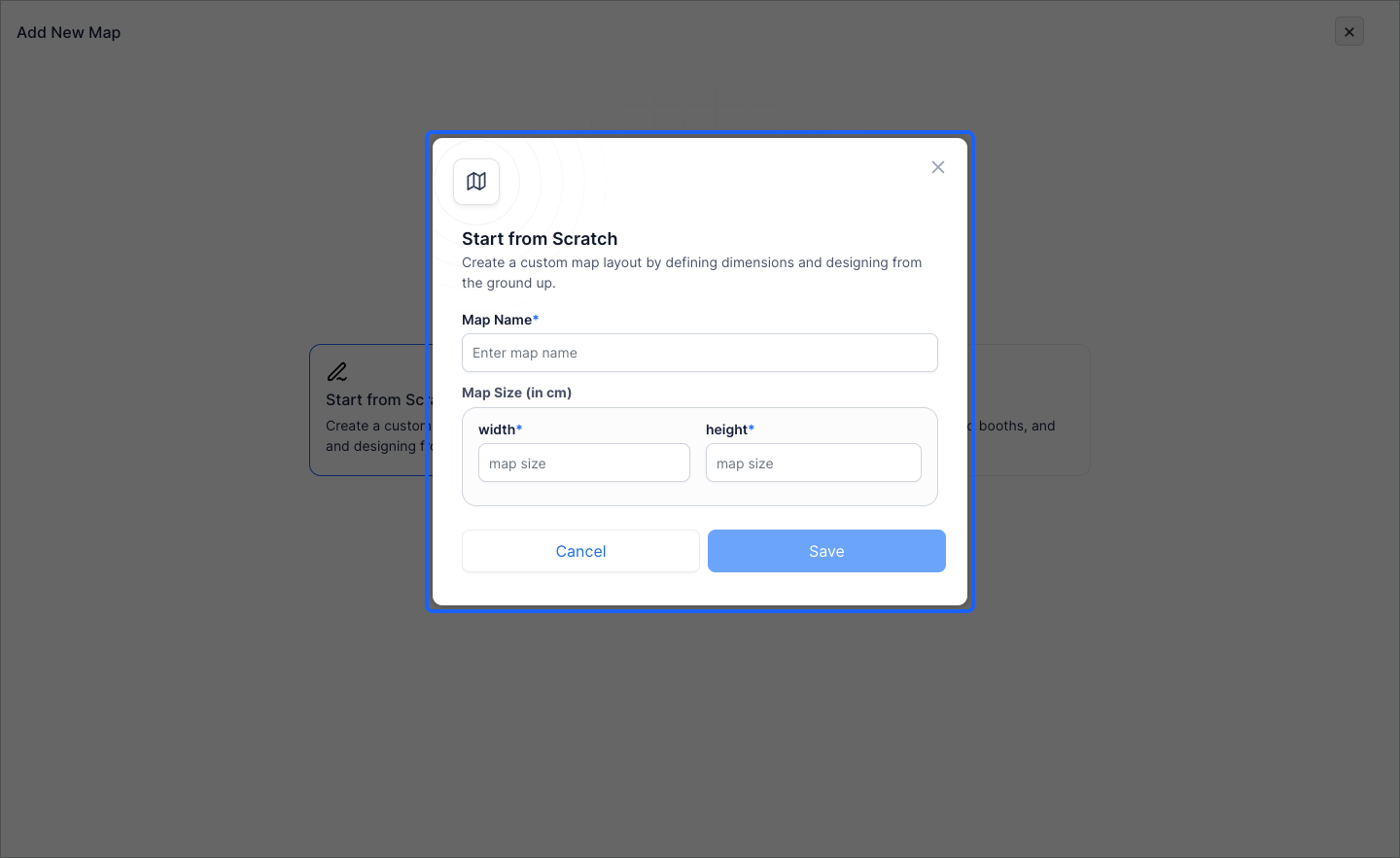
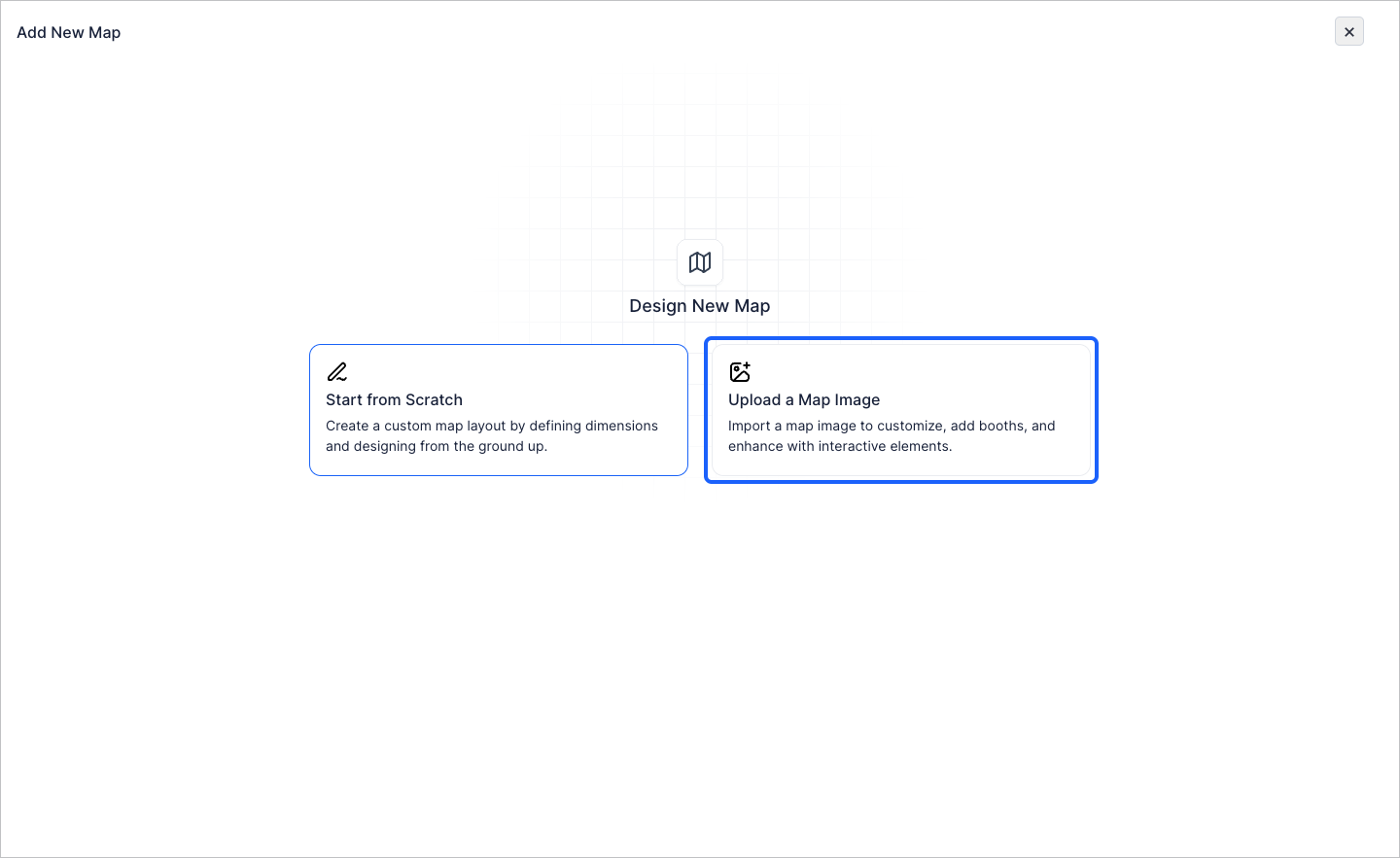
3: You can either start from scratch
4: Here you can define the map name and the size of the area
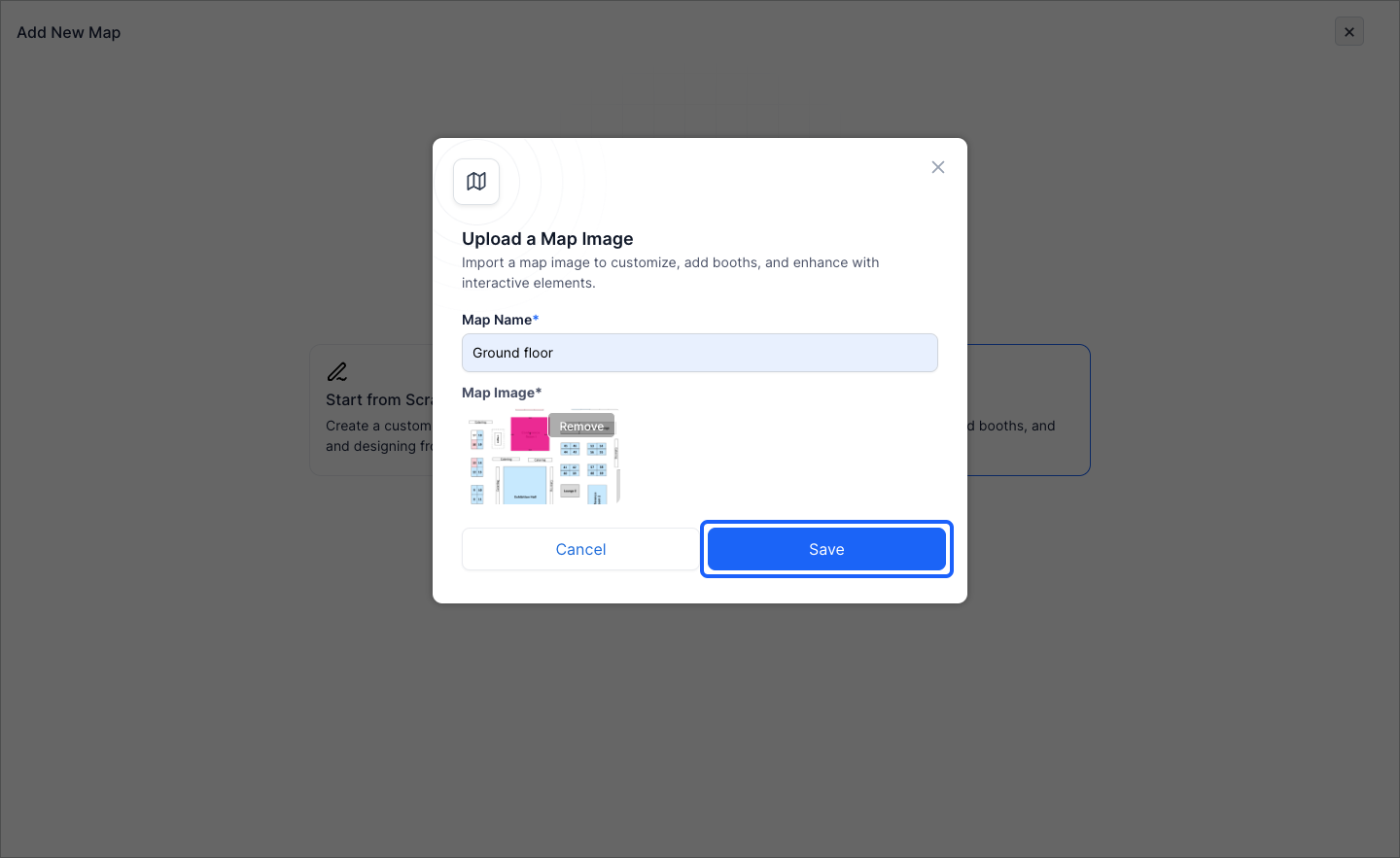
5: Or you can also upload the map image
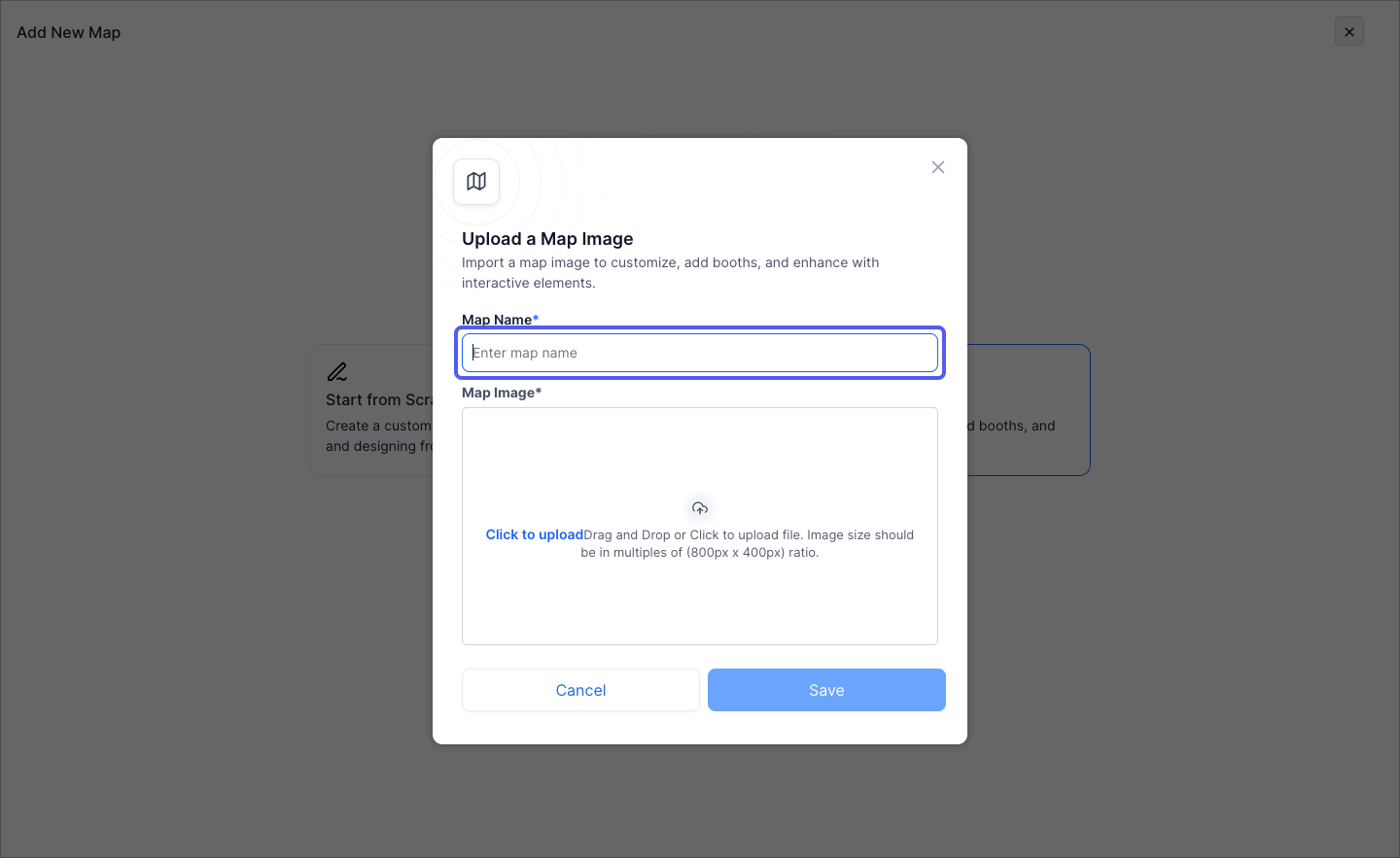
6: Enter the map name
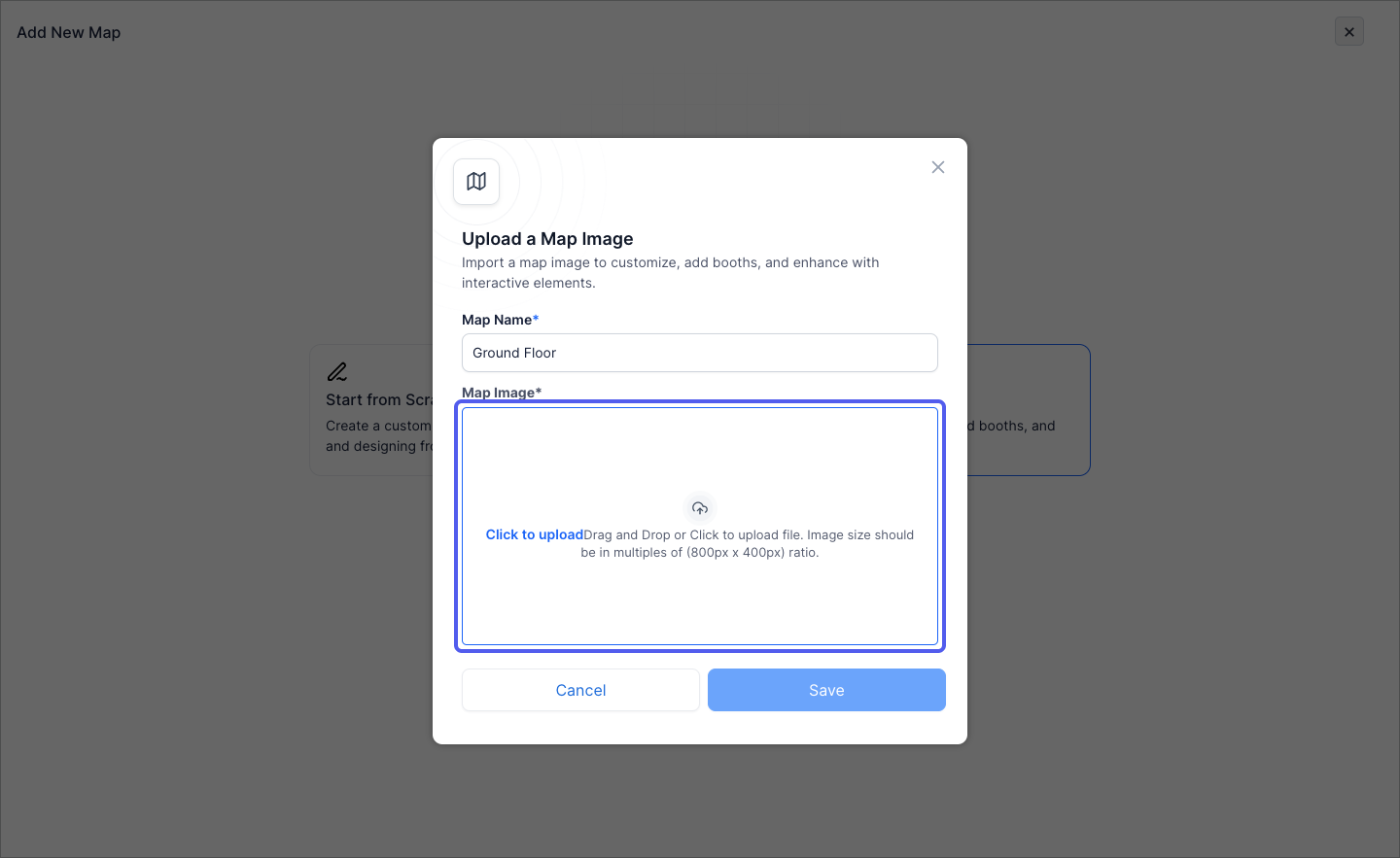
7: Add the map image
8: Click the “Save” button to add the map
9: Click on "Design" to design the booths on the map