
Tracks are the places that act as rooms where sessions are hosted.
You can add multiple tracks and run multiple sessions at a time.
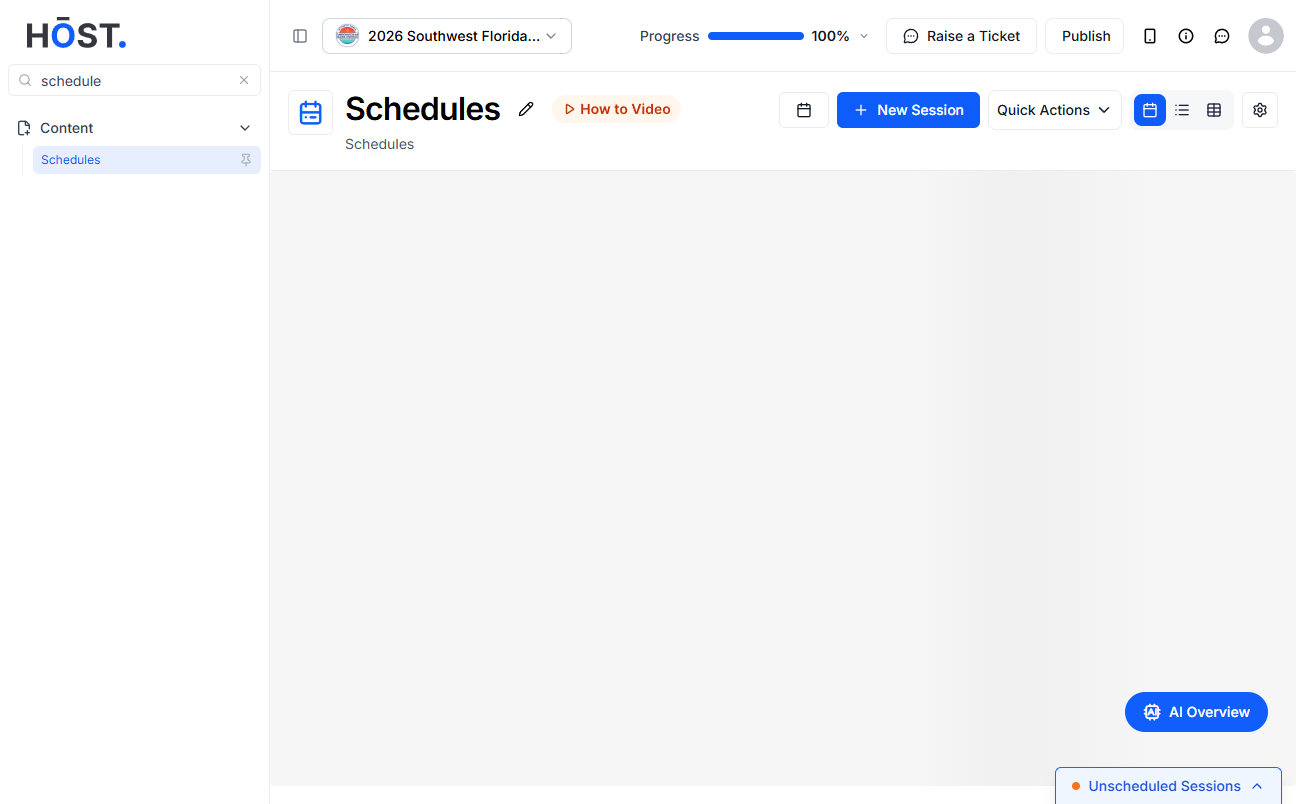
Go to https://app.hostlife.io/login and click on Content> Schedule.
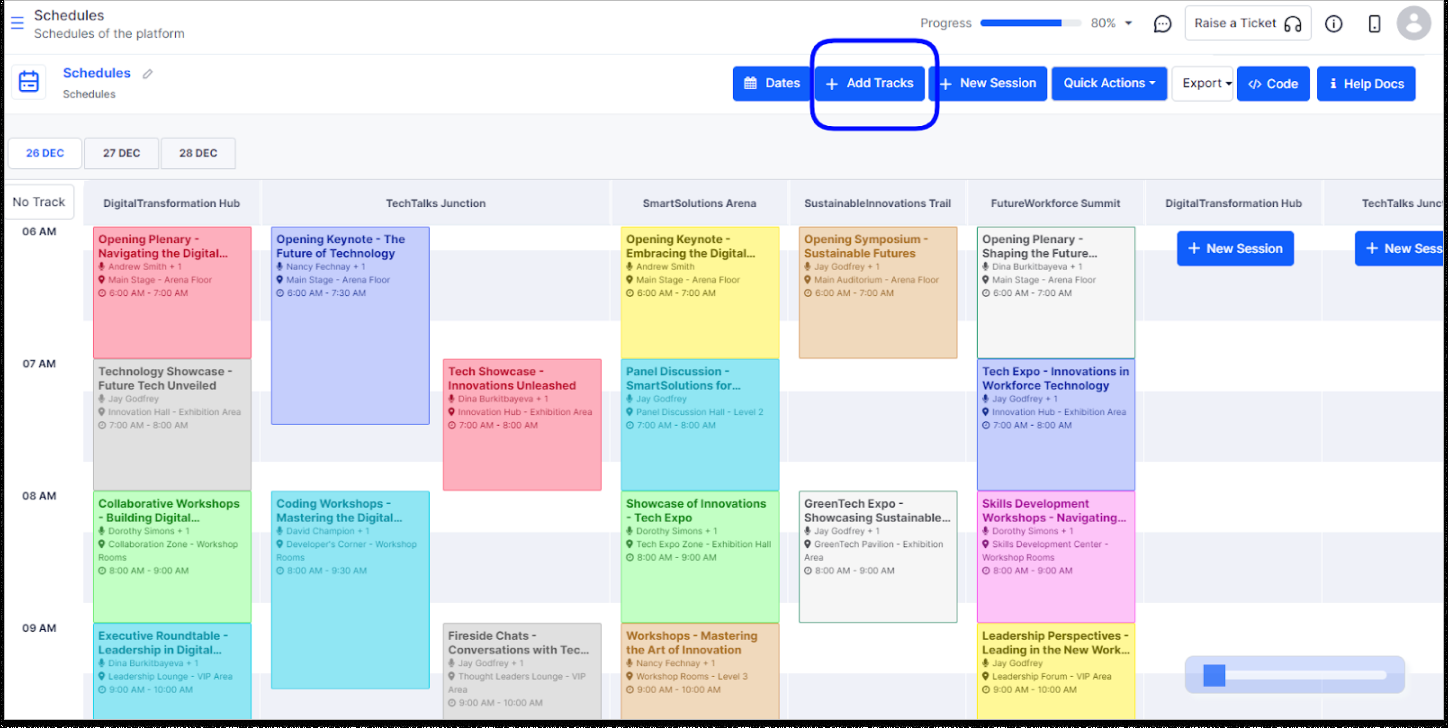
Go to the “Add Tracks” section.
A pop up will appear like this:
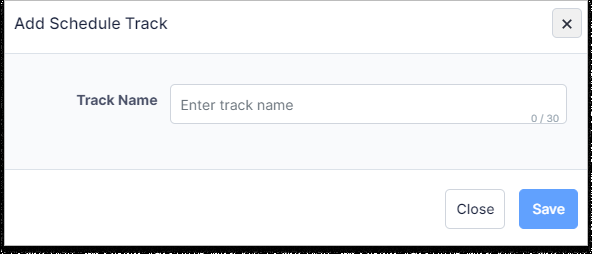
Click on “SAVE” and you can create a new Track.
Like this, you can create multiple tracks by using the same procedure. One can add an unlimited number of tracks.
