You can quickly collect Q&A questions in real-time, providing instant feedback and enhancing interactivity at your events. To create live Q&A questions, follow the steps below.
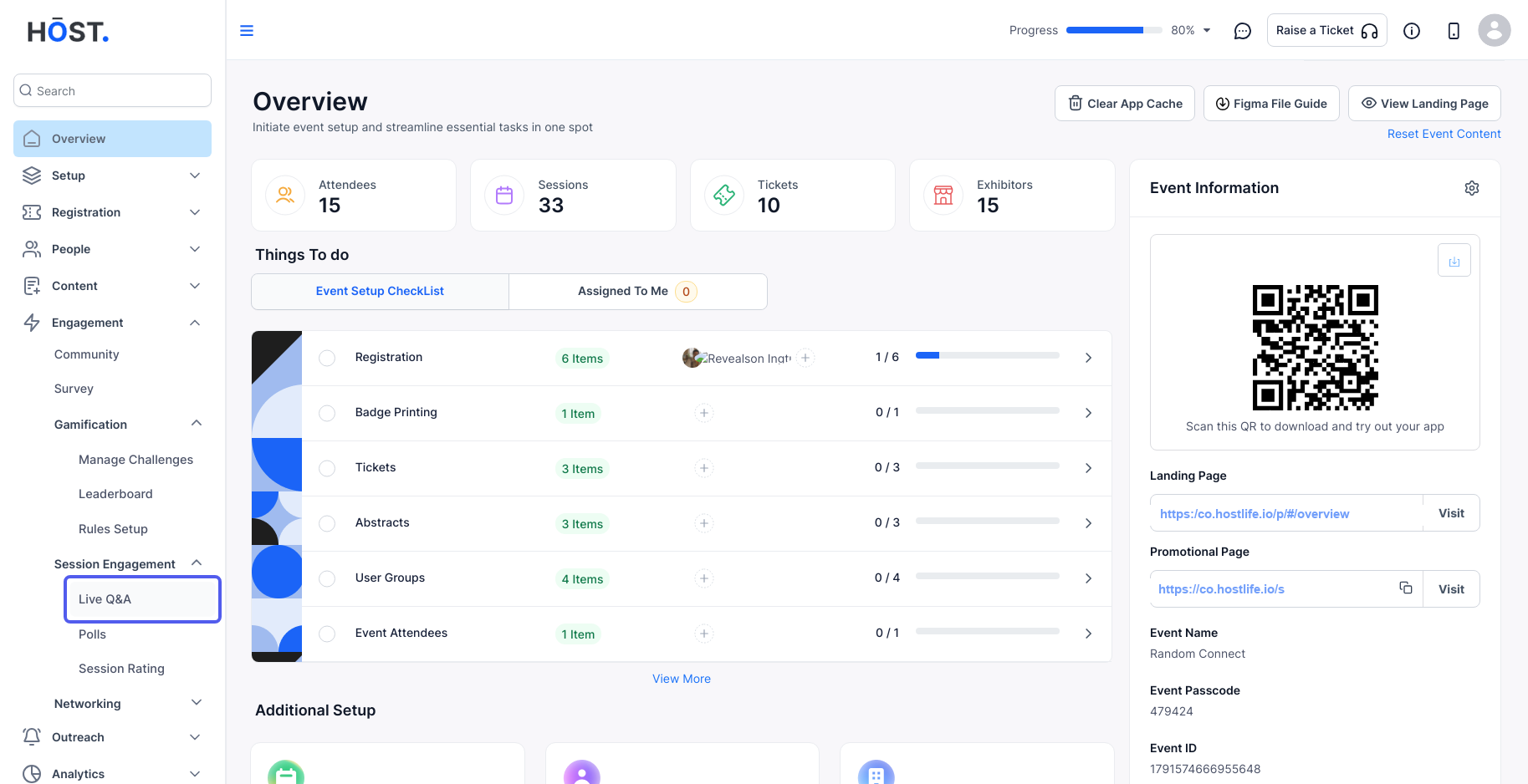
1: Access the HOST Admin Panel and go to Session Engagement > Live Q&A.
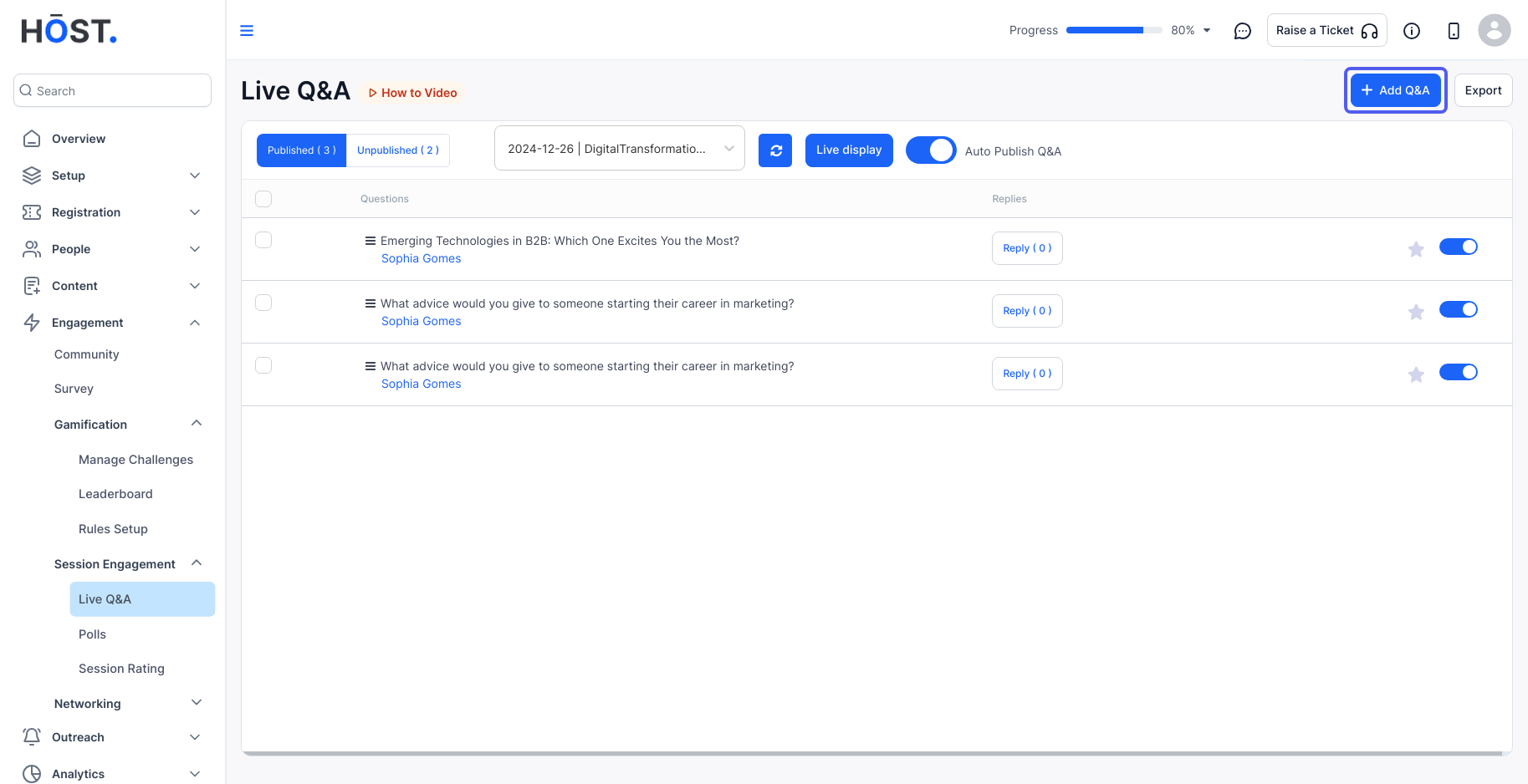
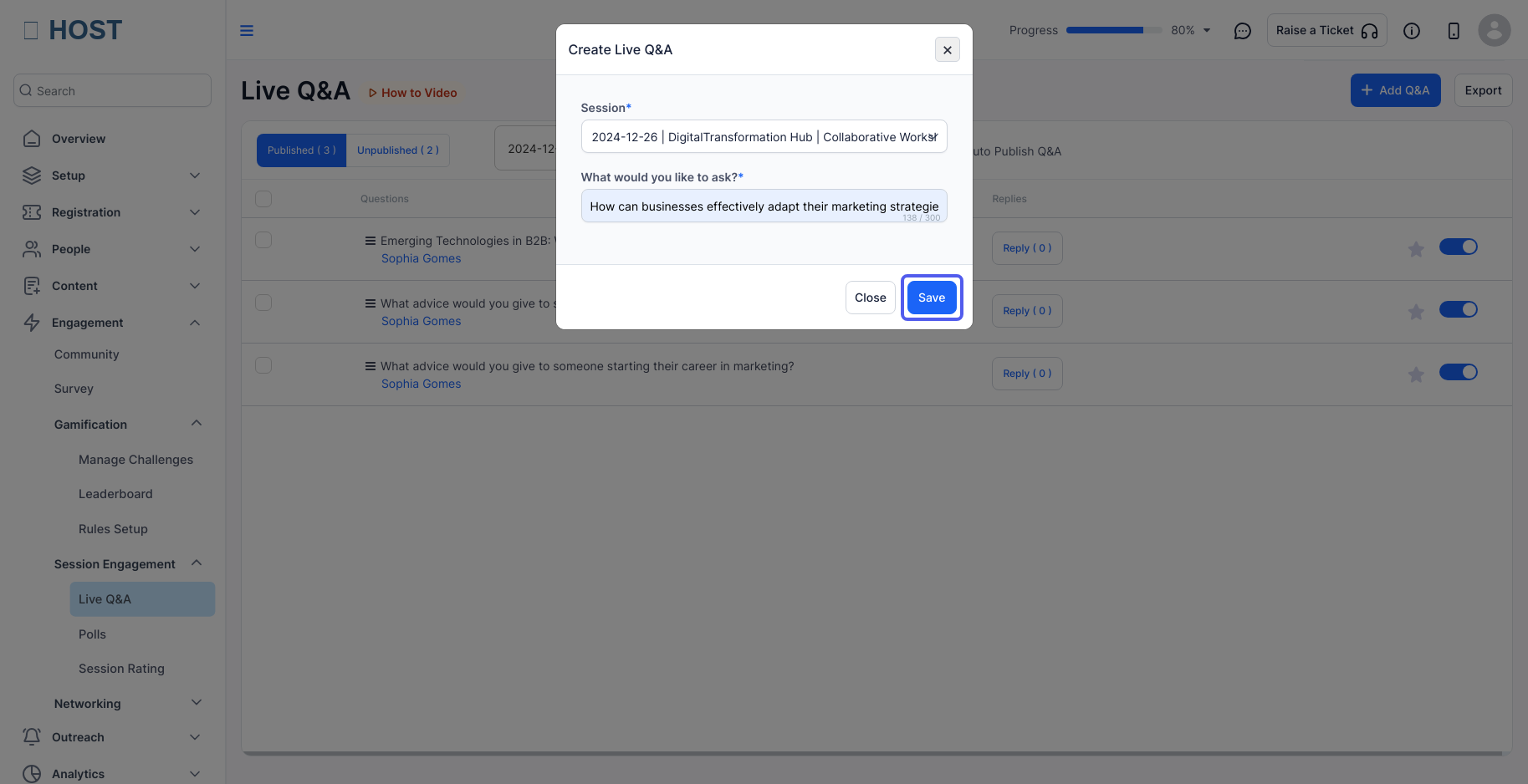
2: To create a new live Q&A question, click on "Add Q&A ."
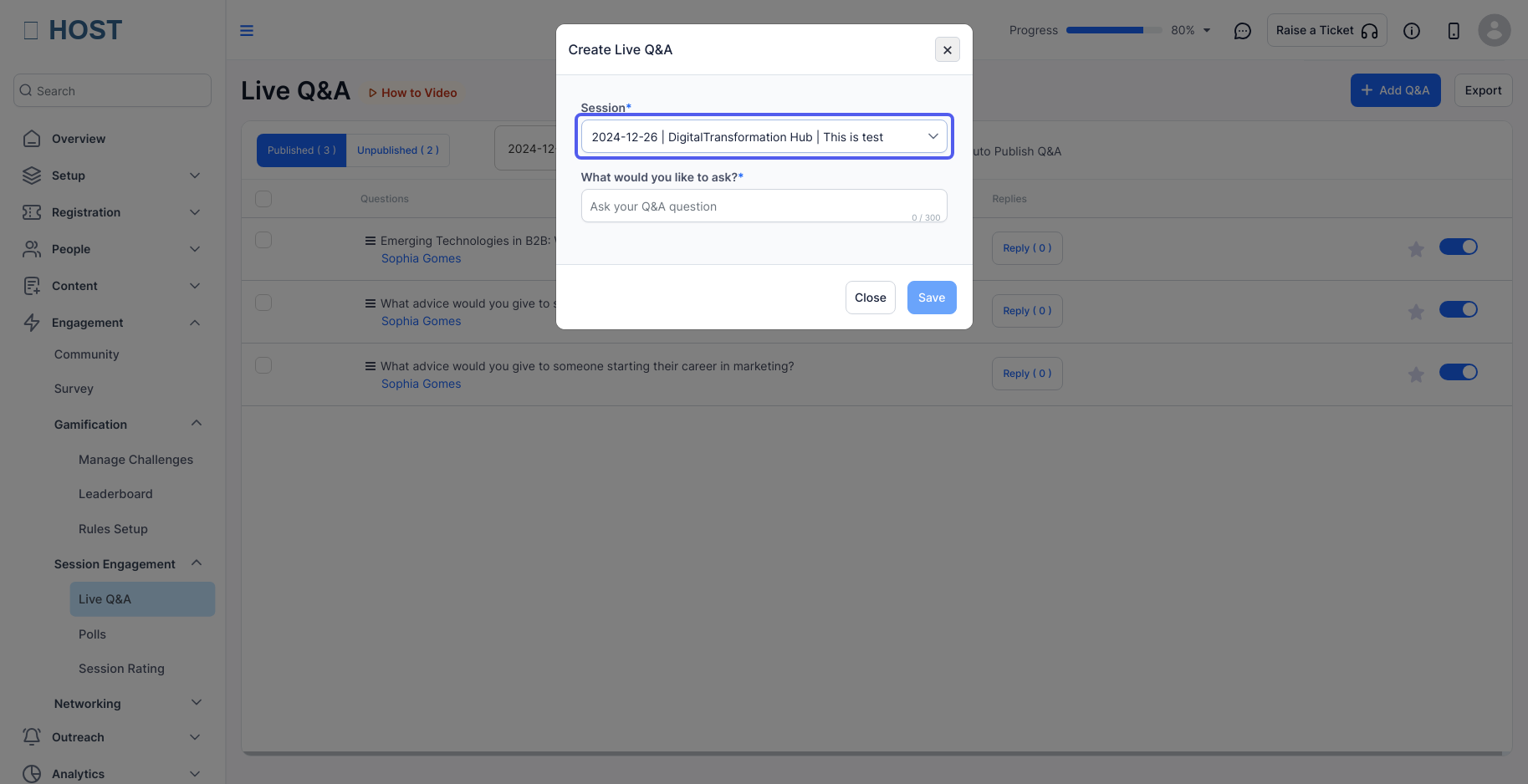
3: Select the session for which you want to create live Q&A questions.
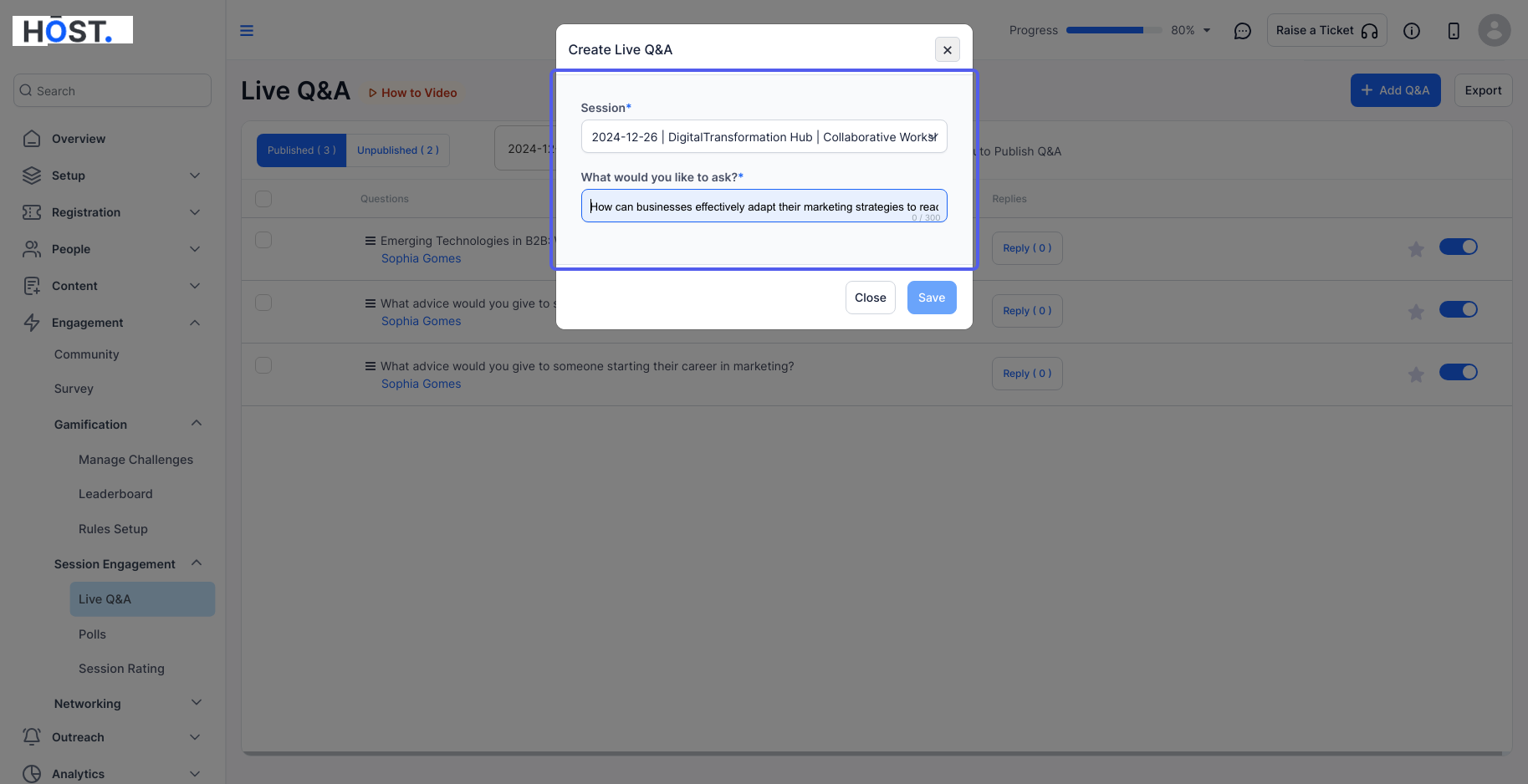
4: Enter the live Q&A question for that specific session.
5: Click "Save" to apply your changes.
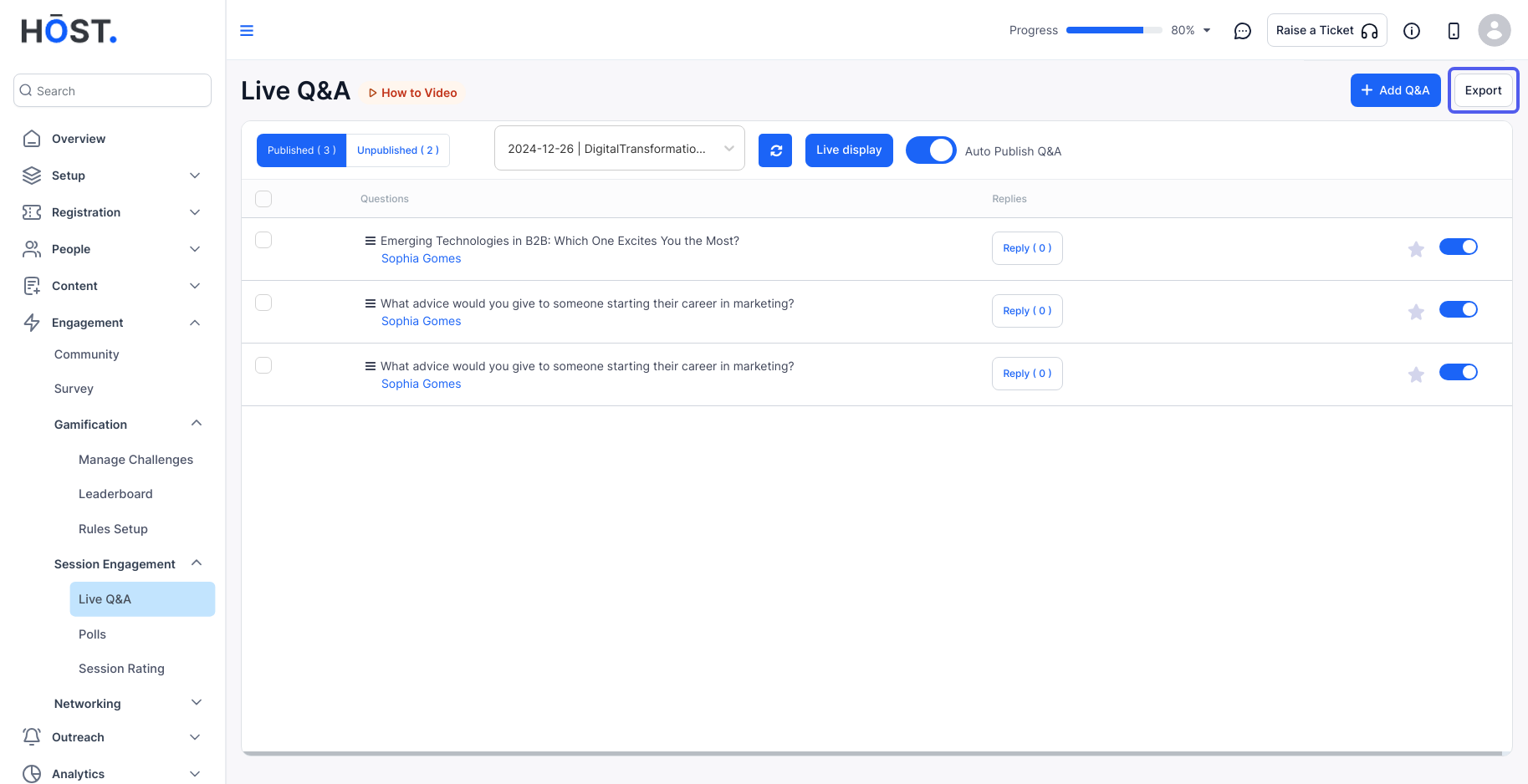
6: You can export the data for all live Q&A questions from attendees by clicking "Export."
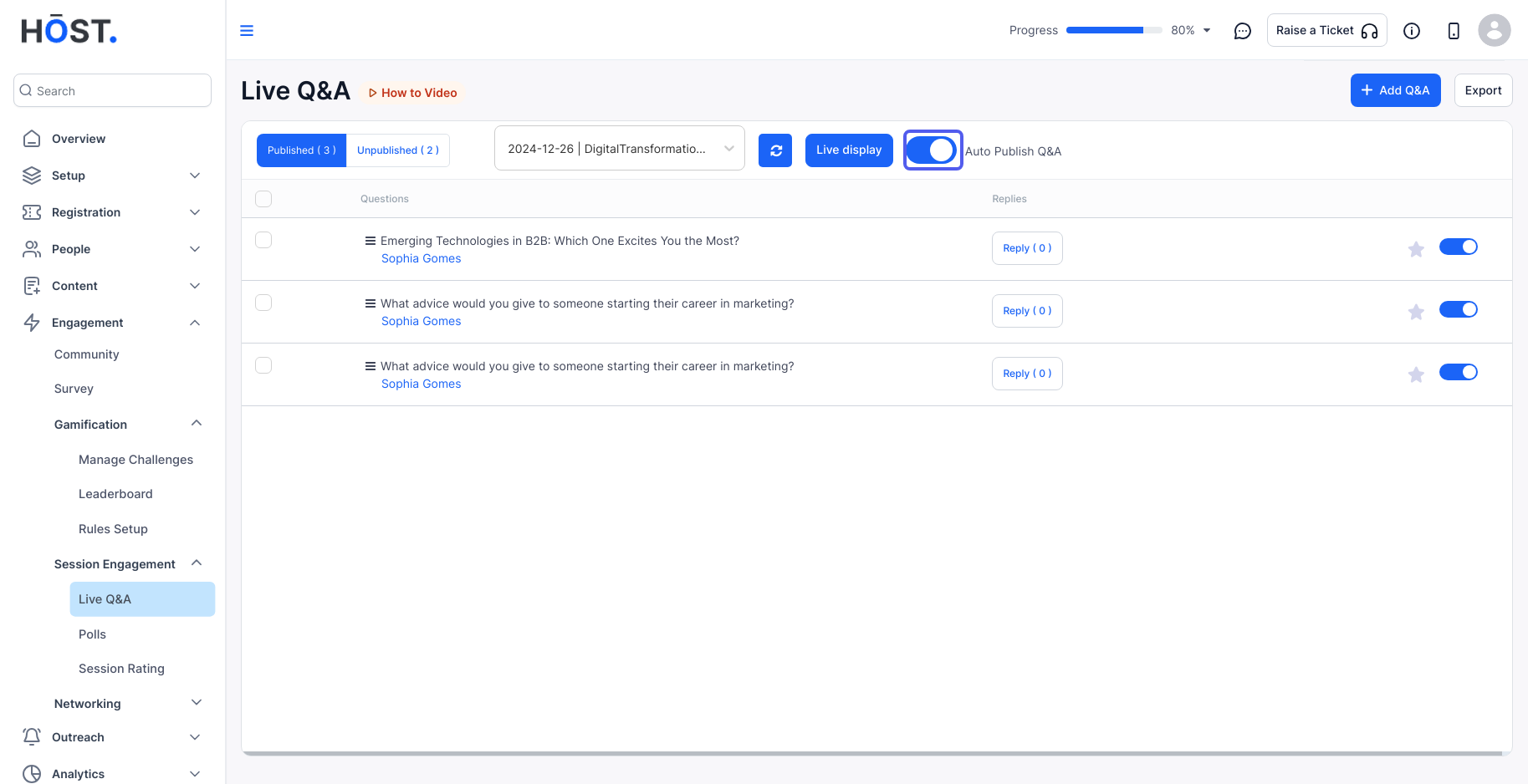
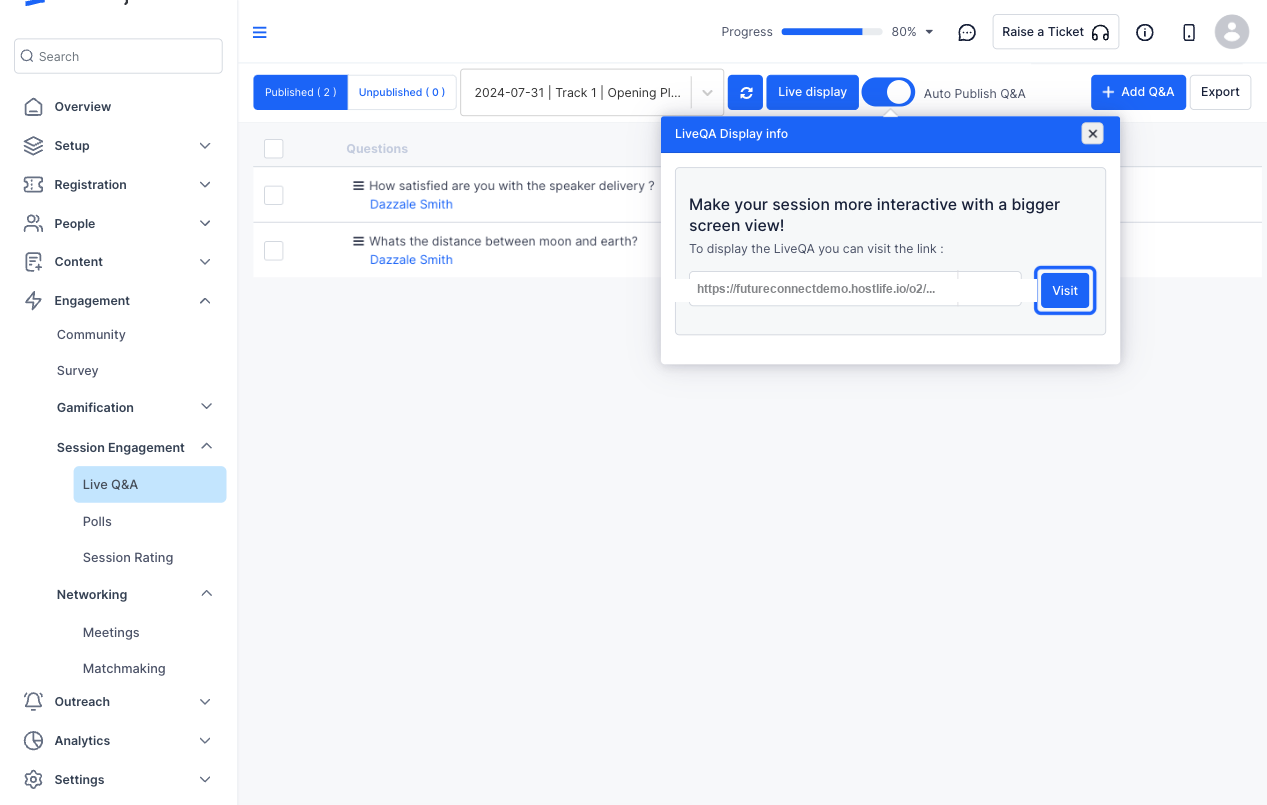
7: Click on "Auto Publish Q&A" to automatically publish the questions once they have been submitted for the session.
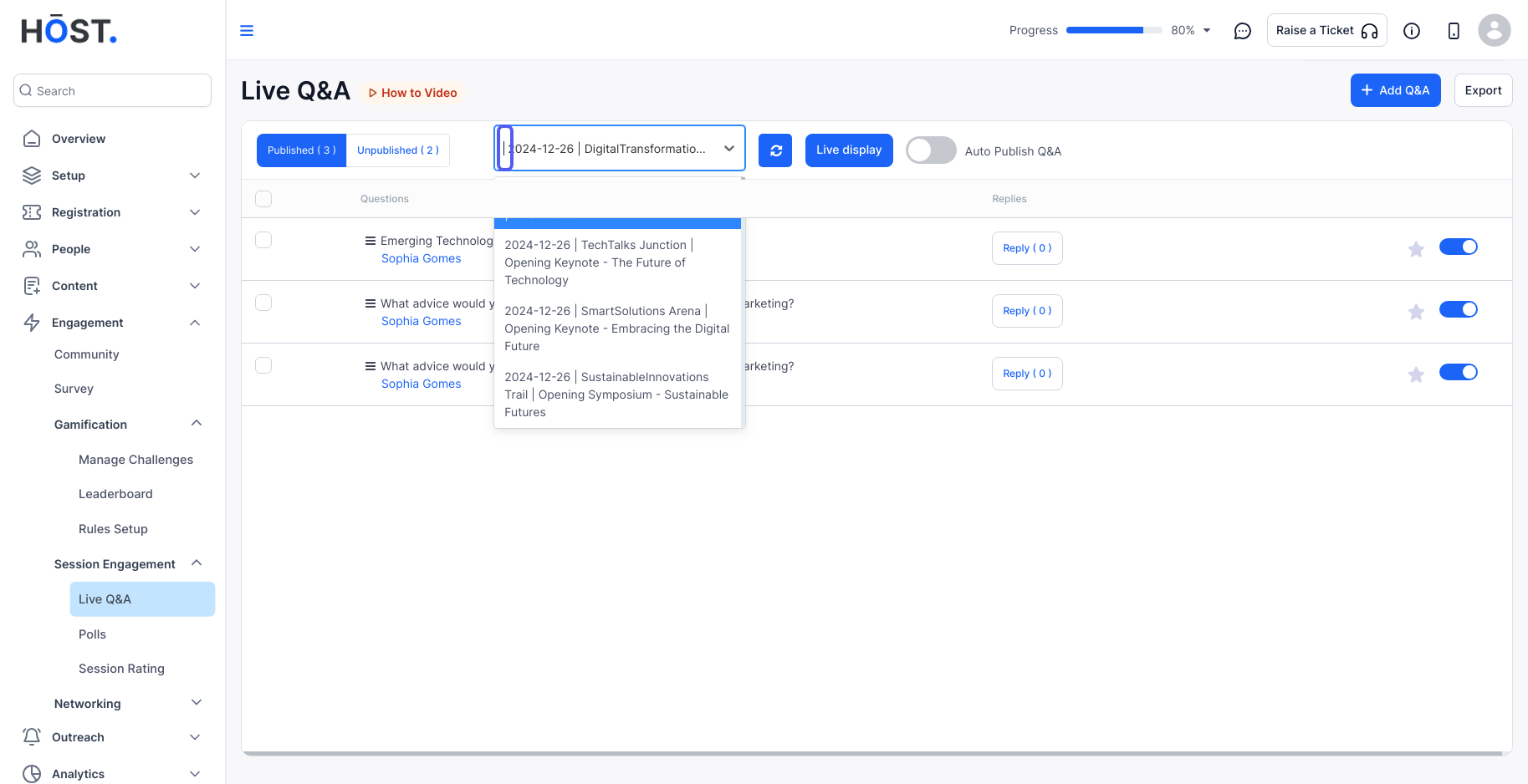
8: Select the session from the dropdown menu to view the live Q&A for that session.
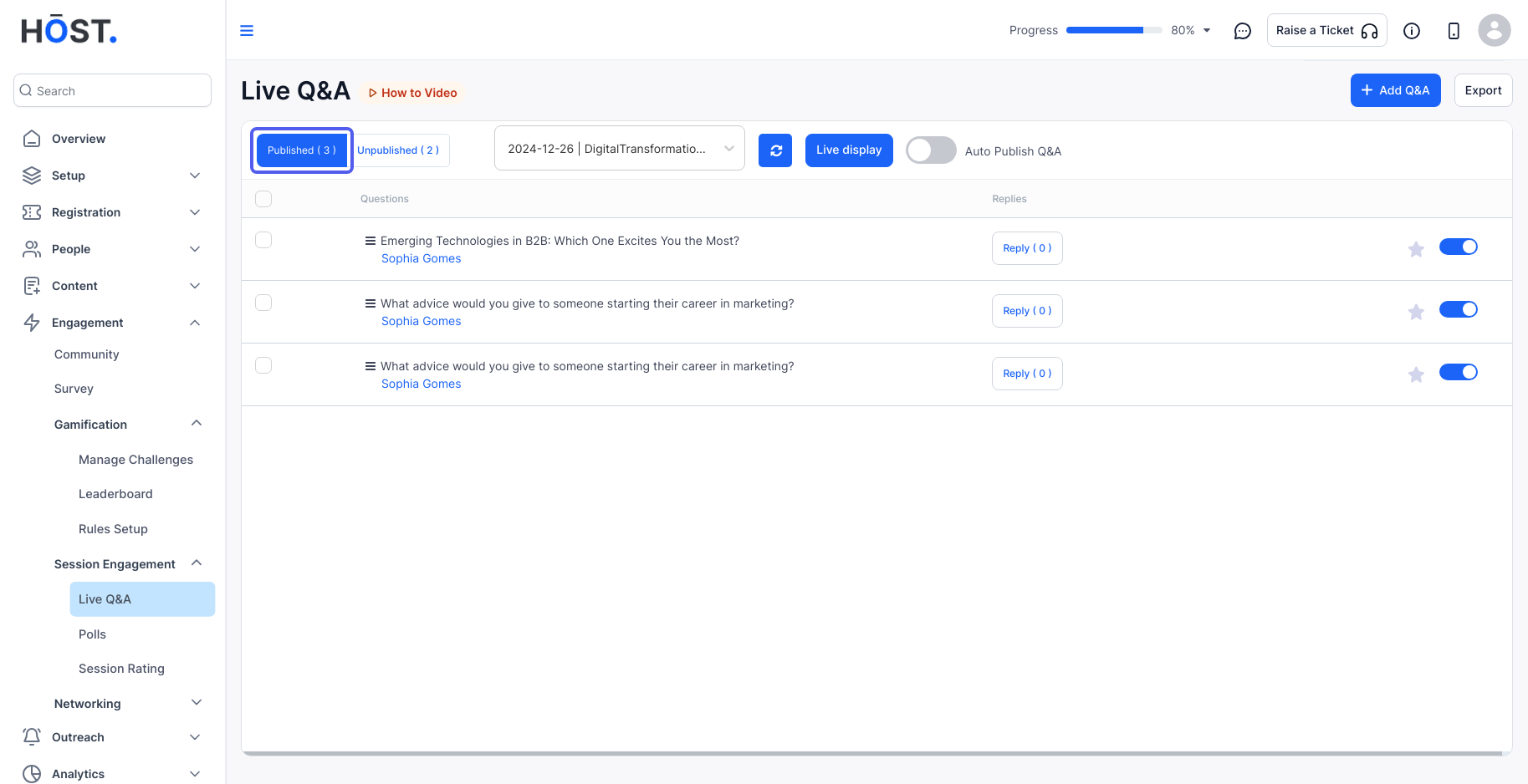
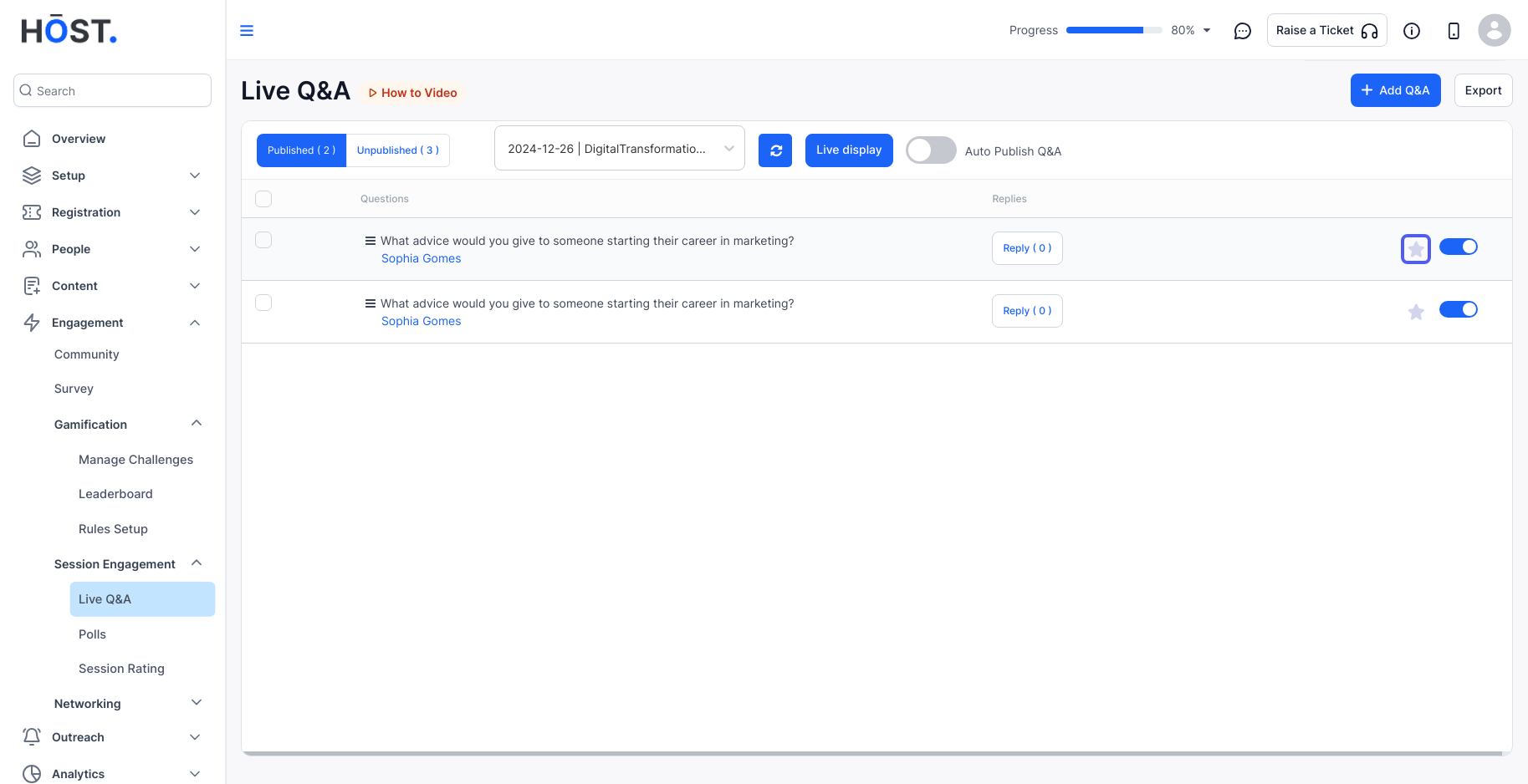
9: All published live Q&A will appear in the Published tab.
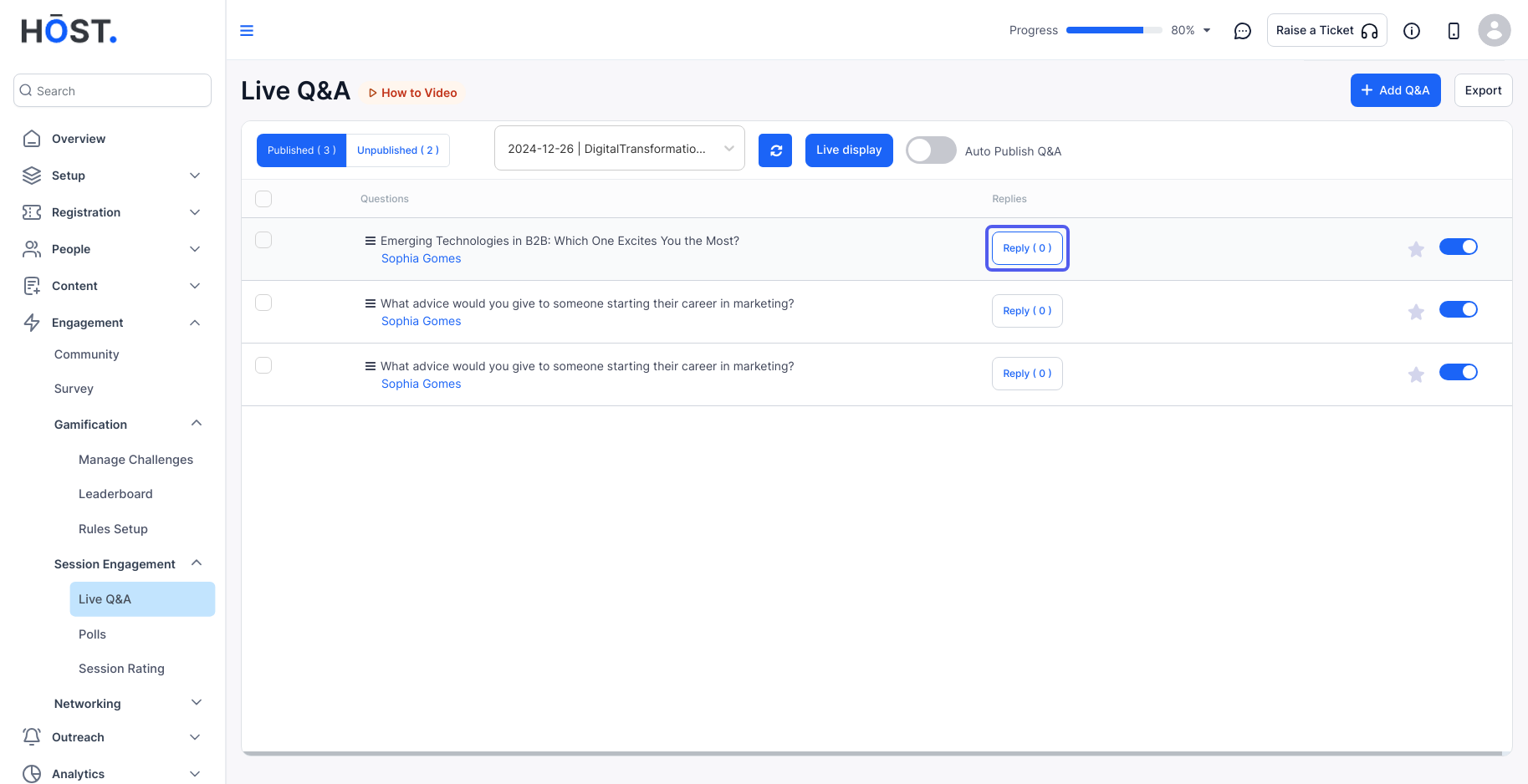
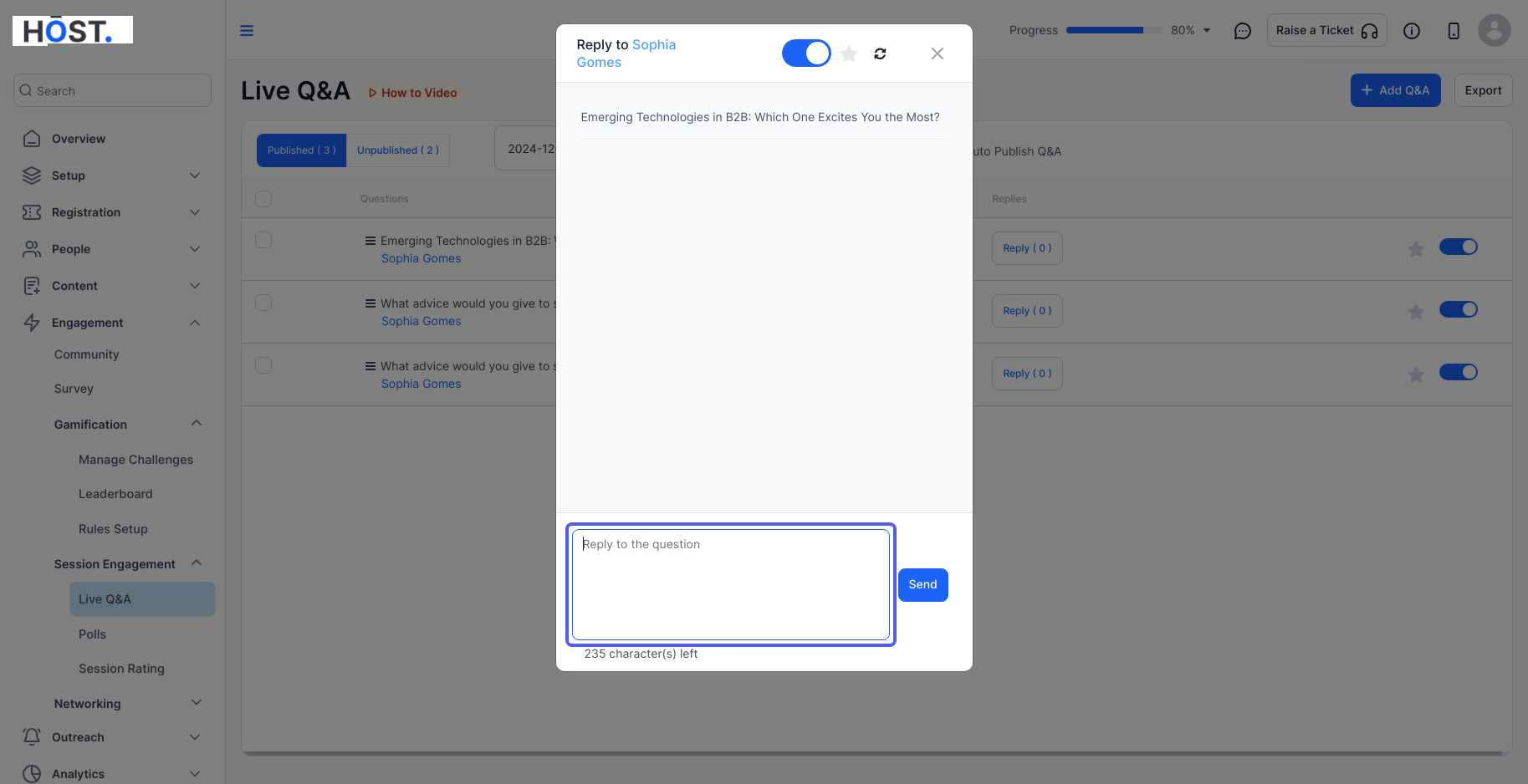
10: Admins can view and respond to the Q&A from the admin panel.
11: Enter your live Q&A reply.
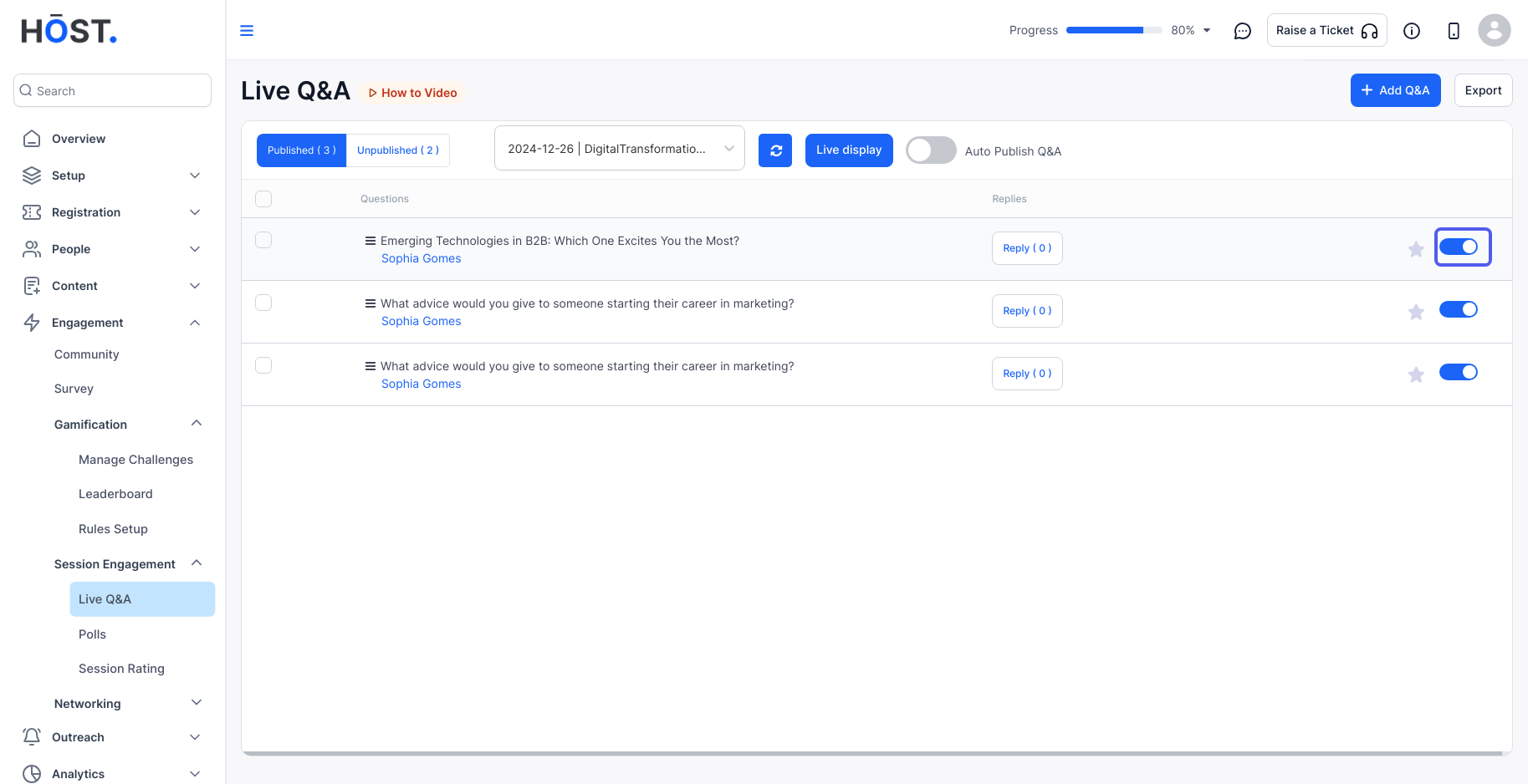
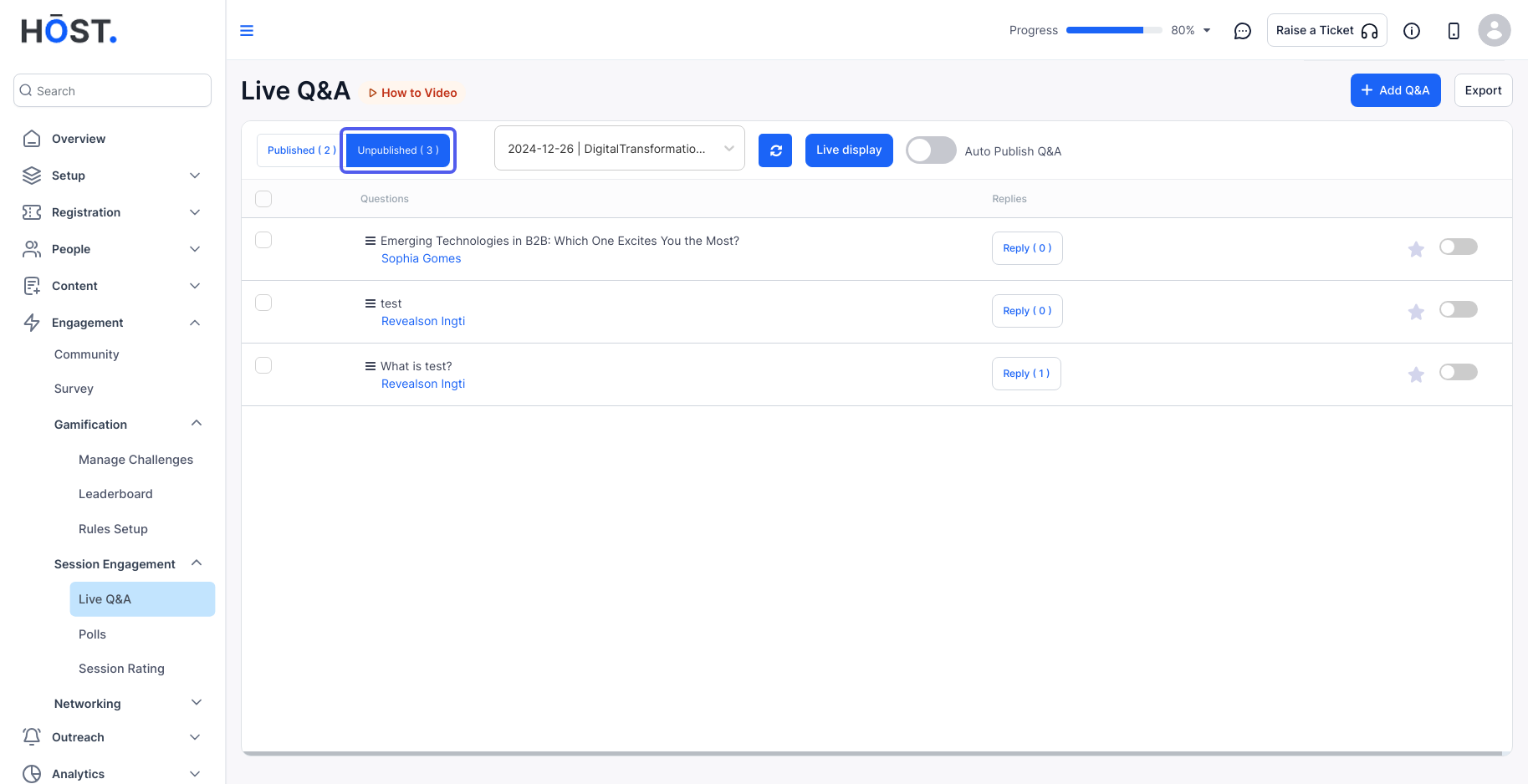
12: Publish or unpublish the live Q&A by enabling or disabling it.
13: To feature the live Q&A question at the top, click the star button.
14: If you want to hold off on uploading a live Q&A question, you can mark it as unpublished, and it will appear in the Unpublished tab.
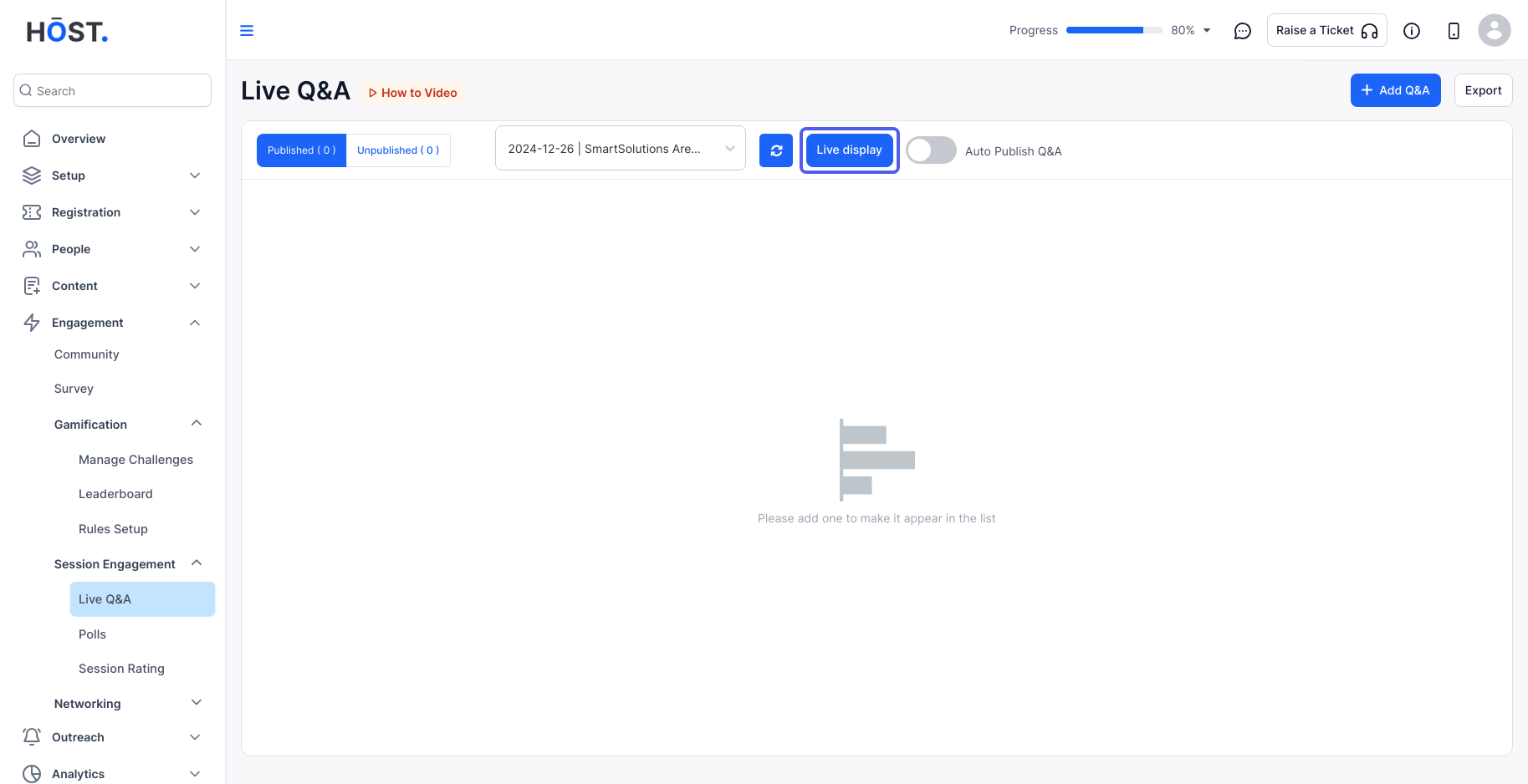
15: Click the “Live display” button
16: Click "Visit" to get redirected to this screen.
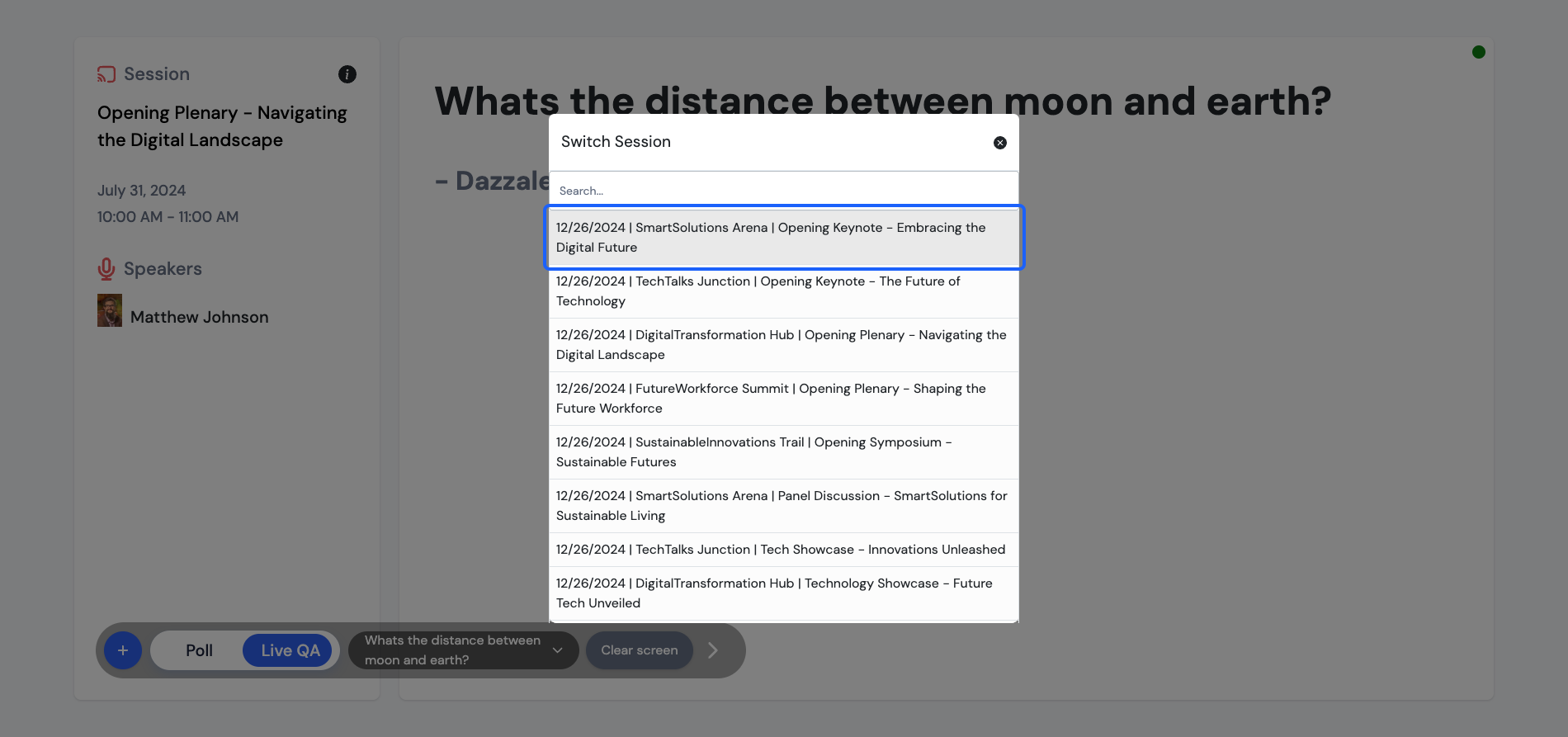
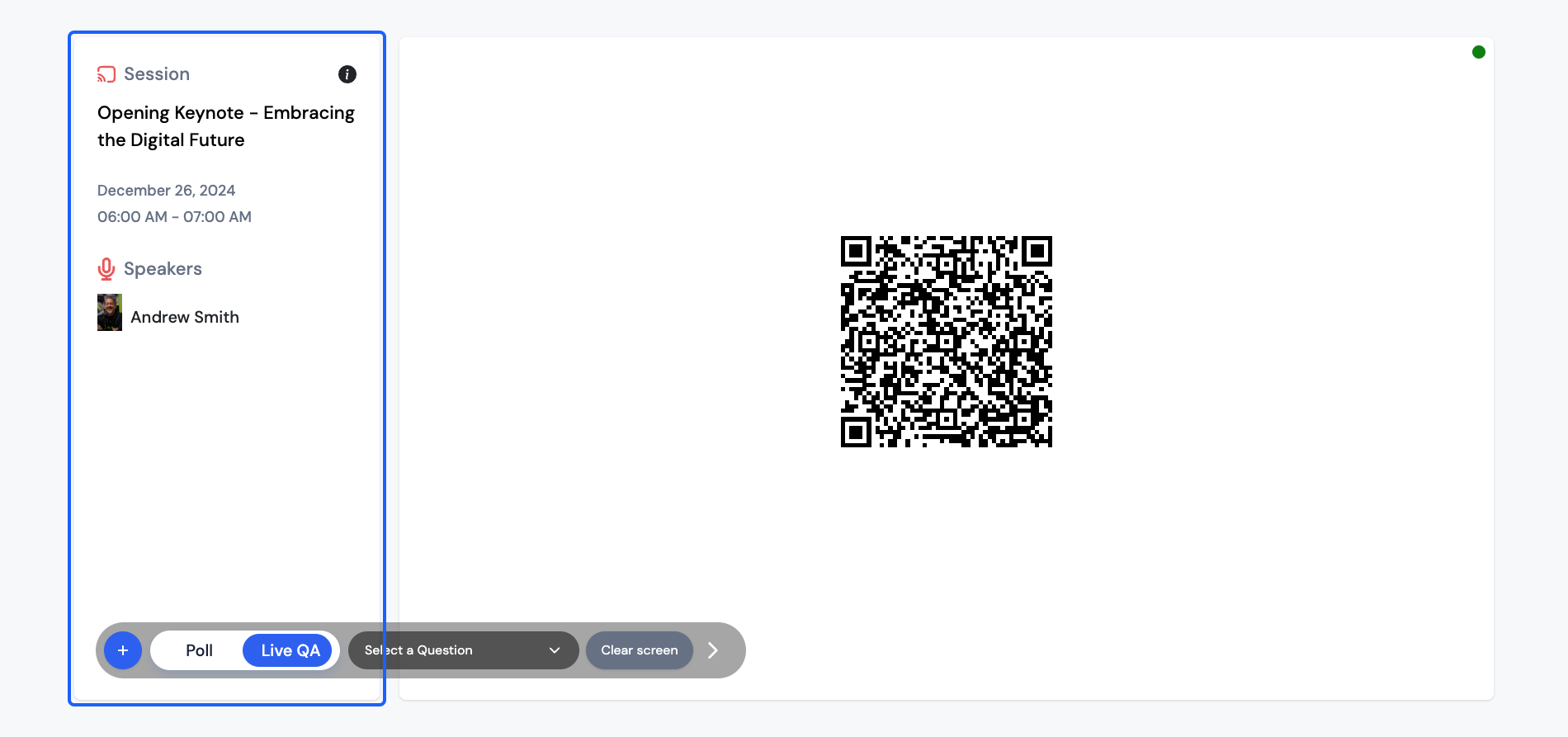
17: This is the Live Display screen, here you can choose any session
18: Select the session you want to display
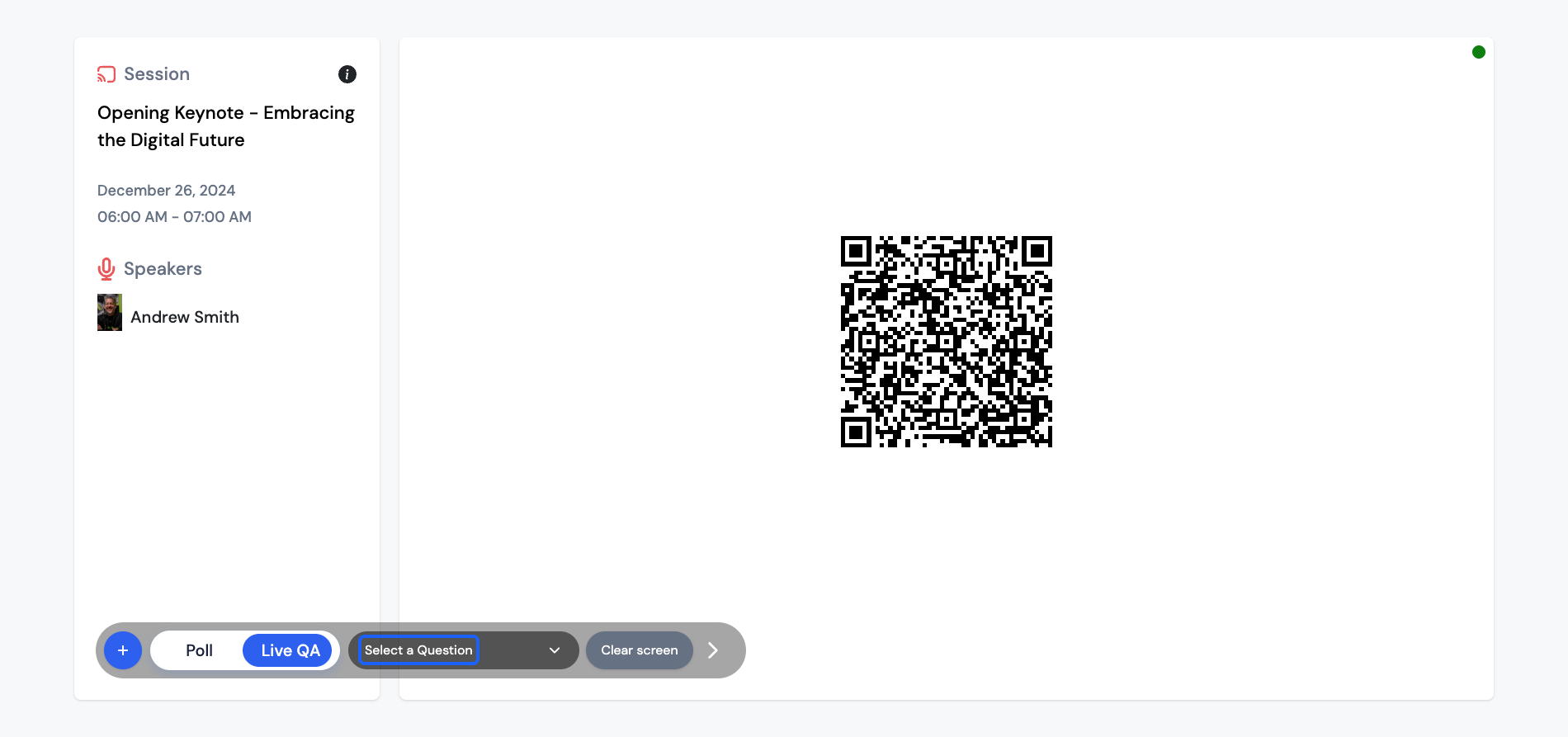
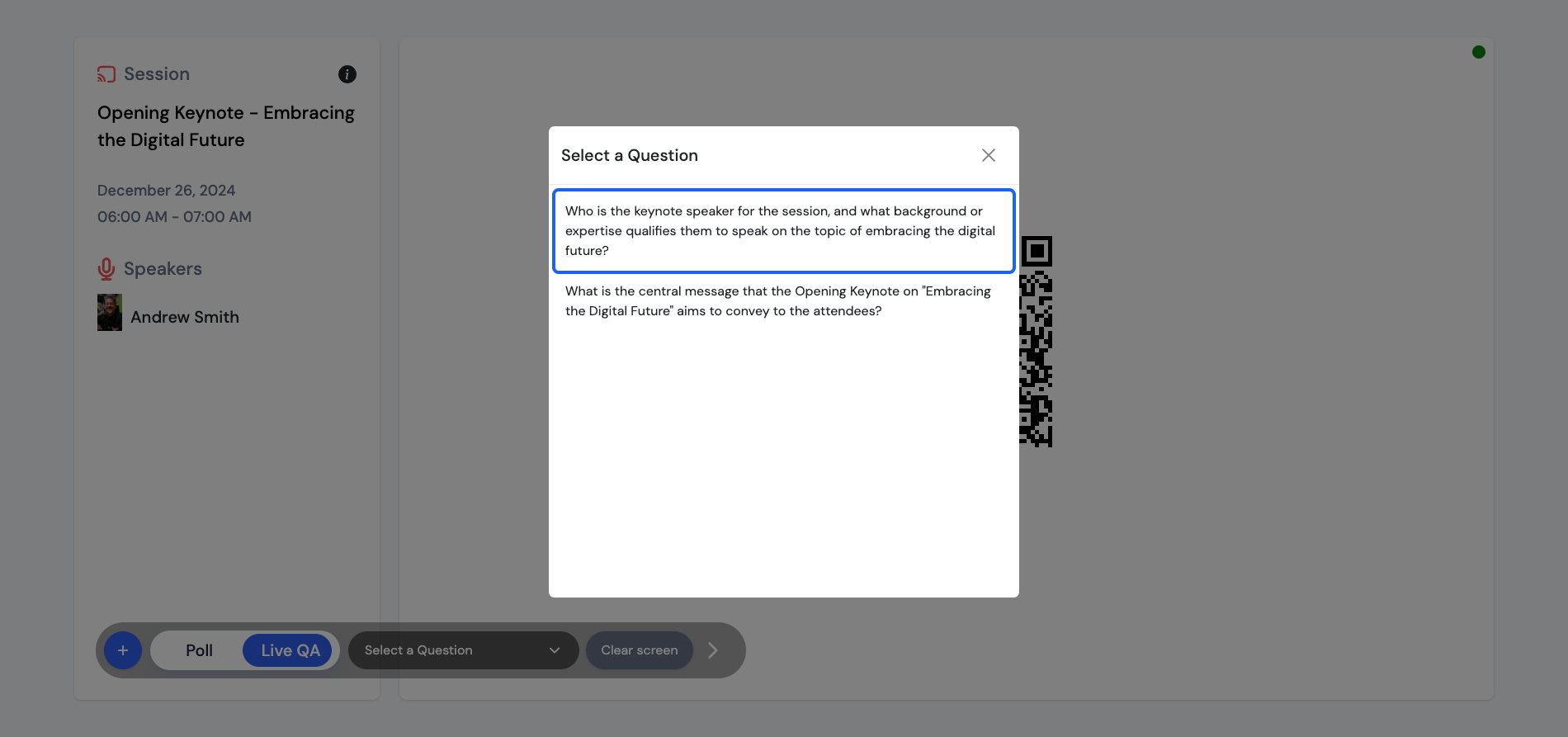
19: These are the basic info about the selected sessions and then by scanning this QR, users can participate in the live Q&A through the apps
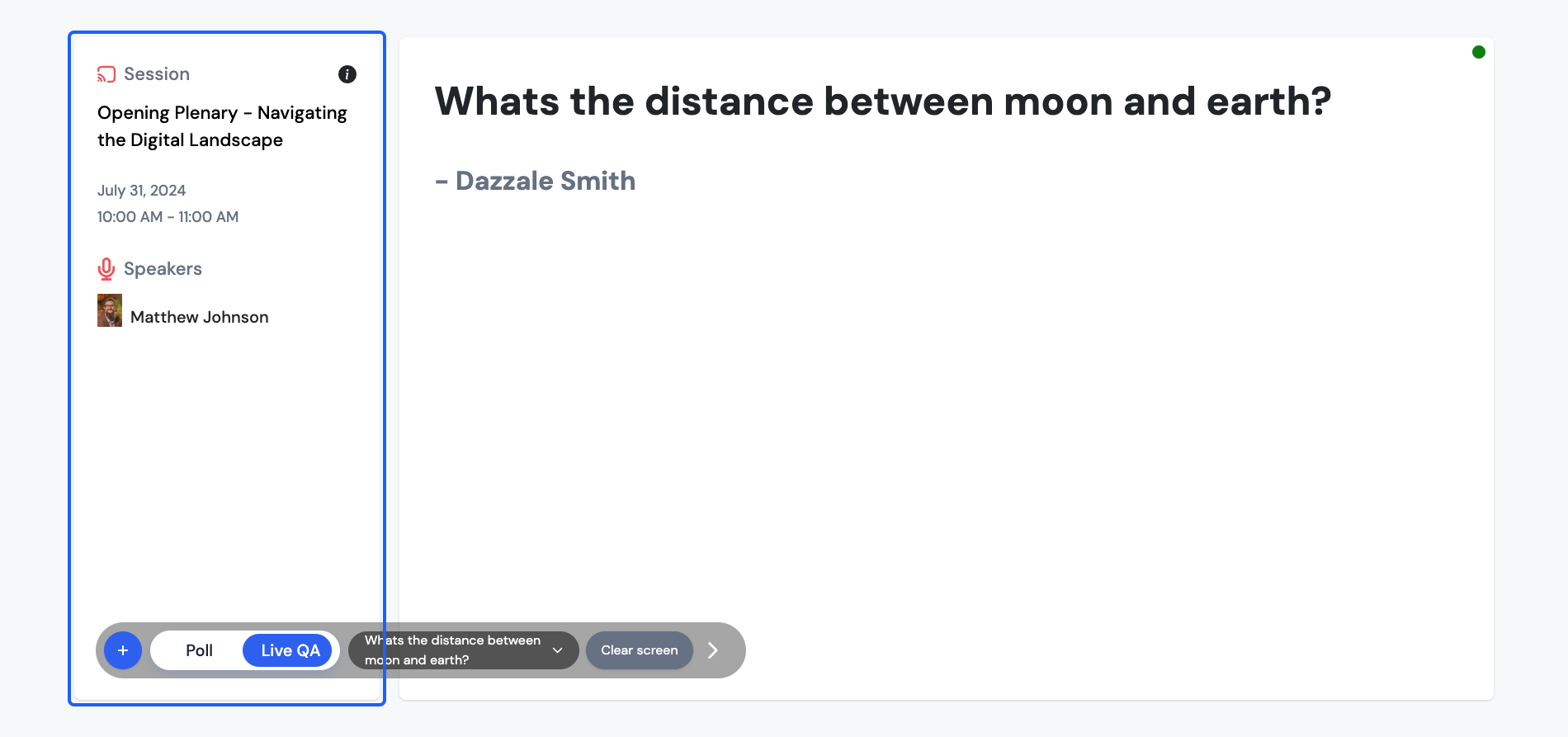
20: Click to select the particular question to display
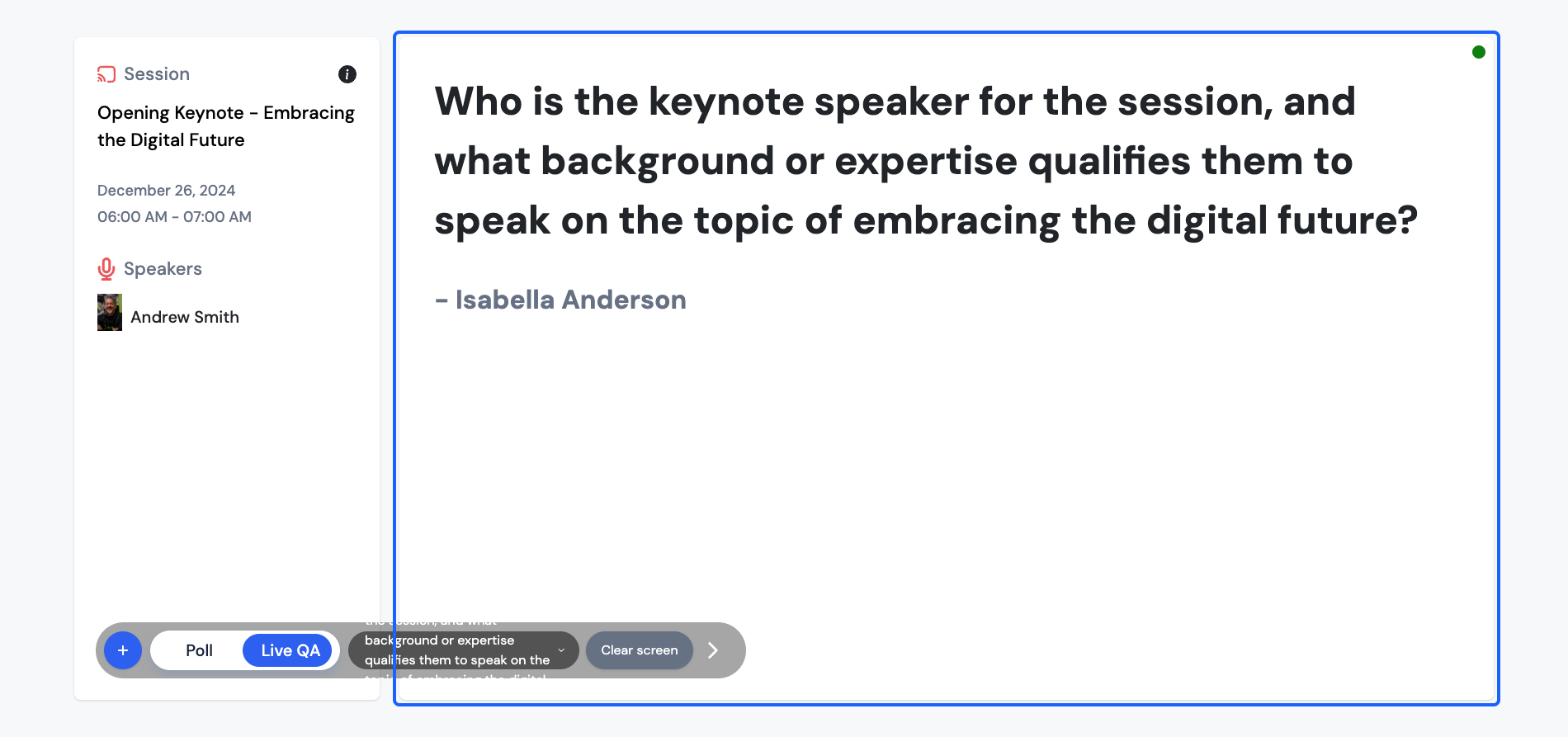
21: The moderator/speaker can select any question from the list of all published QA and that will be displayed on the screen
22: Moderators can show the live question to the Attendees to initiate instant replies and discussions on the same
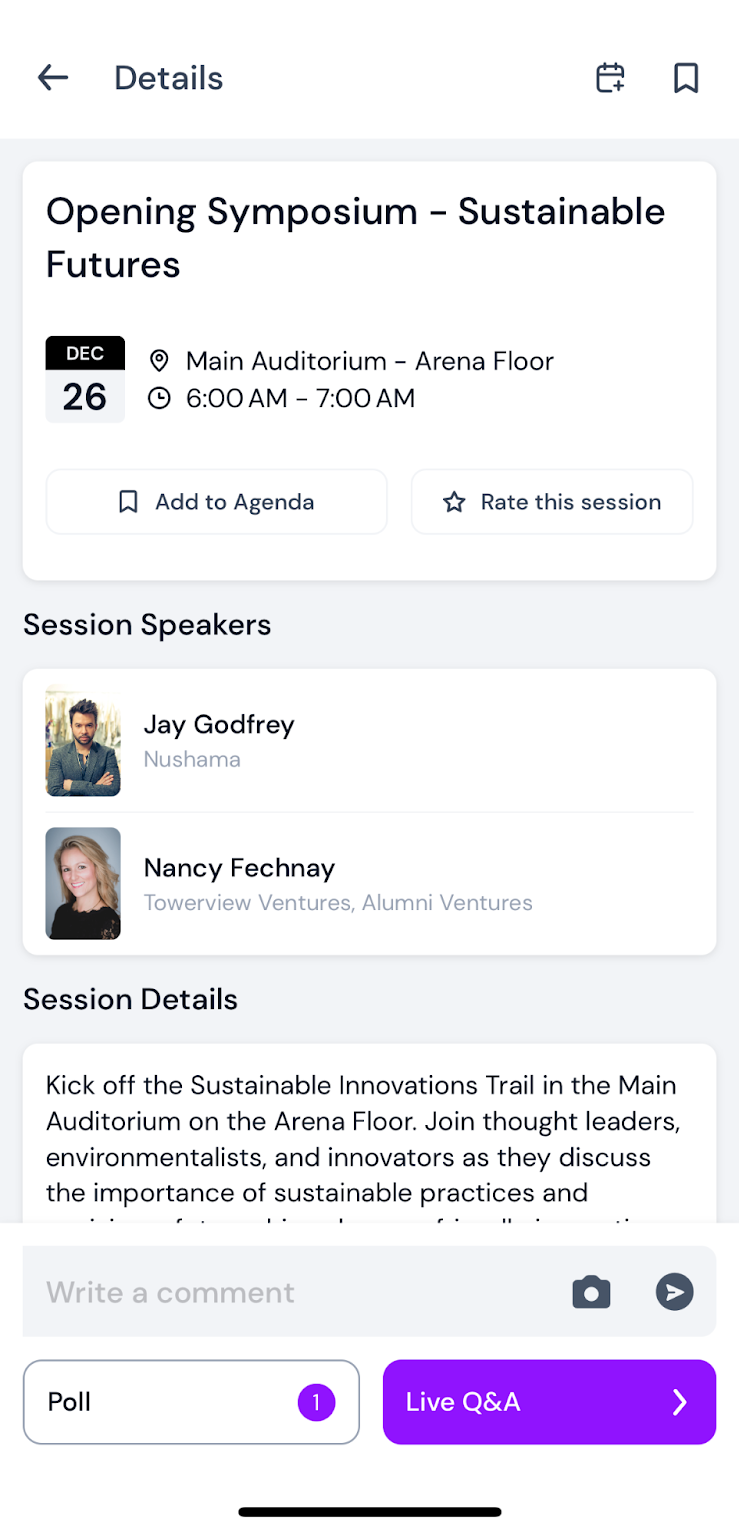
After the admin has set everything up, attendees can access the schedule from the app's side menu or quick links.
They can then open a session and choose the Live Q&A option.
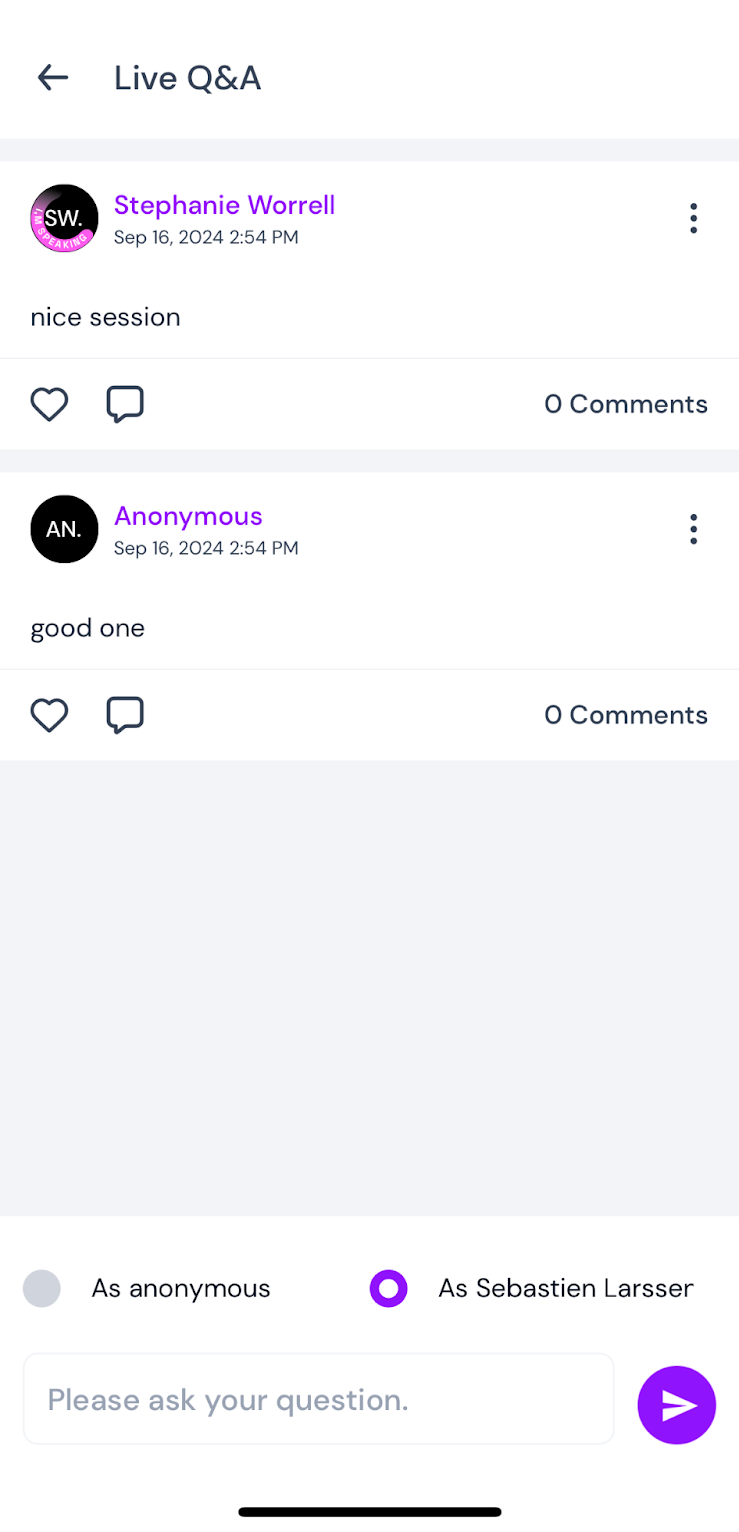
Attendees can view all the Q&A questions and reply either under their own name or choose to remain anonymous.