

Create Dynamic Form Builder Using Drag And Drop Feature
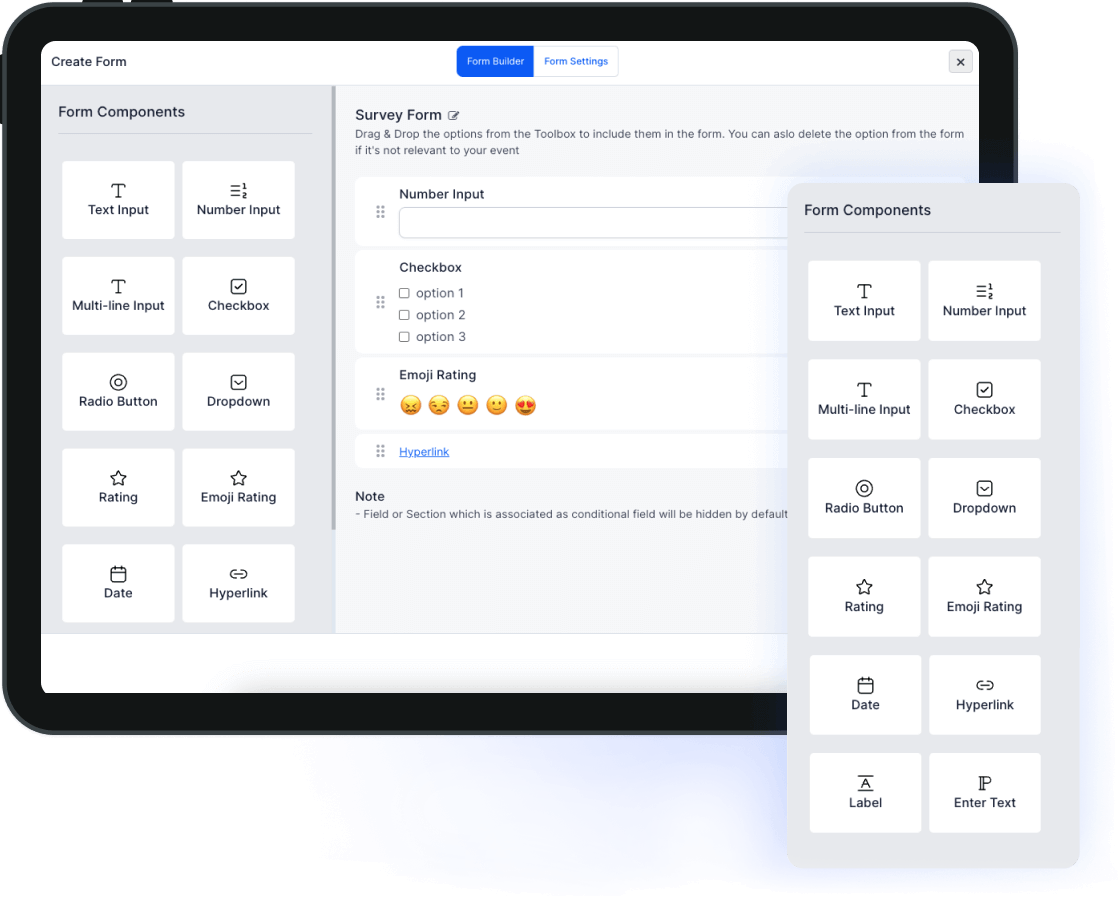
HOST provides a fully customized experience with a variety of form types. The host can create or customize their form using our simple integrated content editing tool by selecting how they need their form to look with our easy-to-use drag-and-drop builder. They can select the fields they want in the form by simply using the drag & drop tools from the toolbox and selecting everything according to their requirements.
FAST
Convenient Form Builder UI To Gather Large Quantity of Data
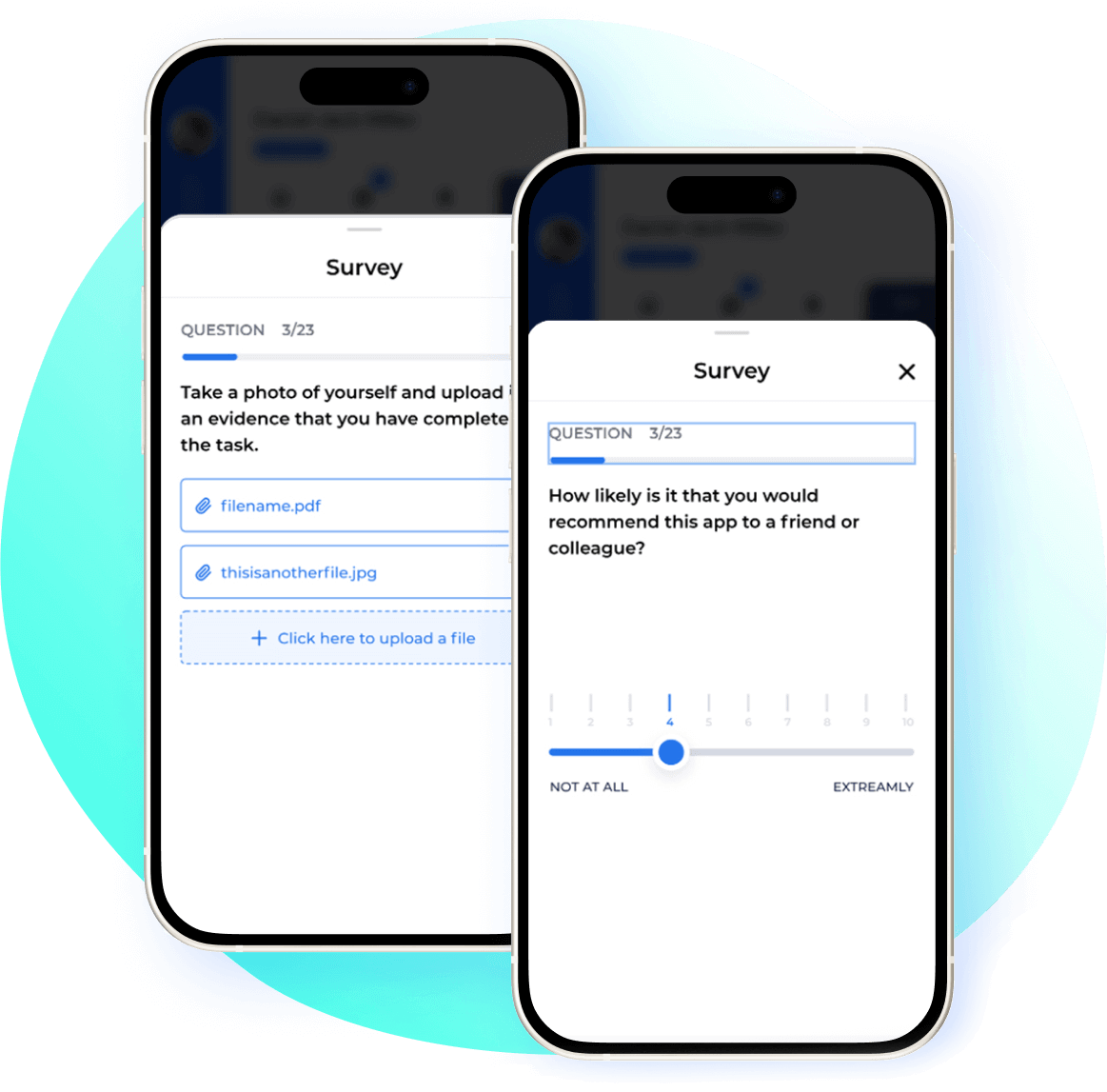
One of the biggest benefits of using surveys in virtual event platforms is that they allow the host to quickly gather a large quantity of data. A survey can be administered as a sort of interview or self-report measure, and the data can be collected easily. There are a couple of different ways to administer a survey.
Data
Analyze your Data With Dynamic Document Builder
Promote Attendee engagement and encourage attendees to engage through capable event networking app features and tools that support attendee interaction with our dynamic form generation. Whether your event is virtual or hybrid, HOST’s virtual event platform is designed to create the best event experience.
Types
Multiple Form Types With HOST Dynamic Form Builder
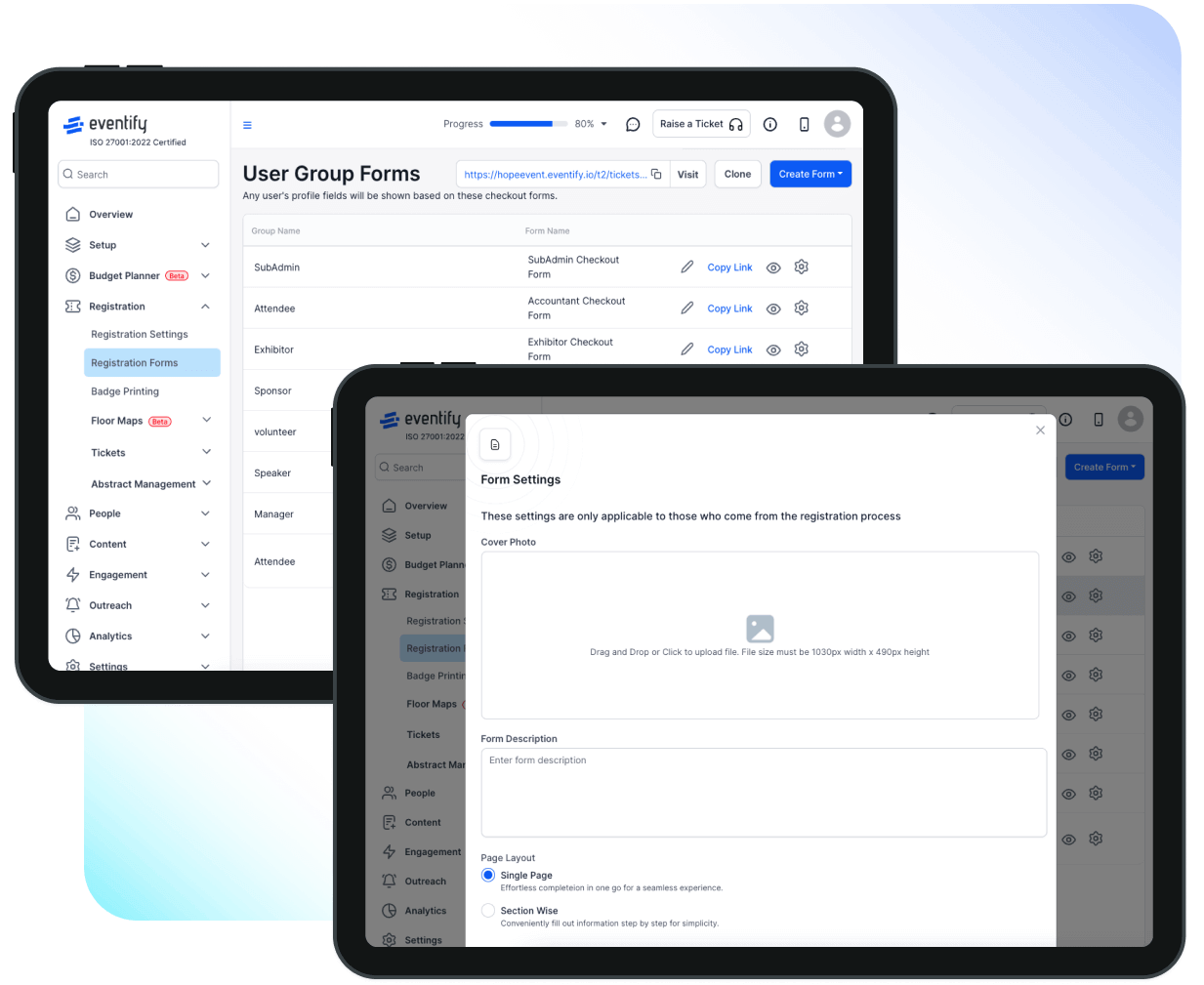
The host can pick the form they want to create using our dynamic builder software. The host can use it to create different types of registration, contact, evaluation, surveys, and checkout forms.
Frequently Asked Questions
What is a dynamic form builder?
Dynamic form builder in HOST allows you to create customized and interactive forms for user registration of attendees, exhibitors, sponsors and speakers, badge designing and surveys.
What are the benefits of using a dynamic form builder?
A dynamic form builder can save time and effort in creating forms, improve data accuracy, and provide a more engaging user experience for form respondents.
What type of fields will I get in dynamic form?
HOST's dynamic form builders offer a variety of fields like product upload, adding deals and coupons, social media information, images and other media fields along with the other primary input fields. Customization options include rearranging the form fields, renaming the labels, and changing the form name.
Can I embed my forms on my website?
Yes, HOST's dynamic form builders offer the option to embed forms on your websites or share them via email or social media.
How can I collect responses from my forms?
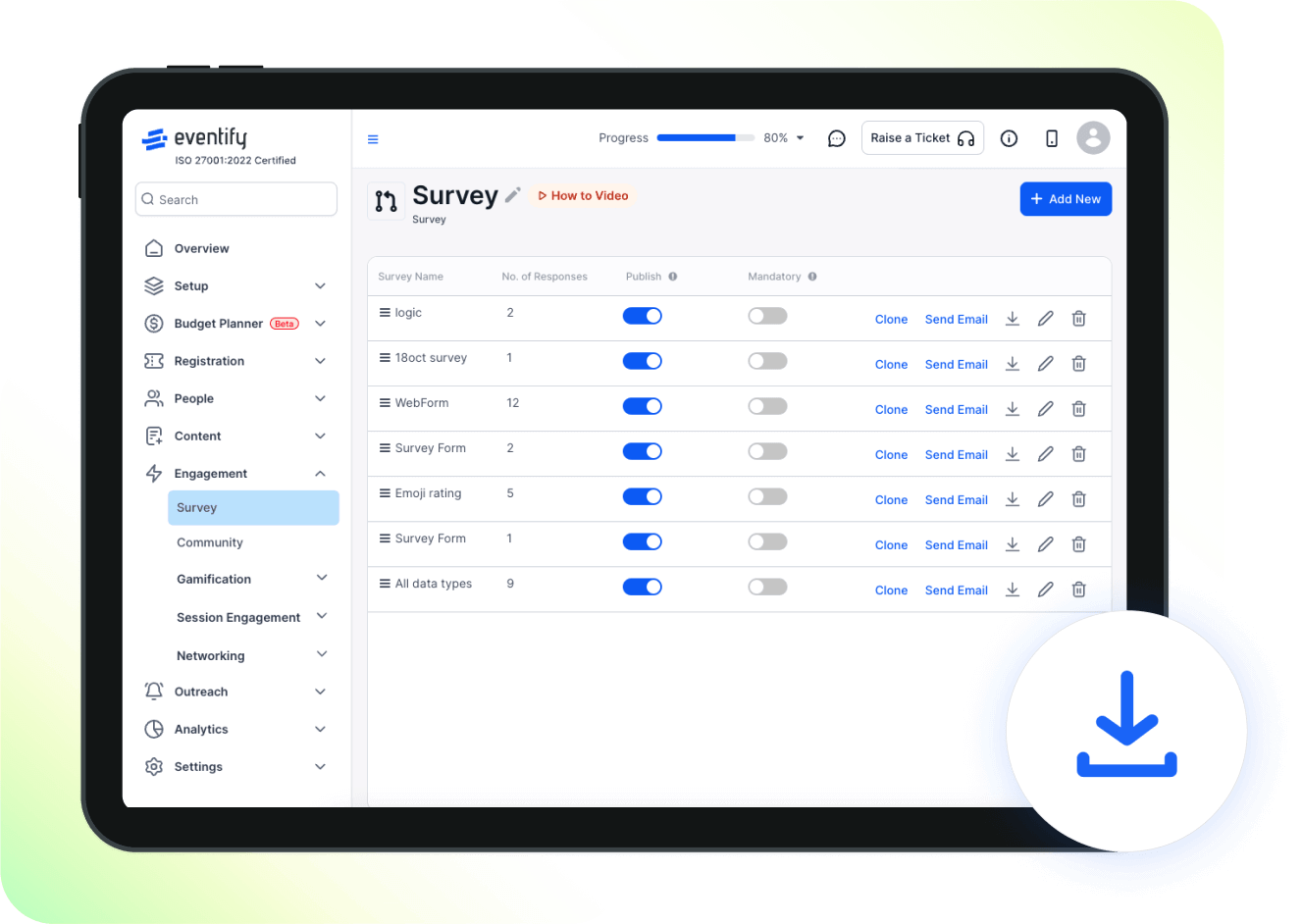
HOST's dynamic form builders offer the option to collect responses in the HOST platform, process the data through internal features, and export the form data.
Can I add multimedia to my forms?
HOST's dynamic form builders can add images, videos, and files as input fields.
Can I create multi-page forms?
The dynamic form builders offer the option to create multi-page survey forms with progress indicators in HOST.
Can I create mobile-responsive forms?
Yes, the dynamic form builders create forms that are optimized for mobile devices in HOST.
Can I add payment options to my forms?
Yes, HOST's checkout forms offer the option to integrate payment gateways for event registration.
Can I translate my forms into different languages?
Yes, most dynamic form builders can add multiple languages and translations to forms.
Can I track form responses and completion rates?
Depending on the dynamic form, for example, the Abstract collection forms of HOST, you can get the option to track form analytics such as response rates, completion times, and user locations.
How secure is my form data?
Inputs in dynamic form builders of HOST have encryption and security measures to protect form data and comply with data protection regulations.
Schedule a
personalized demo.
See how HOST can enhance the event experience for your attendees. Discover how mobile innovations are transforming events. Get a free demo tailored to your event objectives.

Features
Explore Our Most
Popular Features


Love the Smell Of Events Every Morning Like Us?
We're Totally Obsessed To Make Your Event Succeed!
Please Fill Out The Form To Request A Demo & Let us Convince You Why You Must Switch To HOST!
* PS: Nobody can match our pricing :-)
Please Fill Out The Form To Request A Demo & Let us Convince You Why You Must Switch To HOST!
* PS: Nobody can match our pricing :-)
Request a Demo
Tell us a bit about your event and our team will reach out to schedule your personalized demo.

