Event organizers can mark attendees as checked-in either through the HOST Admin Panel or directly from the HOST mobile app. This allows organizers to track attendee participation and monitor the total number of event check-ins in real time.
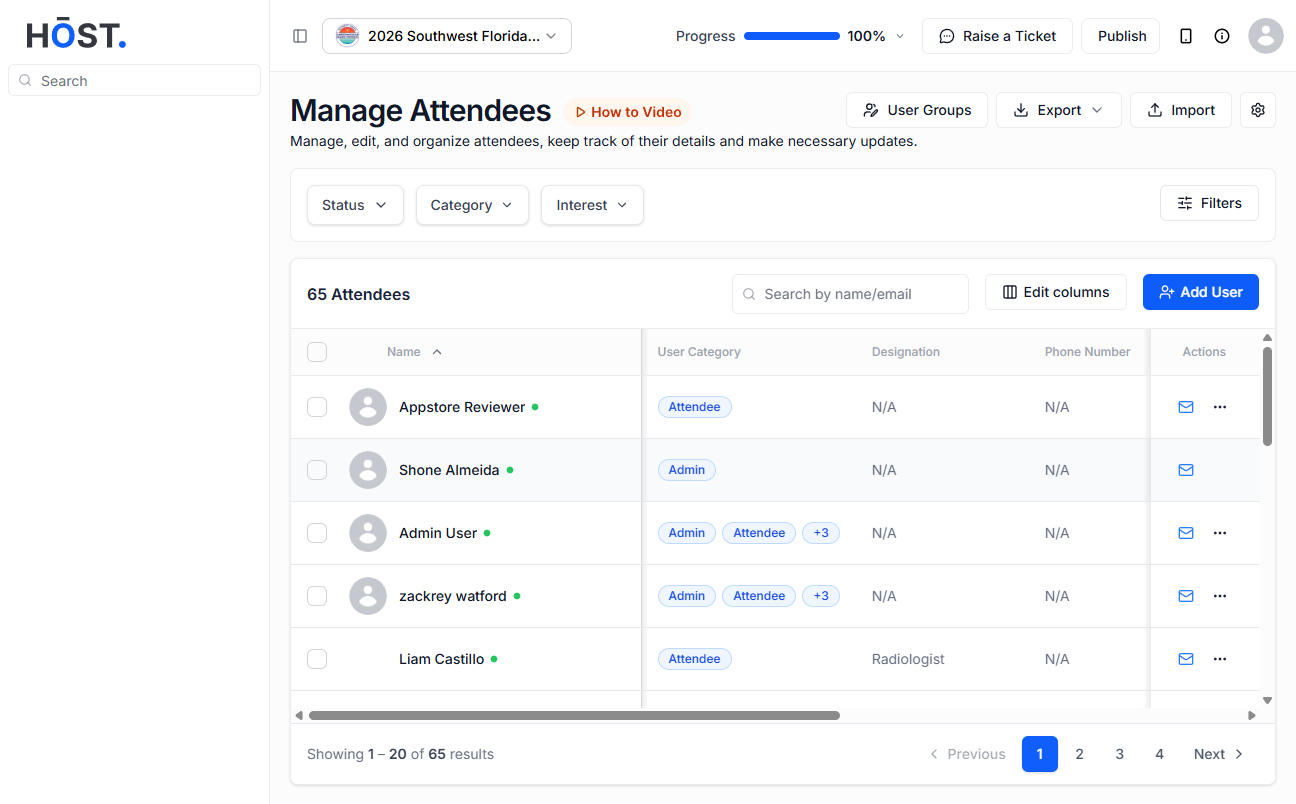
To manage attendee check-ins from the admin panel, log in to the HOST Admin Panel and navigate to People >> Manage Attendees.
Inside the attendee list, you will find the Checked-IN column, which displays the current check-in status of each attendee. To check in an attendee, click on the Manage Checkins option beside the attendee’s name and update their check-in status accordingly.
ℹ️ To filter out the checked-in users only, you can use the "Filter : Checked-in" option.
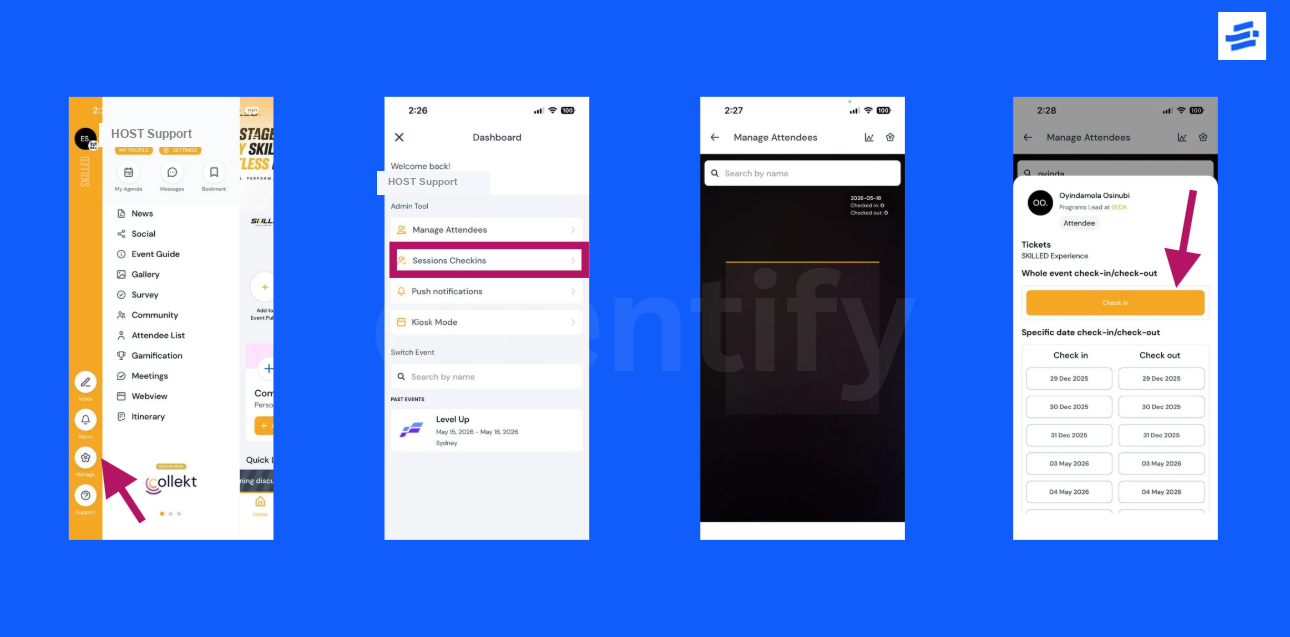
You can also check in attendees directly from the HOST mobile app. To do this, log in to the HOST App using an admin account and navigate to Side Menu >> Manage >> Manage Attendees. Search for the attendee manually by entering their name or scan the attendee’s badge/profile QR code to locate their profile.
Once the attendee profile opens, click on the Check In button to mark the attendee as checked in for the event.