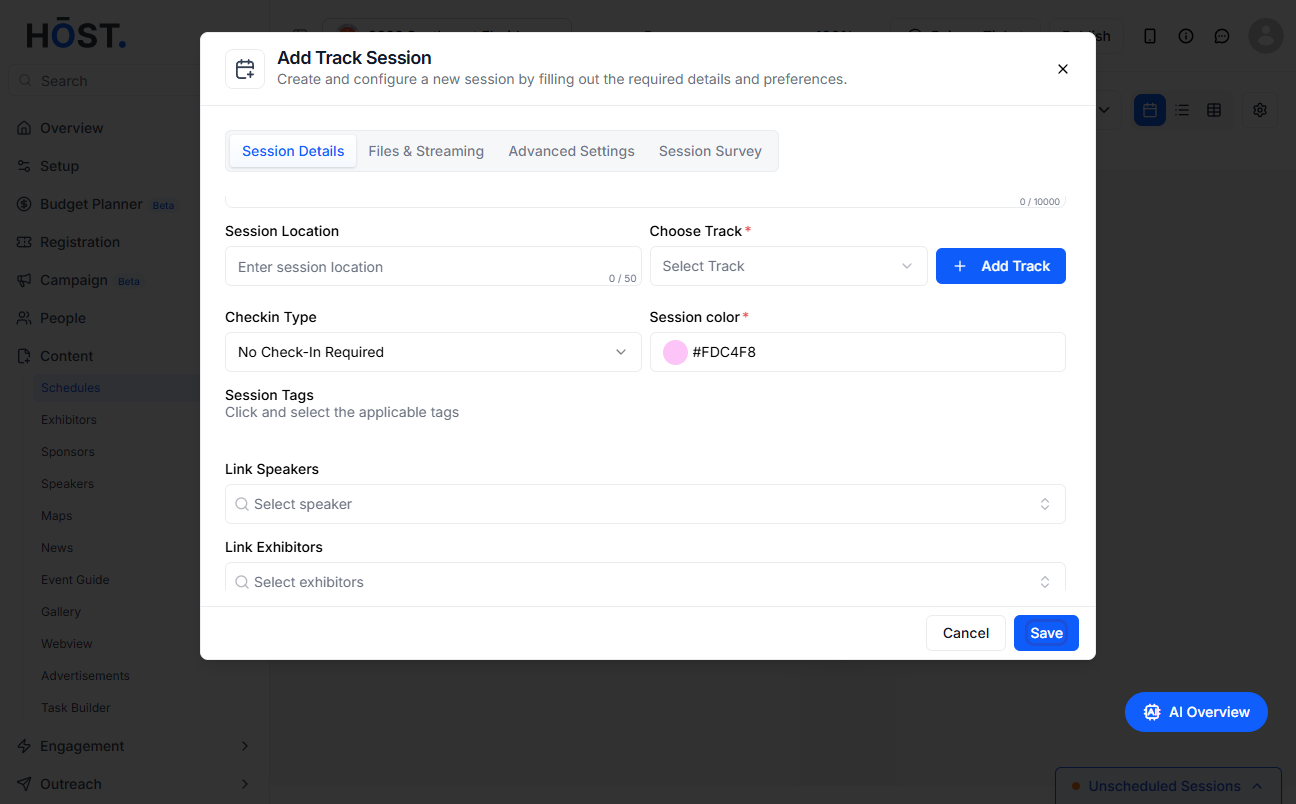
Setting up specific check-ins for sessions allows organizers to track attendee participation for individual sessions during the event. Follow the steps below to set up specific session check-ins
1: Access the HOST Admin Panel and navigate to Content > Schedules
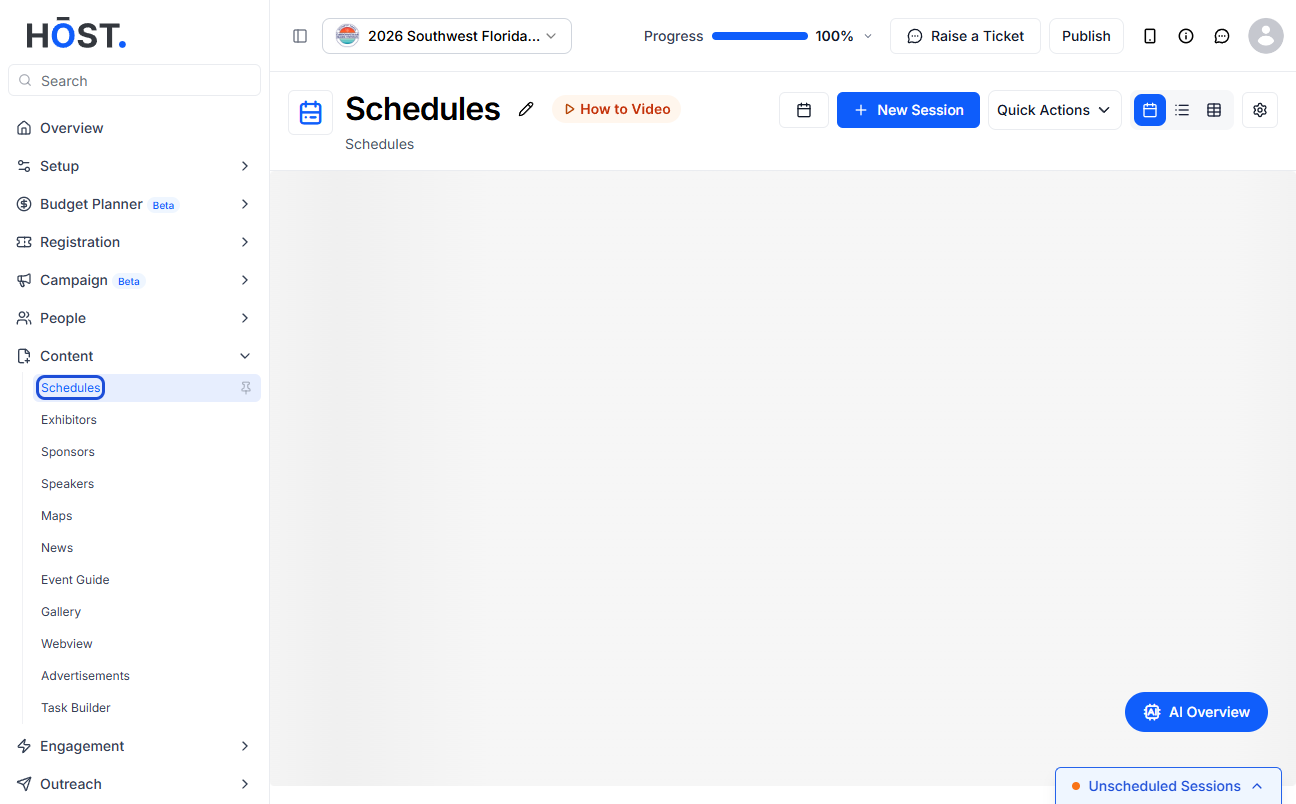
2: Click on the “New Session” button here to set up check-ins for the session
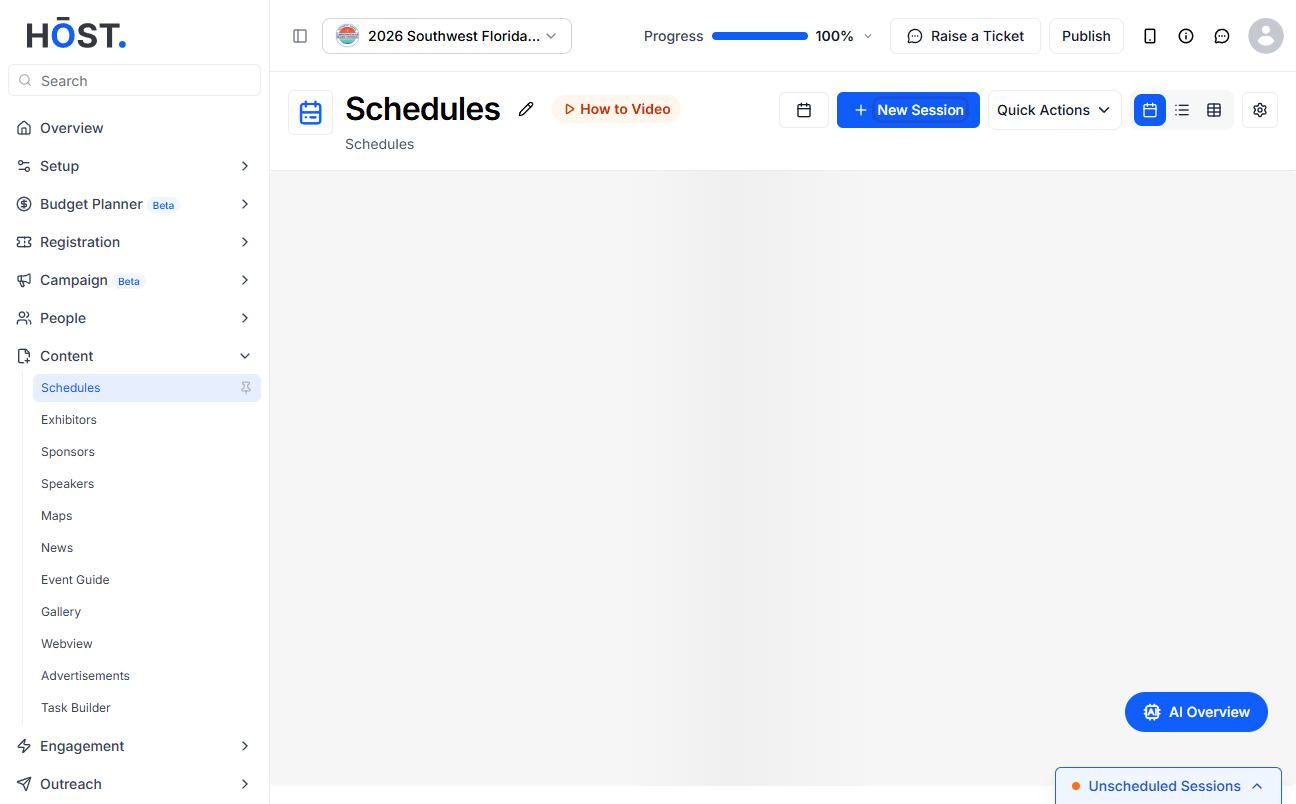
3: Or click on the “New Session” button here to add the session in this track and set up check- ins for the session
4: You can also click the edit icon of an existing session to set up specific Check-Ins for the sessions
5: Navigate to Session Details
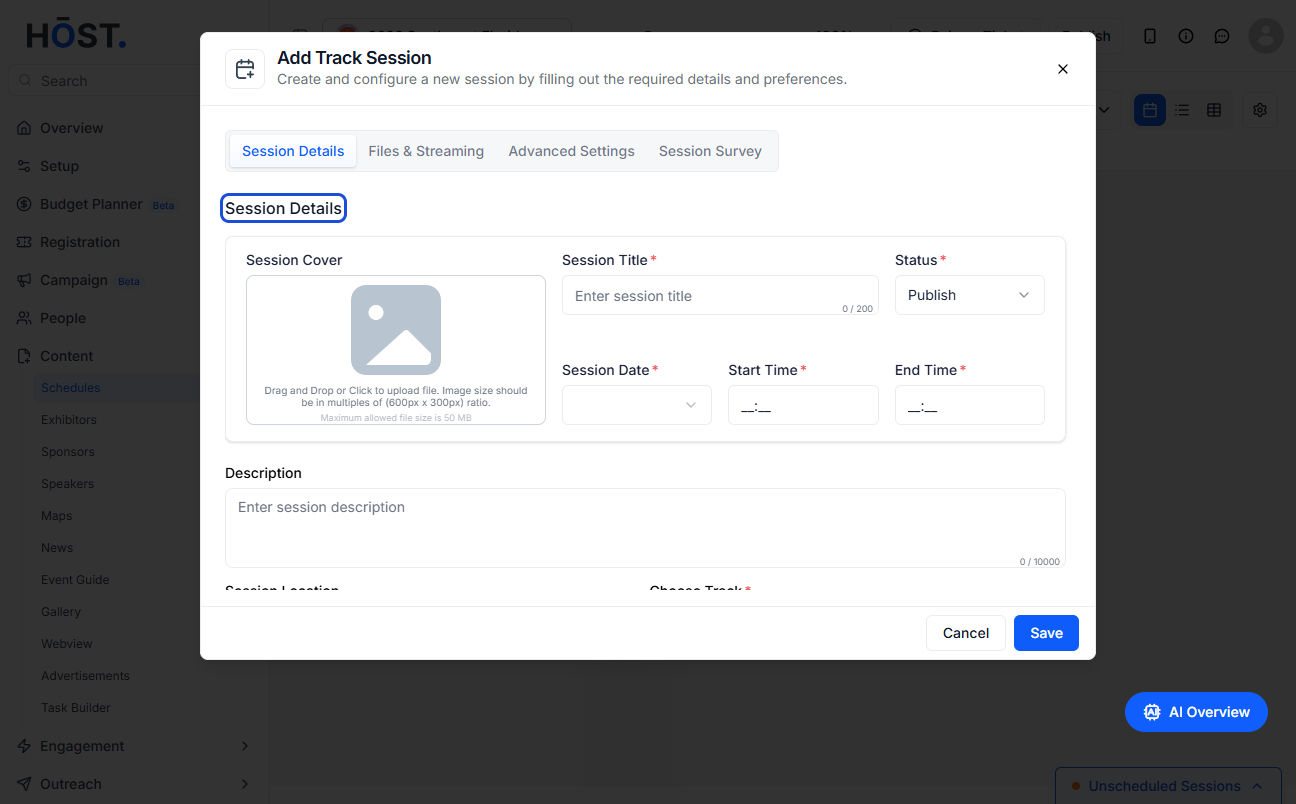
6: Enter all the required details
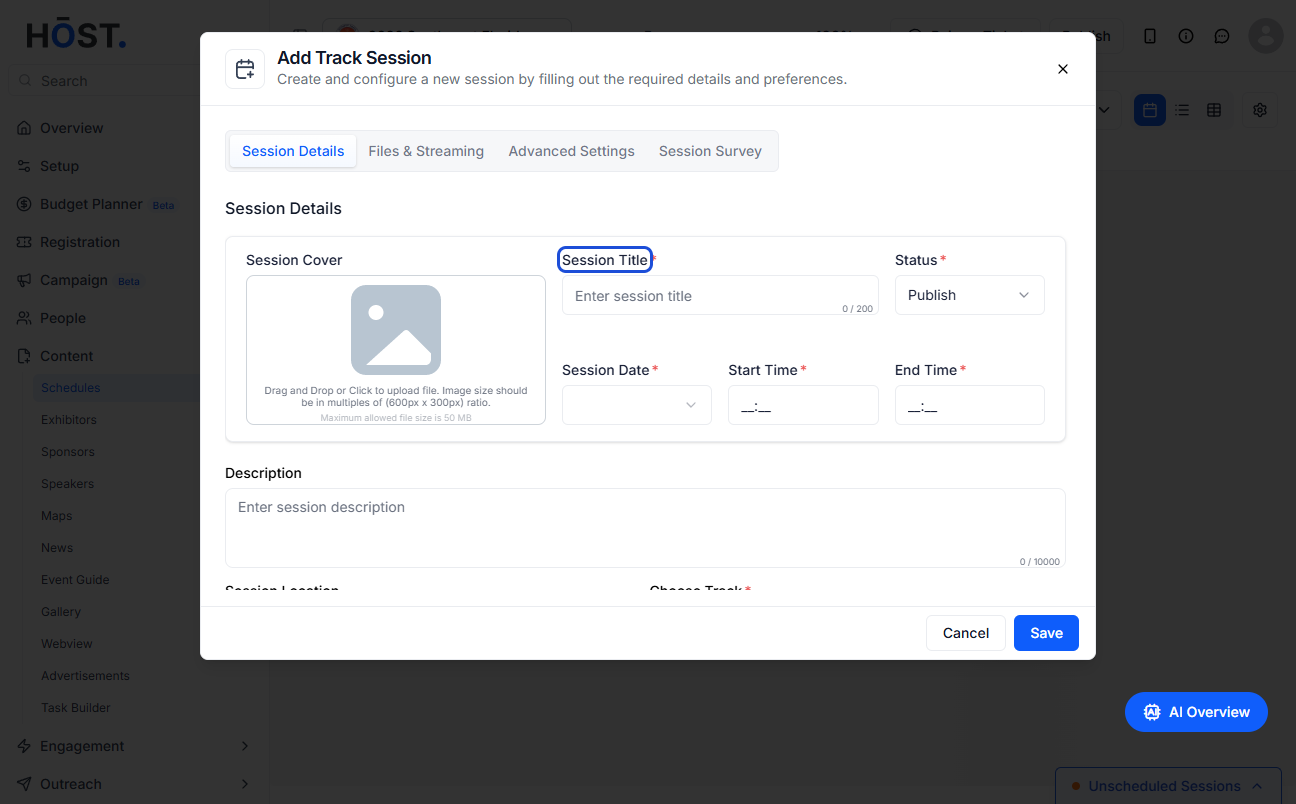
7: Go to Checkin Type section
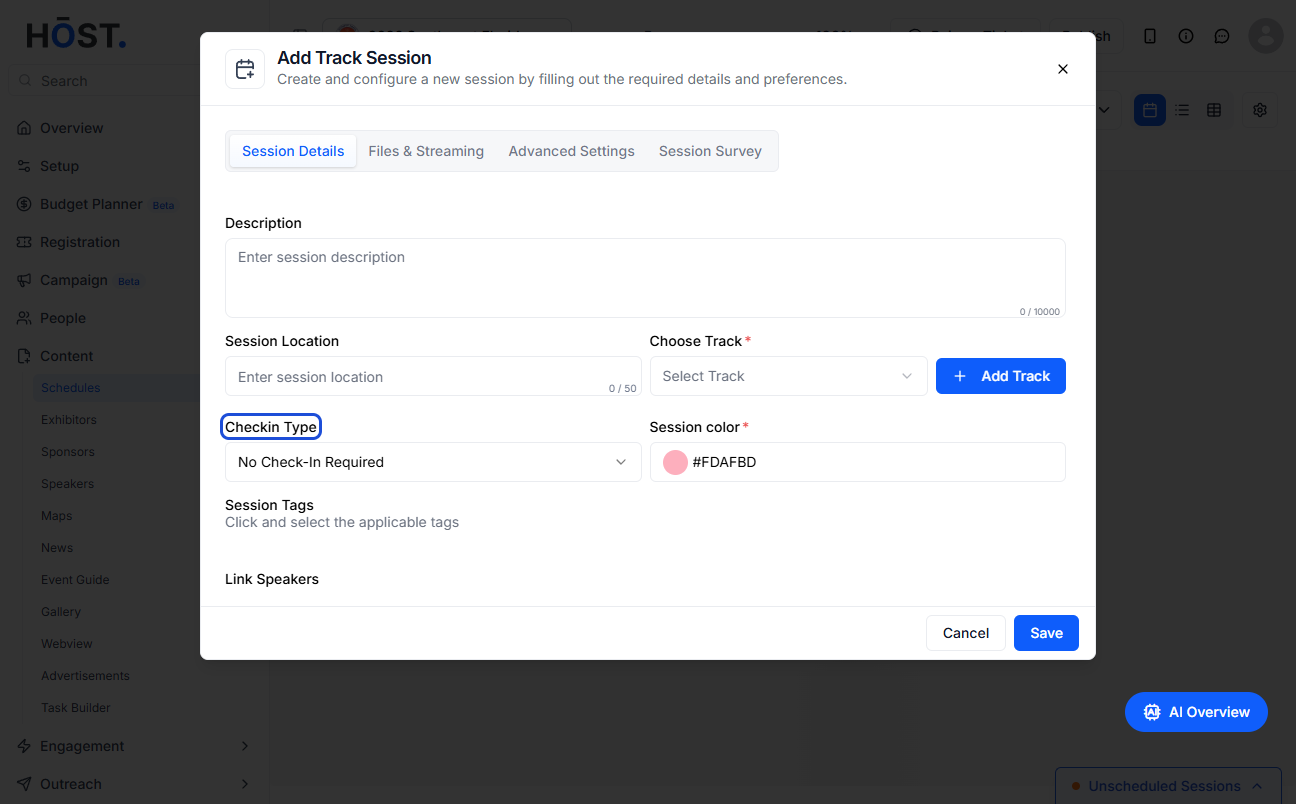
8: Setting it to Scan QR check-in will require users to scan their QR codes before entering the session
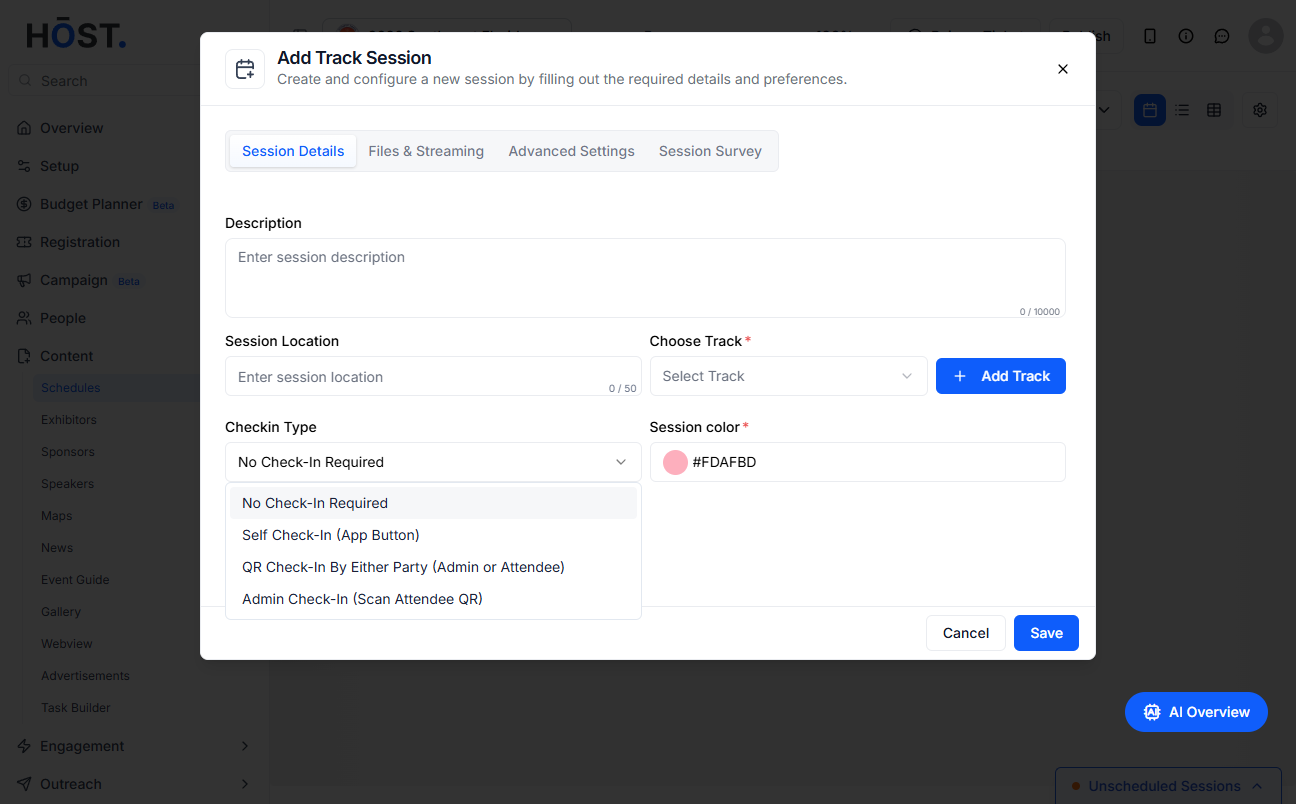
9: Self check-in refers to sessions where the attendees can check themselves in without any QR scan
10: No check-in refers to open sessions where anyone can join
11: Click the “Save” button