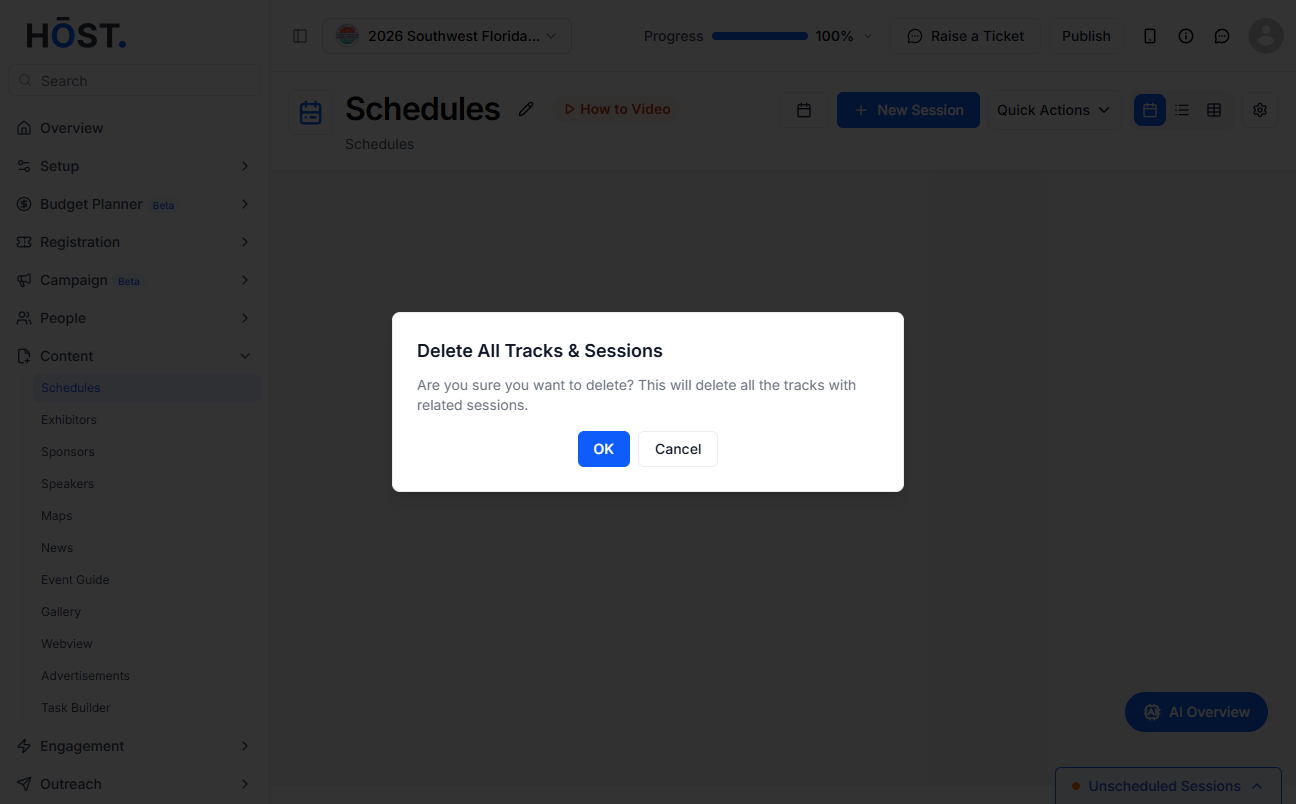
Deleting all tracks along with their associated sessions allows you to remove entire categories of sessions in one go for easier event restructuring or cleanup. Follow the steps below to delete all tracks with sessions
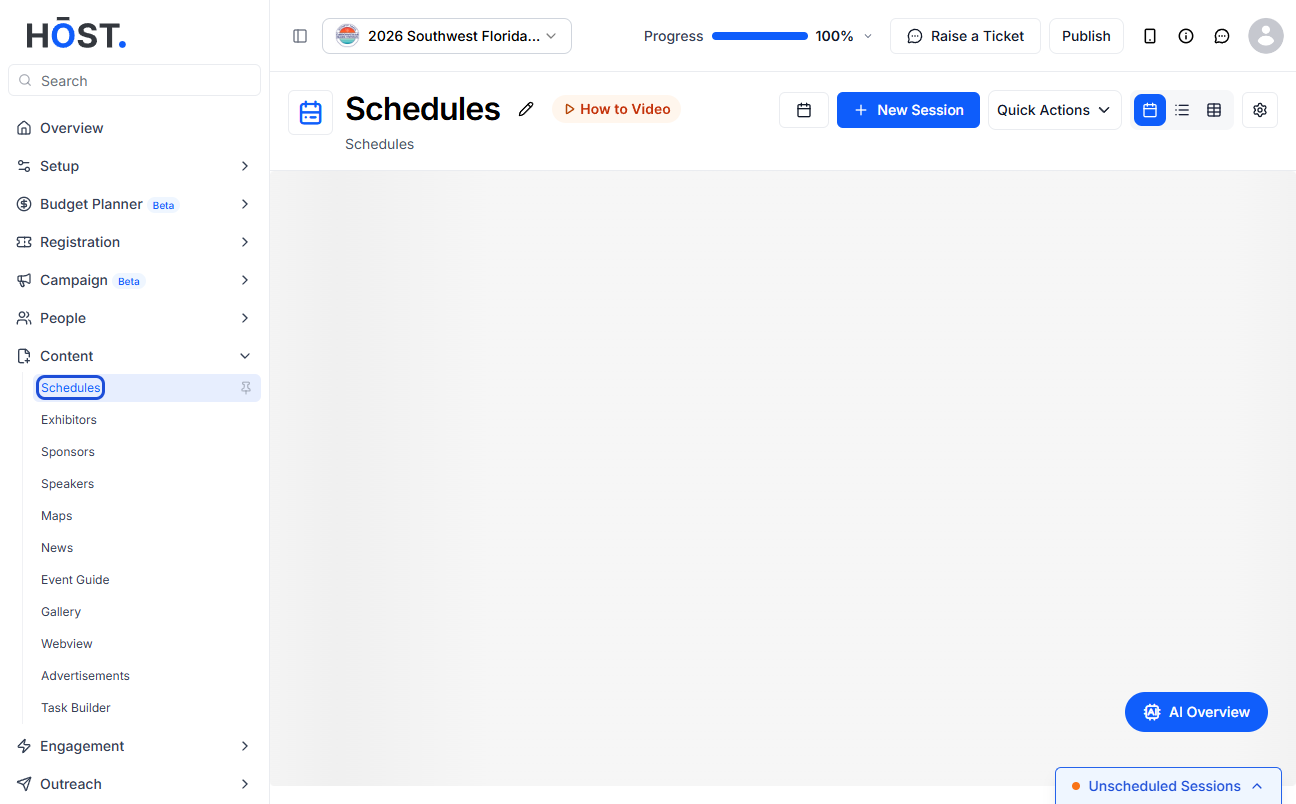
1: Access the HOST Admin Panel and navigate to Content > Schedules
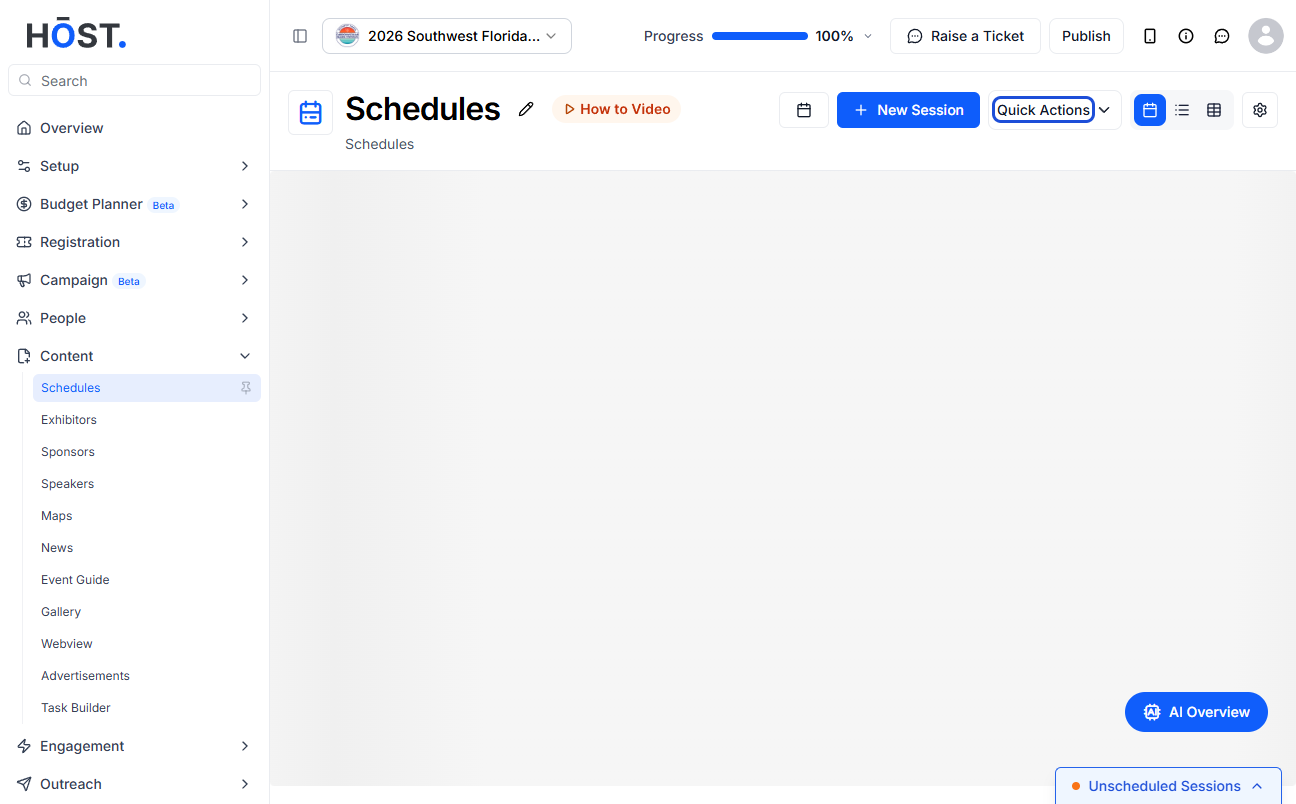
2: To bulk delete tracks with sessions, click on Quick Actions
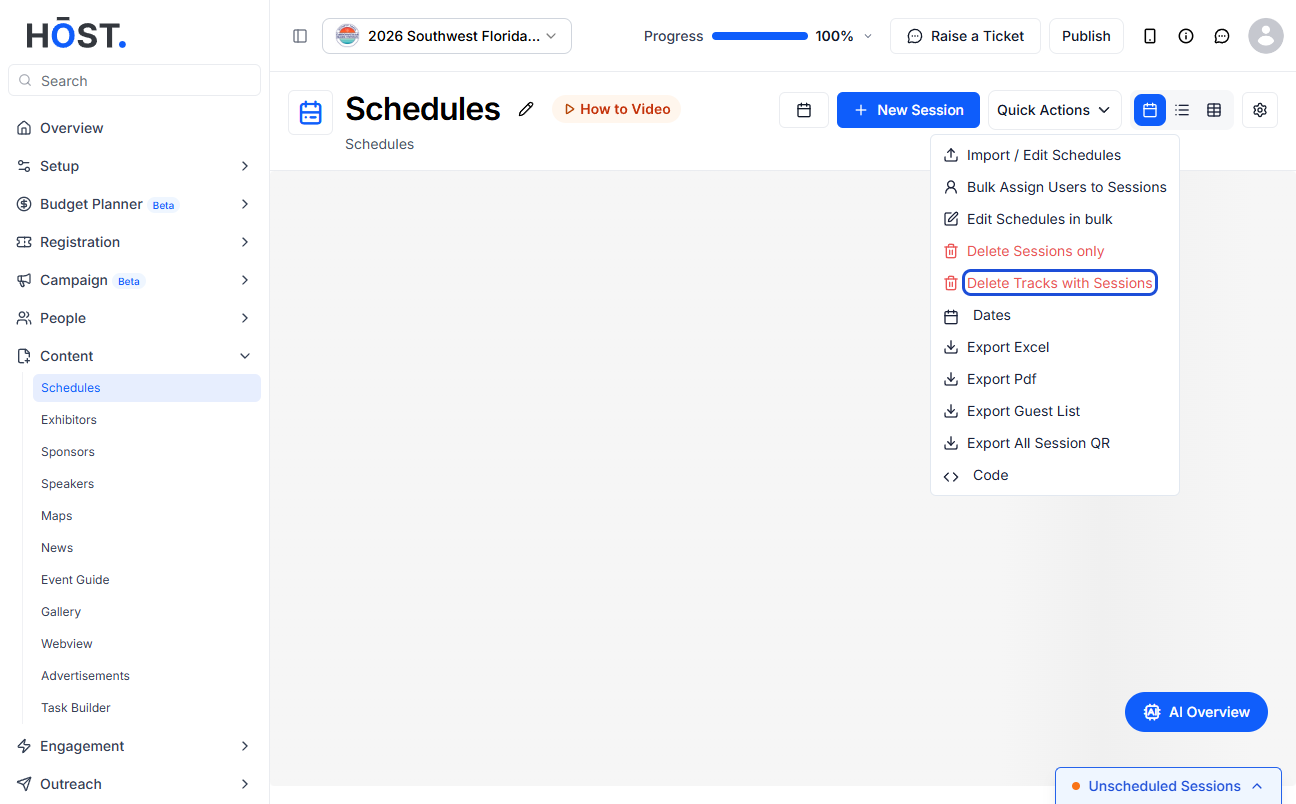
3: Then click on “Delete Tracks with Sessions”
4: You will be asked to confirm the delete request. Click on "Ok" to delete all sessions or "Cancel" to stop the request