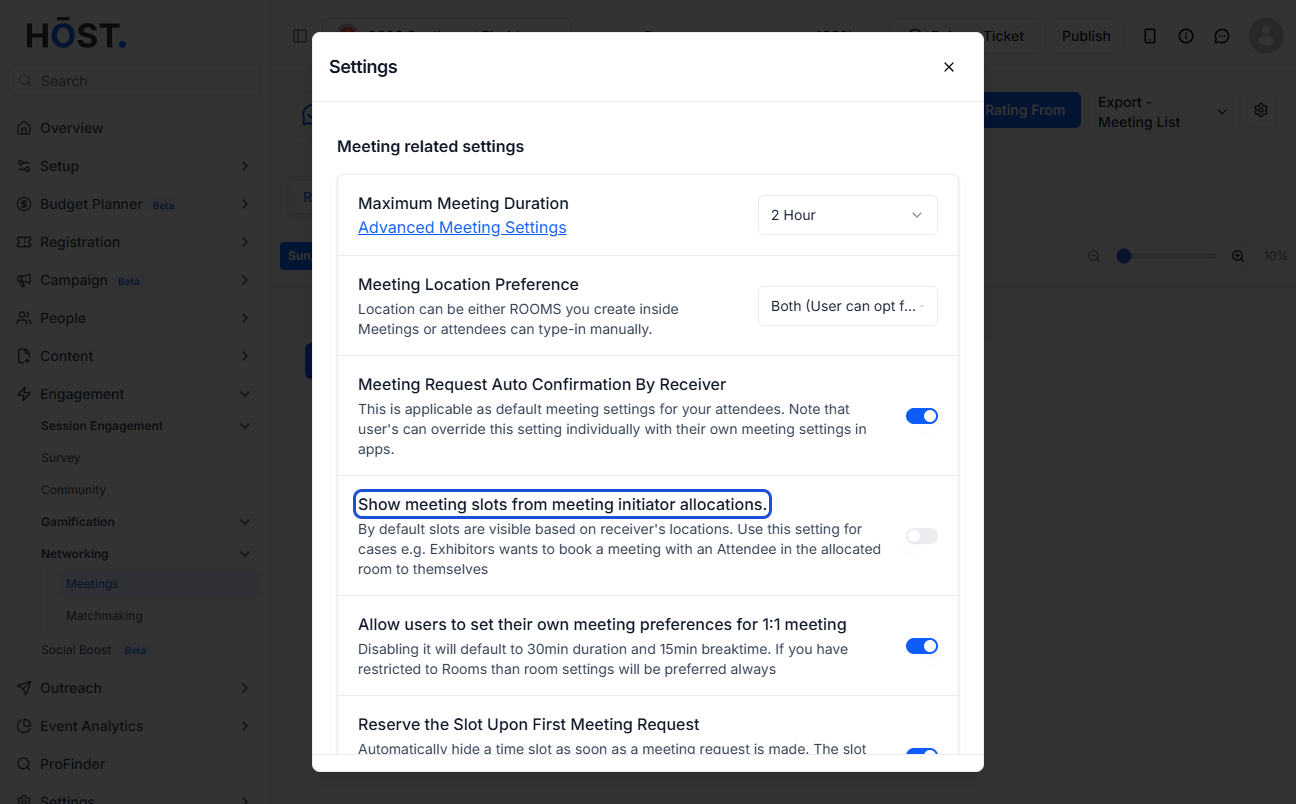
Limit meeting bookings to specific time slots and locations assigned to users, ensuring better schedule and space management. Here's how you can do it
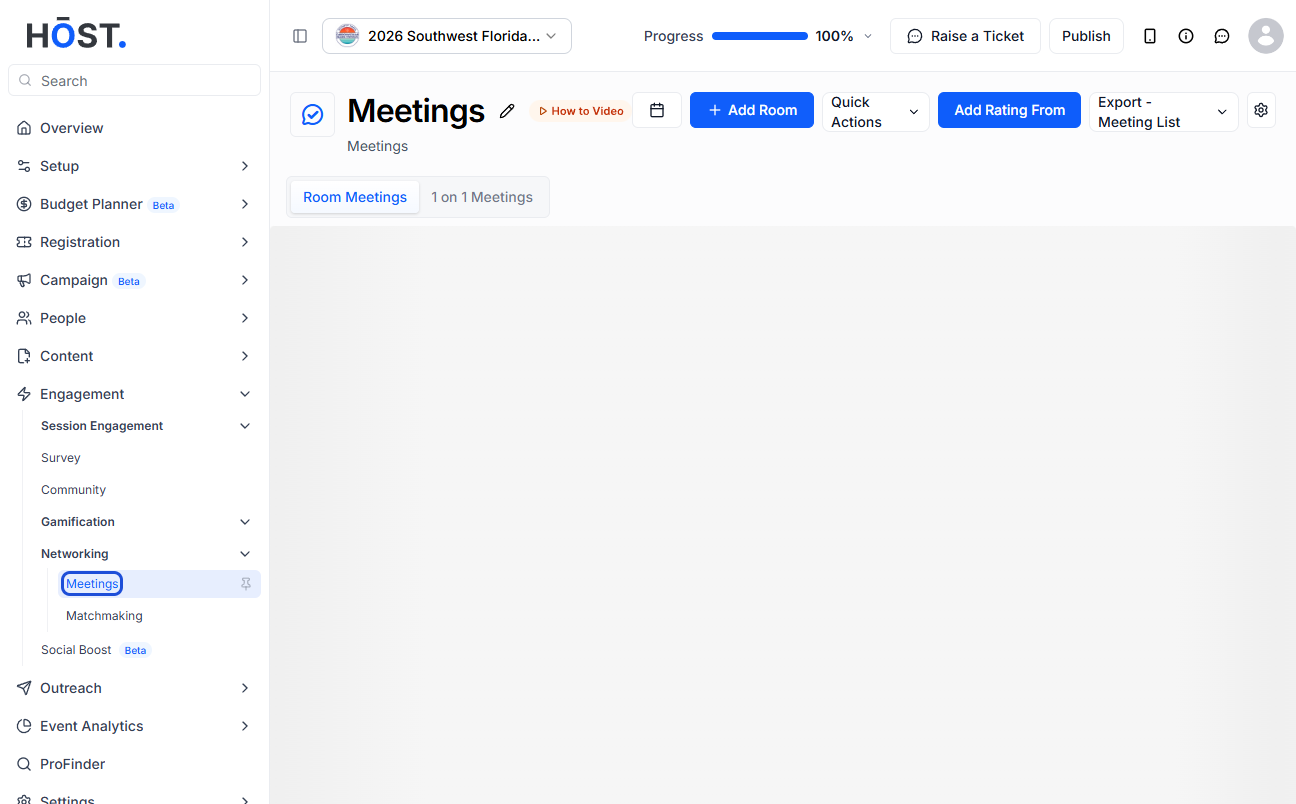
1: Login to HOST Admin panel and go to Engagement > Networking > Meetings
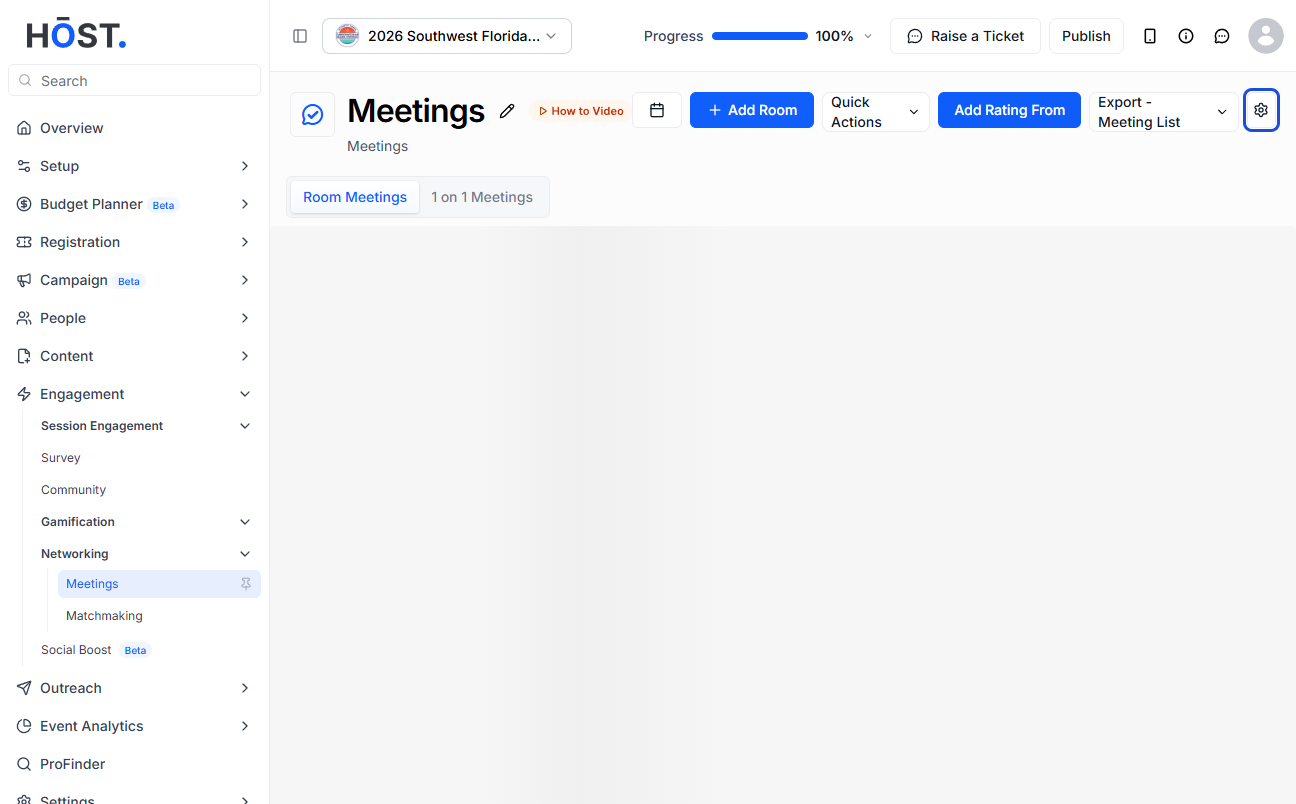
2: Click the "Settings" icon
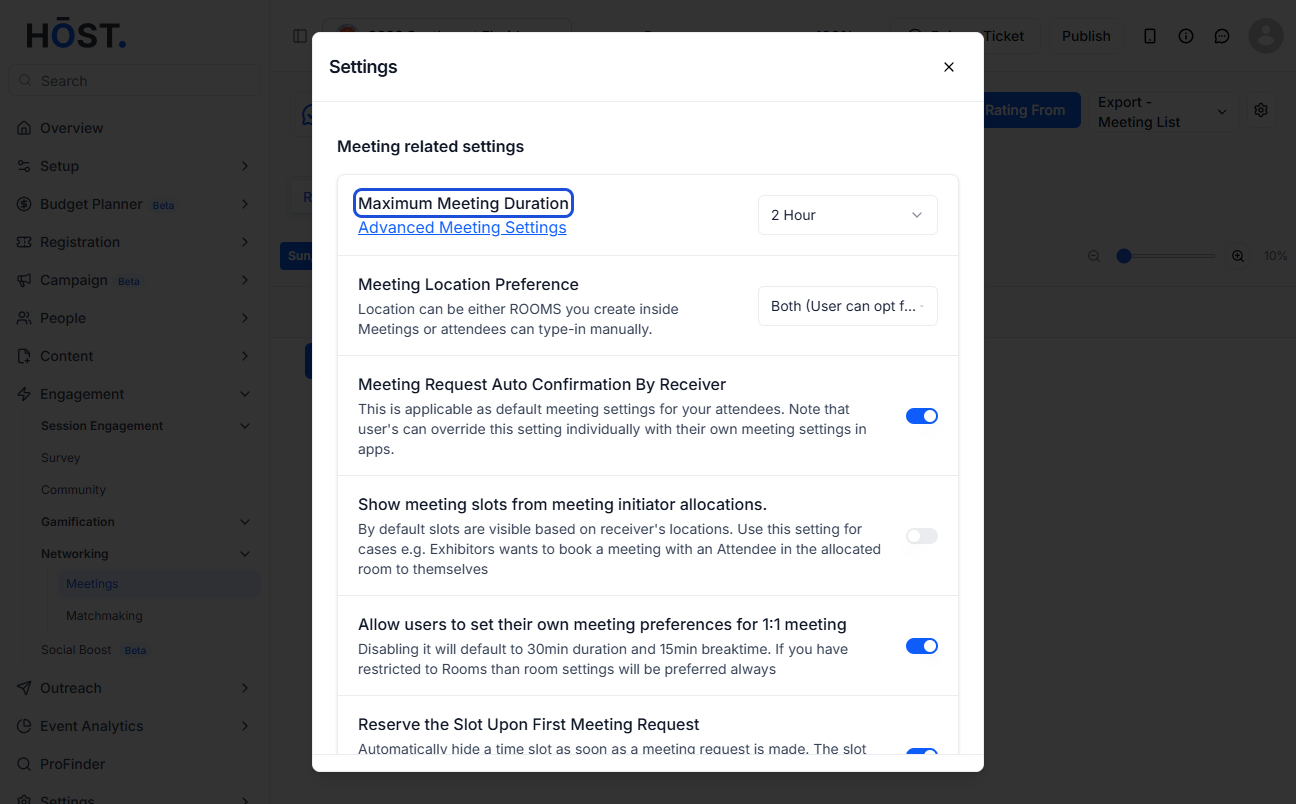
3: You can set the maximum meeting duration from here
Note: The minimum meeting duration is 10 minutes and the maximum is 4 hours
4: You can choose the meeting location preference from the dropdown
Either restrict it to rooms added in the meeting, allow attendees to enter the location manually, or enable both options.
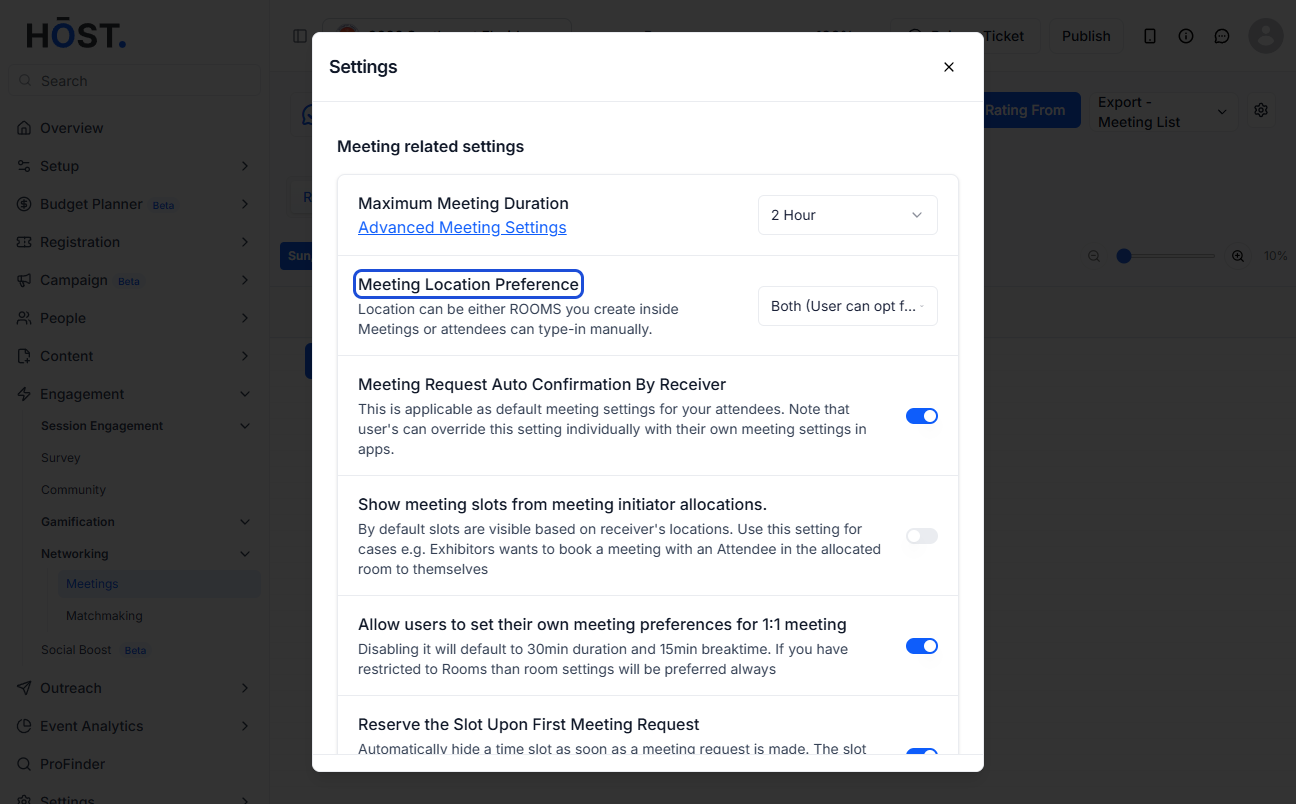
5: This setting if enabled, allows meeting slots to be displayed based on the initiator’s (sender’s) allocated room and schedule