Day / Date-Wise Access

Organisers can issue tickets valid only for specific event dates. The system auto-filters sessions, check-in, and meetings by access date — login is unaffected.
April 27, 2026

Managing multi-day events just got smarter. With HOST's new Day / Date-Wise Access feature, organisers can now issue tickets that are valid only for specific dates of an event. Whether you're running a three-day conference, a week-long festival, or a hybrid summit, you have full control over who can access which day — and the platform handles the rest, automatically.

ACCESS CONTROL

Precision Ticketing for Every Day of Your Event

Not every attendee needs access to every day of your event. Day / Date-Wise Access allows organisers to issue date-specific tickets with precision, so a single-day delegate never accidentally walks into a session reserved for a full-pass holder. You define the valid dates at the point of ticket creation — and from there, HOST takes care of enforcement across the entire event lifecycle.

This gives you the flexibility to create tiered ticket types — Day 1 only, Days 2–3, Full Event — each with clearly defined access windows. Managing diverse audiences across complex schedules has never been more straightforward.

SMART AUTOMATION

Auto-Filtered Sessions, Check-In & Meetings

When a ticket is tied to specific dates, the entire HOST platform aligns automatically. Sessions, check-in flows, and meeting scheduling are all filtered by the attendee's access date — no manual intervention needed. Attendees only see what's relevant to the days they're registered for, creating a cleaner, more focused experience.

For check-in teams, this means no awkward gate-side conversations about access rights. The system flags invalid date access instantly, so on-ground staff can move with confidence and speed. For meeting tools, attendees can only schedule interactions on their permitted days, keeping your networking ecosystem organised and accurate.

SEAMLESS EXPERIENCE

Login Access Remains Unaffected

A key design principle behind this feature is that login is never restricted. Attendees can sign into the HOST app at any time — before, during, or after the event — regardless of their access dates. This ensures they can browse the agenda, review their schedule, prepare for meetings, and stay engaged with event content without interruption.

Access restrictions apply precisely where they matter: check-in gates, session entry, and meeting availability. Everything else — communications, notifications, profile management — continues to work seamlessly. Attendees always feel like a full part of your event community.

ORGANISER BENEFITS

More Control, Less Complexity

Day / Date-Wise Access isn't just a gate-keeping tool — it's a revenue and logistics upgrade. Organisers can introduce date-based pricing tiers, sell single-day passes alongside full-event packages, and offer early access or VIP day experiences — all within a single event on the platform.

Because the system handles all the filtering logic, your operations team spends less time managing exceptions and more time delivering a great event. The feature integrates with your existing HOST setup and requires no additional configuration beyond defining the valid dates for each ticket type.

ADMIN SETUP

How to Enable Day / Date-Wise Access

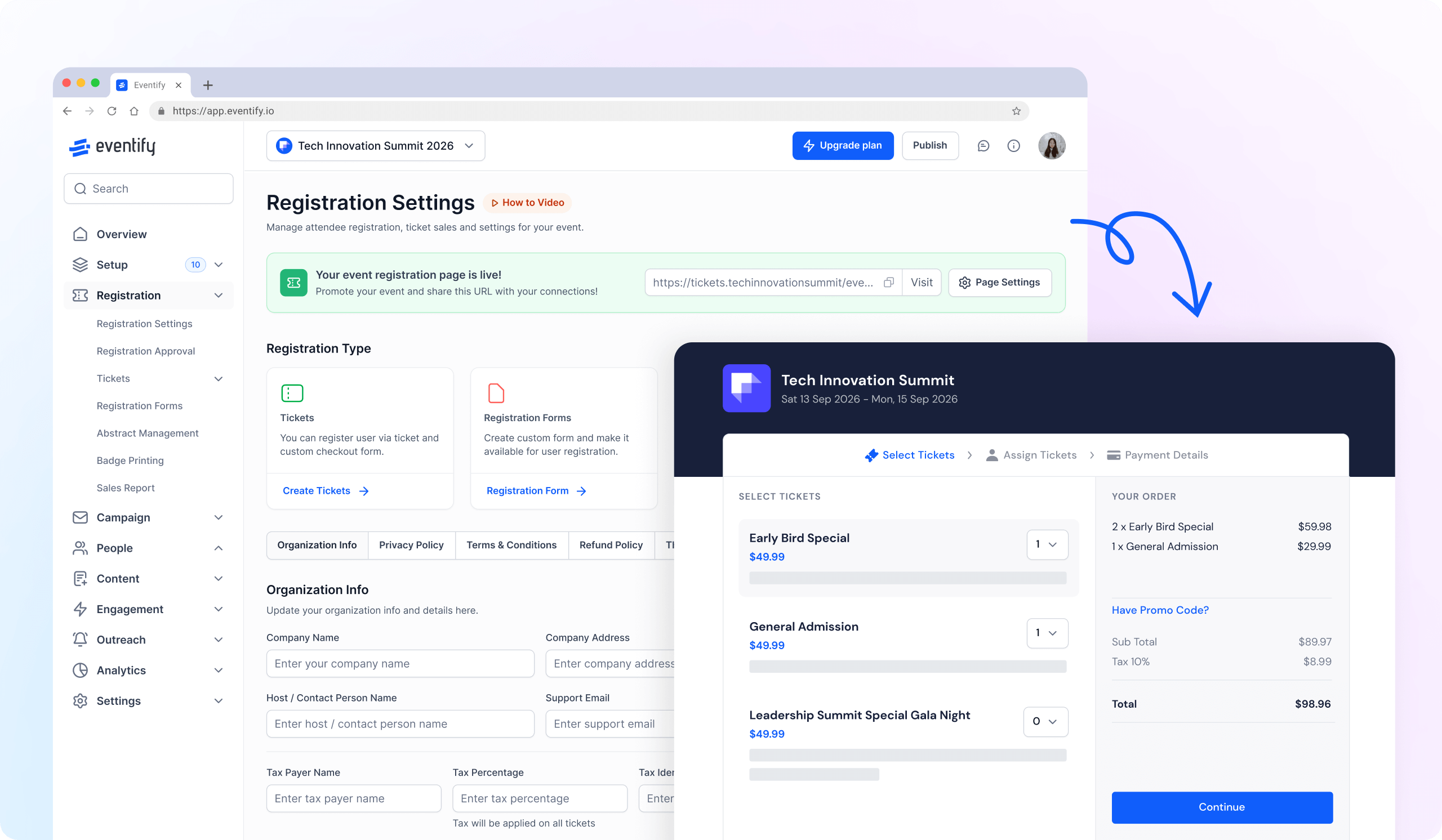
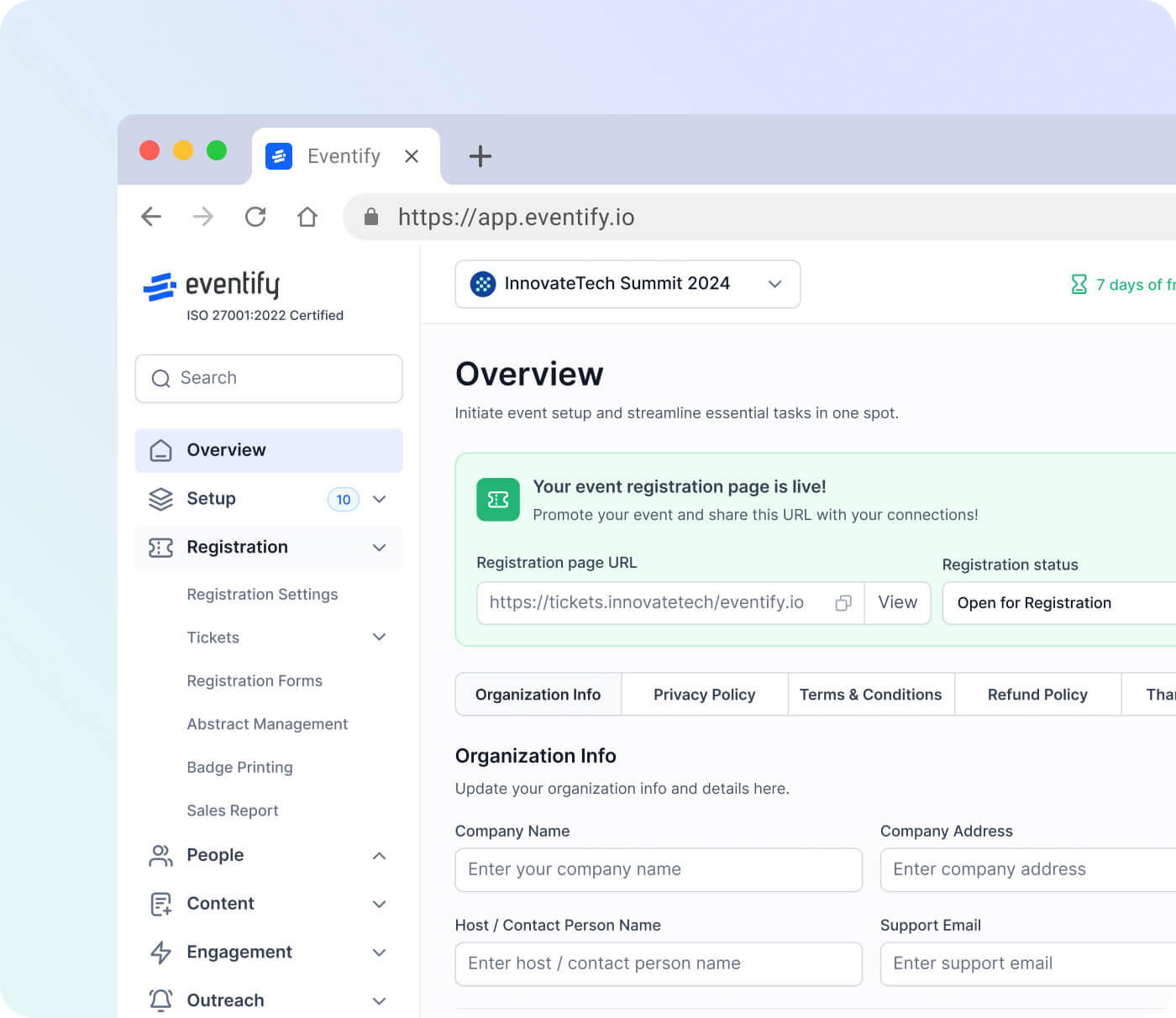
To use this feature, go to Registration › Tickets › Manage Tickets in your admin panel. From the Manage Tickets screen, click the Settings icon in the top-right corner of the page. This will open the ticket settings panel, where you will find a list of global ticketing options for your event.

Scroll to the bottom of the settings panel. You will find the Enable Day-wise Access toggle listed under the ticketing and registration options, along with its description: "When enabled, attendee access will be restricted based on the dates assigned to their tickets. Attendees without an assigned date will not be able to check in, view the agenda, or schedule meetings etc. for the event."

Click the toggle next to Enable Day-wise Access to turn it on. A confirmation dialog will appear — "Day Wise Access Setup Updated" — with an important notice about how the feature works. The dialog confirms that enabling this option will restrict attendee access based on the dates assigned to their tickets. It also notes that if you are not selling tickets on the platform, you must either create dummy tickets and link them to attendees, or manually assign access dates to attendees from the Manage People screen. Click OK to confirm and activate the feature.

Once enabled, attendee access is automatically restricted based on the dates assigned to their tickets. Sessions, check-in, and meeting scheduling are all filtered accordingly — attendees only see and interact with content relevant to their permitted days, with no further configuration needed.

Schedule a personalized demo.

See how HOST can enhance the event experience for your attendees. Discover how mobile innovations are transforming events. Get a free demo tailored to your event objectives.

Request Demo

See how HOST can help you organize a successful event! 

Request a Demo

Love the Smell Of Events Every Morning Like Us?

We're Totally Obsessed To Make Your Event Succeed!

Please Fill Out The Form To Request A Demo & Let us Convince You Why You Must Switch To HOST!
* PS: Nobody can match our pricing :-)
Features

Explore Our Most
Popular Features

Icon representing add or new item button
Learn more
Ticket icon representing event ticketing

Registration & Ticketing

Sell tickets online & manage user registration
Icon representing add or new item button
Learn more
Speech bubble icon representing messaging feature

Chat & Meetings

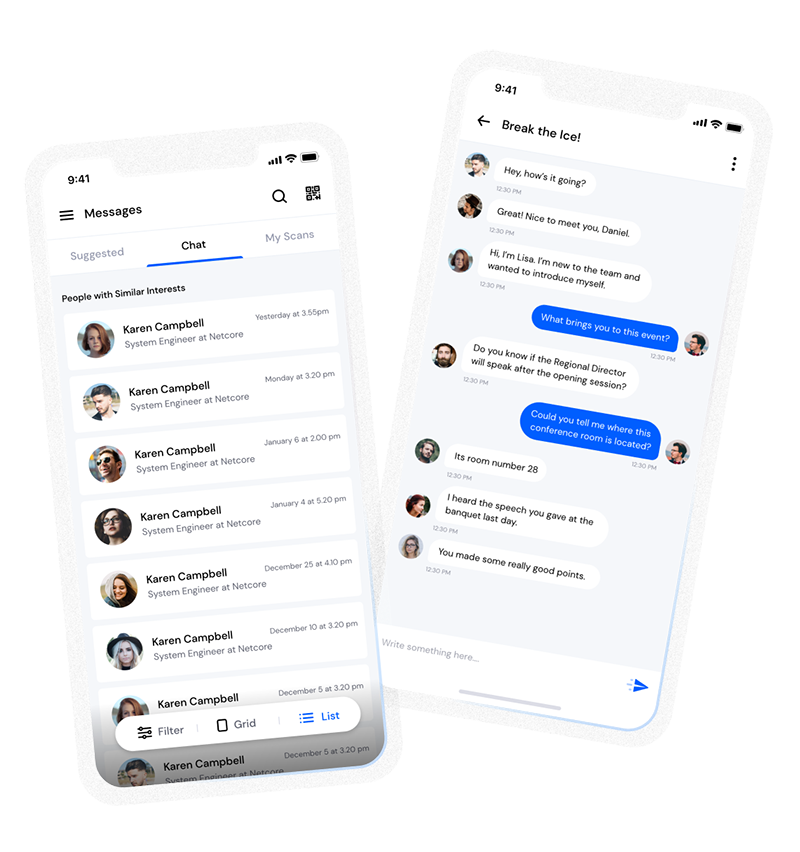
1-1 messagings and meeting to increase attendee engagement
Icon representing add or new item button
Learn more
Calendar icon representing event schedule

Schedule

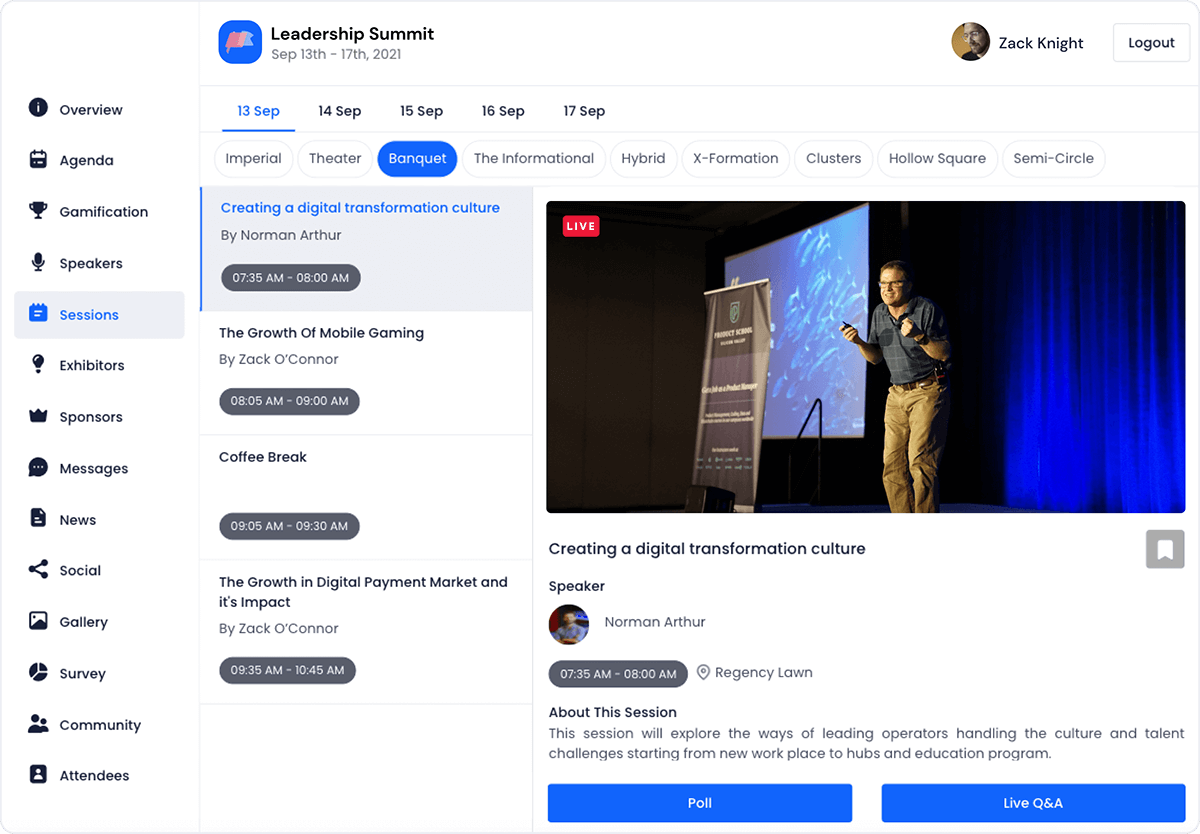
Event tracks & sessions as per date and time in one place
Icon representing add or new item button
Learn more
User icon representing registration feature

Matchmaking

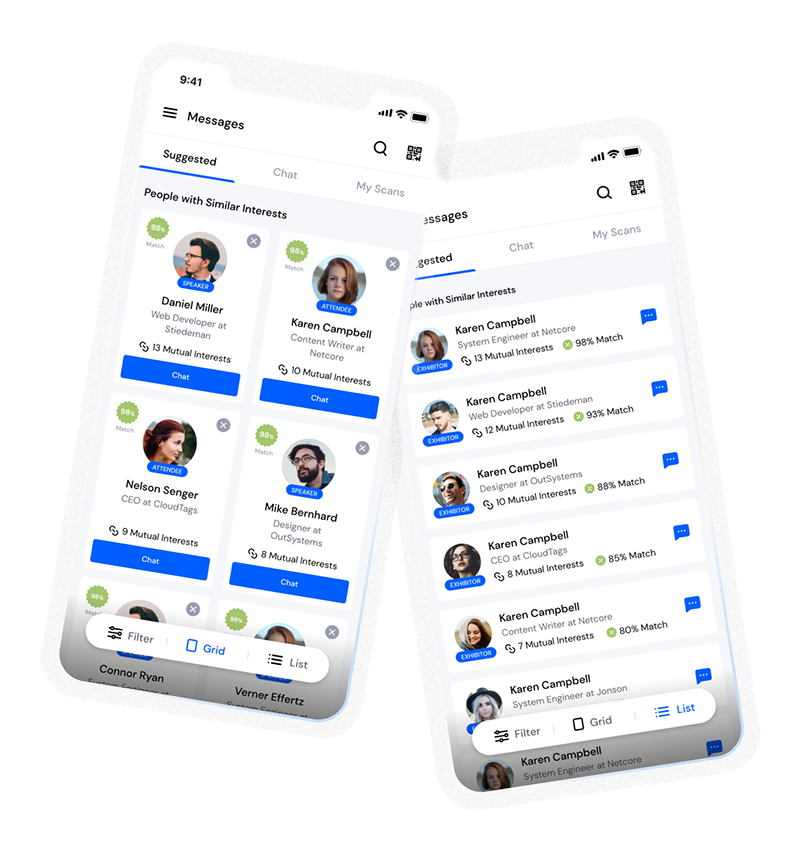
All-in-one B2B matchmaking for your attendees
Icon representing add or new item button
Learn more
Share icon representing social sharing feature

Social Feed

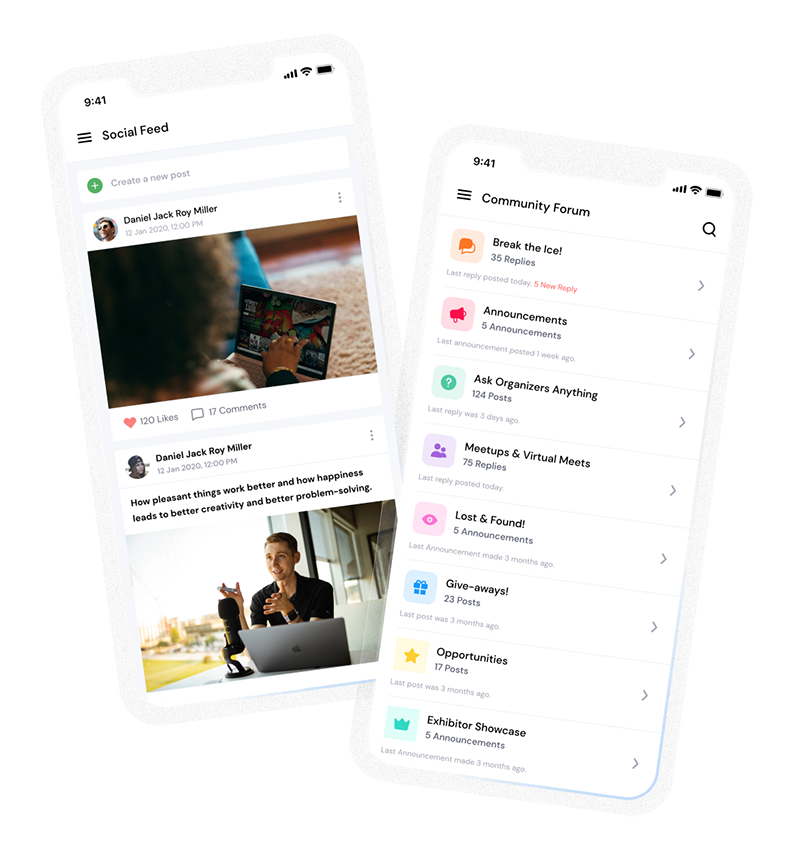
Private social network feed for your event
Icon representing add or new item button
Learn more
Multiple people icon representing community section

Community Forum

Forum or group messaging on predefined topics
Icon representing add or new item button
Learn more
Bar chart icon representing analytics dashboard

Poll & Live Q&A

Create interactive polls and QnA on live sessions
Icon representing add or new item button
Learn more
Microphone icon representing speakers feature

Speaker Profile

Speaker’s detailed information for sessions
Icon representing add or new item button
Learn more
Newspaper icon representing news section

Event News

A news section for event related news & announcements
Icon representing add or new item button
Learn more
Info icon representing event guide section

Event Guide

Create your own event help and support guidebook
Icon representing add or new item button
Learn more
Image icon representing photo gallery

Gallery

Event photos gallery by host or attendees
Icon representing add or new item button
Learn more
Storefront icon representing exhibitor booths

Product Showcase

Comprehensive exhibitor and sponsor page
Icon representing add or new item button
Learn more
Crown icon representing sponsors section

Sponsored Ads

Built in ads to promote sponsors & exhibitors
Icon representing add or new item button
Learn more
Checkmark icon representing survey feedback

Lead Scanning

All in one scan and export leads/contacts
Icon representing add or new item button
Learn more
Map icon representing interactive venue maps

Interactive Maps

Tappable interactive booth and floor maps
Icon representing add or new item button
Learn more
Bell icon representing outreach notifications

Push Notification

Send instant push notifications to attendee app
Icon representing add or new item button
Learn more
Trophy icon representing gamification features

Custom Branding

Customize & design your very own branded event app within minutes
Icon representing add or new item button
Learn more
Calendar icon representing event schedule

Session Rating

Get session rating and feedback from attendees
Icon representing add or new item button
Learn more
Bar chart icon representing poll or voting features

Survey

Build your own surveys to get feedback about the event
Icon representing add or new item button
Learn more
Bell icon representing outreach notifications

Email Notifications

Send instant email notifications to your attendees
Icon representing add or new item button
Learn more
Newspaper icon representing news section

Dynamic Form Builder

Drag & drop from builder for checkout form, survey & profile
Icon representing add or new item button
Learn more
Calendar icon representing event schedule

Schedule

Event tracks & sessions as per date and time in one place
Icon representing add or new item button
Learn more
Info icon representing event guide section

Event Guide

Create your own event help and support guidebook
Icon representing add or new item button
Learn more
Checkmark icon representing survey feedback

Email Designer

Drag and Drop custom email template designer
Icon representing add or new item button
Learn more
Bar chart icon representing analytics dashboard

Analytics Dashboard

Get real-time insights on your event on multiple fronts
Icon representing add or new item button
Learn more
Multiple people icon representing community section

Community Forum

Forum or group messaging on predefined topics
Icon representing add or new item button
Learn more
Speech bubble icon representing messaging feature

Chat & Meetings

1-1 messagings and meeting to increase attendee engagement
Icon representing add or new item button
Learn more
Ticket icon representing event ticketing

Registration & Ticketing

Sell tickets online & manage user registration