Amplify Your Event Reach with HOST’s Social Boost: Design eye-catching social banners

Create and share personalized banners to boost your event’s social media reach. 4o
June 25, 2025

Create stunning, shareable banners tailored for each user group to boost visibility and engagement across social platforms—right from your HOST dashboard.

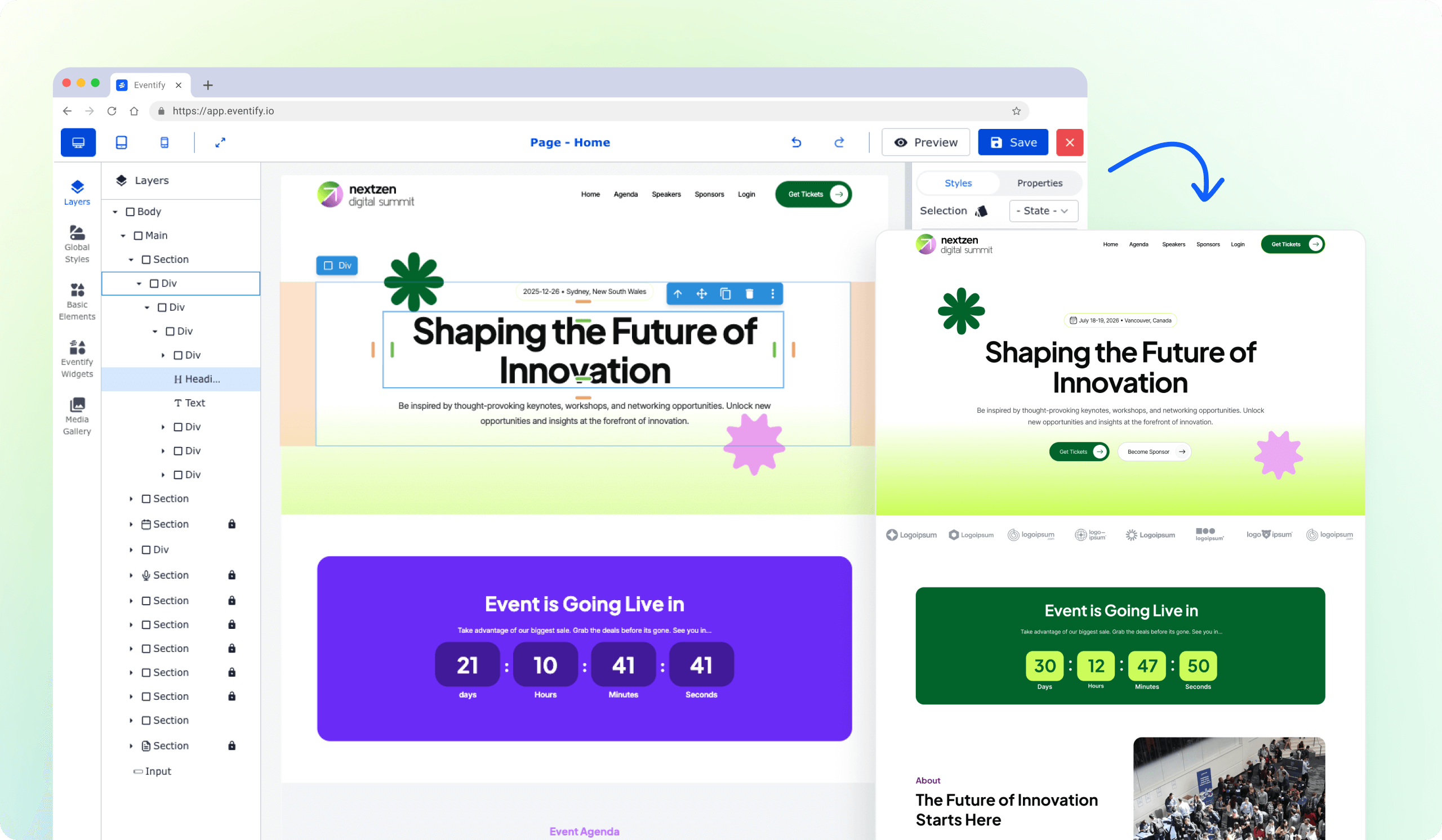
Easily manage post elements, insert dynamic variables like event name or company, and preview your design in real time. Whether it's for attendees, sponsors, or speakers, every post reinforces your event’s brand and presence. Design and customize in just a few clicks.

Create Social Boost Banners That Elevate Your Event’s Visibility

Easily design shareable personalized social banners to amplify engagement across all attendee groups. Start by clicking on the Add New button, select a template or create a new one, customize it with event details and publish it. In just a few clicks, your attendees, speakers, sponsors, and exhibitors are ready to promote your event across social media—boosting reach and visibility effortlessly.

Edit or Delete Existing Social Banners Effortlessly

Manage your existing social boost banners effortlessly—click the pencil icon next to any banner to edit its design, message, or assigned user group. Need to remove a banner? Simply hit the bin icon to delete it instantly and keep your list clean and up to date. Additionally, you can choose to enable or disable the Enable Social Boosting option.

How Attendees Can Use the Banner

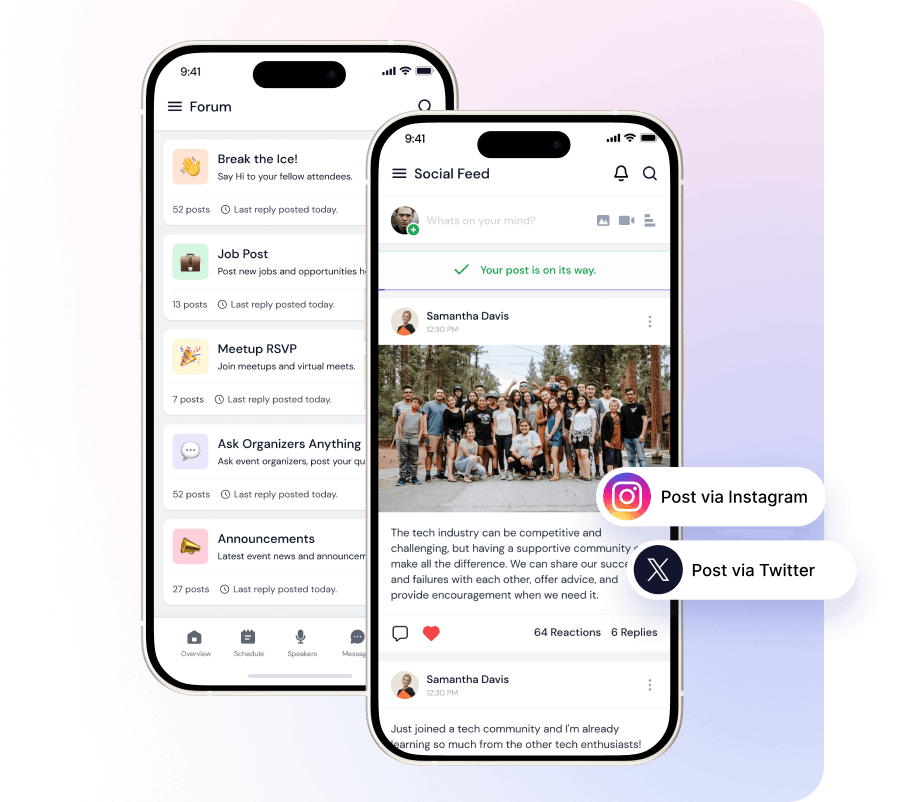
When social boosting is enabled, it activates social login during ticket purchases and prompts users to post on social media after a successful registratiion. This not only streamlines the registration process but also encourages organic promotion through attendee engagement.

Additionall , they can share their personalized event profiles on external platforms such as LinkedIn, Twitter, or personal blogs—helping build their professional visibility.

See how HOST can help you organize a successful event! 

Request a Demo

Love the Smell Of Events Every Morning Like Us?

We're Totally Obsessed To Make Your Event Succeed!

Please Fill Out The Form To Request A Demo & Let us Convince You Why You Must Switch To HOST!
* PS: Nobody can match our pricing :-)
Features

Explore Our Most
Popular Features

Icon representing add or new item button
Learn more
Ticket icon representing event ticketing

Registration & Ticketing

Sell tickets online & manage user registration
Icon representing add or new item button
Learn more
Speech bubble icon representing messaging feature

Chat & Meetings

1-1 messagings and meeting to increase attendee engagement
Icon representing add or new item button
Learn more
Calendar icon representing event schedule

Schedule

Event tracks & sessions as per date and time in one place
Icon representing add or new item button
Learn more
User icon representing registration feature

Matchmaking

All-in-one B2B matchmaking for your attendees
Icon representing add or new item button
Learn more
Share icon representing social sharing feature

Social Feed

Private social network feed for your event
Icon representing add or new item button
Learn more
Multiple people icon representing community section

Community Forum

Forum or group messaging on predefined topics
Icon representing add or new item button
Learn more
Bar chart icon representing analytics dashboard

Poll & Live Q&A

Create interactive polls and QnA on live sessions
Icon representing add or new item button
Learn more
Microphone icon representing speakers feature

Speaker Profile

Speaker’s detailed information for sessions
Icon representing add or new item button
Learn more
Newspaper icon representing news section

Event News

A news section for event related news & announcements
Icon representing add or new item button
Learn more
Info icon representing event guide section

Event Guide

Create your own event help and support guidebook
Icon representing add or new item button
Learn more
Image icon representing photo gallery

Gallery

Event photos gallery by host or attendees
Icon representing add or new item button
Learn more
Storefront icon representing exhibitor booths

Product Showcase

Comprehensive exhibitor and sponsor page
Icon representing add or new item button
Learn more
Crown icon representing sponsors section

Sponsored Ads

Built in ads to promote sponsors & exhibitors
Icon representing add or new item button
Learn more
Checkmark icon representing survey feedback

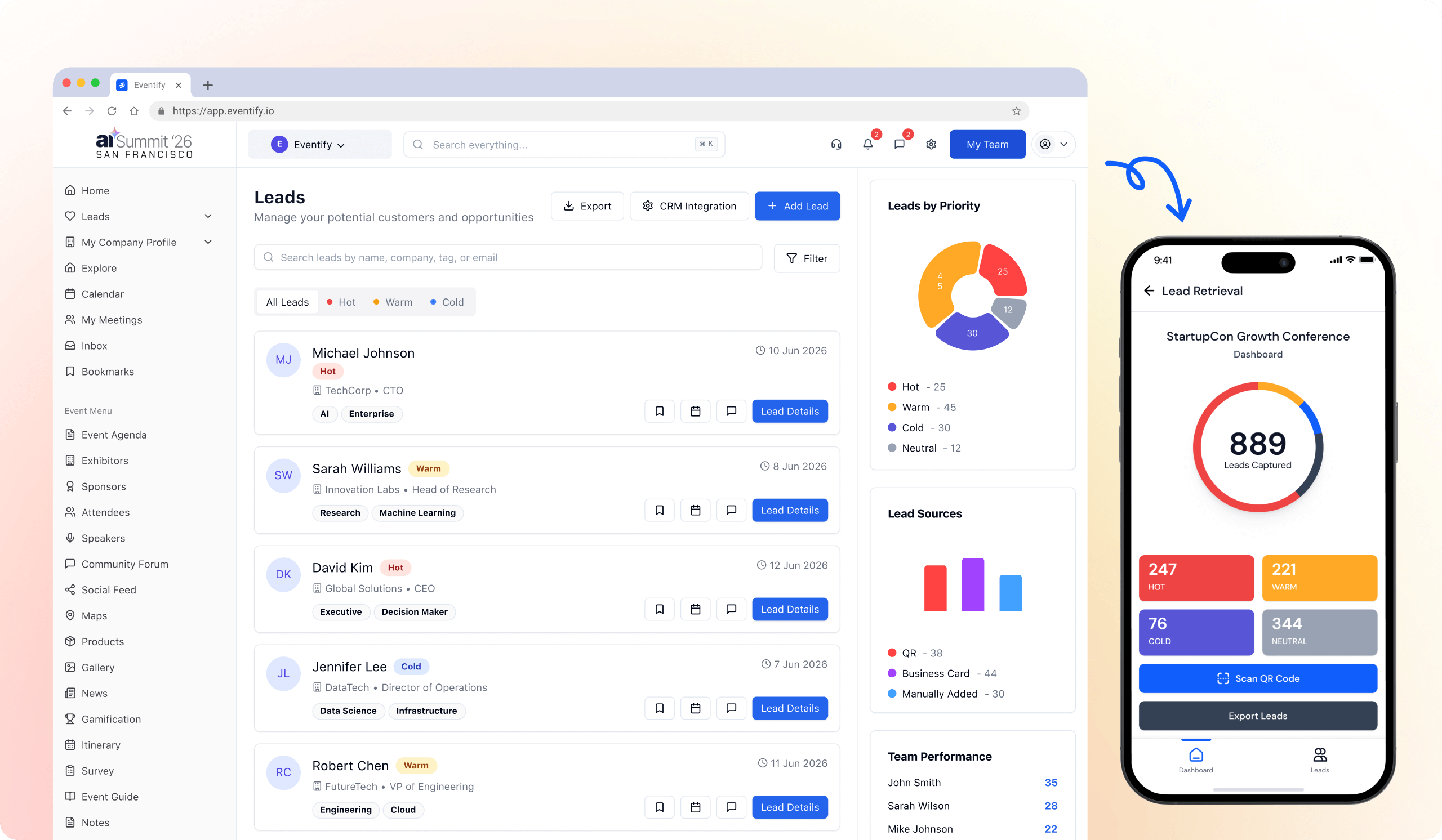
Lead Scanning

All in one scan and export leads/contacts
Icon representing add or new item button
Learn more
Map icon representing interactive venue maps

Interactive Maps

Tappable interactive booth and floor maps
Icon representing add or new item button
Learn more
Bell icon representing outreach notifications

Push Notification

Send instant push notifications to attendee app
Icon representing add or new item button
Learn more
Trophy icon representing gamification features

Custom Branding

Customize & design your very own branded event app within minutes
Icon representing add or new item button
Learn more
Calendar icon representing event schedule

Session Rating

Get session rating and feedback from attendees
Icon representing add or new item button
Learn more
Bar chart icon representing poll or voting features

Survey

Build your own surveys to get feedback about the event
Icon representing add or new item button
Learn more
Bell icon representing outreach notifications

Email Notifications

Send instant email notifications to your attendees
Icon representing add or new item button
Learn more
Newspaper icon representing news section

Dynamic Form Builder

Drag & drop from builder for checkout form, survey & profile
Icon representing add or new item button
Learn more
Calendar icon representing event schedule

Schedule

Event tracks & sessions as per date and time in one place
Icon representing add or new item button
Learn more
Info icon representing event guide section

Event Guide

Create your own event help and support guidebook
Icon representing add or new item button
Learn more
Checkmark icon representing survey feedback

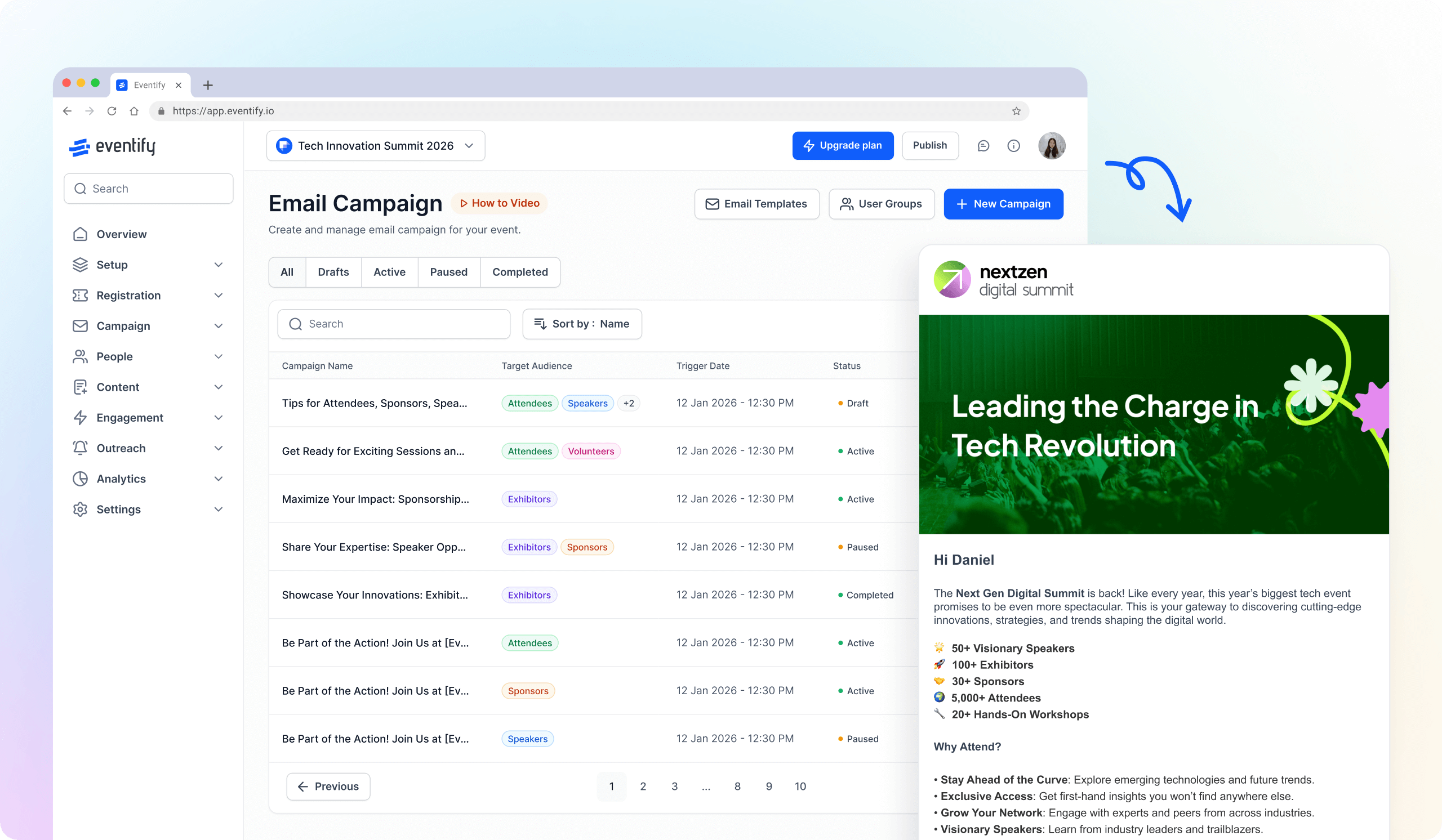
Email Designer

Drag and Drop custom email template designer
Icon representing add or new item button
Learn more
Bar chart icon representing analytics dashboard

Analytics Dashboard

Get real-time insights on your event on multiple fronts
Icon representing add or new item button
Learn more
Multiple people icon representing community section

Community Forum

Forum or group messaging on predefined topics
Icon representing add or new item button
Learn more
Speech bubble icon representing messaging feature

Chat & Meetings

1-1 messagings and meeting to increase attendee engagement
Icon representing add or new item button
Learn more
Ticket icon representing event ticketing

Registration & Ticketing

Sell tickets online & manage user registration